
Category
Apps
Productivity tools, Microsoft Office, communication apps, and browsers.
-
How to Disable or Change Microsoft Teams Join Link
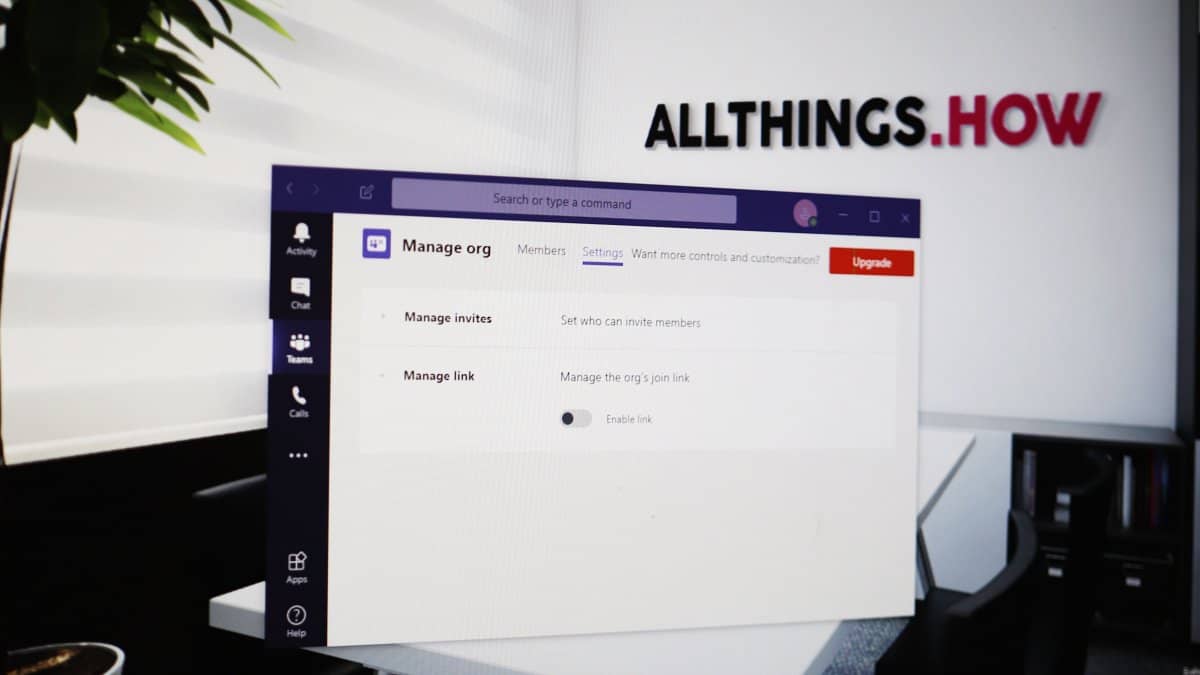
Microsoft Teams offers a convenient way to invite new members to your organization through a unique join link. However, as an organization owner or…
-

How to Use Multiple Accounts with Microsoft Teams
Managing multiple Microsoft Teams accounts can be challenging, especially when working across different organizations or clients. Although the desktop app now offers some support…
-

How to Get a Branded Office Background with Your Company Logo for Zoom Meetings
Enhancing your professional appearance during Zoom meetings is essential, especially when working remotely. One effective way to achieve this is by using a branded…
-

How to Turn Off Camera in Microsoft Teams
In Microsoft Teams, the automatic activation of your camera during unscheduled meetings can be a concern for privacy and bandwidth. While scheduled meetings and…
-

How to See Everyone on Microsoft Teams in a Gallery View
Microsoft Teams in Office 365 is a meeting tool-of-choice for many organizations and remote teams. It doesn’t matter if you are working remotely. As…
-
How to Go to iPad Home Screen using Mouse and Trackpad
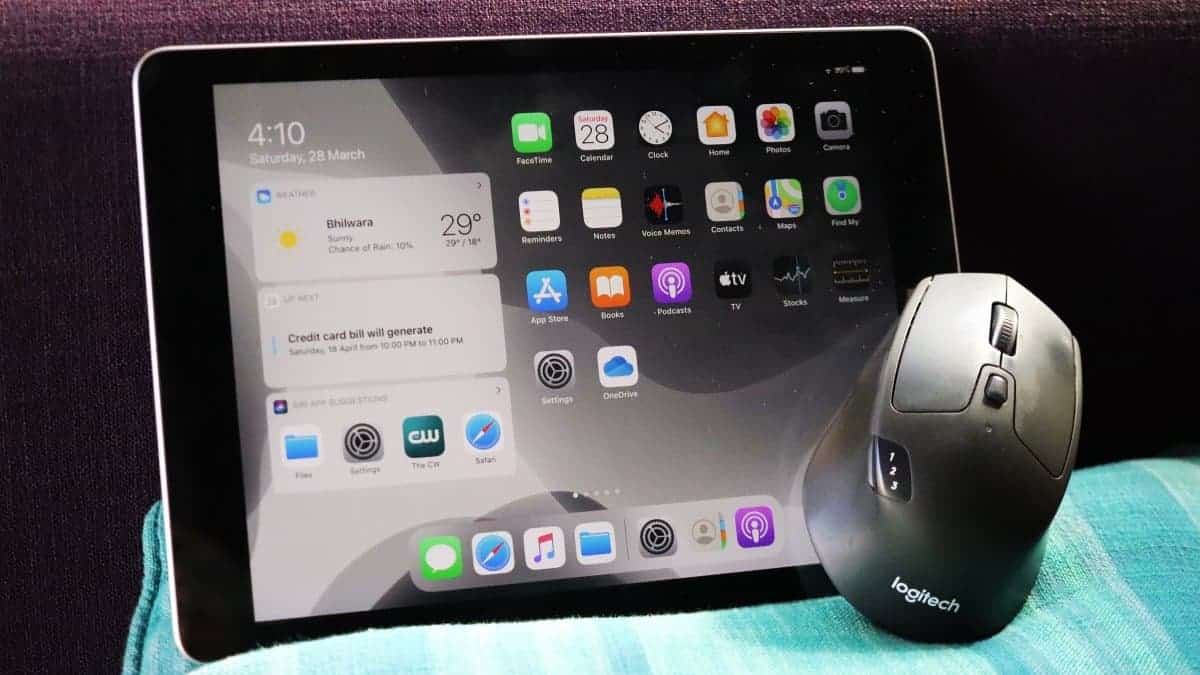
iPadOS 13 brought along support for the mouse on iPad devices back in 2019, and with the recent iPadOS 13.4 update, it has become…
-

How to Increase Mouse Speed on iPad
The iPadOS 13.4 update finally makes it much easier to control mouse features on your iPad. The new update adds a dedicated section called…
-
How to Share and Delete Files in Microsoft Teams
Microsoft Teams provides an intuitive platform for sharing files with your colleagues, whether you wish to distribute documents team-wide or privately to specific individuals.…
-
How to Blur Background in Microsoft Teams
Video conferencing from home can sometimes reveal more of our surroundings than we’d like. To help maintain privacy and minimize distractions during meetings, Microsoft…
-
How to Leave a Team or an Organization in Microsoft Teams
There may come a time when you need to remove yourself from a team or organization in Microsoft Teams. Whether you’ve completed a project…