
Category
Apps
Productivity tools, Microsoft Office, communication apps, and browsers.
-

How to Insert an Online Video in a Word Document
Insert online videos directly into your Word documents to create interactive content that plays within the document itself—no external browsers required.
-

How to Fix Edge Browser Not Loading Amazon Prime
Clear instructions to resolve Amazon Prime Video and Amazon site loading issues in Microsoft Edge on Windows 11.
-
How to Fix Google Drive Not Downloading Files After Zipping
Resolve the issue where Google Drive zips your files but fails to start the download, with detailed troubleshooting steps for browsers and system settings.
-
How to Collaborate and Share Documents in Word
Learn multiple methods to share, co-edit, and track changes in Word documents for seamless teamwork and document management.
-

How to Fix OneDrive Error 0x8004e4be: There Was a Problem Signing You In
Resolve persistent OneDrive login issues and error code 0x8004e4be using effective troubleshooting to restore seamless file syncing and account access.
-
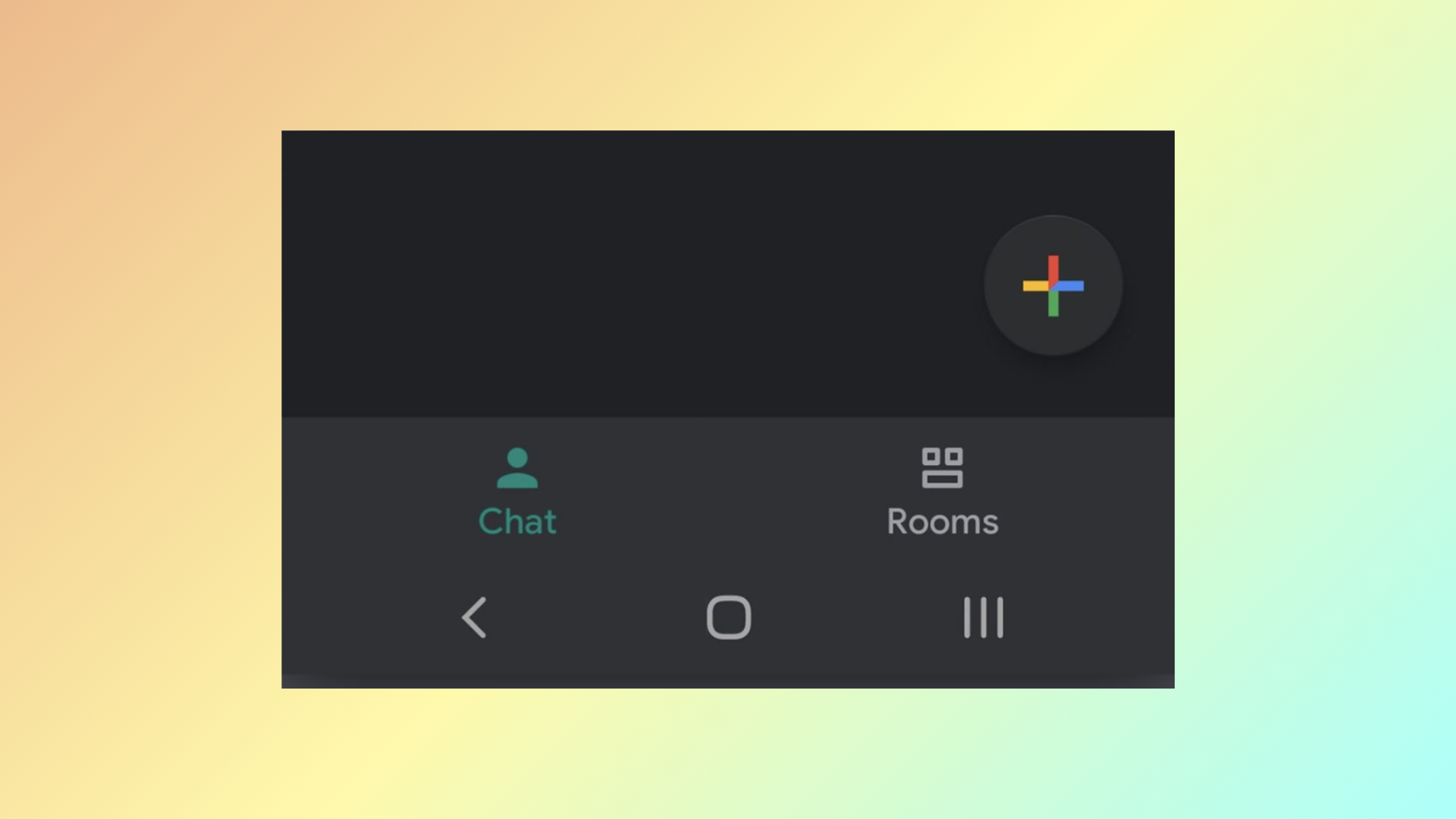
How to Enable Dark Mode in Google Chat
Switching to dark mode in Google Chat can reduce eye strain and create a more comfortable chat experience—here’s how to turn it on for…
-

How to Use Color Categories in Outlook
Organize emails, calendar events, and tasks in the new Outlook by creating, assigning, and managing color-coded categories for faster information retrieval and streamlined workflows.
-
How to Insert a Text Field in Microsoft Word
Learn effective methods to add fillable text fields, form controls, and text boxes in Microsoft Word for interactive documents and forms.
-
How to Insert a PDF File in an Excel Sheet
Learn practical methods to embed or attach PDF files in your Excel spreadsheets, making document sharing and organization more efficient.
-

How to Fix Your Account Has Been Flagged for Unusual Activity Outlook Error
Resolve the “Your account has been flagged for unusual activity” error in the new Outlook by following targeted steps to restore access and safeguard…