
Category
Apps
Productivity tools, Microsoft Office, communication apps, and browsers.
-
How to Take a Screenshot on Acer Chromebook
Quickly capture your Chromebook screen using simple keyboard shortcuts and built-in tools
-

How to Resize Text Size in Copilot App on Windows 11
Follow these straightforward methods to adjust Copilot’s text size for improved readability.
-
How to Adjust Animations on macOS to Make It Faster
Follow these simple steps to speed up your Mac by reducing or disabling unnecessary system animations
-

How to Make Chrome Faster on Desktop
Follow these effective methods to speed up Google Chrome on your desktop computer
-
How to Stop Spotlight Hogging Disk Space on macOS
Follow these simple steps to reduce Spotlight’s disk usage and reclaim valuable storage on your Mac.
-

How to Repair Outlook to Clear Local Settings and Unsaved Data
Follow these steps to reset Outlook by removing local settings and unsaved data.
-

How to Enable Sound for Alarms in Silent Mode on Apple Watch with watchOS 11.4
Follow these steps to activate audible alarms even when your Apple Watch is set to Silent Mode.
-
How to Set Out of Office Message in Outlook
Easily configure automatic email replies when you’re unavailable using Outlook.
-
How to Create a New File in Finder on macOS Sequoia
Learn four effective methods to quickly add a “New File” option to Finder on macOS Sequoia
-
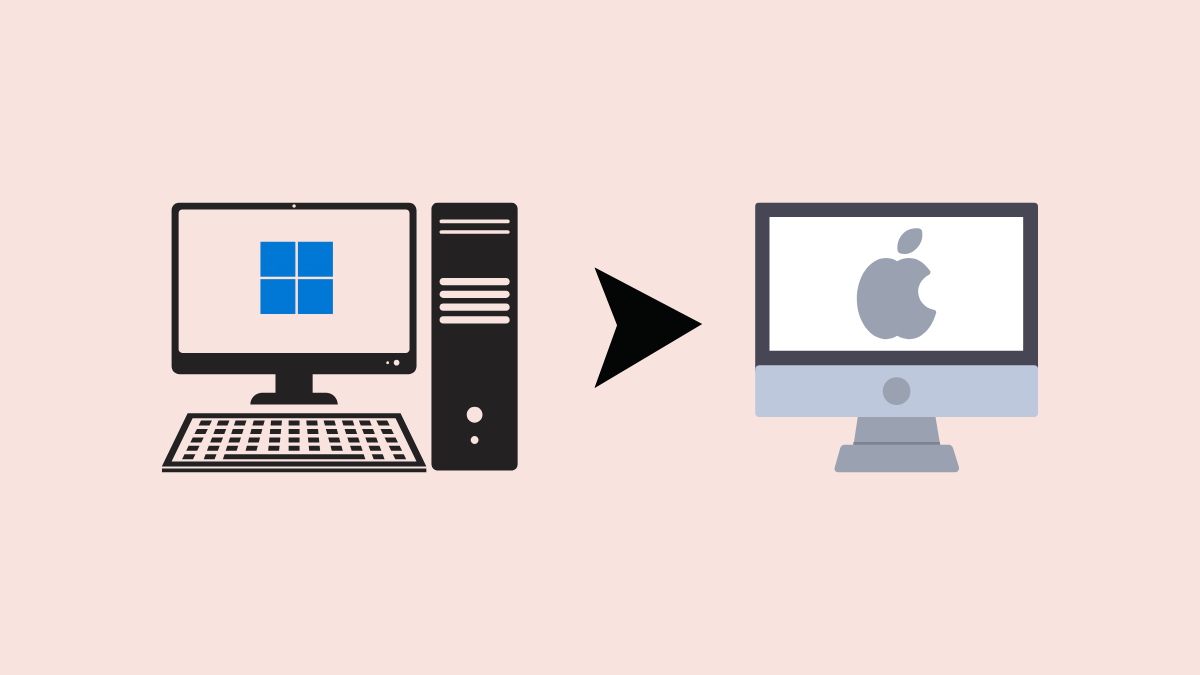
How to Switch from Windows to macOS in 2025
Follow these clear steps and insights for a smooth transition from Windows to macOS.