
Category
Windows
Windows 11, Windows 10, troubleshooting, and tips for power users.
-
Fix Critical Process Died Error After April 2025 Update on Windows 11
Effective solutions to resolve the CRITICAL_PROCESS_DIED Blue Screen error following the April 2025 Windows 11 update.
-

How to Use GNOME Extensions Safely With the New Extensions Manager App
Manage, install, and update GNOME Shell extensions securely and efficiently using the Extensions Manager app, with detailed steps for safe usage and alternative methods.
-

How to Enable and Use AI Code Assistants in GNOME Builder or VS Code on Linux
Integrate AI-powered coding assistants like Gemini Code Assist, Ollama, and others in GNOME Builder or Visual Studio Code on Linux to automate code suggestions,…
-
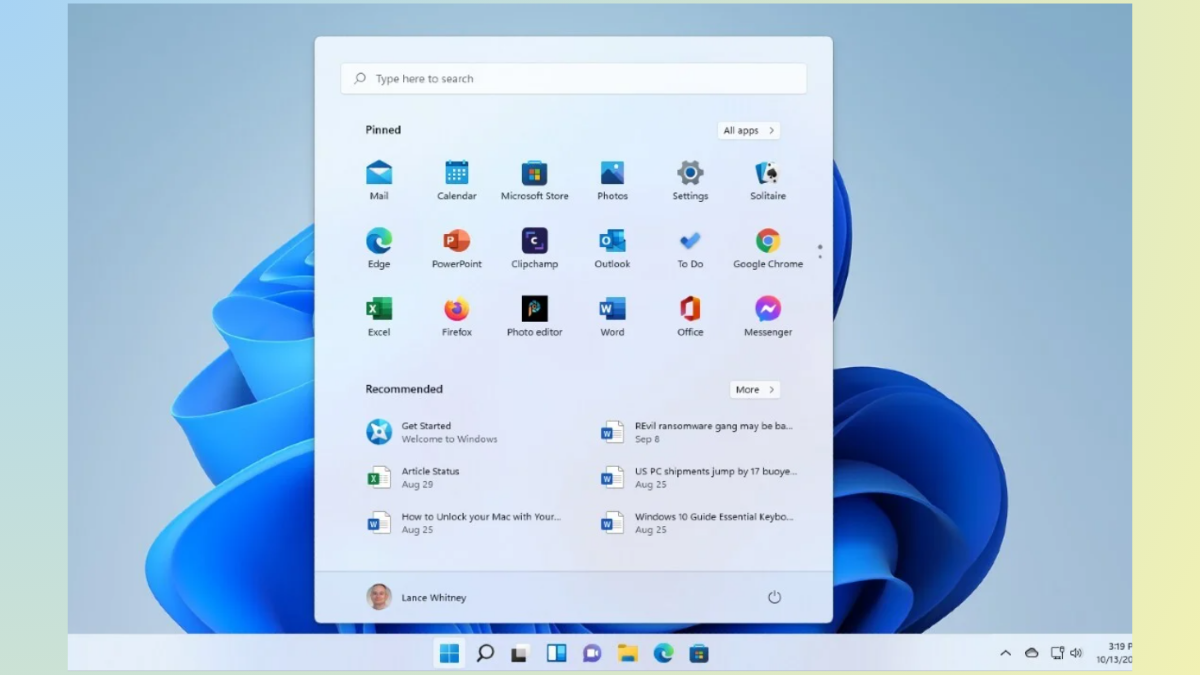
How to Restore Missing Start Menu in Windows 11
Practical methods to bring back the Windows 11 Start menu and taskbar when they disappear or become unresponsive.
-
How to Fix 0x800f0905 Error in Windows 11
Clear, detailed solutions to resolve the Windows Update error 0x800f0905 and restore normal update functionality in Windows 11.
-
How to Fix Error 0x80070306 in Windows 11
Resolve the Windows Update error 0x80070306 in Windows 11 with easy-to-follow solutions for repairing system files, resetting update components, and manually installing updates.
-
How to Fix 0x800704ec Error in Windows 11
Resolve the “This program is blocked by group policy” 0x800704ec error in Windows 11 by adjusting security settings, removing conflicting software, and restoring essential…
-
How to Enable Automatic Security Updates with Unattended-Upgrades on Ubuntu 24.04
Automate security patching and package updates on Ubuntu 24.04 using unattended-upgrades to keep your system secure with minimal manual intervention.
-
How to Enable TPM Encryption and Secure Boot on Ubuntu 24.04
Comprehensive instructions for setting up TPM-backed full disk encryption and Secure Boot on Ubuntu 24.04, including troubleshooting and post-install configuration.
-

How to Use MAC Address Randomization in Fedora 40 for Better Wi-Fi Privacy
Strengthen your Wi-Fi privacy on Fedora 40 by enabling MAC address randomization, making it harder for networks and advertisers to track your device across…