
Category
Windows
Windows 11, Windows 10, troubleshooting, and tips for power users.
-
How to Install RSAT Tools on Windows 11
Streamline Windows Server management by adding Remote Server Administration Tools (RSAT) to your Windows 11 Professional or Enterprise system.
-

How to Make Greenshot the Default Screenshot Tool on Windows 11
Resolve conflicts with the Snipping Tool and configure Greenshot to capture screenshots using the Print Screen key on Windows 11.
-
How to Fix Error 0x8007000d in Windows 11
Detailed instructions to resolve Windows 11 update failures caused by error code 0x8007000d, including solutions for system file corruption, update component issues, and driver…
-
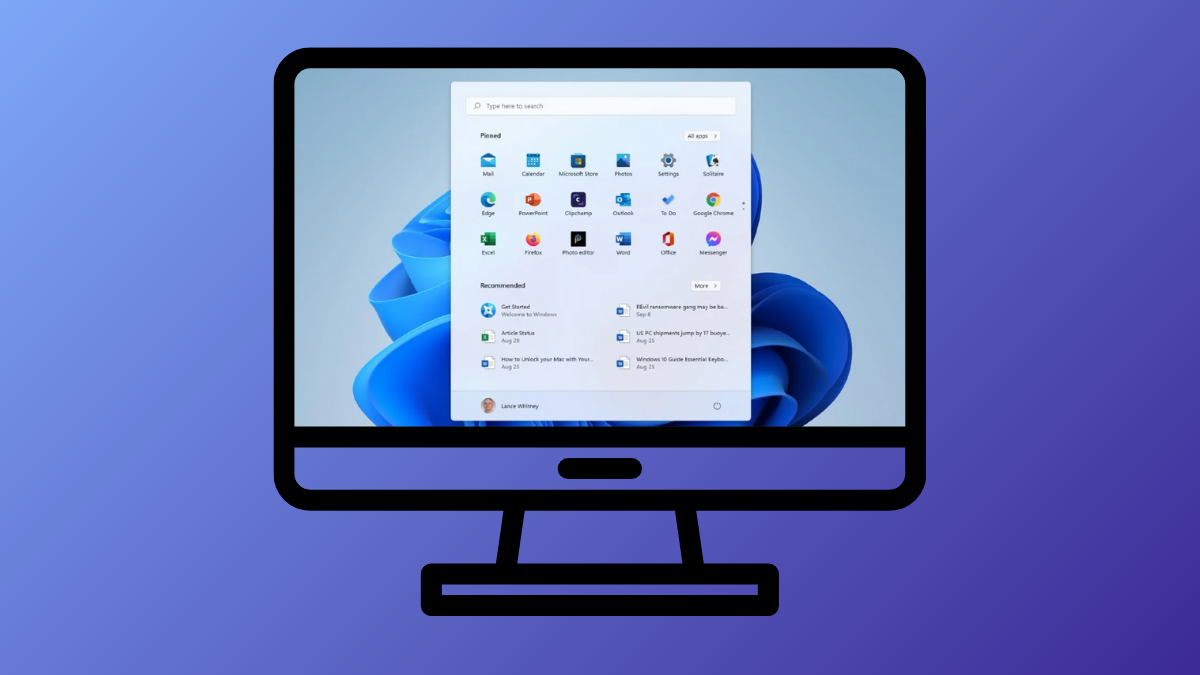
How to Customize the Start Menu in Windows 11 Without Using Third-Party Apps
Learn how to personalize your Windows 11 Start menu using only built-in settings to improve workflow and navigation, with no extra software required.
-
How to Enable the Group Policy Editor in Windows 11 Home
Unlock advanced Windows configuration options on Windows 11 Home by enabling the Group Policy Editor with proven methods and troubleshooting tips.
-
How to Turn Off Mouse Acceleration in Windows 11
Disabling mouse acceleration in Windows 11 gives you more consistent and accurate pointer movement, which is especially important for gaming and precision tasks.
-
How to Customize Notifications in Windows 11
Adjust global, app-specific, and privacy settings to streamline notifications and minimize distractions in Windows 11.
-
How to Check Apps Draining the Most Battery on Windows 11
Identify and manage apps consuming excessive battery power on your Windows 11 device
-
How to Disable Descriptors That Appear When Hovering Over Close, Maximize, and Minimize Buttons
Stop tooltips from showing up when hovering over window control buttons in Windows.
-
How to Block Outbound Internet Access per App on Windows
Learn how to restrict specific Windows applications from connecting to the internet.