
Category
Windows
Windows 11, Windows 10, troubleshooting, and tips for power users.
-
Fix 0x8004FC12 Error on Windows 11
Resolve Windows 11 activation issues caused by error code 0x8004FC12 using practical troubleshooting steps and command-line fixes.
-
Fix IO1 Initialization Failed Blue Screen Error on Windows 11
Resolve the IO1_INITIALIZATION_FAILED stop code in Windows 11 by repairing boot records, updating drivers, and addressing hardware or configuration issues.
-
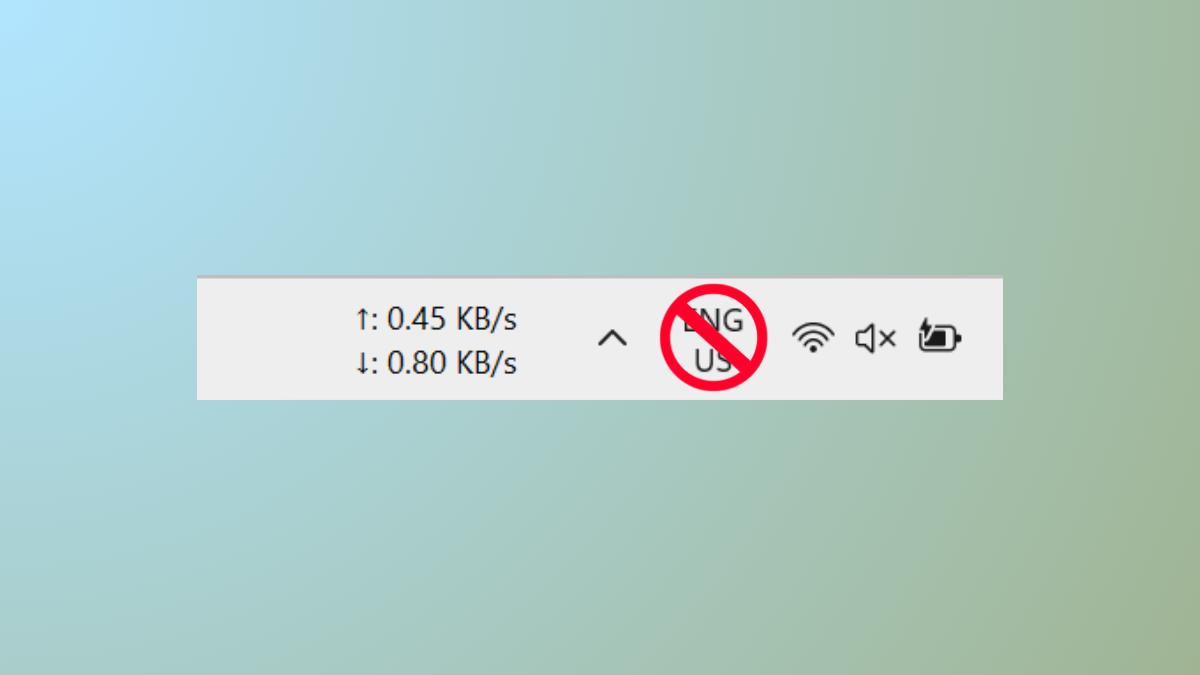
Disable Input Indicator or Language Bar in Windows 11
Remove the persistent language bar or input indicator from your Windows 11 taskbar and system tray using detailed methods.
-
Fix Notification Sound Playing Randomly in Windows 11
Resolve persistent or random notification sounds in Windows 11 by identifying hardware, software, and system causes through targeted troubleshooting steps.
-
Fix Error 0x803FABB8 in Windows 11
Resolve Windows 11 activation issues caused by hardware changes or license problems with easy-to-follow troubleshooting and support options.
-
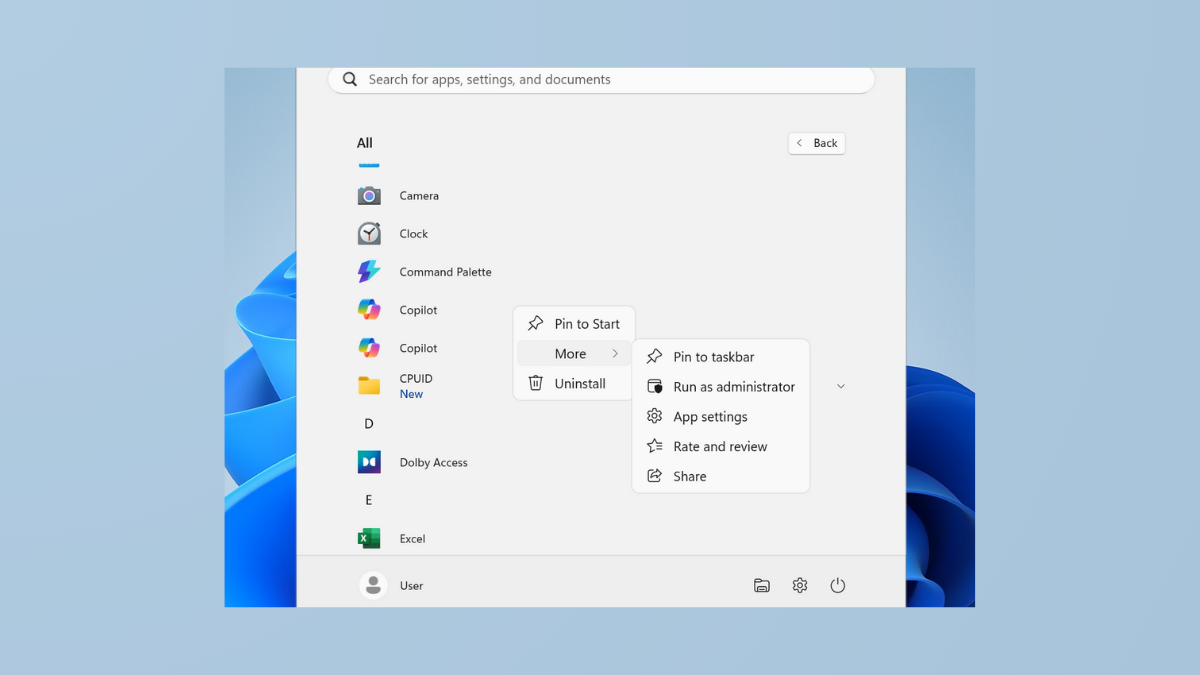
Fix Cannot Pin Apps to Taskbar in Windows 11
Resolve the issue where applications refuse to pin to the Windows 11 taskbar with clear solutions and troubleshooting methods.
-
Fix Runtime Error R6034 in Windows 11
Resolve the “application has made an attempt to load the C runtime library incorrectly” error by repairing Visual C++ packages, adjusting permissions, and addressing…
-
Fix Microphone Volume Keeps Resetting to 0 or 100 in Windows 11
Resolve microphone input level issues in Windows 11 with effective solutions for volume resetting problems.
-
Change Screensaver Timeout Settings in Windows 11
Adjust the screensaver wait time and resolve common issues with screensaver and lock screen timeouts in Windows 11 using built-in settings, Group Policy, Registry…
-
Fix Function Keys Not Working in Windows 11
Resolve unresponsive or malfunctioning function keys in Windows 11 with clear solutions covering driver updates, system services, BIOS settings, and more.