
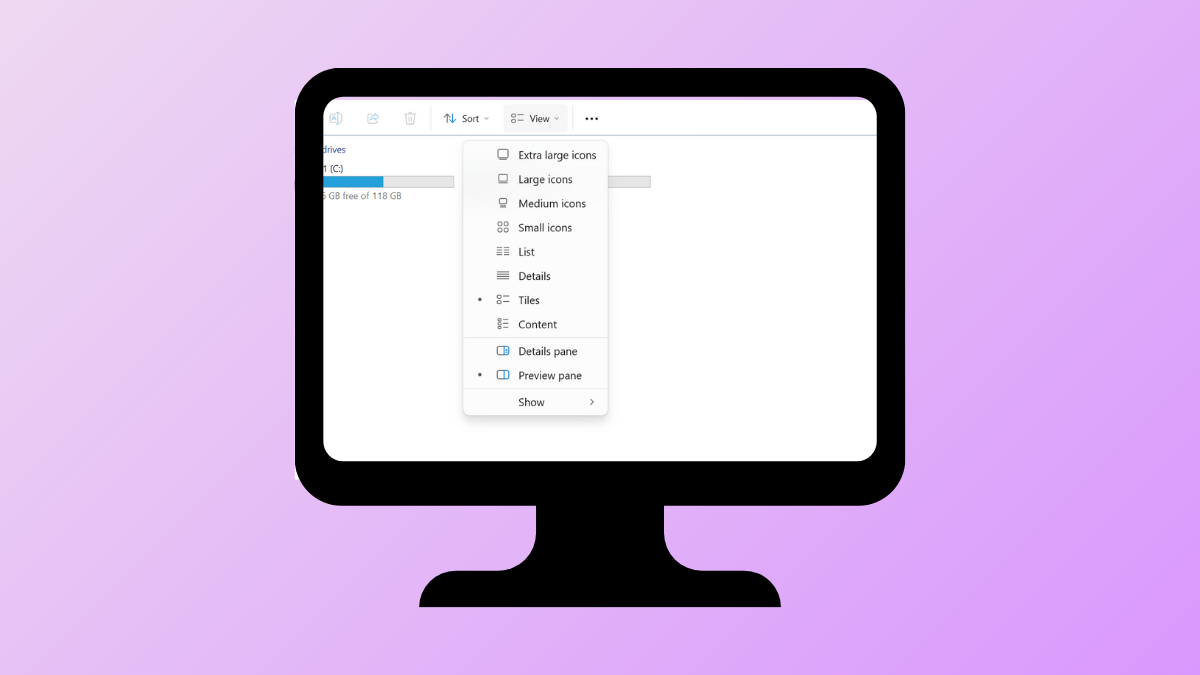
Dropdown menus in Windows 11 applications and system settings can stop responding due to corrupted system files, outdated drivers, or software conflicts. This issue can slow down workflow and make it difficult to access essential features within apps and system windows. Addressing these problems restores full menu functionality and streamlines navigation.
Restart Windows Explorer Process
Restarting Windows Explorer often resolves temporary glitches affecting dropdown menus, especially in the taskbar, Start menu, and File Explorer.
Restart at the bottom right of the Task Manager window. The screen may briefly flicker as Explorer reloads.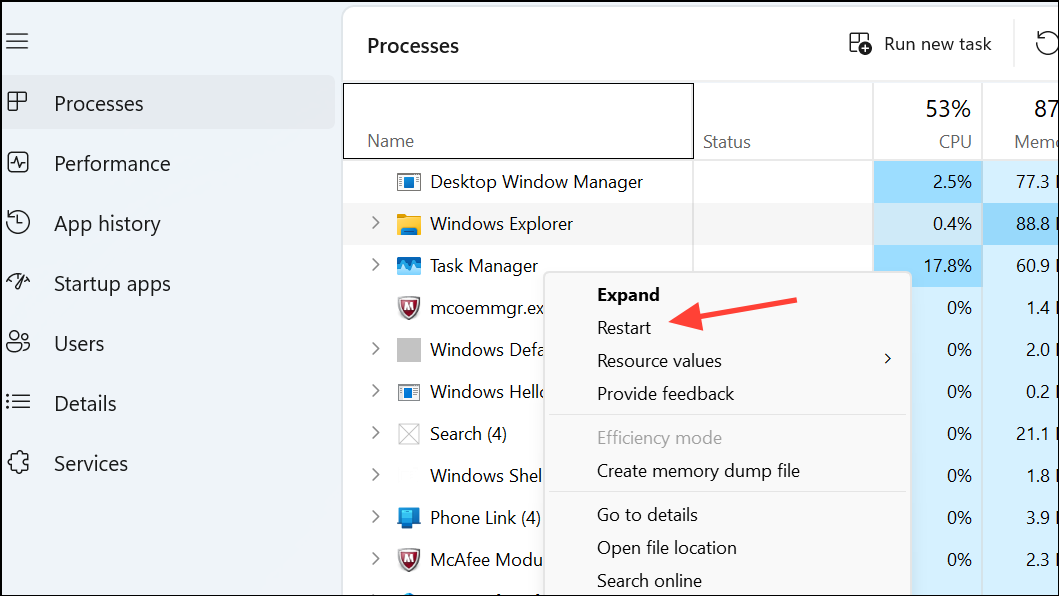
This refreshes the graphical interface and often restores dropdown menus to working order.
Run System File Checker and DISM Tools
Corrupted system files can disrupt menu behavior. Windows includes built-in tools for scanning and repairing these files.
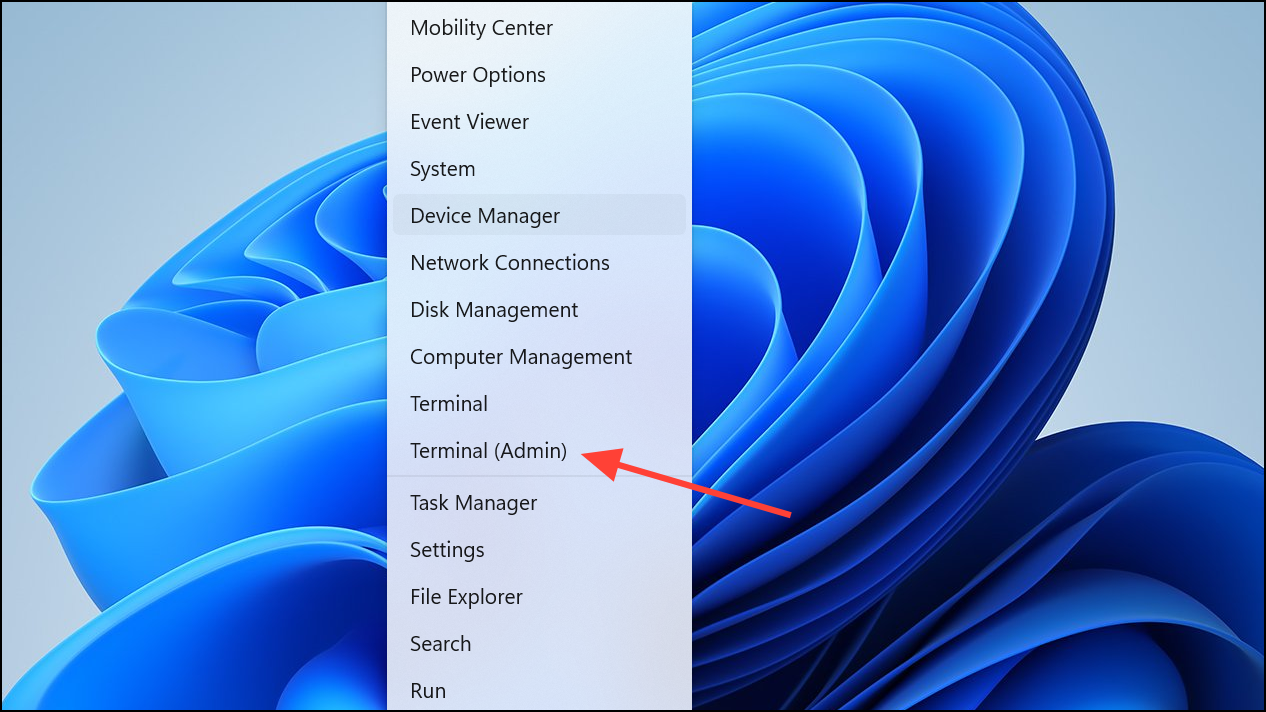
sfc /scannow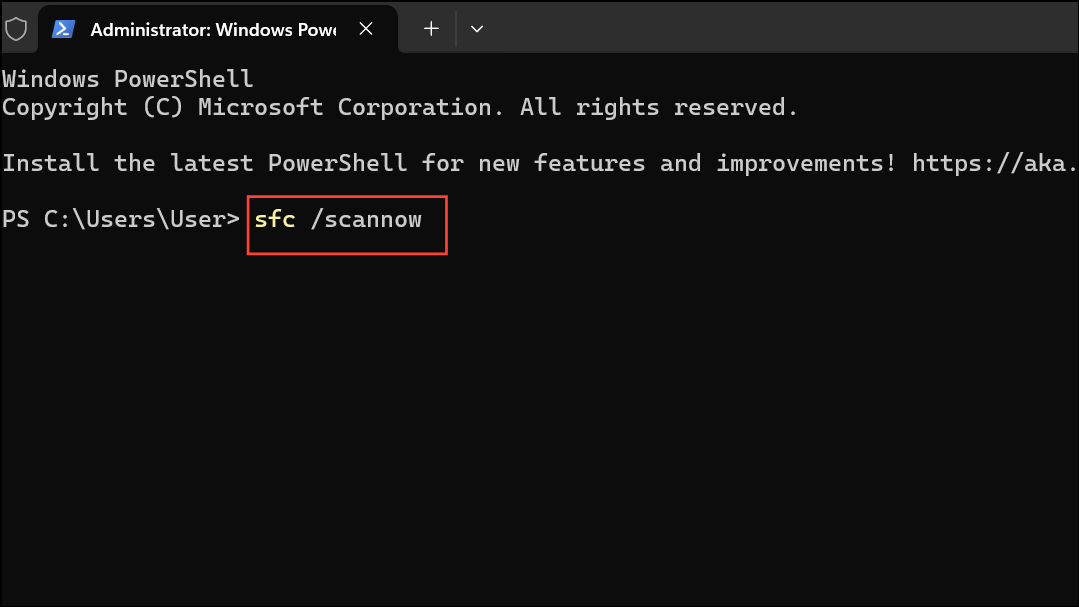
DISM /Online /Cleanup-Image /RestoreHealth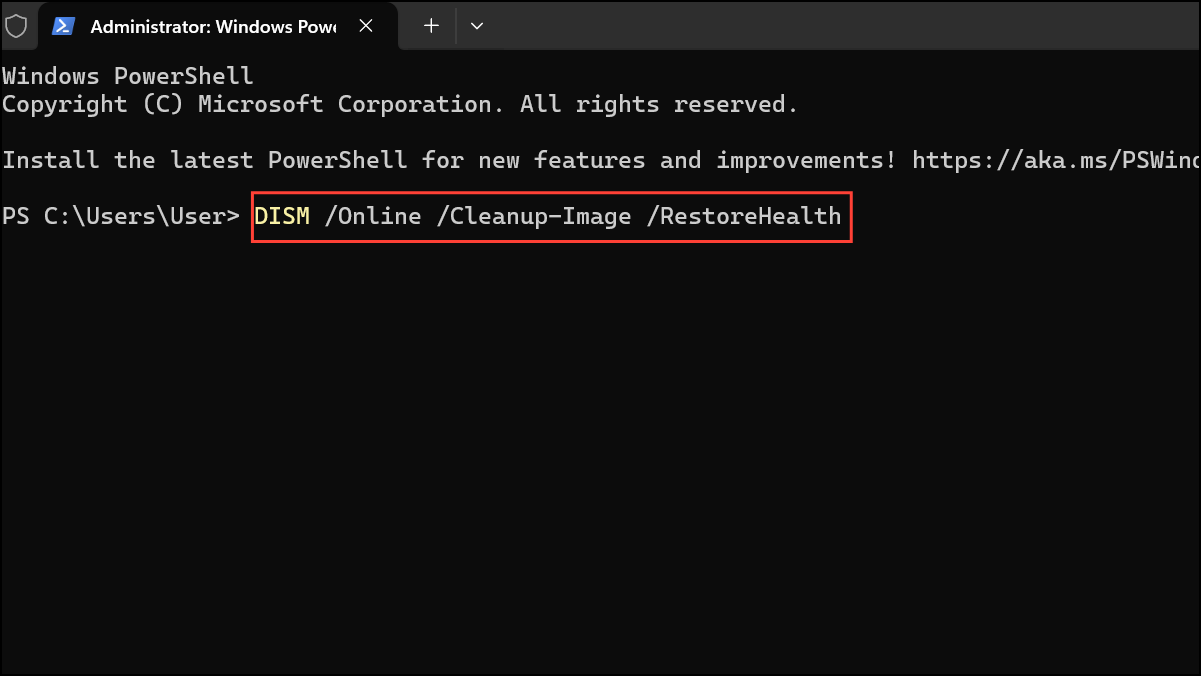
These steps repair system files that may cause dropdown menu failures in Windows 11.
Update Graphics and Input Device Drivers
Outdated or incompatible drivers for graphics cards and input devices (like touchpads or mice) can cause interface glitches, including nonfunctional dropdown menus.
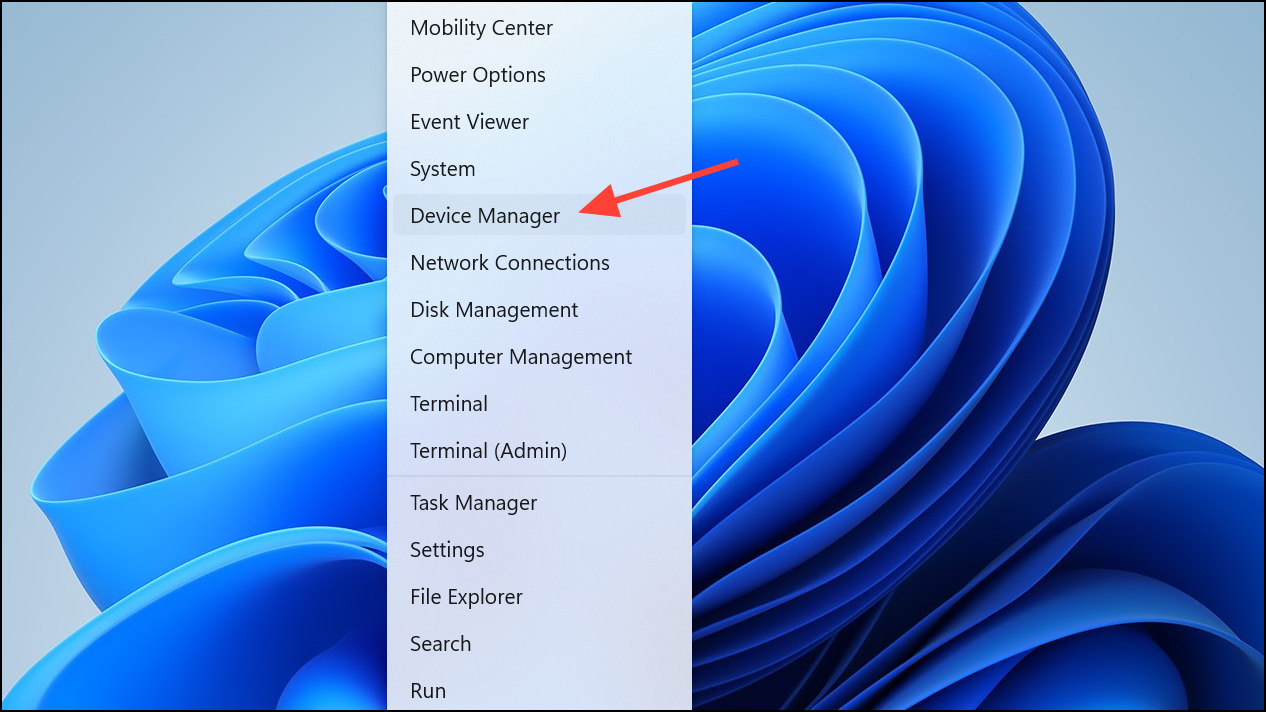
Display adapters and right-click your graphics device. Choose Update driver and follow the prompts to search automatically for updated driver software.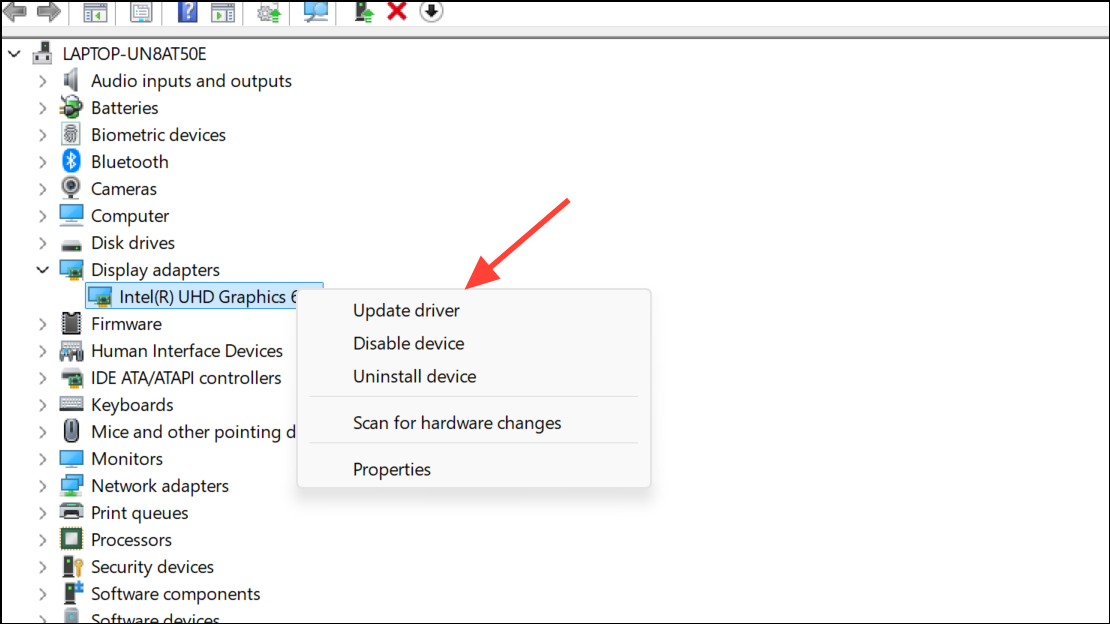
Mice and other pointing devices or Human Interface Devices if you suspect input issues.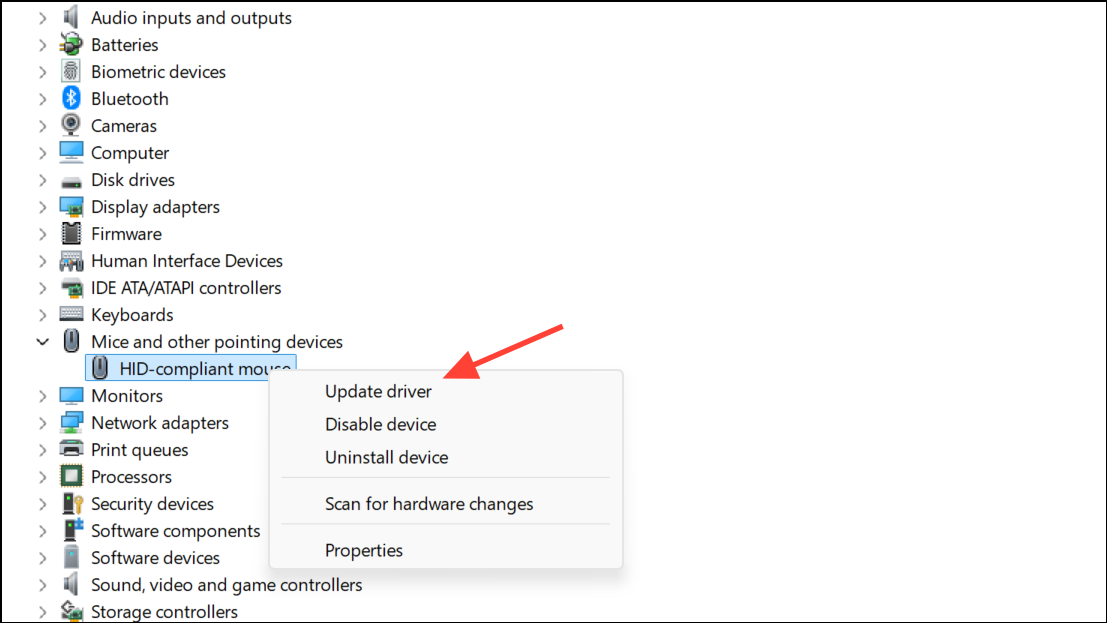
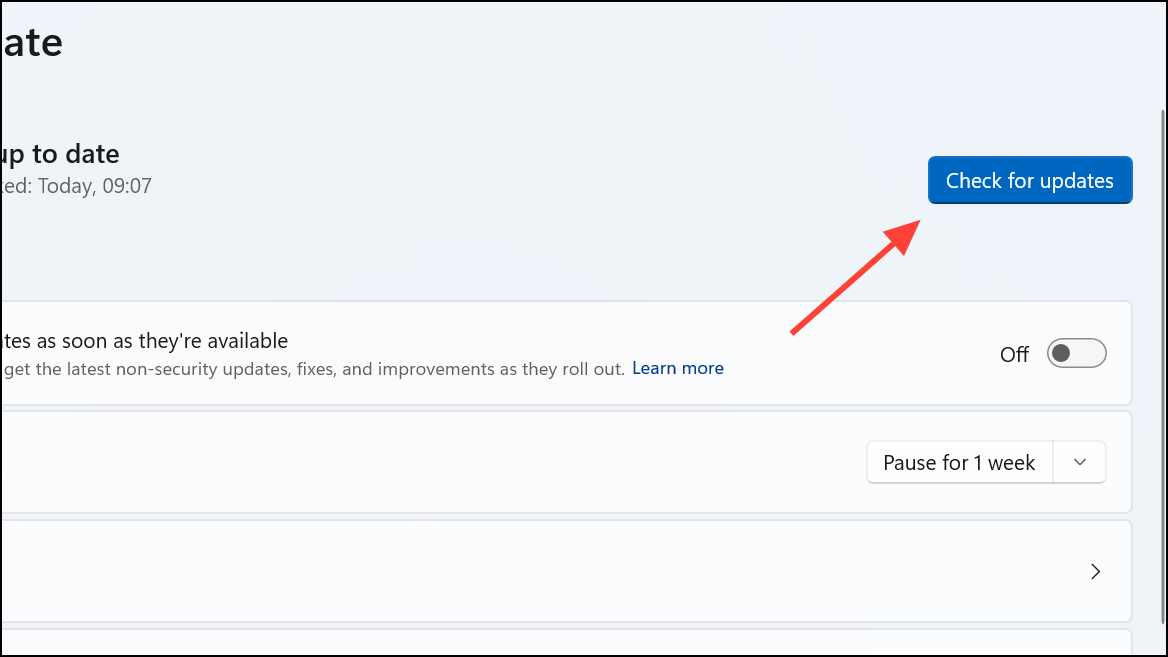
Check for Windows Updates
Windows updates frequently include bug fixes for interface problems, including dropdown menu issues.
Disable Third-Party Shell Extensions
Shell extensions from third-party apps can interfere with menu rendering in Windows Explorer and other system components.
Company and disable non-Microsoft extensions by right-clicking and selecting Disable Selected Items.Create a New User Profile
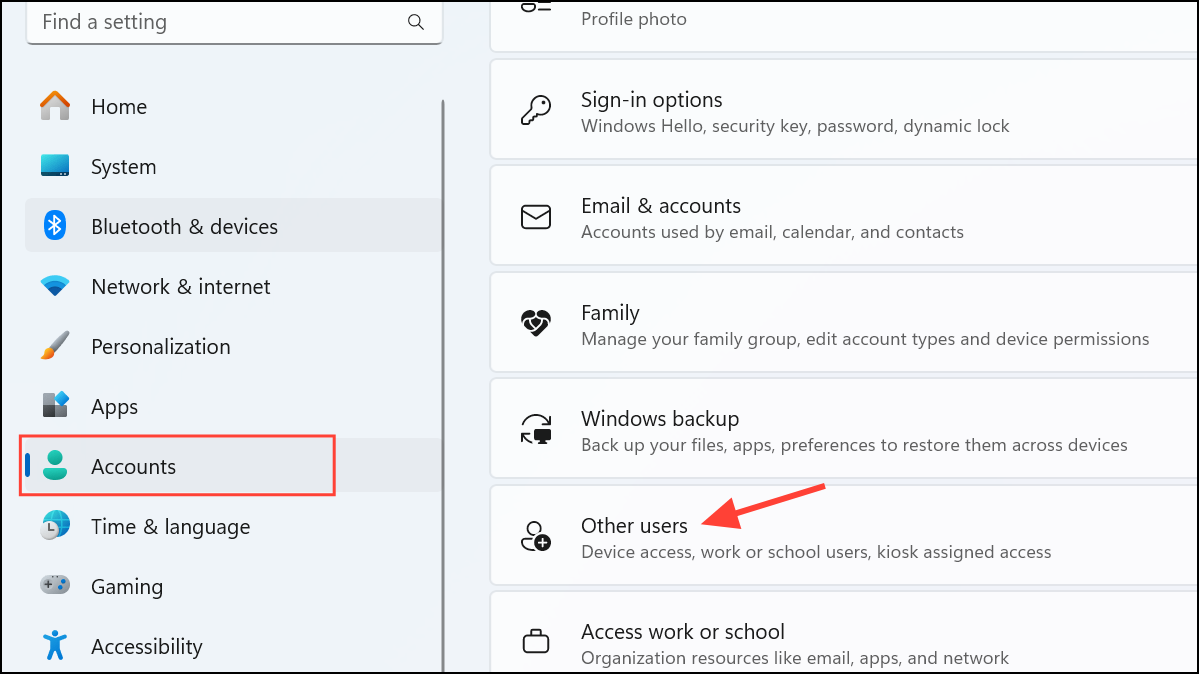
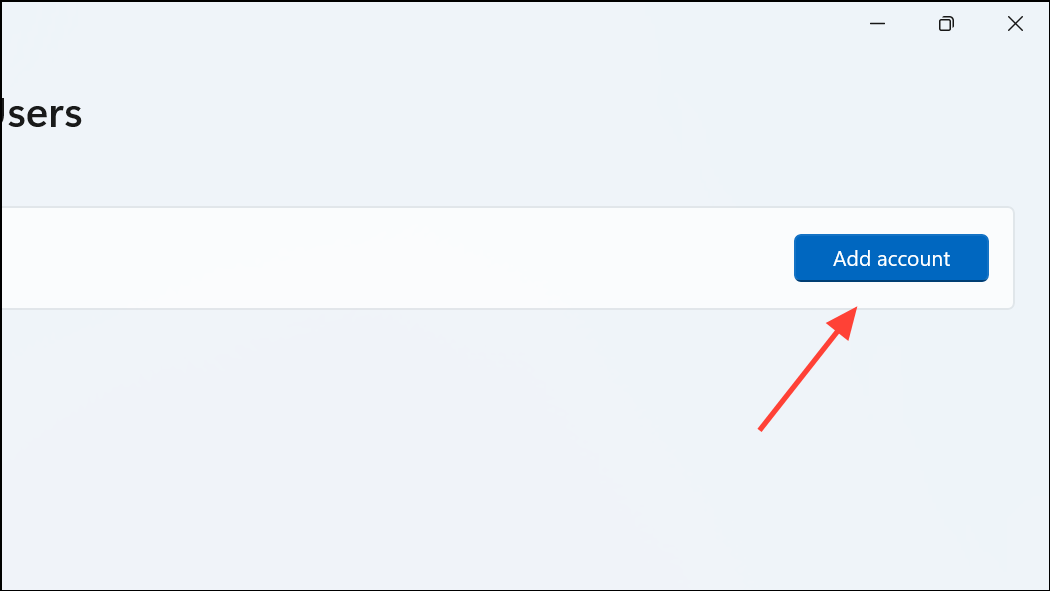
Corrupted user profiles can cause persistent menu problems. Creating a new profile can isolate and resolve profile-specific issues.
Following these targeted steps restores the drop-down menu functionality in Windows 11 and helps keep your system running smoothly. If problems persist, consider reaching out to Microsoft support or checking for app-specific updates.



