
Category
Windows
Windows 11, Windows 10, troubleshooting, and tips for power users.
-

Setting Up Traffic Routing for Linux
Configure Linux systems to direct network traffic efficiently using routing tables and advanced routing tools.
-
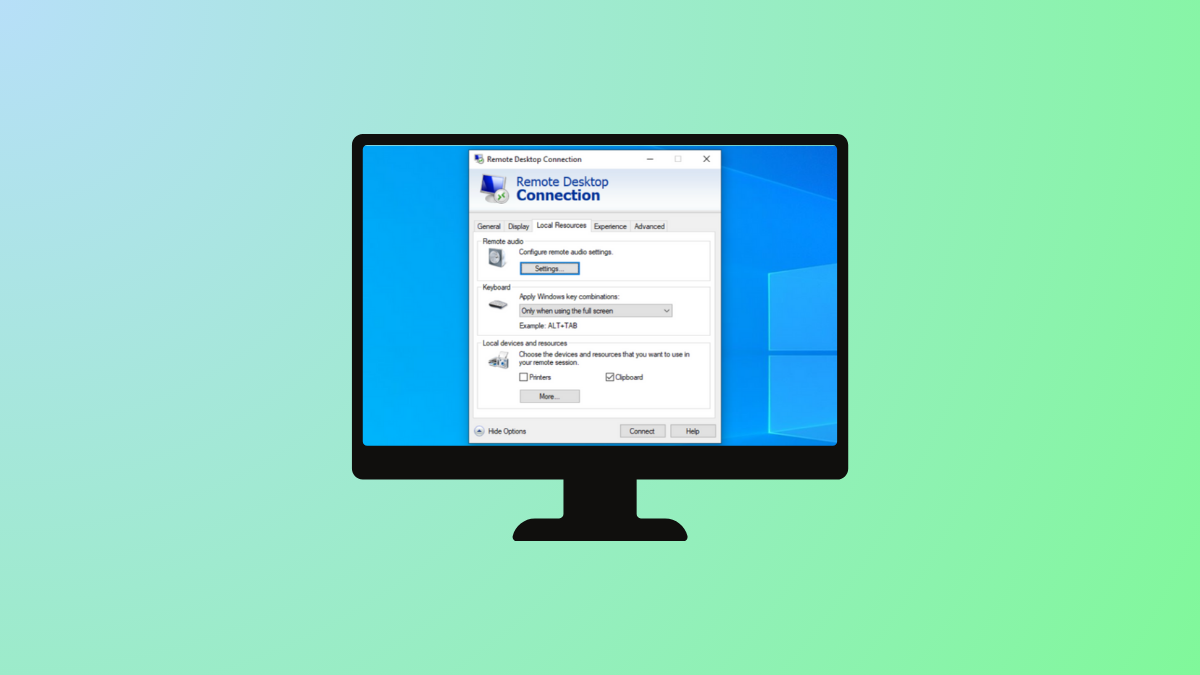
Identify Windows RDP Client Credential Source
Pinpoint the origin of stored credentials that the Windows Remote Desktop Protocol (RDP) client automatically uses during connections.
-

Resolve Installation of Ironic Fails on Ubuntu Jazzy (22.04)
Address installation failures when deploying Ironic on Ubuntu Jazzy (22.04) by troubleshooting dependencies, package sources, and service configurations.
-

Resolve DHCP Server Authorization Permissions Issue
Fix DHCP server authorization problems by adjusting permissions and verifying Active Directory configuration.
-

Resolve Windows 11 Folder Access Denied for Administrators Group
Effective solutions to fix denied folder access on Windows 11, even when using an account in the Administrators group.
-

Fix Robocopy Stuck on ERROR 3 When Accessing Destination Directory
Resolve “The system cannot find the path specified” by troubleshooting Robocopy destination directory errors and ensuring smooth file transfers.
-

Fix SSH Key Generation Failure in Git Bash on Windows 11
Resolve SSH key creation issues in Git Bash on Windows 11 by addressing common permission and environment conflicts.
-
Transfer Everything Between Two Windows Machines
Move all your files, applications, and settings from one Windows computer to another with multiple methods for a seamless transition.
-

Change File Extension in Windows 11 Directly
Quickly rename and modify file extensions in Windows 11 to control how files are recognized and opened.
-
Automatically Backup Files to External Hard Drive
Set up reliable, scheduled backups to an external hard drive and safeguard important files from data loss or hardware failure.