
Category
Windows 11
-
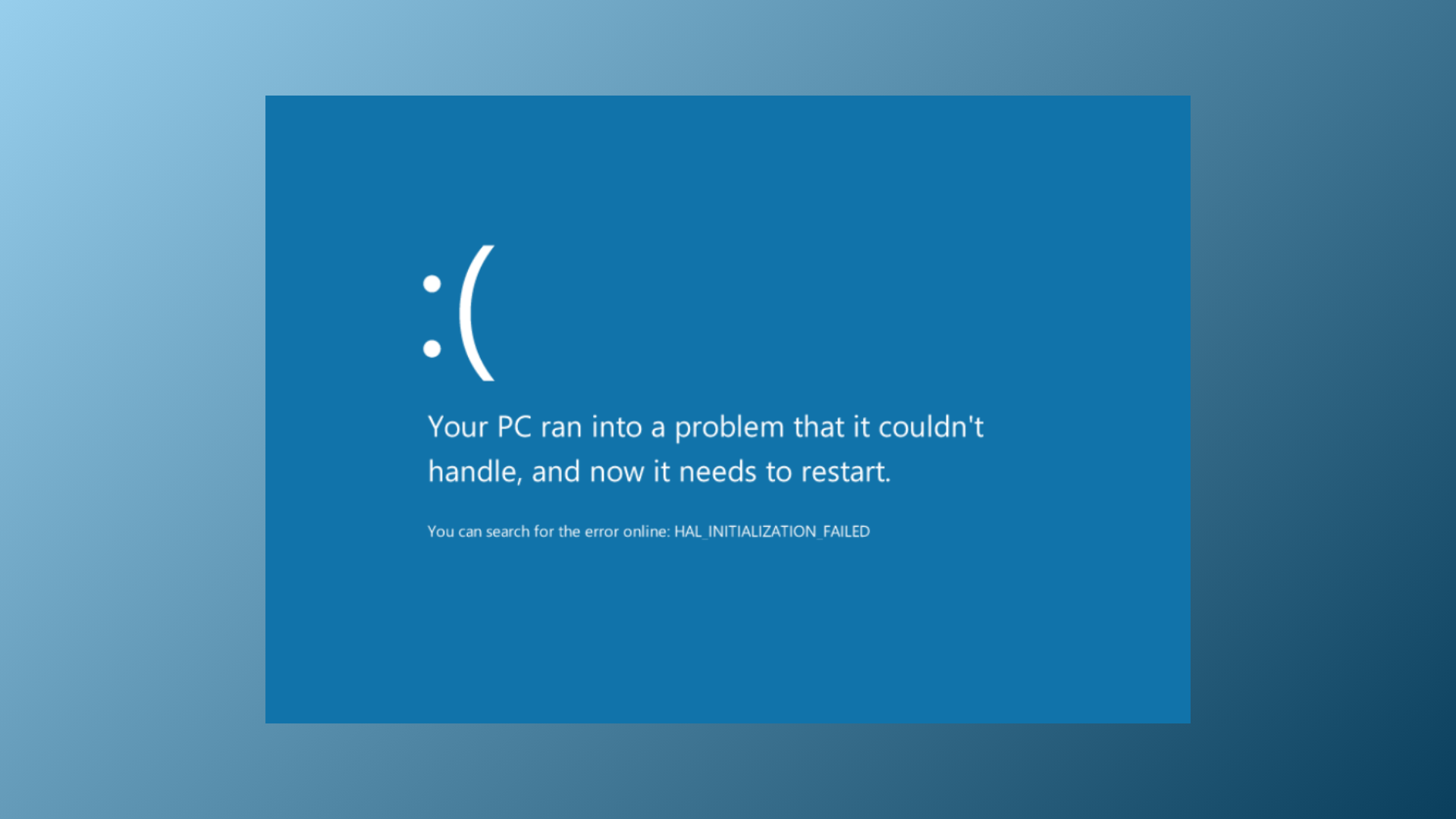
How to Fix Memory Integrity Blue Screen Error on Windows 11
Resolve persistent blue screen crashes and system instability caused by Memory Integrity issues in Windows 11 with proven troubleshooting and repair methods.
-
How to Change the Default Language Shortcut in Windows 11
Switching or customizing keyboard language shortcuts in Windows 11 streamlines multilingual typing and prevents accidental layout changes.
-
How to Fix “You’ve Entered an Incorrect PIN Too Many Times” Error in Windows 11
Regain access to your Windows 11 device after reaching the PIN entry limit by following these practical recovery methods.
-
How to Fix DirectDraw Initialization Failed Error on Windows 11
Resolve DirectDraw initialization errors in Windows 11 to restore compatibility for older games and legacy applications.
-
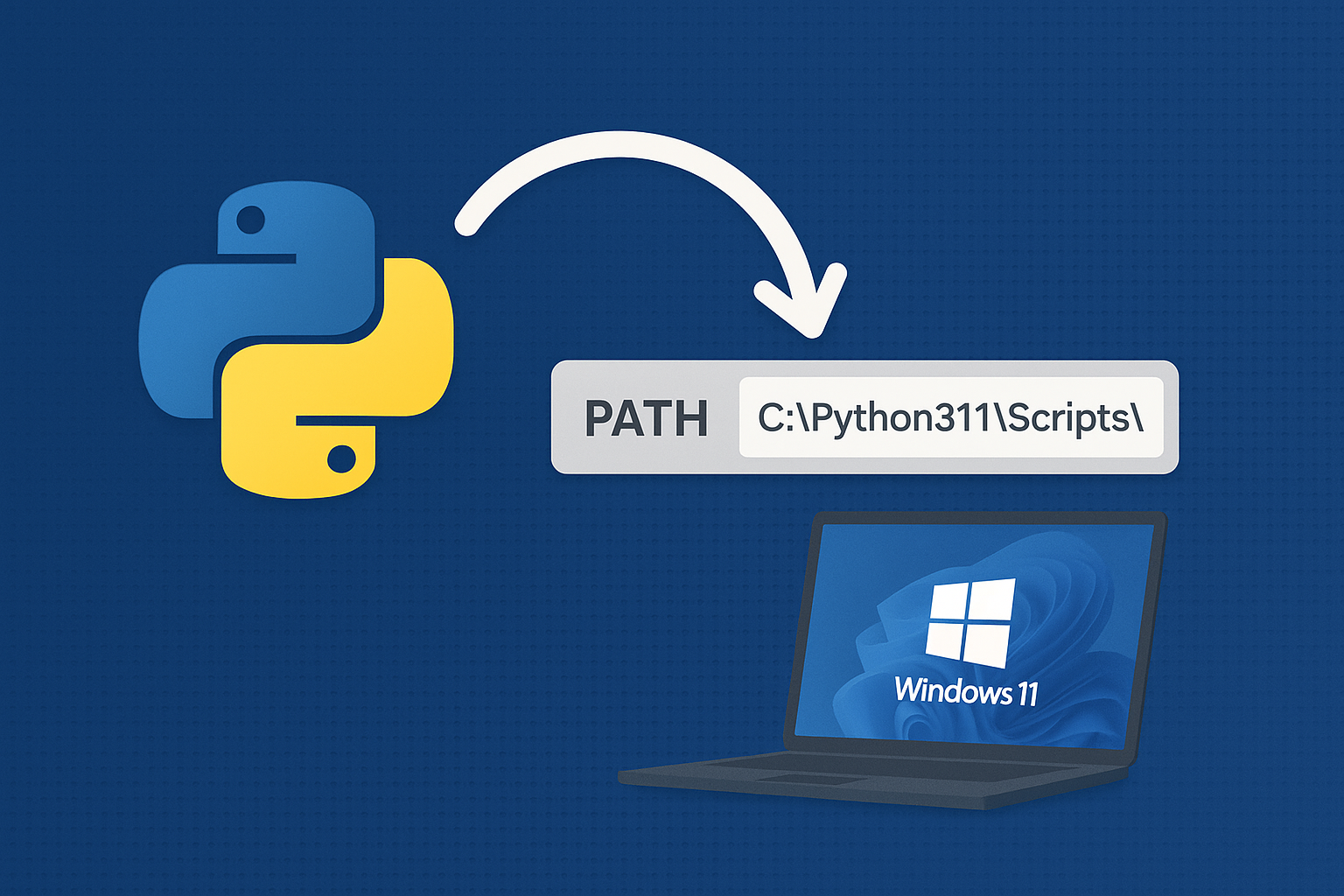
Add Python to PATH on Windows 11
Resolve “python is not recognized” by adding the correct install and Scripts folders to PATH or using the built‑in Python Launcher.
-
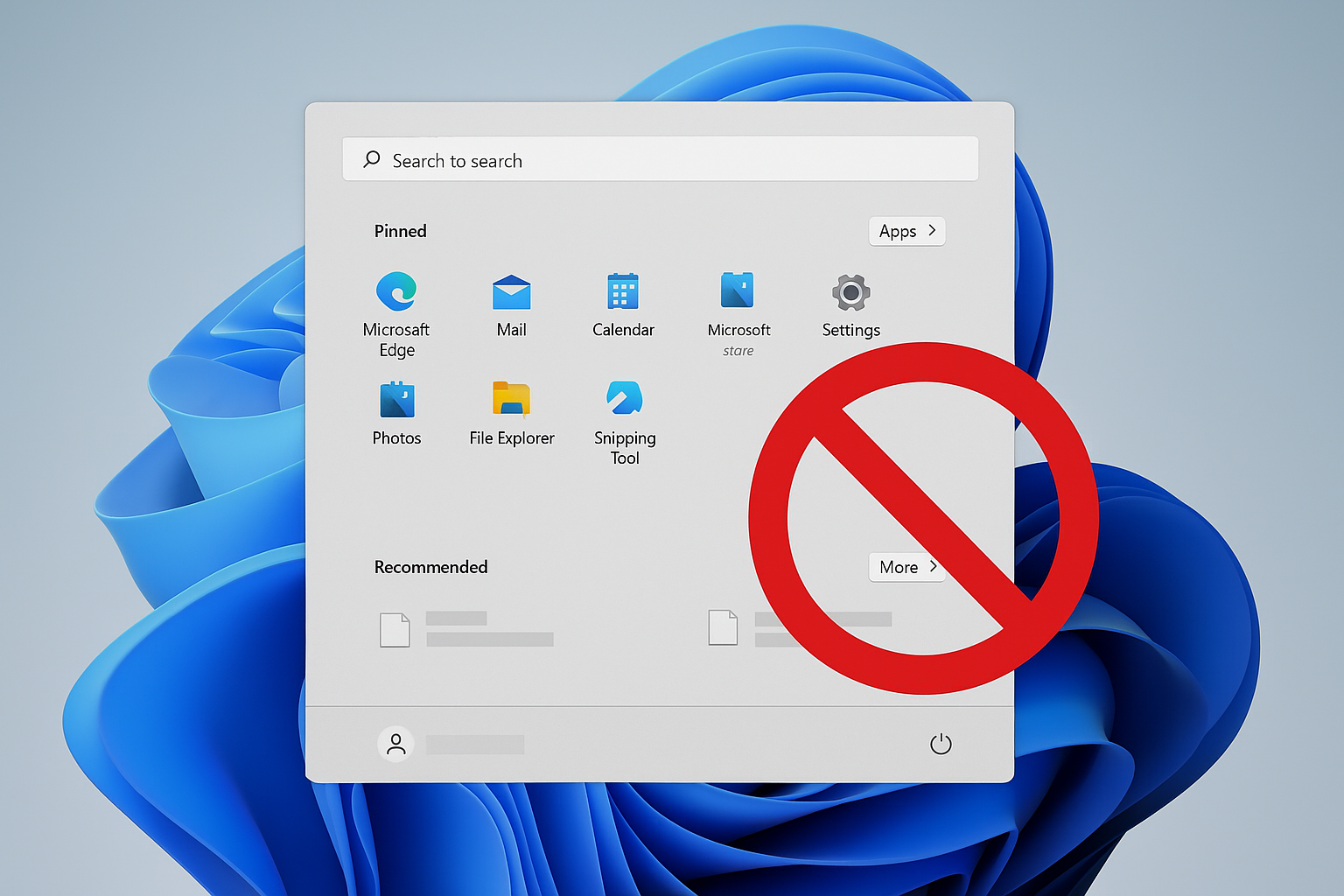
Remove Recommended on Windows 11 Start Menu
Disable or hide the Start menu’s Recommended section using Group Policy, registry, or built‑in settings.
-
How to Fix DST.exe Blocked by Windows Defender on Booting Windows 11
Resolve recurring DST.exe block notifications on HP laptops running Windows 11 by configuring Controlled Folder Access and verifying file safety.
-
How to Fix Windows 11 Black Screen Error After Running Memory Diagnostic
Detailed solutions to resolve a black screen on Windows 11 after using the Windows Memory Diagnostic tool, including hardware checks, system recovery, and advanced…
-
Download and Install Alienware Command Center on Windows 11
Get the correct Alienware Command Center build and device components on Windows 11 using Dell’s model-specific installer or Microsoft Store.
-
How to Fix Boot Device Not Found Error in Windows 11
Resolve the “boot device not found” error in Windows 11 by checking BIOS settings, repairing boot records, and troubleshooting hardware connections.