
Category
Windows 11
-
Turn Off Find My Device in Windows 11
Disable the Find My Device feature in Windows 11 to stop your PC from sending location data to your Microsoft account and ensure your…
-
Fix Webcam Turning Off and On Automatically in Windows 11
Resolve webcam disconnections and interruptions on Windows 11 by addressing driver, hardware, privacy, and power settings issues.
-
Prevent Windows 11 Apps from Installing on Non-System Drives
Restrict app installations to the system drive in Windows 11 to maintain control over storage locations and system security.
-
Fix Screen Turning Black When Scrolling in Windows 11
Resolve black screen issues that occur while scrolling or switching windows in Windows 11 by updating drivers, adjusting graphics settings, and troubleshooting hardware connections.
-
Change Command Prompt Background and Foreground Color in Windows 11
Learn how to customize the color scheme of the Command Prompt through the Windows Terminal settings or using the command line.
-
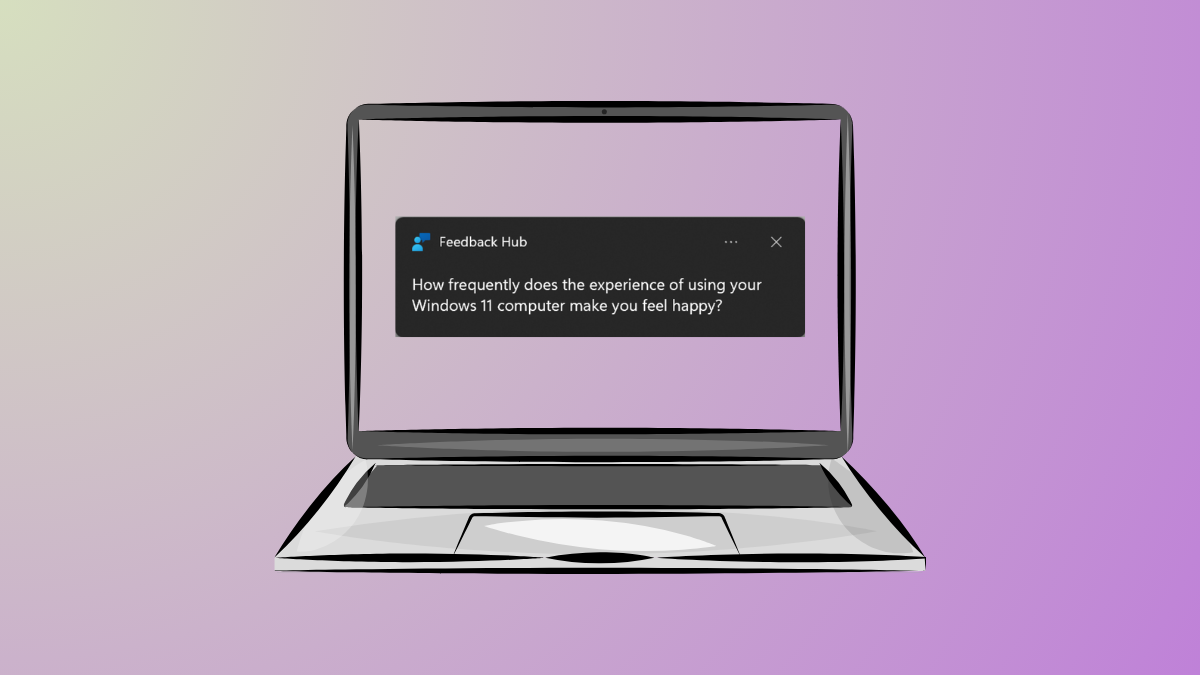
Turn Off Feedback Notifications on Windows 11
Disable unwanted tips, suggestions, and other notification pop-ups by adjusting your system settings.
-

Fix Microsoft Store Apps Failing to Start on Windows 11
Resolve launch errors and restore functionality to the Microsoft Store and its applications by repairing dependencies, resetting components, and checking system configurations.
-
Enable or Disable Archive Apps Feature in Windows 11
Learn how to manage the automatic archiving of infrequently used Microsoft Store applications to save storage space on your PC.
-
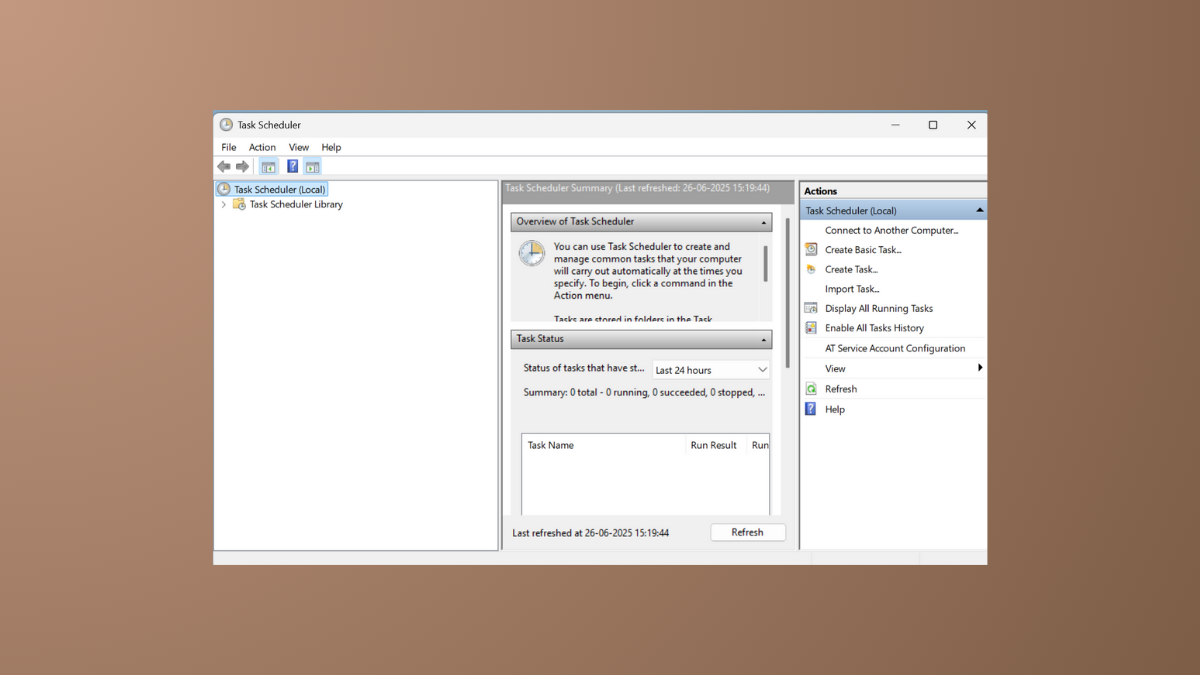
Fix Task Scheduler Not Running or Starting Programs in Windows 11
This guide will help you diagnose and resolve issues with scheduled tasks and the Task Scheduler service on your Windows 11 system.
-
Fix Windows Update Stuck on Downloading in Windows 11
Resolve a stalled Windows 11 update by resetting core components, running troubleshooters, and clearing corrupted files.