
Category
Windows 11
-
Fix the Hyper-V Cannot Be Installed Error on Windows 11
This guide addresses issues with both enabling the Hyper-V feature and installing Windows 11 within a virtual machine.
-
Fix the Administrator Account Has Been Disabled Error in Windows 11
Regain access to your system by re-enabling the built-in administrator account using the Windows Recovery Environment, Safe Mode, or the Registry Editor.
-
Fix Microsoft Store Payment Failed Errors in Windows 11
Resolve payment issues by checking your account details, updating the Store app, and adjusting system settings.
-
Fix Gdi32full.dll Missing or Not Found Error on Windows 11
Resolve this graphics-related error by using built-in Windows repair tools, updating drivers, or addressing software conflicts.
-

Fix Mouse Cursor Moving Automatically in Windows 11
Regain control of your pointer by systematically troubleshooting input devices, drivers, and software settings.
-
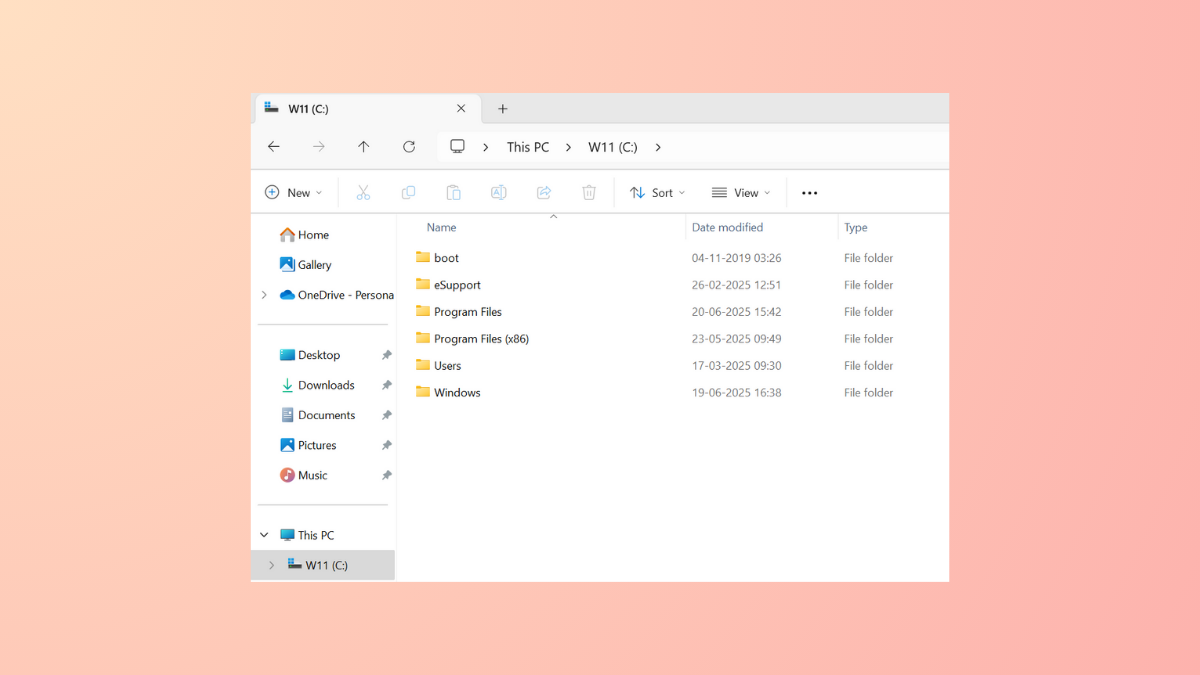
Add or Remove Columns in Windows 11 File Explorer
Tailor the information you see in your folders by adding, removing, or reordering columns to fit your workflow.
-

Fix the Failed to Connect to a Windows Service Error in Windows 11
Restore system functionality by troubleshooting network settings, system services, and corrupted files that cause this common Windows error.
-
Turn Cloud Content Search On or Off in Windows 11 Search
Control whether Windows 11 search displays results from cloud services like OneDrive, Outlook, and SharePoint by adjusting cloud content search settings using Windows Settings,…
-
Fix Screen Not Turning Off After Set Time in Windows 11
Resolve display timeout issues in Windows 11 by addressing power settings, device conflicts, and system glitches that prevent your screen from turning off automatically.
-
Fix Error 0x80300002 While Installing Windows 11
Resolve Windows 11 installation failure caused by error 0x80300002 using proven steps to address drive partition issues, corrupted installation media, and hardware compatibility problems.