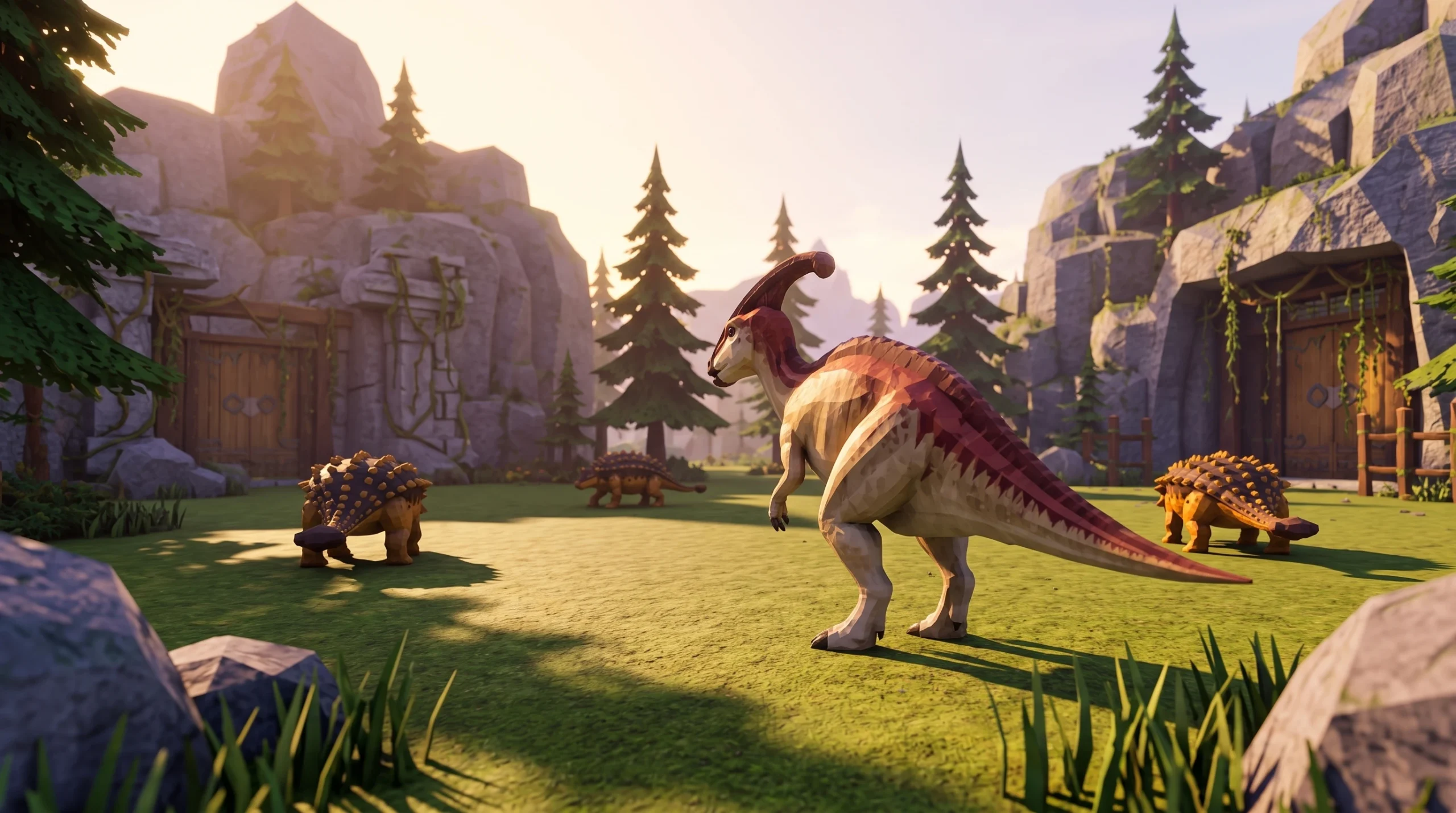
Catching dinosaurs in Dino Hunters runs on a simple three-part loop. You find a target, fight to weaken it, then trigger the capture while watching a live percentage on screen. The real skill is not pressing the Catch button. It is deciding which targets, chances, and routes are worth your time so you land more copies per play session.
Quick answer: Fight the dinosaur down, watch the on-screen capture percentage, and press Catch only when the target and prompt match what you want. Then open your roster right away to confirm the grade and level before repeating a route you already know.
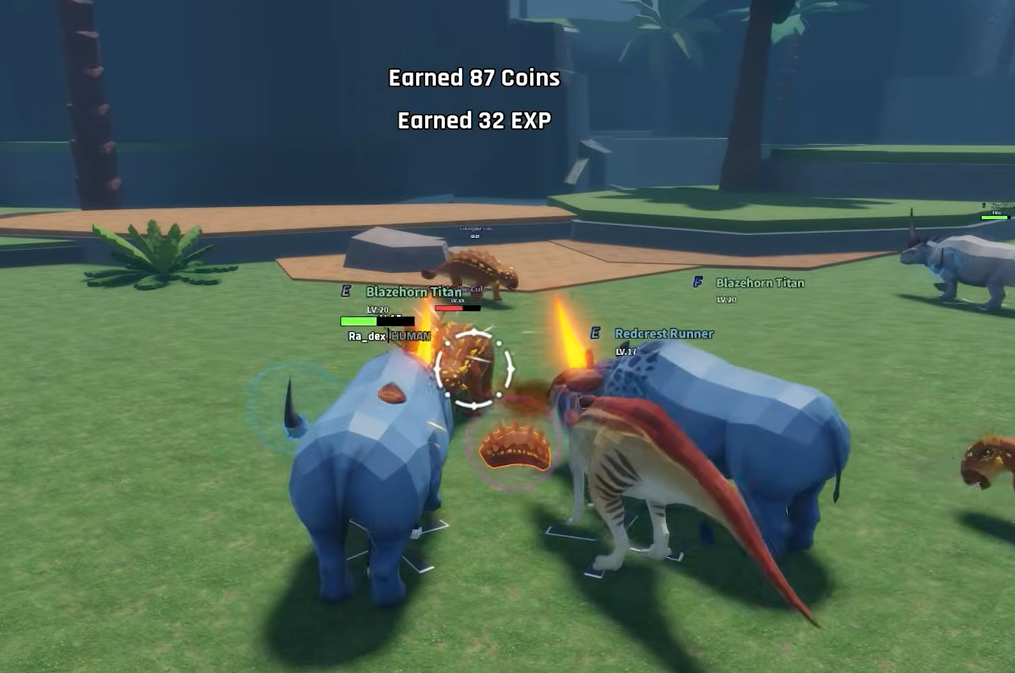
The Dino Hunters catch loop
Every capture follows the same order. Getting each step clean is what raises your success rate over time, because more legitimate attempts beat one perfect attempt.
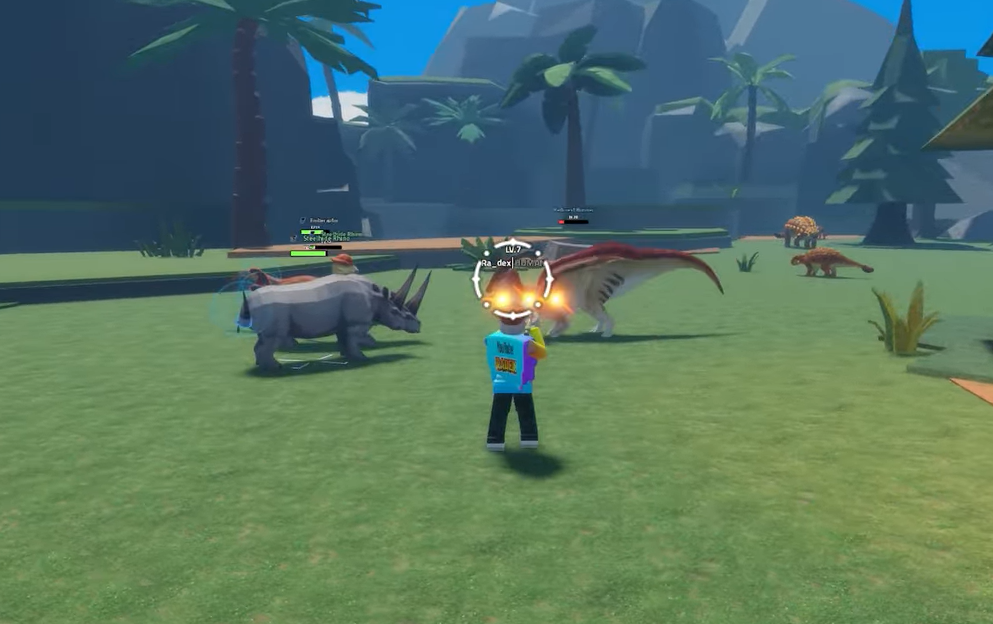
How to read the capture percentage before you commit
The capture percentage tells you the odds for the current attempt, but the right decision depends on what you are trying to fill. Use the situation to guide whether you press Catch or move on.
| Situation | What to check | Best decision |
|---|---|---|
| First copy of a dino | Name, grade preview, capture percentage | Try it if it fills an empty collection or team slot |
| Rare target | Current chance, route time, resources left | Slow down and confirm the capture prompt first |
| Duplicate you already own | Grade versus your best copy, evolution value | Catch when it can upgrade a slot or feed progression |
| Low displayed chance | Live percentage and the current prompt | Decide whether the route is fast enough to repeat |
A common mistake is skipping a useful dinosaur because the model looks plain. Another is deleting a duplicate before checking whether it feeds crafting or evolution. Check the roster value first, then decide.
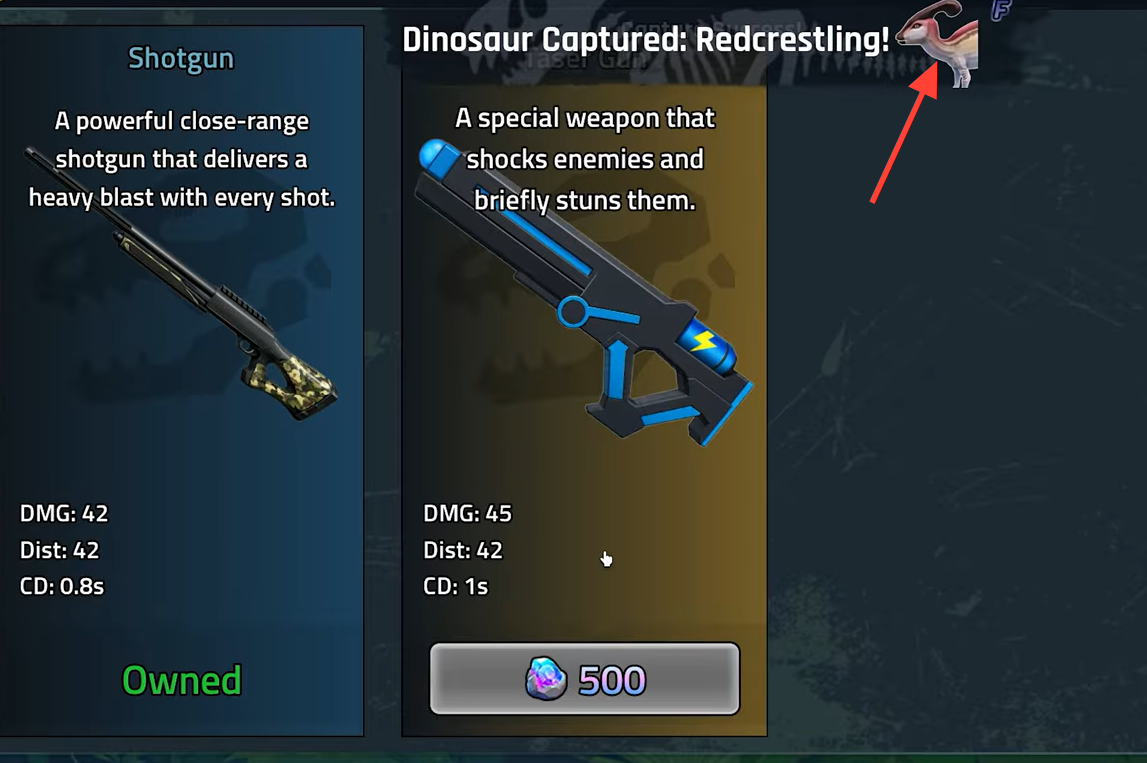
Improve capture results with confirmed odds boosts only
Separate confirmed changes from guesses. If a mission, upgrade, pass, item, or weapon states in your build that it improves capture odds, trust the wording shown on screen and use it. If a weapon only lists a damage increase, do not assume it also raises the catch percentage.
Speed is often more valuable than a small unverified chance claim. A faster loop produces more real capture attempts per session, and more attempts convert into more dinosaurs than betting on modifiers you cannot confirm. Boost potions from active codes can speed up hunting, capturing, and resource gathering, so they are worth redeeming when available.
Focus early sessions on a few reliable dinosaurs before chasing rare ones. A stable core team keeps your hunting loop fast, which is what lets you attempt rare captures more often later.
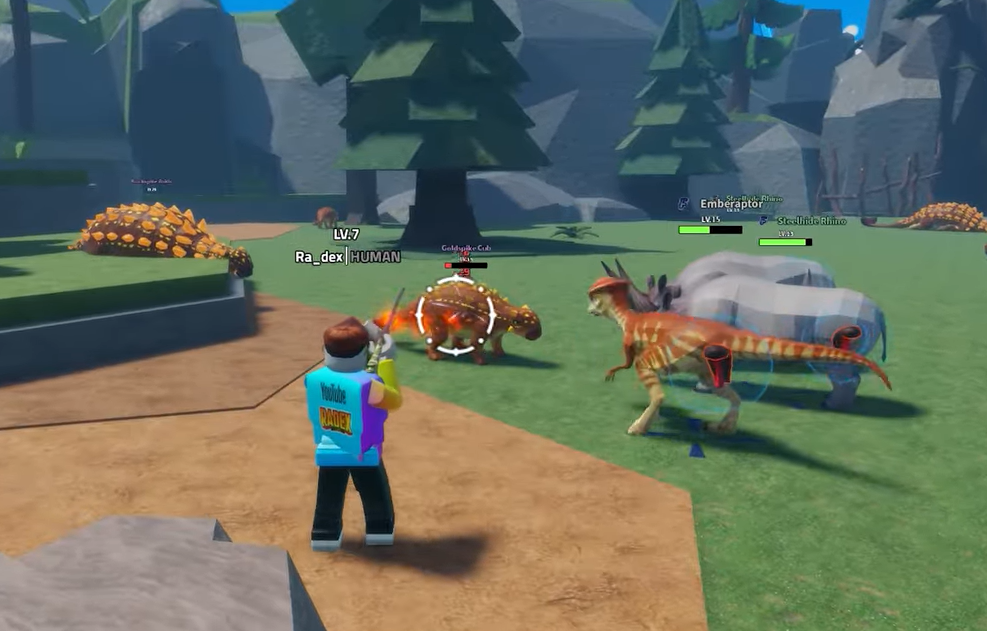
Why a capture failed and how to fix it
Most failed captures come from a short list of causes. Work through them in order before assuming something is broken.
| Reason the catch failed | How to fix it |
|---|---|
| The live percentage was low and the roll simply missed | Repeat the attempt; low odds fail normally |
| The target moved or the prompt changed before you confirmed | Re-lock the correct target before pressing Catch |
| Your inventory or roster was full | Clear space so a new copy has somewhere to go |
| The server lagged or was transitioning after combat | Wait for the fight state to settle, then retry |
| You followed steps from a different Dino Hunters game | Confirm the experience creator is Fishgig Game |
Protecting roster space is the fix players overlook most. If a dinosaur will not enter your collection even after a successful roll, clear inventory or roster room first, then try the capture again.
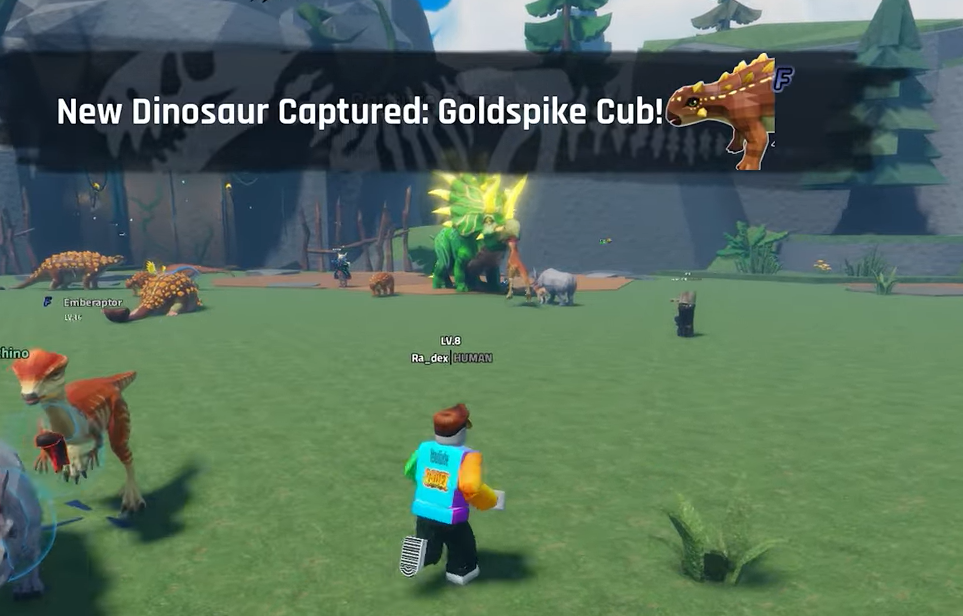
Confirm the capture worked
You know a capture succeeded when the dinosaur leaves the field and appears in your roster. Open the roster straight away and check the grade, level, and evolution value of the new copy. This tells you whether to keep it, use it on your team, or route it into crafting and evolution.
Exact odds, modifiers, and target locations change with the current build, so read them from the live experience rather than memorizing fixed numbers. You can confirm everything in your own server by launching the official Dino Hunters experience on Roblox, running a route once, and then verifying the values on screen before you commit to a rare attempt.