Gaming How-To

Enshrouded: How to Make and Use a Bandage

Craft a Bandage by hand from Torn Cloth and String, then heal through the Bandaged buff out on the Plains.

Craft a Bandage by hand from Torn Cloth and String, then heal through the Bandaged buff out on the Plains.

The Bandage is a healing item you craft by hand in Enshrouded, with no crafting station needed. The recipe unlocks almost at the start, and once you apply one, your health climbs back over the next few seconds.

Quick answer: Open the CRAFTING tab with V, go to SUPPLIES, and make a Bandage for 1 Torn Cloth and 1 String. To heal, press ALT, press its slot number, then left click.


What the Bandage does

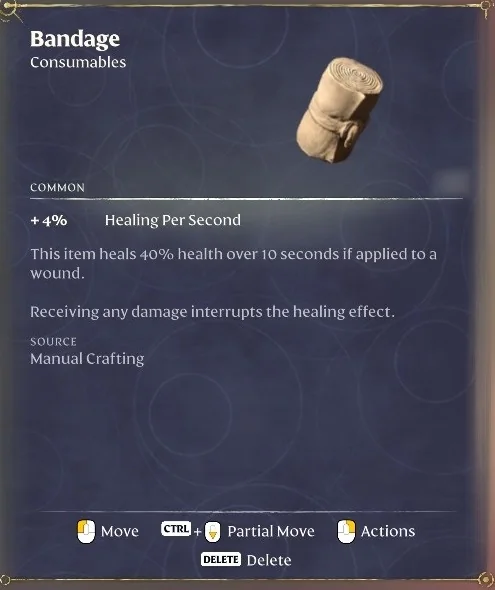
The Bandage is a Common Consumables item. Its in-game text reads, “A simple bandage. This item provides healing if applied to a wound.” The item stat line lists +4% Healing Per Second, and the item stacks up to 20. When you use one, health returns over a short window rather than all at once.


How to craft a Bandage

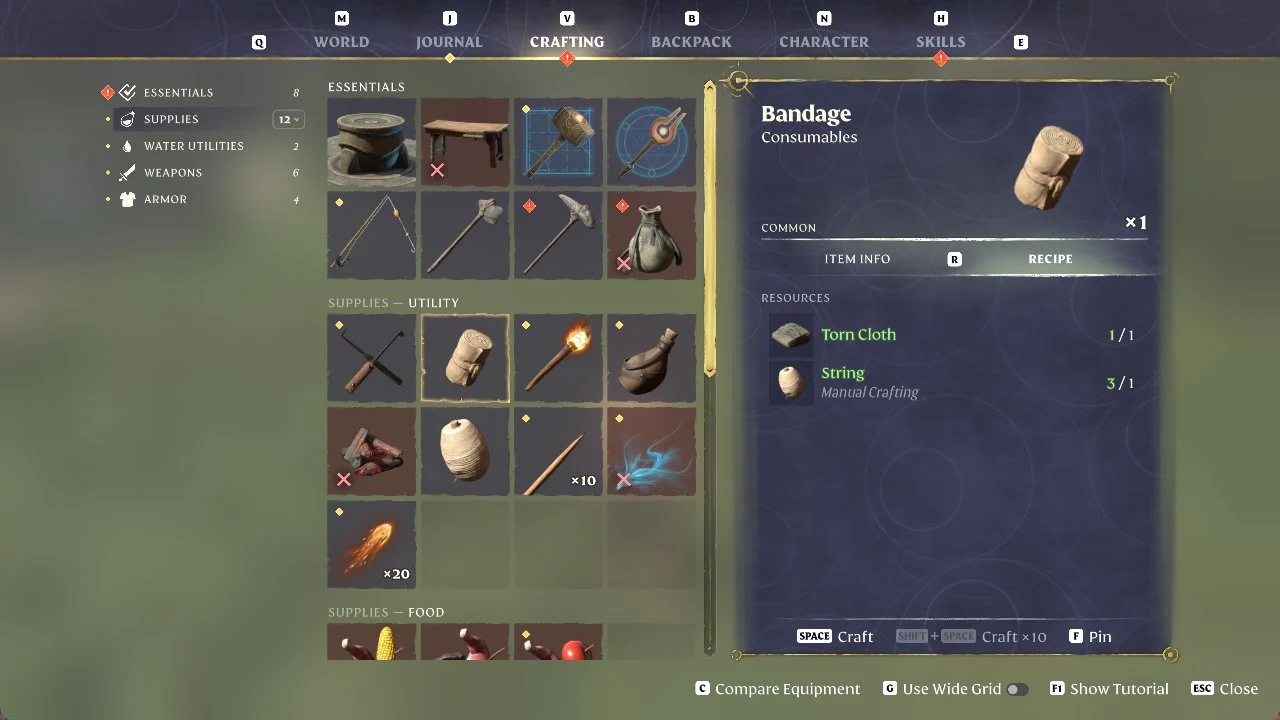
Gather the materials. Each Bandage costs 1 Torn Cloth and 1 String. String is also hand-crafted, from 3 Plant Fiber, and shows “Manual Crafting” under its name in the Bandage recipe (see how to get String and Plant Fiber). Torn Cloth drops from enemies, dead bodies, and smashed containers (see how to get Torn Cloth).
Open the CRAFTING tab with V, select SUPPLIES on the left, then choose Bandage. In the “SUPPLIES – UTILITY” group, its rolled-cloth icon is the second tile. The recipe panel is headed “Bandage / Consumables” and lists Torn Cloth and String under RESOURCES.
Enshrouded crafting menu with the Bandage recipe panel listing Torn Cloth and String
The Bandage recipe in the Supplies section of the Crafting tab: 1 Torn Cloth and 1 String.
Press SPACE to craft one Bandage. If you want a batch, SHIFT + SPACE runs “Craft x10” instead.

How to use a Bandage to heal

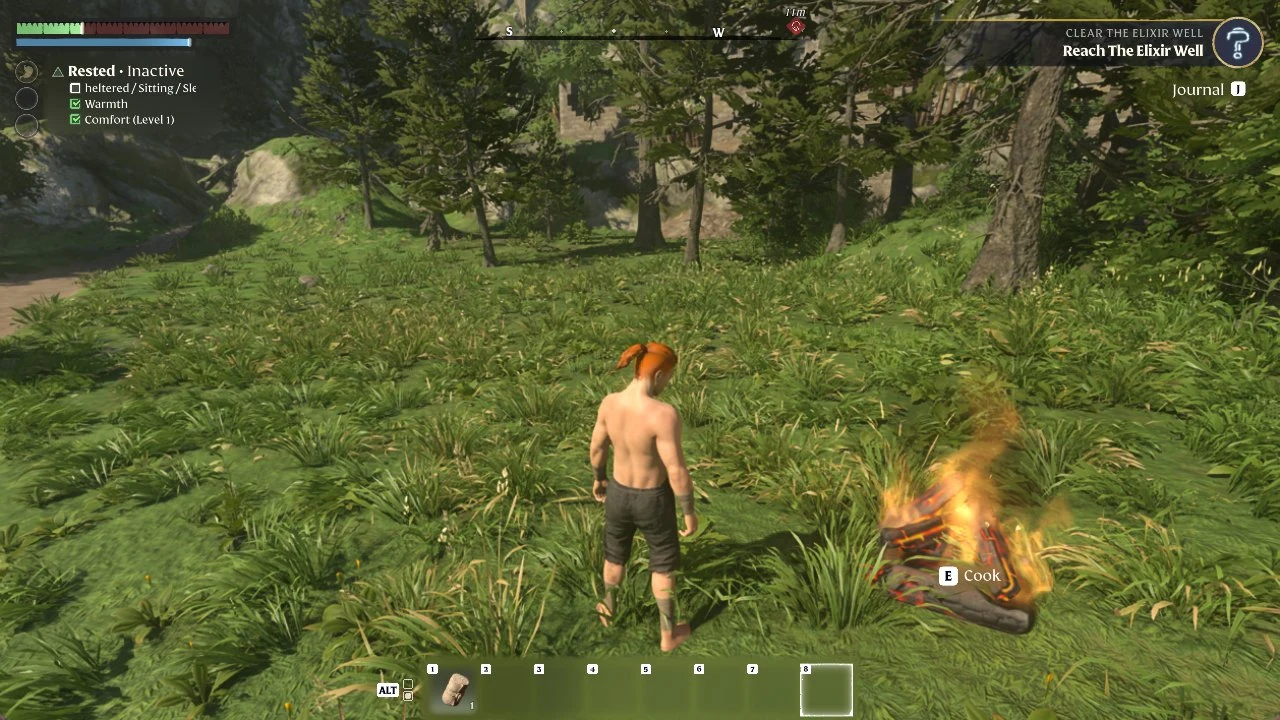
Press ALT to switch the hotbar to the ALT bar (the ALT icon sits at its left end). Our Bandage was in slot 1, with its count shown on the tile.
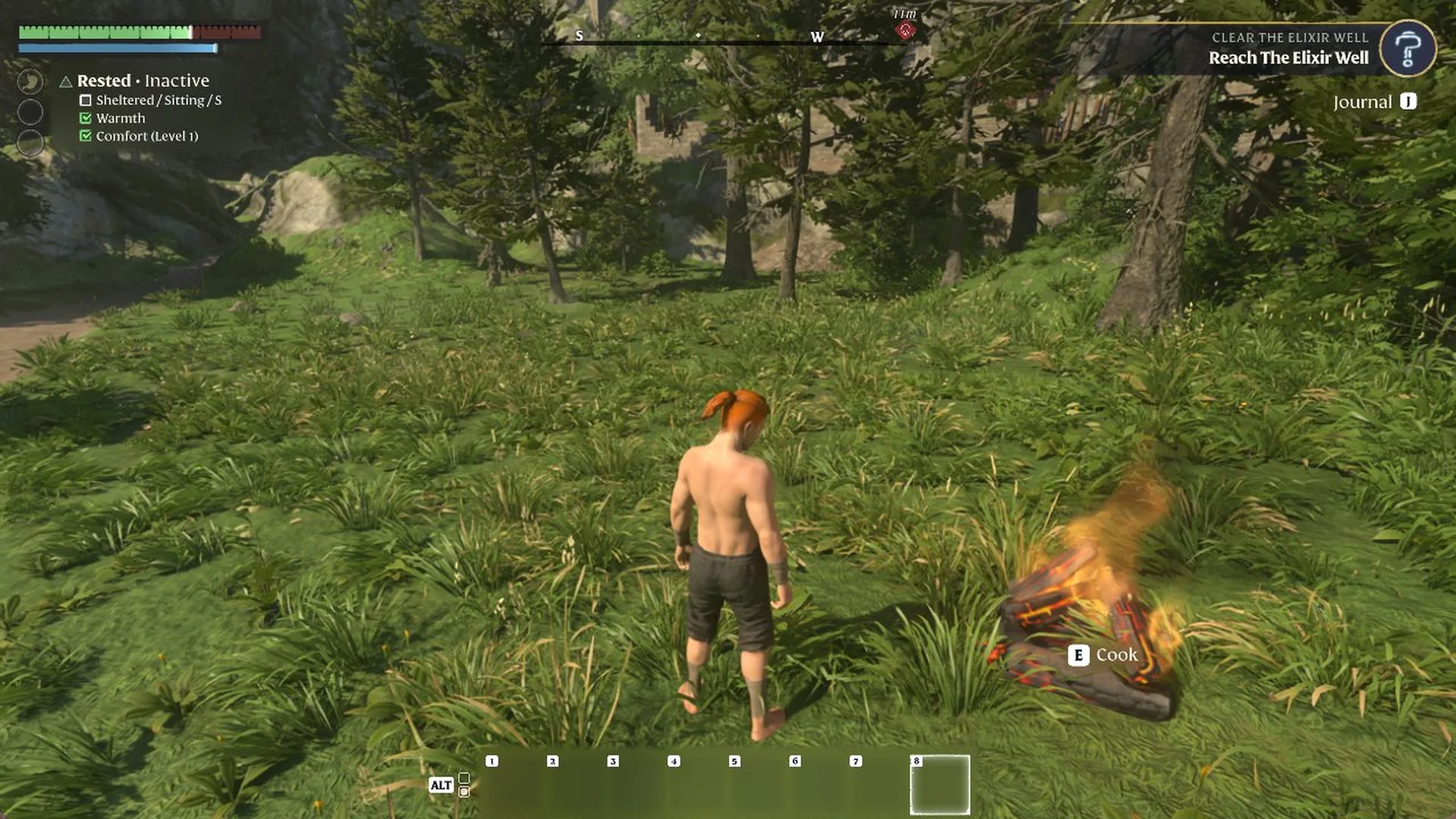
Enshrouded ALT bar open at the bottom of the screen with a Bandage in slot 1, next to a campfire
After pressing ALT, the ALT bar shows the Bandage in slot 1.
Press the Bandage’s slot number (1 in our case), then left click to apply it.
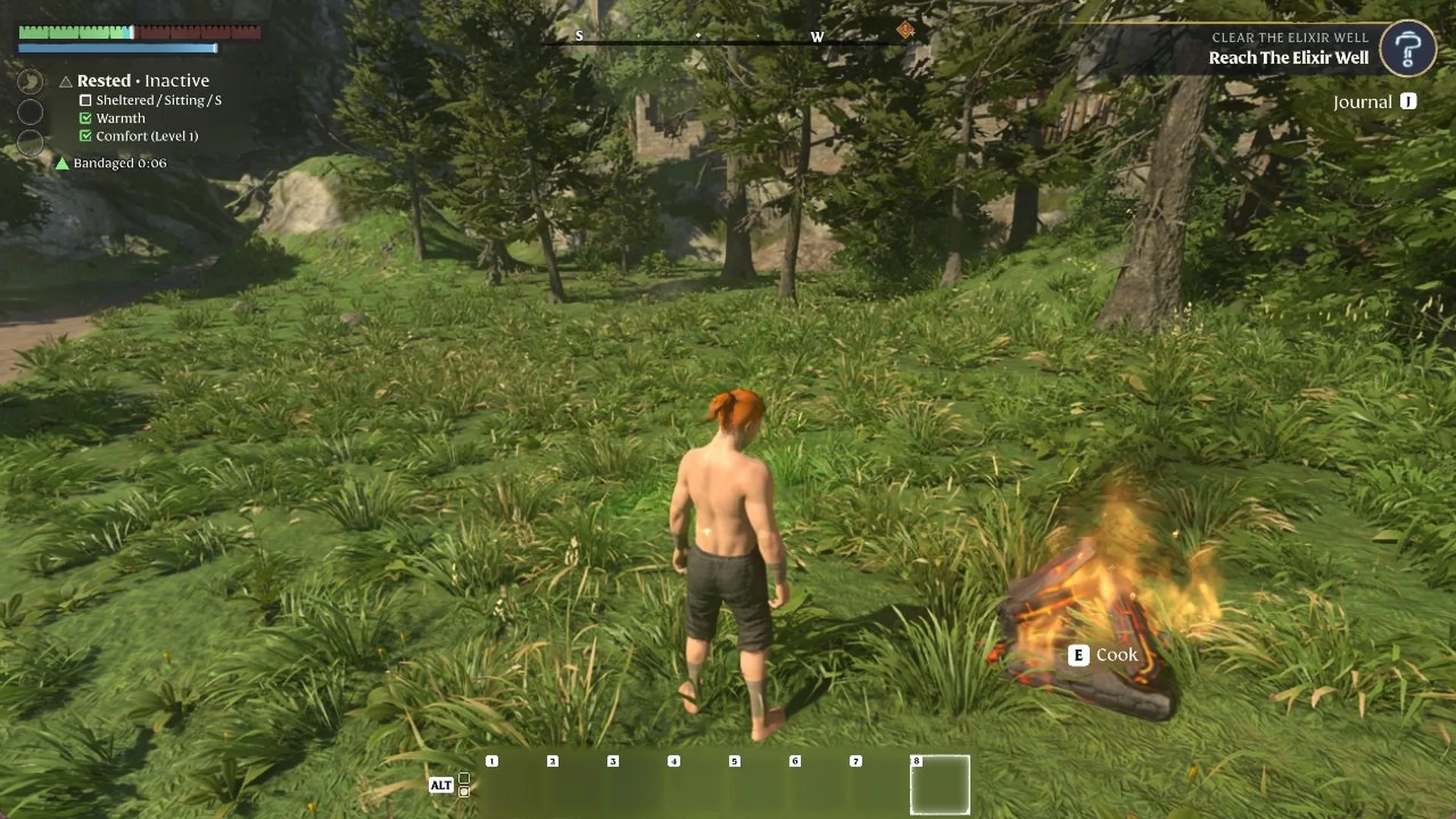
A green “Bandaged” line with a short countdown appears under the Rested list on the left as soon as the Bandage is applied.
Green Bandaged buff with a short timer under the status list after applying a Bandage in Enshrouded
The green Bandaged line appears under the Rested list right after the Bandage is applied.
A few seconds later the Bandaged line is gone and the health bar at the top left is noticeably fuller than before.
Health bar fuller a few seconds after using a Bandage in Enshrouded, with the Bandaged buff gone
A few seconds later the Bandaged line is gone and the health bar is fuller.

Where your first Bandages come from

On the way out of the Cinder Vault near the start, the chest in the wooden shed holds Bandage x2 and a Torch. Taking them shows “RECIPE UNLOCKED Bandage”, so the recipe is already there by the time you reach the Plains. We used Bandages when health got very low out in the open and once during a fight in the Shroud, so it is worth keeping one in the ALT bar before you head out.


Other ways to get health back

While you are hungry, the health bar does not refill on its own, so eating matters as much as Bandages (see how to fix low health with food). Sitting at a campfire gives you the Rested buff. If a fight is going badly out in the open, you can fast travel back to your Flame Altar from the map, and if you do die, here is how to get your items back.