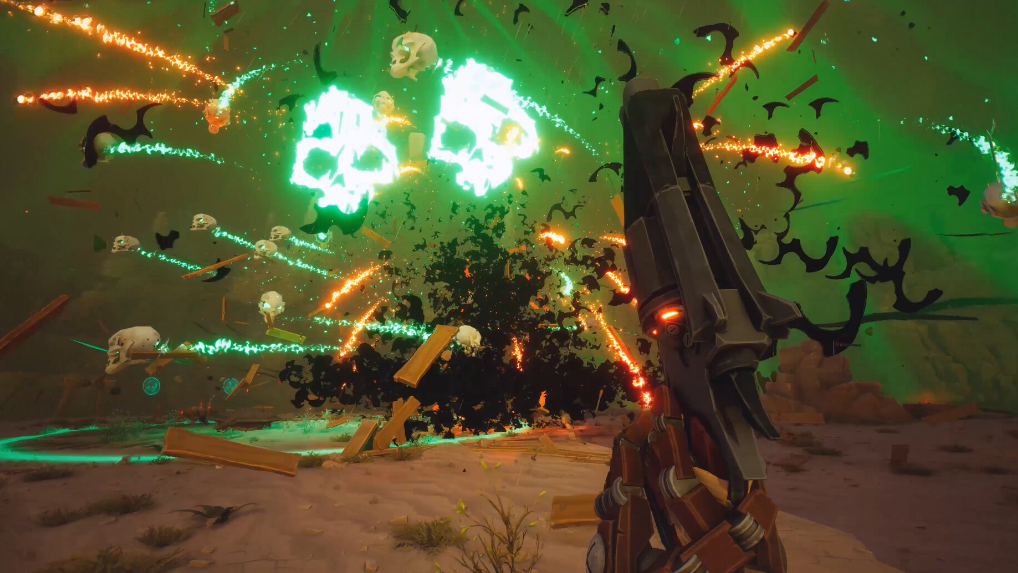
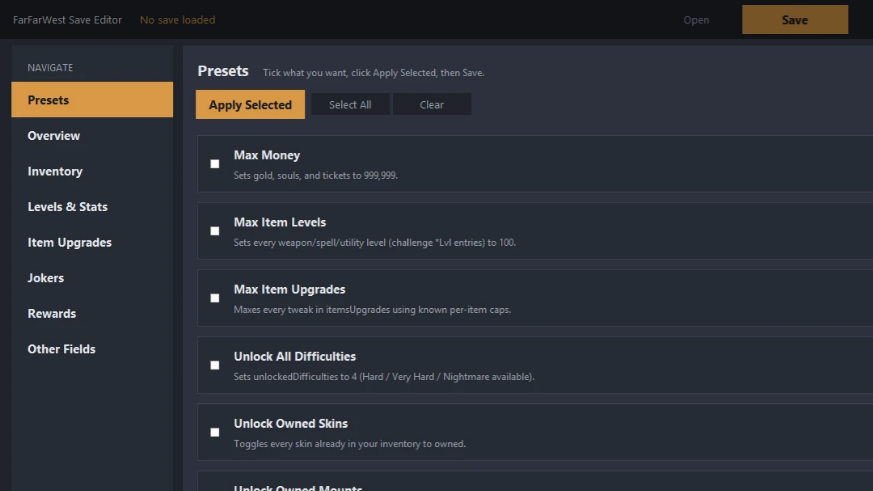
The Far Far West save editor is a small Windows utility hosted on Nexus Mods that opens the game’s encrypted save file, exposes the stored player values, and writes the file back in a format the game accepts on next launch. It targets single-player progress in the Early Access build of Far Far West, the co-op cowboy shooter from Evil Raptor and Fireshine Games on Steam.
Quick answer: Install the FarFarWest Save Editor from Nexus Mods, drag your .sav file from %LOCALAPPDATA%\FarFarWest\Saved\SaveGames\ into the editor window, change values such as gold or souls, save, and relaunch the game to confirm the new totals appear in the saloon.
What the save editor does
The tool is a Windows/Tkinter application that handles the encryption layer Far Far West applies to its save data. Without it, the .sav file is unreadable in a text editor or hex editor in any meaningful way. The editor decrypts the file in memory, presents the player progress fields it understands, and re-encrypts on save so the game accepts the file at the next load.
It is aimed at single-player use. Far Far West supports 1–4 player online co-op, and modified resource values are not appropriate for shared lobbies. Treat the editor as a way to skip grind on your own profile, not as a multiplayer tool.
Where Far Far West stores save files
The game writes saves to your local profile under AppData. The folder is hidden by default, so enable hidden items in File Explorer view options before browsing.
| Item | Path |
|---|---|
| Save files | %LOCALAPPDATA%\FarFarWest\Saved\SaveGames\ |
| Save file pattern | *.sav (filename is a long numeric string) |
| Config files | %LOCALAPPDATA%\FarFarWest\Saved\Config\Windows\ |
| Cloud quota | Steam Cloud, ~9.54 MiB across up to 5 files |
Steam Cloud is enabled for the title, so any local edit will sync up after the next clean exit. If you want to keep a clean cloud copy, exit Steam before editing and decide whether to keep local or cloud when you reconnect.
Fields you can change
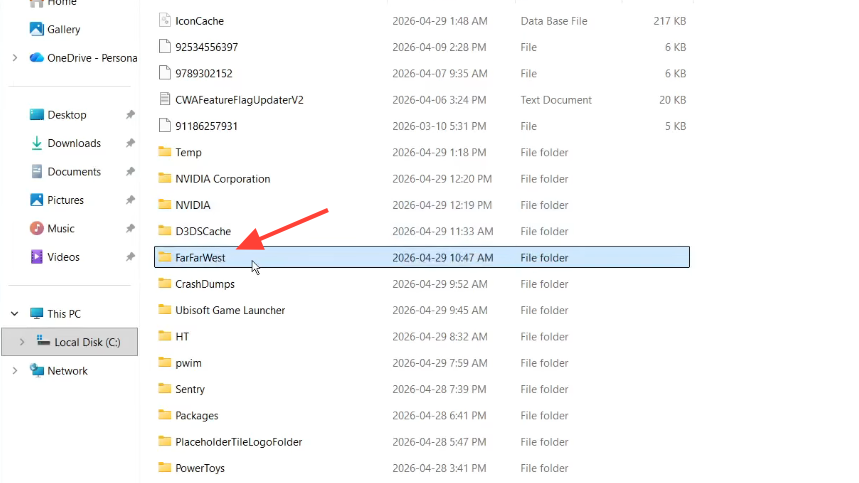
The editor exposes the player progress values stored in the save. The most commonly edited fields are the two main currencies the game uses for upgrades and cosmetics.
| Field | Purpose in game |
|---|---|
| Gold | Buys cosmetic skins for your robot cowboy and horse at town |
| Souls | Spent on meta upgrades such as health, ammo capacity, and spell cooldown |
| Player progress values | Other numeric stats the editor surfaces from the decrypted save |
Weapons and spells level up through use rather than by spending currency, and new weapons unlock by collecting six fragments from boss kills. Those progression hooks are not currency edits, so changing gold or souls will not unlock weapons directly.
Back up your save before editing
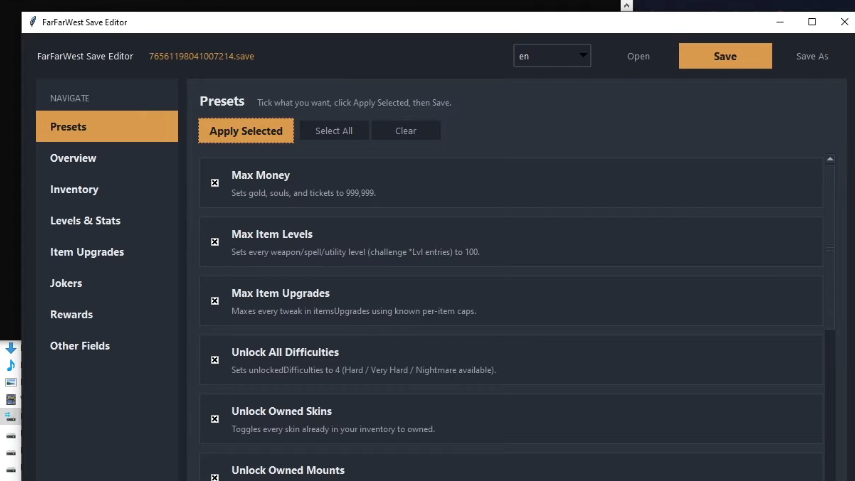
Save corruption has been reported when files are loaded out of order or when an external tool writes a malformed file. A backup is the only reliable way to recover.
SaveGames folder to your desktop as a second backup. This protects you if both the active save and the in-game backup are affected by an edit..sav so you can identify it again. The name is a long numeric string and is easy to confuse with backup copies in the same folder.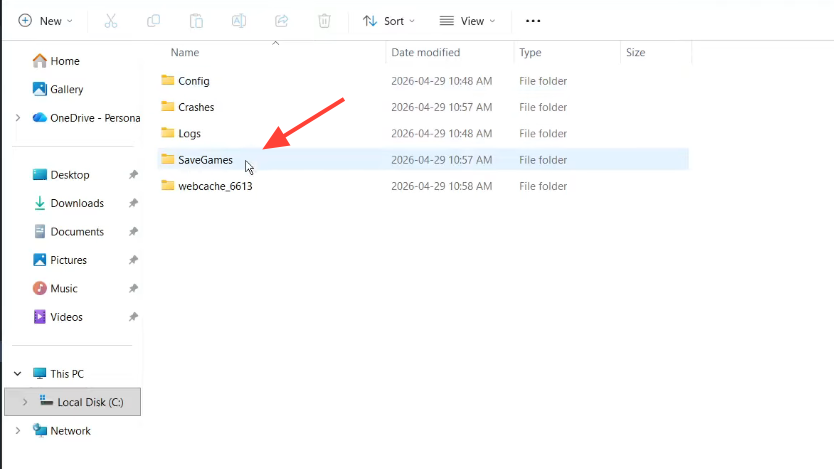
SaveGames folder to your desktop | Image credit: Fireshine Games (via YouTube/@MenakaTechWorld)How to use the FarFarWest Save Editor
The workflow is the same regardless of which fields you plan to change. Keep the game closed throughout, otherwise the file will be locked or overwritten on exit.
%LOCALAPPDATA%\FarFarWest\Saved\SaveGames\. Drag the active .sav file onto the editor window. The editor decrypts it and lists the editable fields..sav in place. Do not rename the file; the game expects the original numeric filename.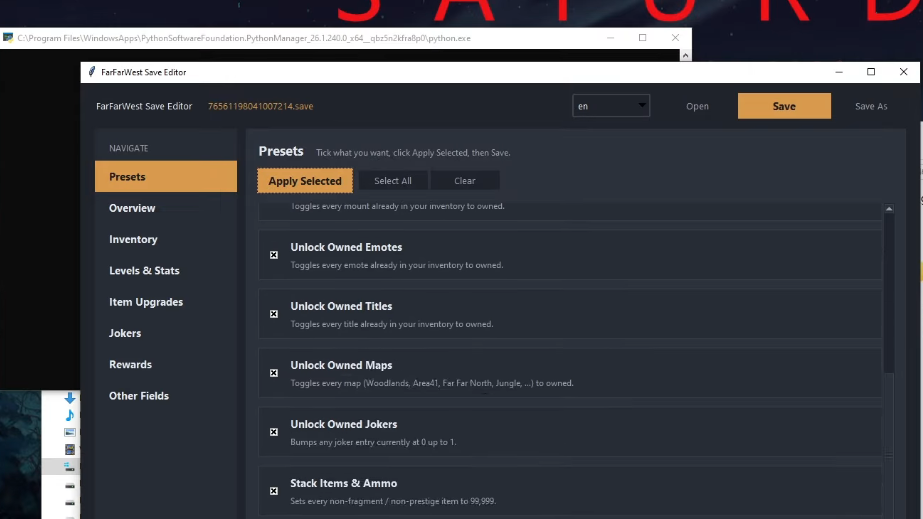
How to confirm the edit applied
The clearest signal is the saloon HUD. Gold and souls are visible at the upgrade vendor and in the customization menus, so a successful edit shows the new totals immediately on first load. If you spent souls on a meta upgrade, the upgrade tier will reflect what you can afford with the new balance.
If the game launches but your totals are unchanged, the editor wrote to a different file than the one the game loaded. Confirm you edited the most recently modified .sav in SaveGames and that Steam Cloud did not pull down an older copy on launch.
Common reasons an edit fails
Most failures trace back to a small set of causes. Check these before assuming the editor is broken.
| Symptom | Likely cause |
|---|---|
| Game crashes on load with a fatal error | Malformed save written by an outdated editor build, or a value outside the accepted range |
| Old totals still show in the saloon | Steam Cloud restored an earlier save, or the wrong .sav was edited |
| Editor refuses to open the file | File is locked because the game is still running, or the editor version predates a recent game patch |
| Save will not persist after loading a backup | Known issue resolved by deleting the corrupt save, loading a fresh level 1 save, then loading the backup |
For the last case, the working sequence reported by players is to load any backup and create a lobby, return to the main menu, and delete the save, load into a fresh level 1 save without creating a lobby, return to the main menu, and create a backup, then load the older backup. After that, normal saving resumes.
Patch and version sensitivity
Far Far West is in Early Access, and the developers have stated more content is coming, including additional enemies, weapons, modes, bosses, and cosmetics. Save file structures can change between Early Access patches, so an editor build that worked last week may need to be updated after a game patch. Always use the latest editor version listed on its Nexus Mods page, and avoid editing immediately after a game update until the editor author confirms compatibility.
Note: Console commands are not available in Far Far West, and there is no official cheat menu. The save editor is therefore the most direct way to change stored progress values without relying on a memory-based trainer.