

System file corruption or incomplete Windows Update components often trigger error 0x800700C1 on Windows 11. This error blocks updates, disables repair tools like SFC and DISM, and can prevent in-place upgrades. Addressing this issue requires restoring critical system files and resetting update mechanisms to restore normal update functionality.
SFCFix Utility: Targeted System File Repair
sfc /scannow and DISM from running successfully.n for “no” if you do not want to run additional scans.SFCFix.txt will appear on your desktop. Review this log for details on what was repaired. If errors persist, share the log with support forums for further diagnosis.Running SFCFix has resolved persistent 0x800700C1 errors for users whose systems could not run standard repair tools. It restores the ability to use sfc /scannow and DISM, allowing updates to proceed and system integrity to be checked.
Manual Windows Update Component Reset
Command Prompt as an administrator. This allows you to stop update-related services and rename key folders.
net stop bits
net stop wuauserv
net stop appidsvc
net stop cryptsvc
Ren C:\Windows\SoftwareDistribution SoftwareDistribution.old
Ren C:\Windows\System32\catroot2 Catroot2.old
net start bits
net start wuauserv
net start appidsvc
net start cryptsvc
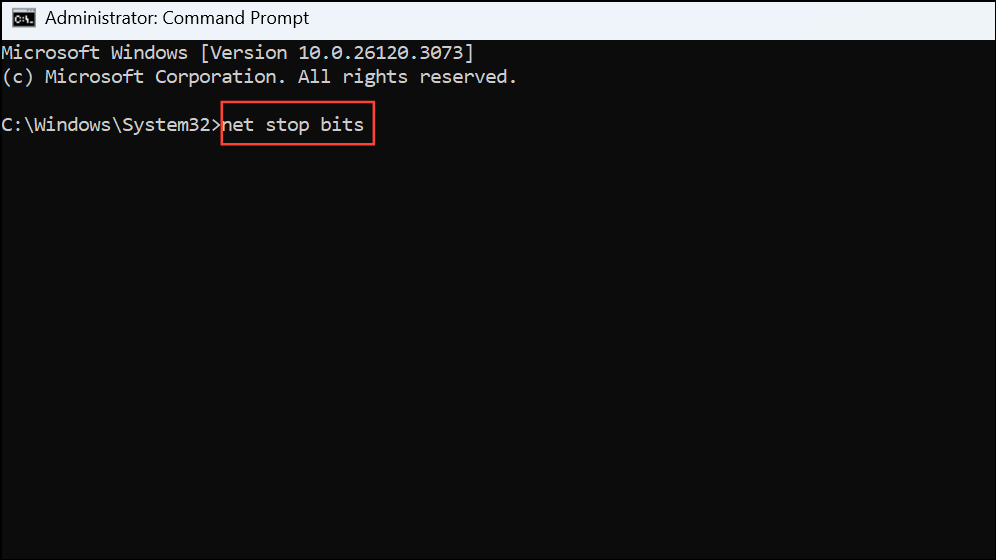
This process clears out potentially corrupted update data, forcing Windows to rebuild these folders and download fresh update files on the next attempt.
Manual Update Installation via Microsoft Update Catalog
Settings > System > Windows Update and note the pending update’s identifier.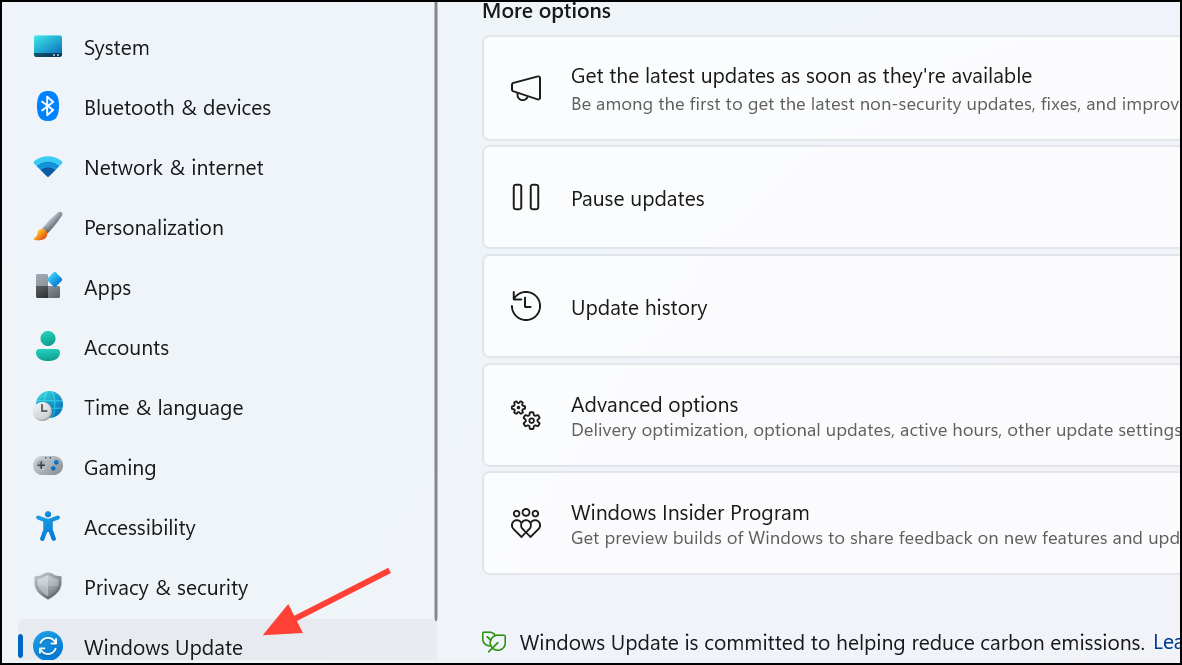
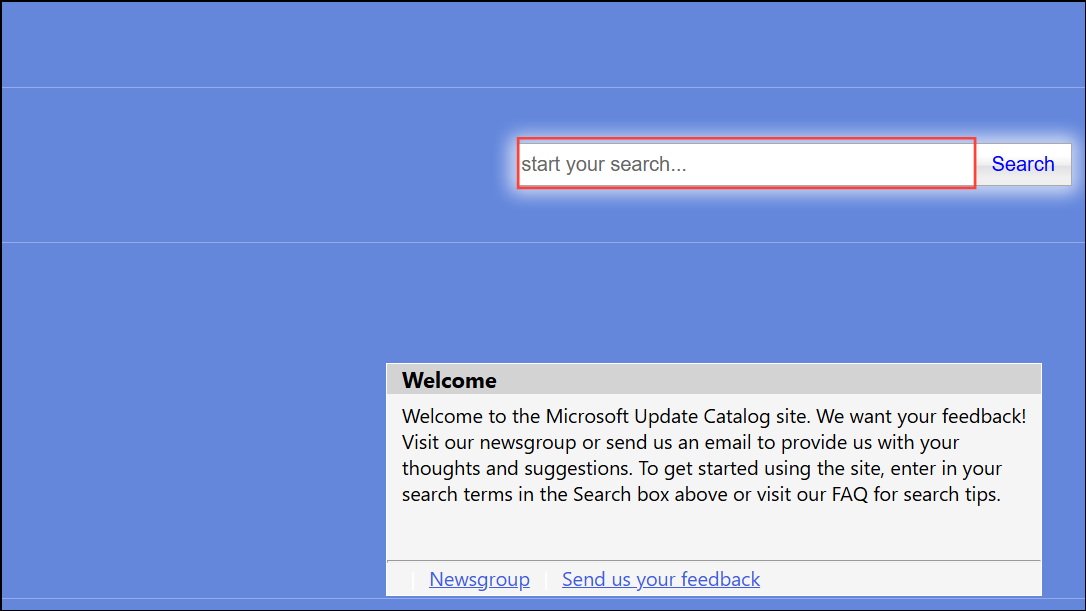
Repair Install (In-Place Upgrade)
Setup.exe. Choose the upgrade option and select “Keep personal files and apps” when prompted. This process reinstalls Windows while preserving your data and applications.Restoring system file integrity and resetting update components directly addresses the root causes of error 0x800700C1. Once repaired, Windows Update and system repair tools regain full functionality, streamlining future updates and system maintenance.



