
HP printer installations on Windows 11 ARM-based laptops and tablets frequently stall with the error message: Service ‘PlugPlay’ (PlugPlay) failed to start. Verify that you have sufficient privileges to start system services. This issue blocks device recognition, prevents printers from installing, and disrupts USB and peripheral connectivity. On affected systems, the Plug and Play service may be missing from the services.msc list entirely, or present but unable to start. Addressing this error restores automatic hardware configuration and device functionality.
Install HP Printers on ARM64 Windows 11 Using Universal Print Drivers
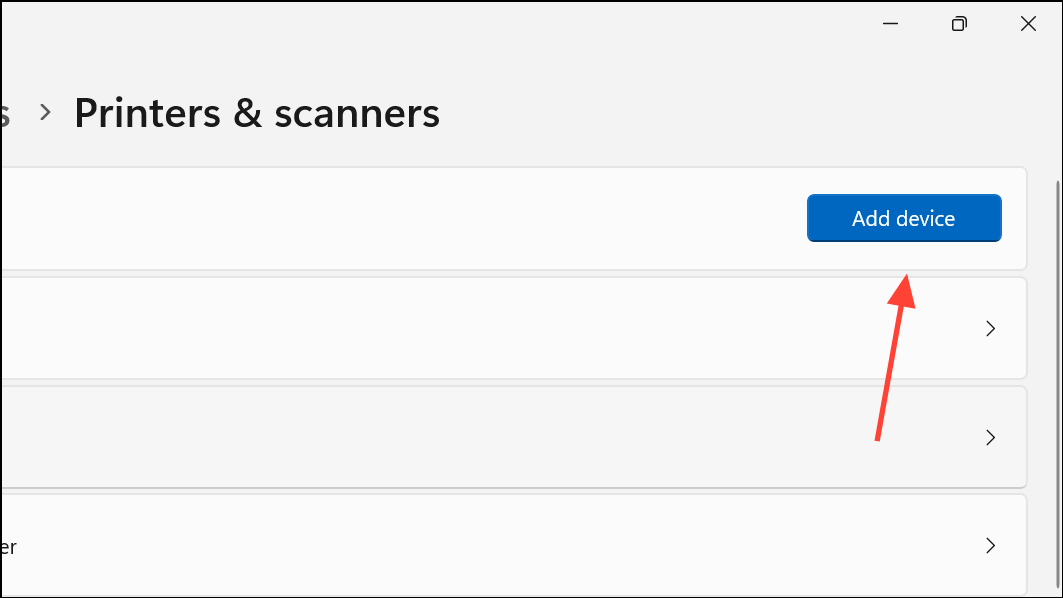
Settings > Bluetooth & devices > Printers & scanners. Click Add device and wait for Windows to search for available printers. If your printer is not detected, select Add manually.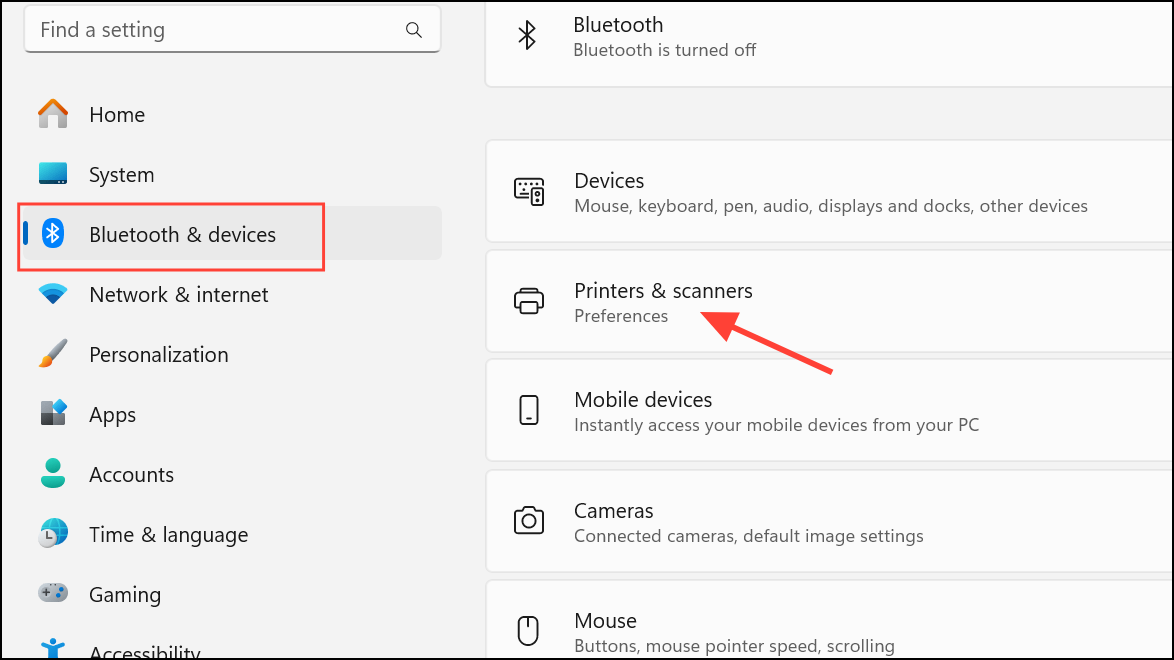
Restore Plug and Play Service Settings via Command Prompt
Command Prompt as an administrator. Press Win + S, search for “cmd”, right-click, and select Run as administrator.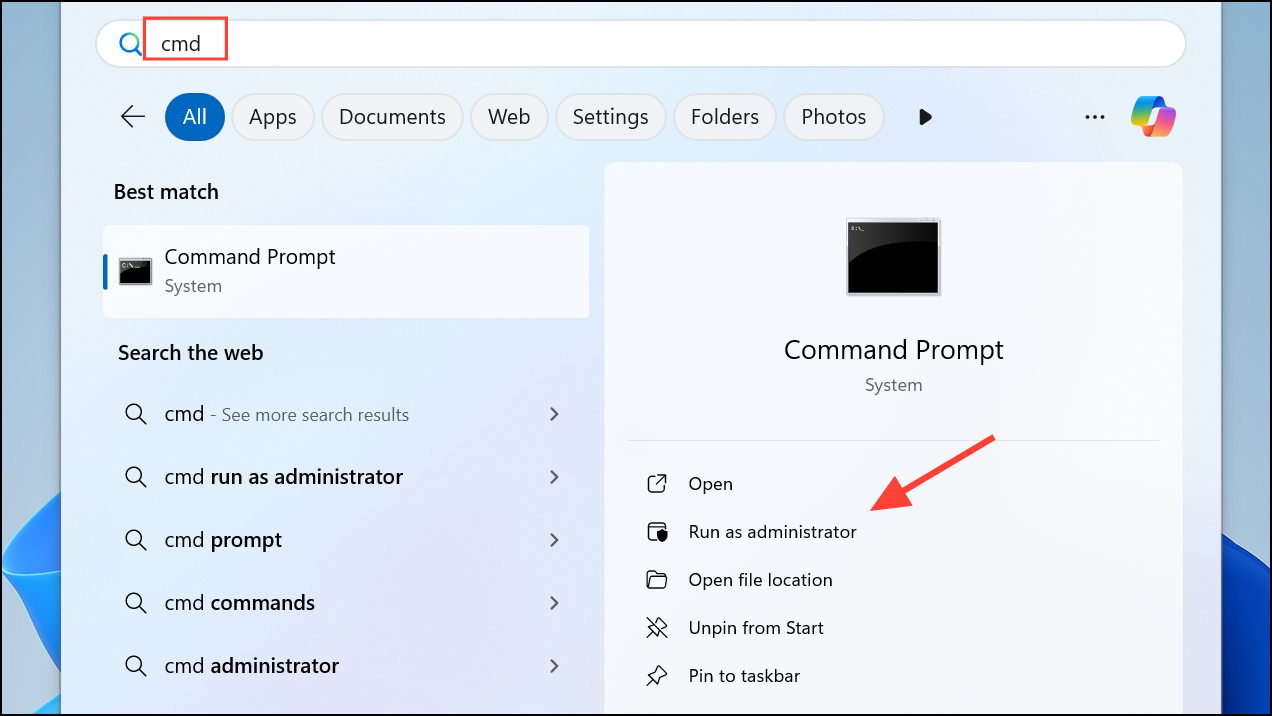
sc config PlugPlay start= demand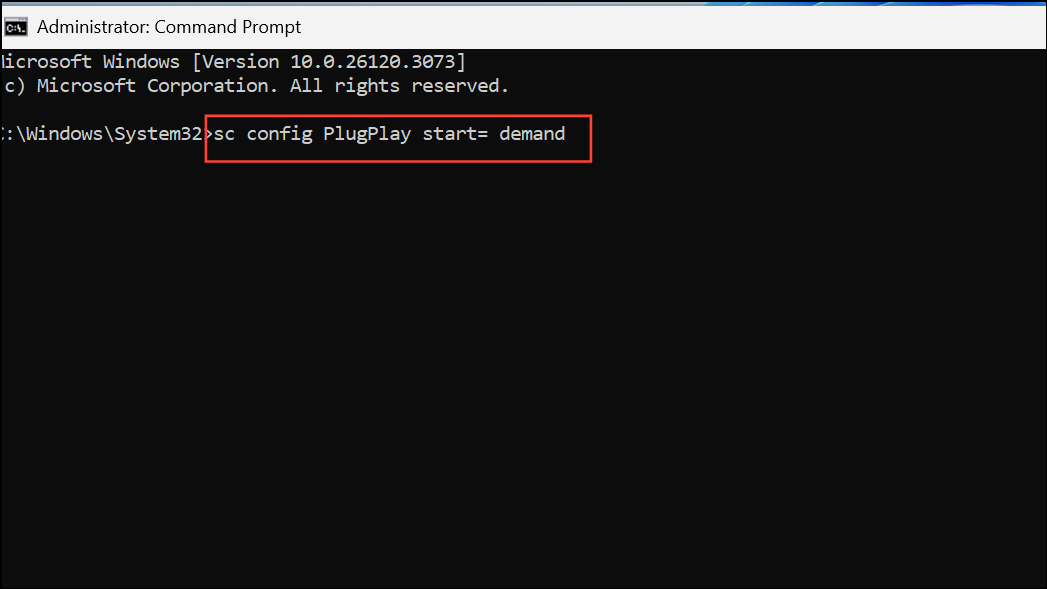
This command sets the Plug and Play service to start manually when needed.
net start PlugPlay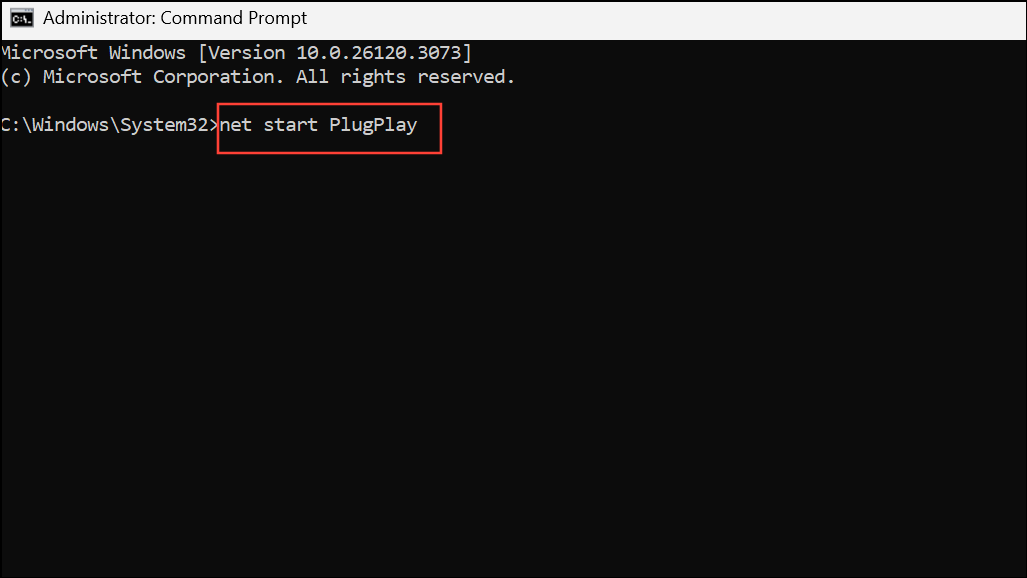
If the service is missing or these commands fail, system file corruption or a deeper OS issue may be present.
Check for Problematic or Missing Drivers
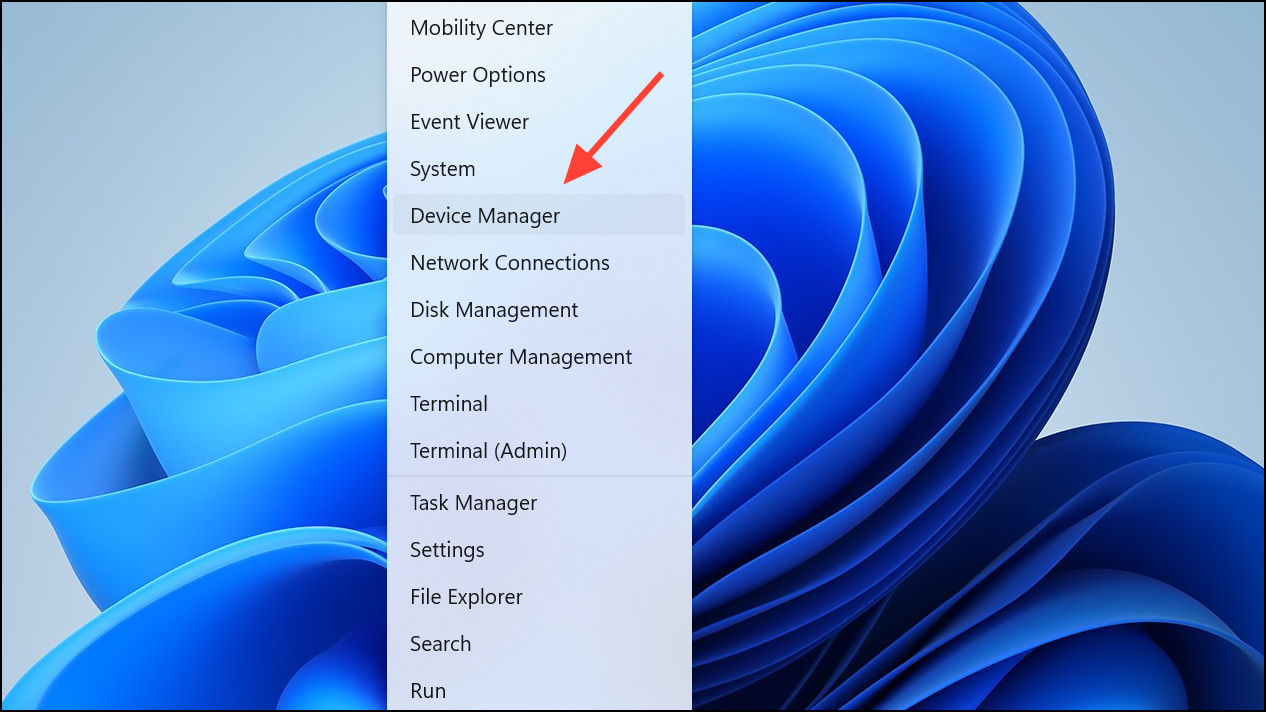
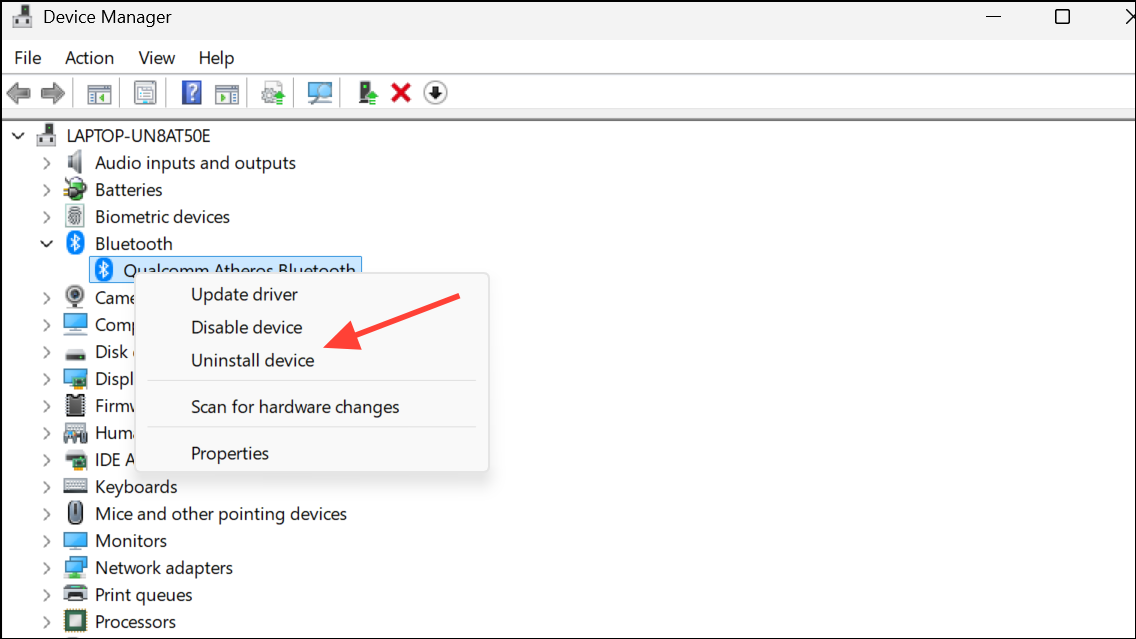
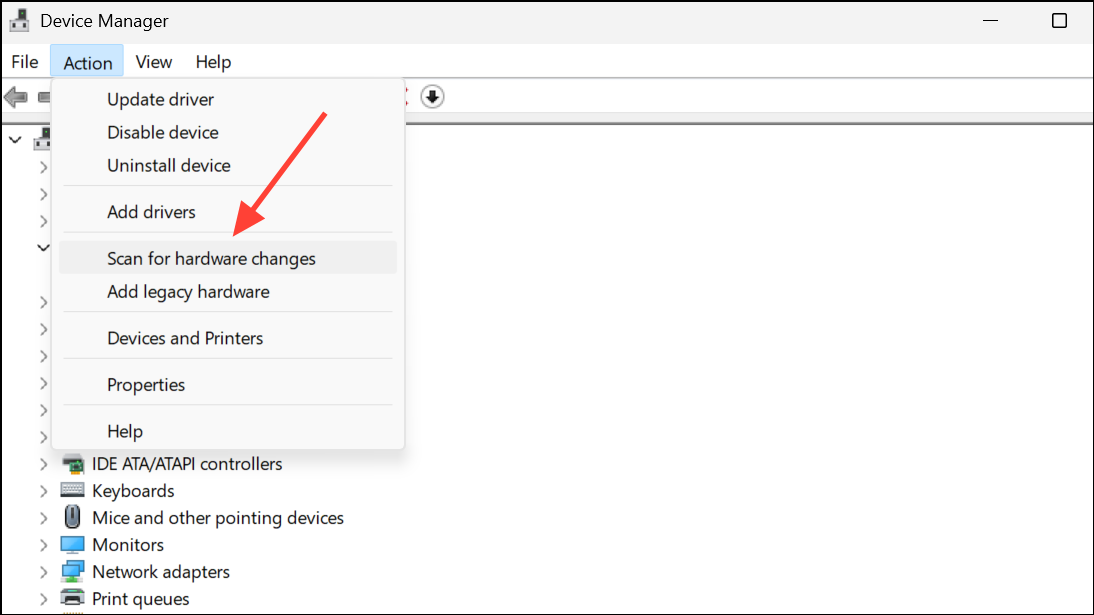
Use the Generic Microsoft Printer Driver
Repair System Files and Windows Image
sfc /scannow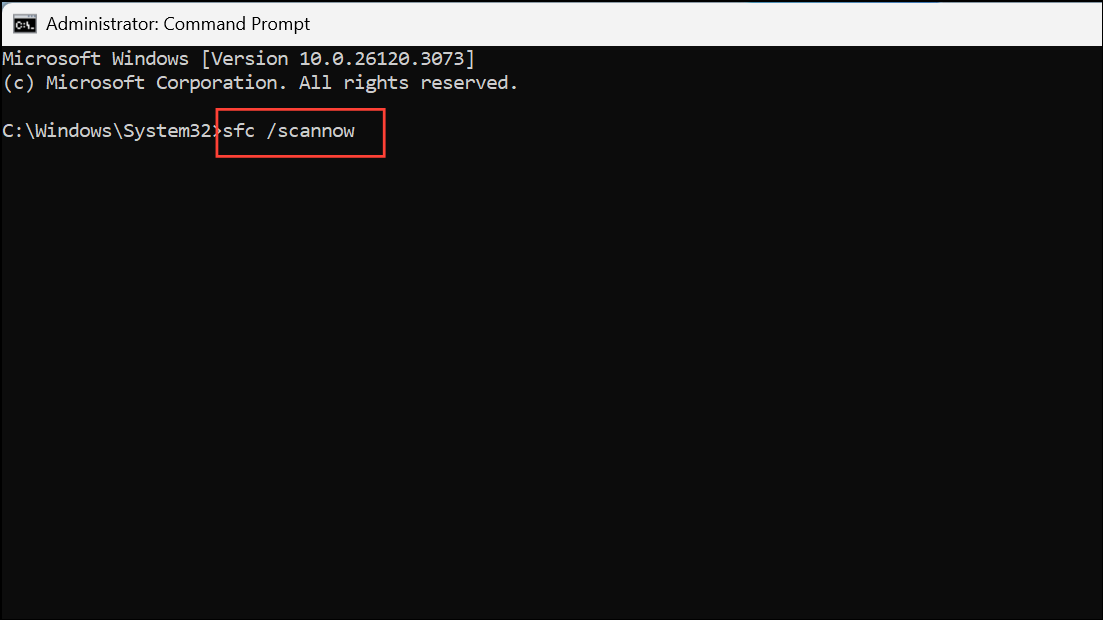
This process checks for missing or altered Windows files, restoring them from cache.
sfc reports unrepairable issues, use the Deployment Imaging Service and Management Tool (DISM) to restore the Windows image:DISM.exe /Online /Cleanup-Image /RestoreHealth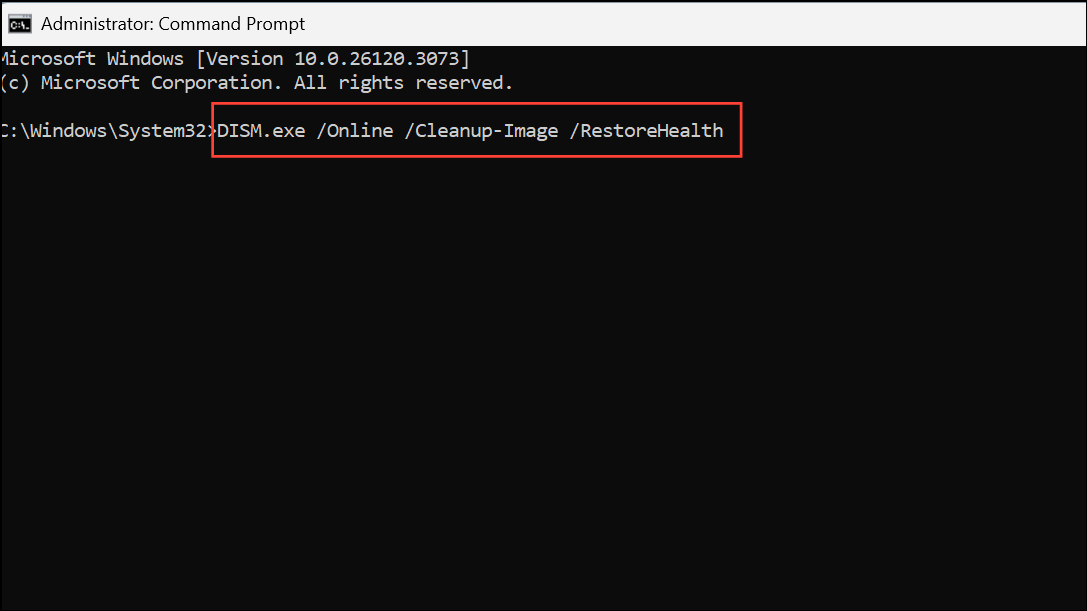
Allow the process to finish, then restart your computer. This step can resolve deeper system corruption that prevents services like Plug and Play from appearing or functioning.
Restore from a System Image or Perform a Repair Install
Settings > System > Recovery and use the Go back or System Restore options.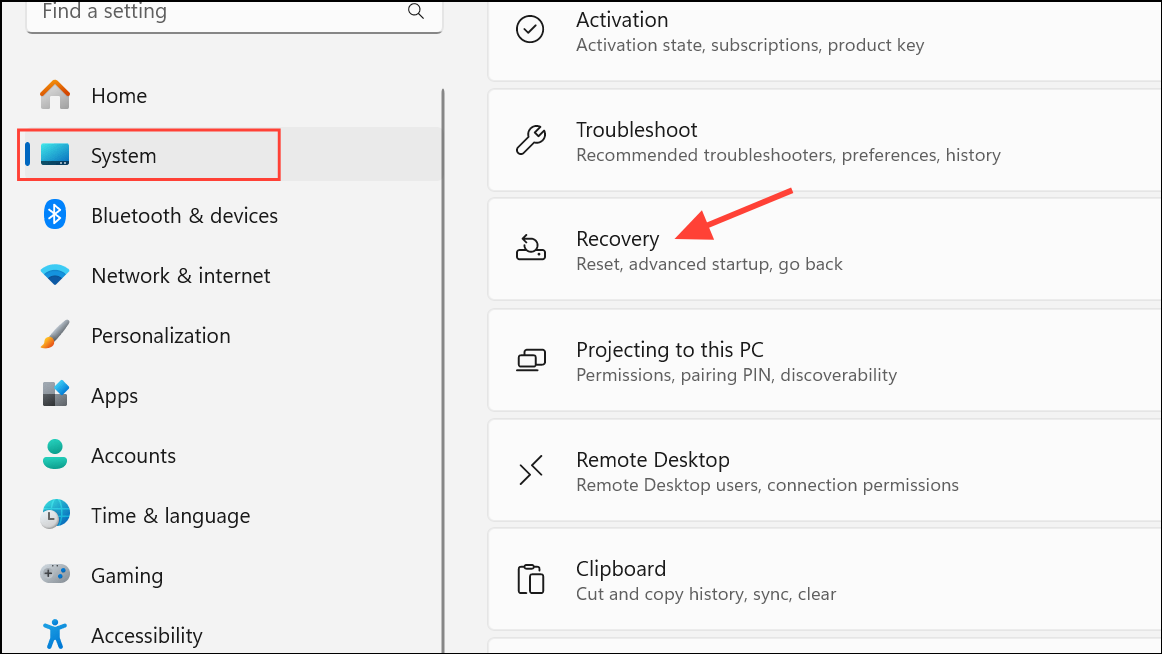
Additional Considerations for ARM-Based Devices
Recent reports indicate the Plug and Play service may be absent or nonfunctional on certain ARM-based Windows 11 systems, particularly after major system updates or out-of-the-box on new hardware. This issue disproportionately affects HP printer installations and other peripherals requiring PnP. If standard troubleshooting fails, check for updated firmware and drivers from both Microsoft and your device manufacturer. In some cases, only a future OS update or OEM patch will fully resolve the missing Plug and Play service on affected ARM devices.
Restoring Plug and Play service functionality in Windows 11 brings back seamless device detection and peripheral installation. For persistent issues on ARM-based systems, using universal drivers or generic Microsoft drivers can restore basic functionality until a permanent fix is available.



