Master Chief can fly freely in Halo: Campaign Evolved, but it is not a default move. Flight is tied entirely to the Acrophobia Skull, a collectible hidden in the fourth main mission. Once you own it and switch it on, a jump followed by a held jump lifts you off the ground and lets you drift over the map like a free-camera mode.
Quick answer: Collect the Acrophobia Skull in The Silent Cartographer, then start any mission with Acrophobia toggled on in the Skull selection screen. In-mission, press Jump to leave the ground and hold Jump while airborne to ascend.
Where the Acrophobia Skull is in The Silent Cartographer
The Acrophobia Skull sits in The Silent Cartographer, the fourth main mission. You do not need to finish the first three missions to grab it. From the campaign selection screen you can jump straight to Mission 4, even on a fresh save, which makes it worth picking up early before you hunt the rest of the Skulls.
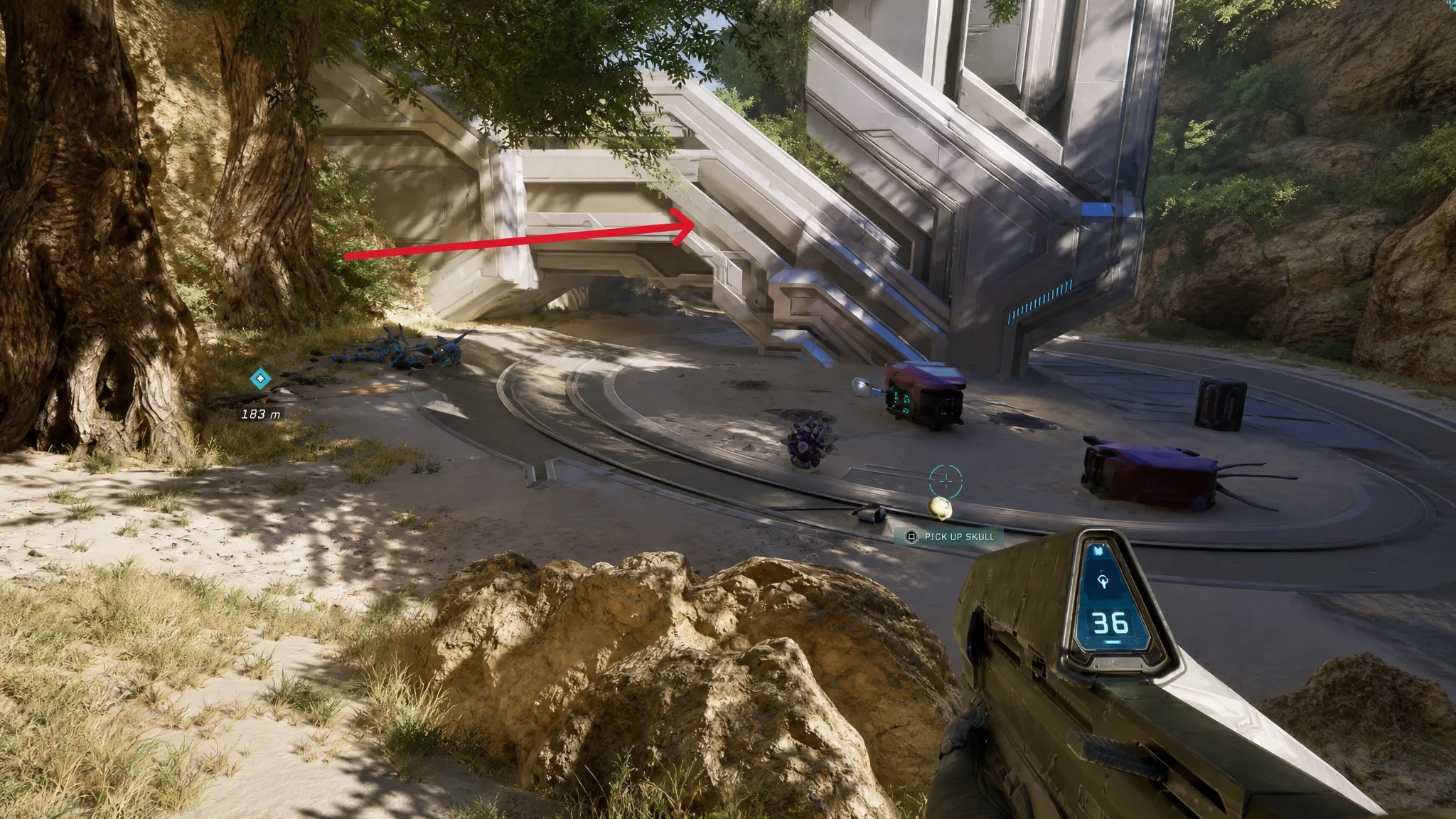
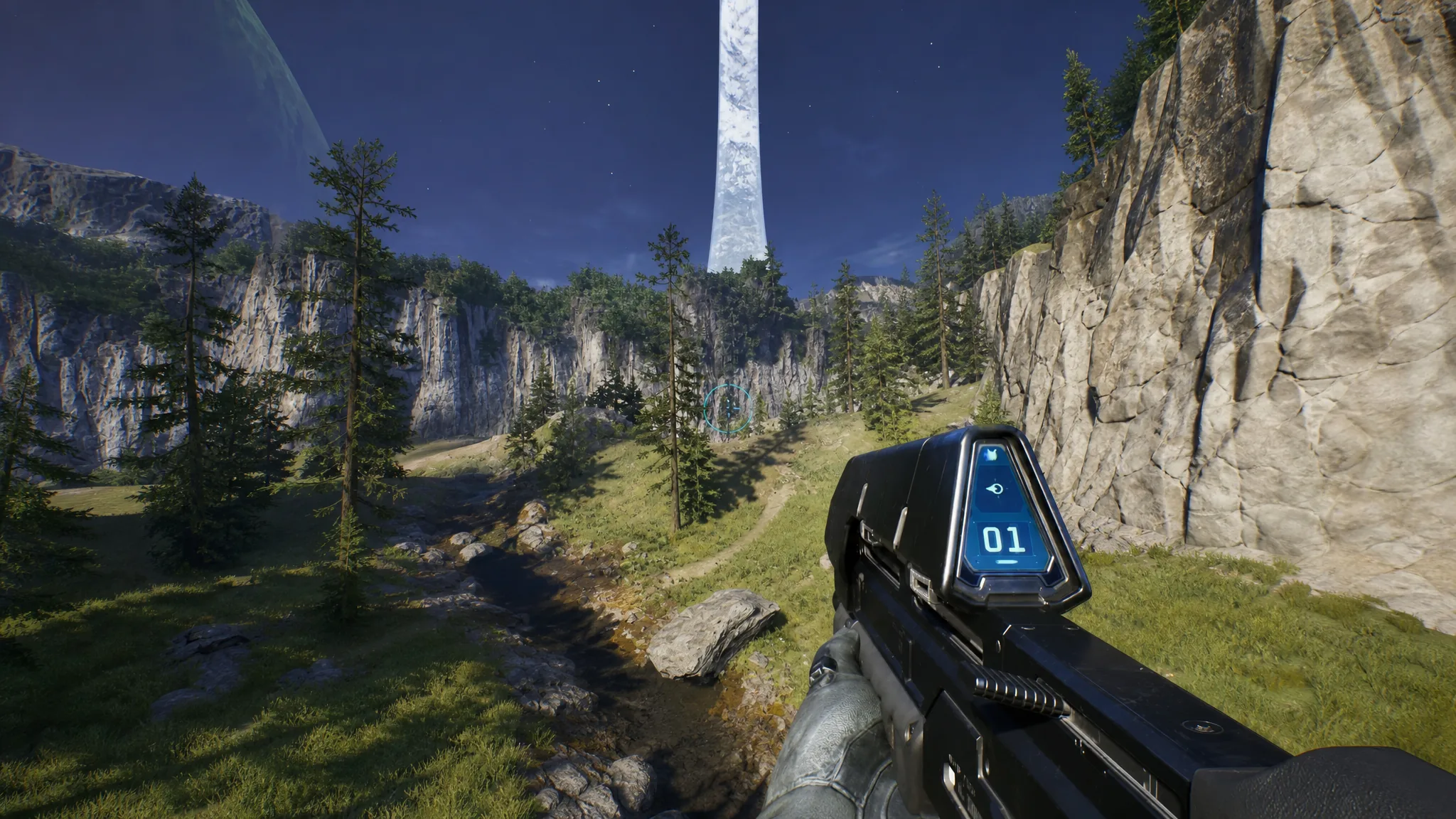
After you pick it up, Acrophobia is unlocked for good. You never have to return to The Silent Cartographer to use it again.
How to turn Acrophobia on before a mission
Owning the Skull does not enable flight by itself. You choose it fresh each time you load a level, and it stays active only for that session.
Flight controls and how ascending works
With Acrophobia active and the mission loaded, flying comes down to the jump button. Press Jump to leave the ground, then press or hold Jump again in the air to keep rising instead of falling back down. The movement feels close to a free-flying camera, and you gain height gradually rather than instantly, so give yourself a moment before steering toward a target.
- Take off: jump from the ground, then trigger jump again while airborne.
- Steer: aim the camera in the direction you want to travel.
- Stop mid-air: hold the crouch button to halt in place.
- Resume: hold jump again to lift off from the stopped position.
The jump input is A on Xbox controllers, X on PlayStation controllers, and your mapped jump key on PC (Space by default).
Limits you need to know before flying
Flight is powerful for exploration and reaching elevated Skulls, but it does not make you unstoppable. Two things can still kill you, and one trade-off matters for completionists.
| Limit | What it means |
|---|---|
| Enemies still fire | You are not invincible or invisible in the air. Hovering over an active combat zone on higher difficulties can get you killed fast. |
| Out-of-bounds death | Flying too far past the map’s intended edges, or speeding into invisible walls, triggers an instant death. Move slowly in unfamiliar areas. |
| Achievements disabled | Turning Acrophobia on blocks certain achievements and trophies for that run, including ones tied to completing a mission normally. |
Because of the achievement restriction, keep Acrophobia off on any run where you are chasing trophies. The clean approach is to use flight purely for collectible sweeps, then replay those missions without the Skull to earn the rewards.
Note: Flight solves most awkward platforming and grenade-jump Skulls, but a few collectibles still require specific conditions. The Skull on the Keyes mission that demands Heroic difficulty or higher cannot be collected while Acrophobia is active.
Once you can confirm Master Chief rising off the ground on a held jump, the Skull is working as intended. Grab it early from The Silent Cartographer, save it for dedicated collectible runs, and you can float directly to elevated Skulls across every mission instead of grinding through precise jumps.