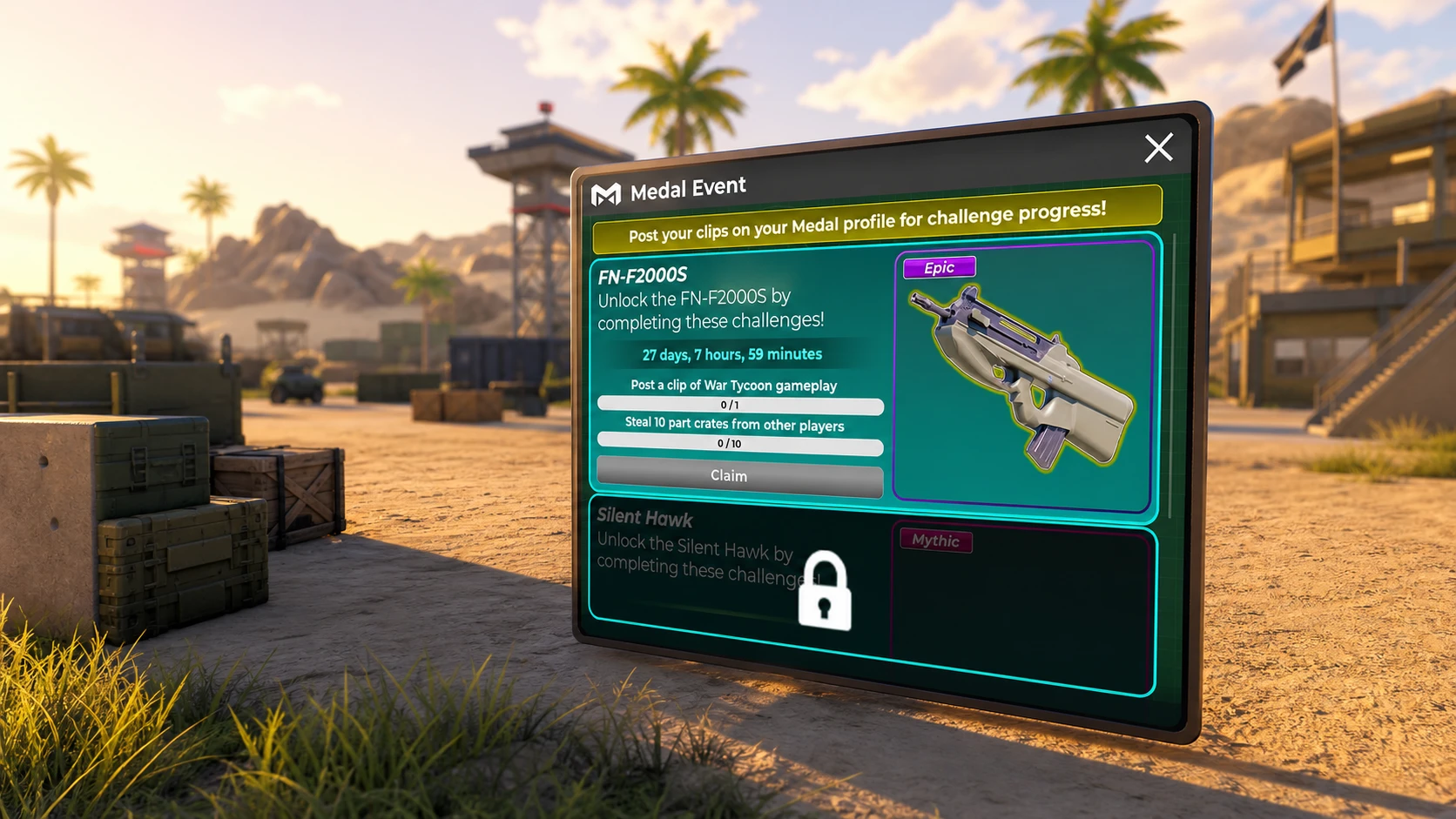
War Tycoon is running its third Medal collaboration, a roughly three-month event that hands out limited gear for finishing short quests tied to the Medal clipping app. The event went live on 16 May 2026 and includes three separate limiteds, each locked behind its own challenge. Right now the rewards on offer are the Eitan AFV, the F2000S PDW, and the Silent Hawk.
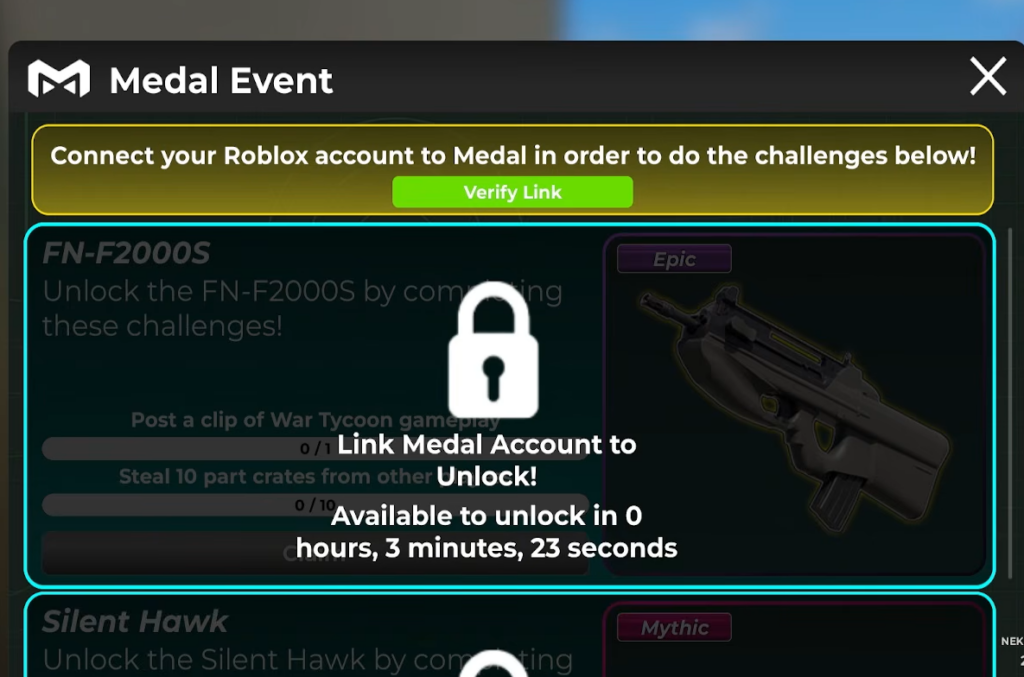
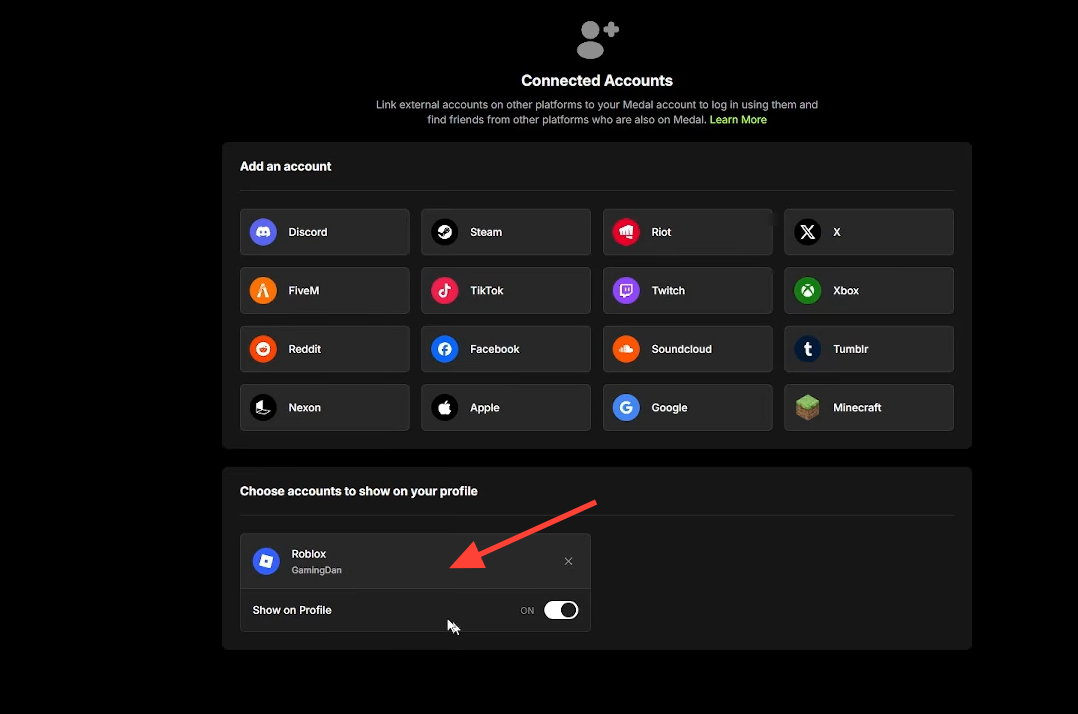
Quick answer: Link your Roblox account to Medal, record a clip of War Tycoon with the F8 capture key, complete the small in-game task for the challenge you want, then claim the limited from the pop-up prompt. If the Claim button shows a Robux price instead of awarding the item, your account is not properly connected.
What you need before starting the Medal quest
Unlike older War Tycoon unlocks, these quests are not gated behind a high Rebirth level. Any player can take part regardless of progress. What matters is that the Medal connection is set up correctly before you try to claim anything.
- The Medal app installed on the device you play on.
- Your Roblox account connected to Medal through the official site at medal.tv.
- A fresh Medal account that has not already completed the same quest, since each quest only pays out once per linked account.
The three Medal event limiteds
Each limited is tied to its own challenge, so you can work through them one at a time. Every challenge keeps the format simple, requiring a Medal clip plus one in-game action.
| Limited reward | Type | How to unlock |
|---|---|---|
| Eitan AFV | Vehicle | Post a Medal clip and finish that challenge’s in-game requirement |
| F2000S PDW | Weapon | Post a Medal clip and finish that challenge’s in-game requirement |
| Silent Hawk | Vehicle | Post a Medal clip and finish that challenge’s in-game requirement |
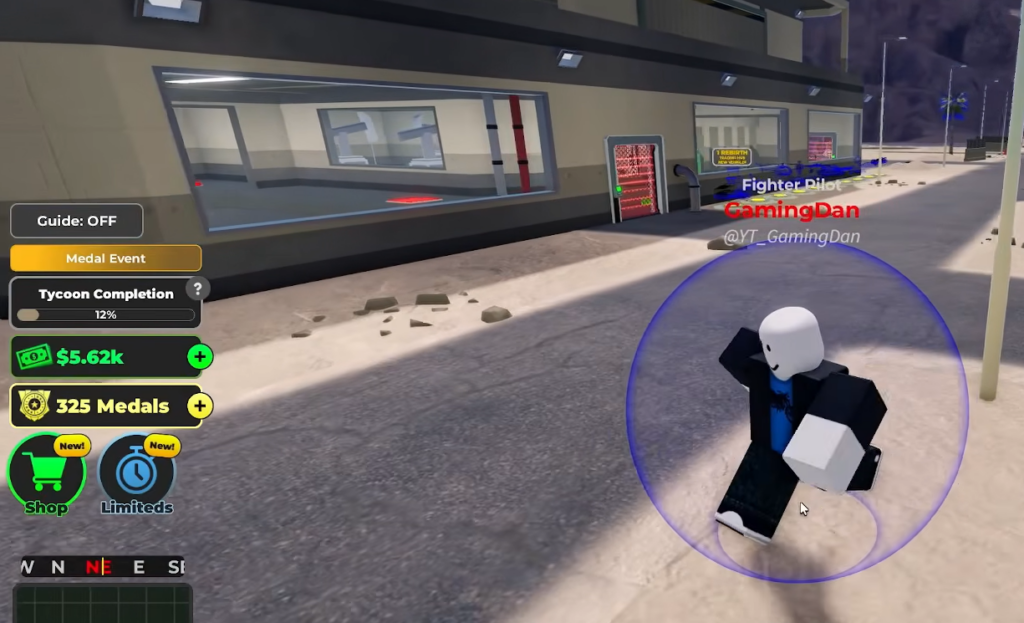
How to complete a Medal challenge
How to confirm the claim worked
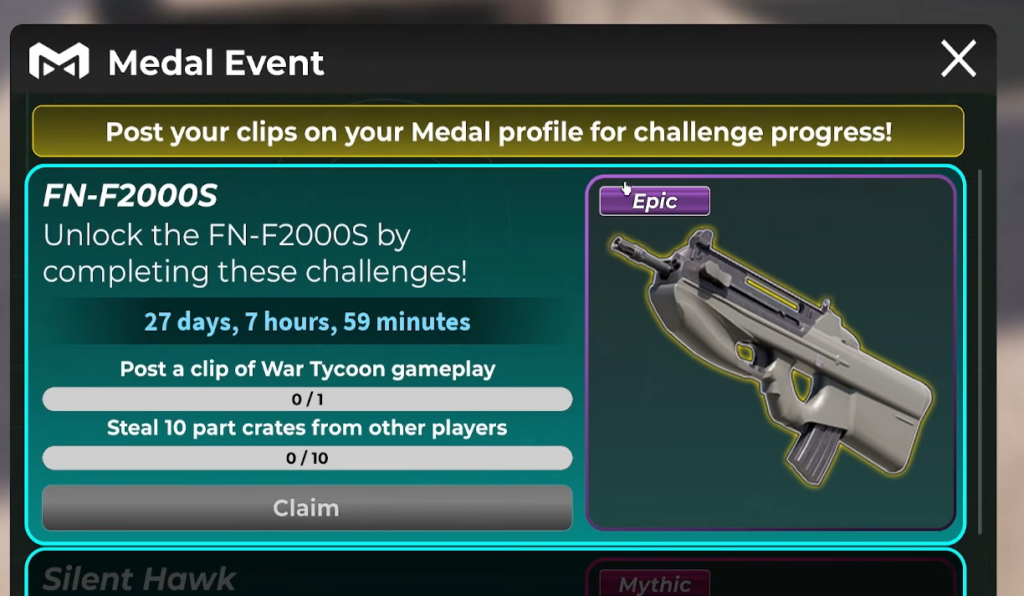
When both requirements are met and your account is linked, the in-game GUI lets you claim the reward for free, and the limited drops straight into your inventory. Seeing the item appear in your inventory is the only confirmation you need.
Always check your Medal link before pressing Claim. If your account is not connected, or it is connected to a Medal account that already finished the quest, the game will not award the item. Instead, the Claim button turns into a Robux purchase button, which means you can no longer get the limited for free.
Why the quest does not complete
- Roblox account is not linked to Medal, so the clip never registers against your progress.
- The connected Medal account already cleared that quest, leaving only the Robux option.
- Only one of the two halves is done. You need both the posted clip and the in-game task.
- The game has not refreshed your status. Leave and rejoin to force the prompt to appear.
Because this is a limited-time event with three separate windows, finish each challenge as soon as you can rather than leaving them until the collab ends. Sort out the Medal link first, keep your clips tied to the correct account, and each of the three limiteds is a quick claim from there.