
Missing access to the Microsoft Store on Windows 11 means you can’t easily download or update essential apps, including system utilities like Calculator and Snipping Tool. When the Store app is absent—whether after an upgrade, a new PC setup, or a problematic update—standard links to Microsoft Store pages will fail, and attempts to install apps through the web will prompt errors stating that a required app is missing. Addressing this issue restores normal app installation and update functionality, saving time and frustration.
Restore Microsoft Store Using the Xbox App
Apps section, and check under Installed Apps to confirm that Microsoft Store has returned.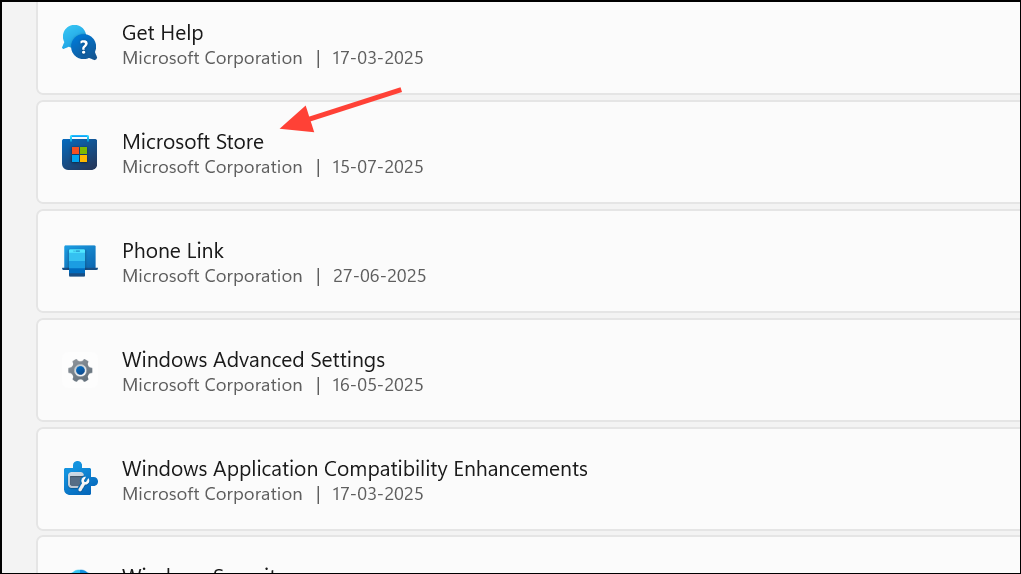
Reinstall Microsoft Store Using PowerShell
Start button and select Windows Terminal (Admin) or Powershell (Admin). Approve the User Account Control prompt.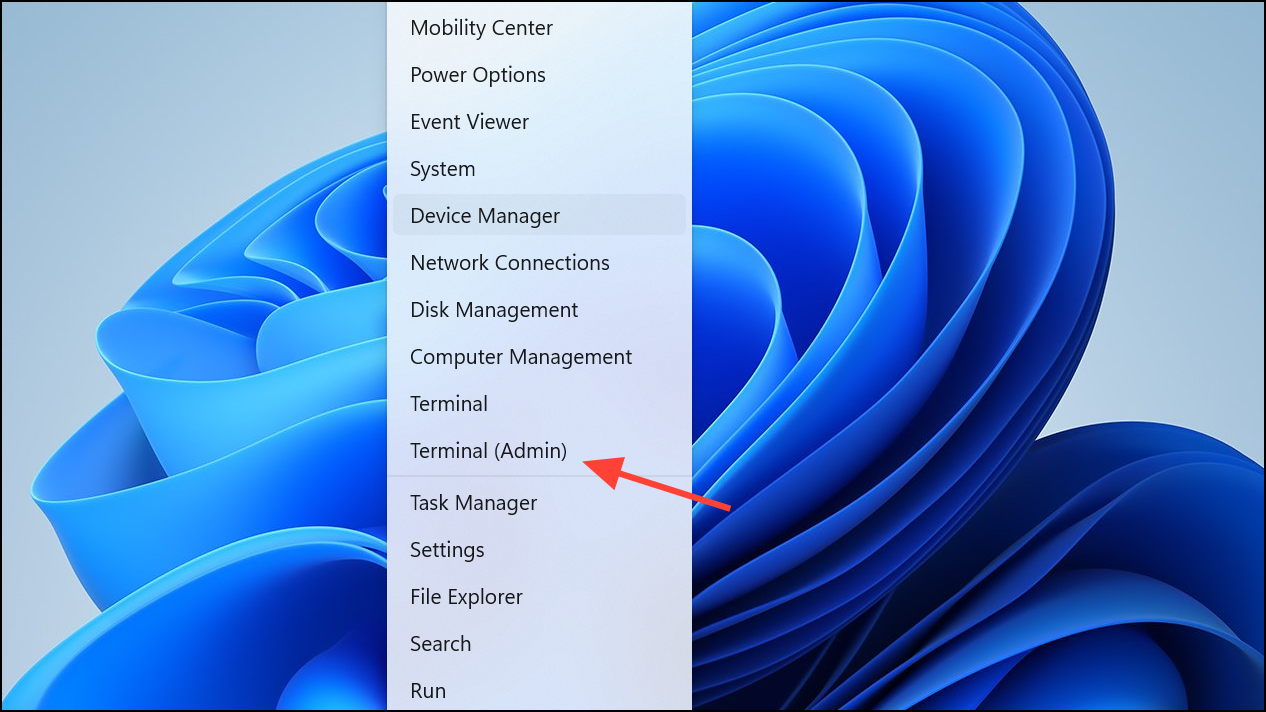
Get-AppxPackage -AllUsers Microsoft.WindowsStore* | Foreach {Add-AppxPackage -DisableDevelopmentMode -Register "$($_.InstallLocation)\AppXManifest.xml"}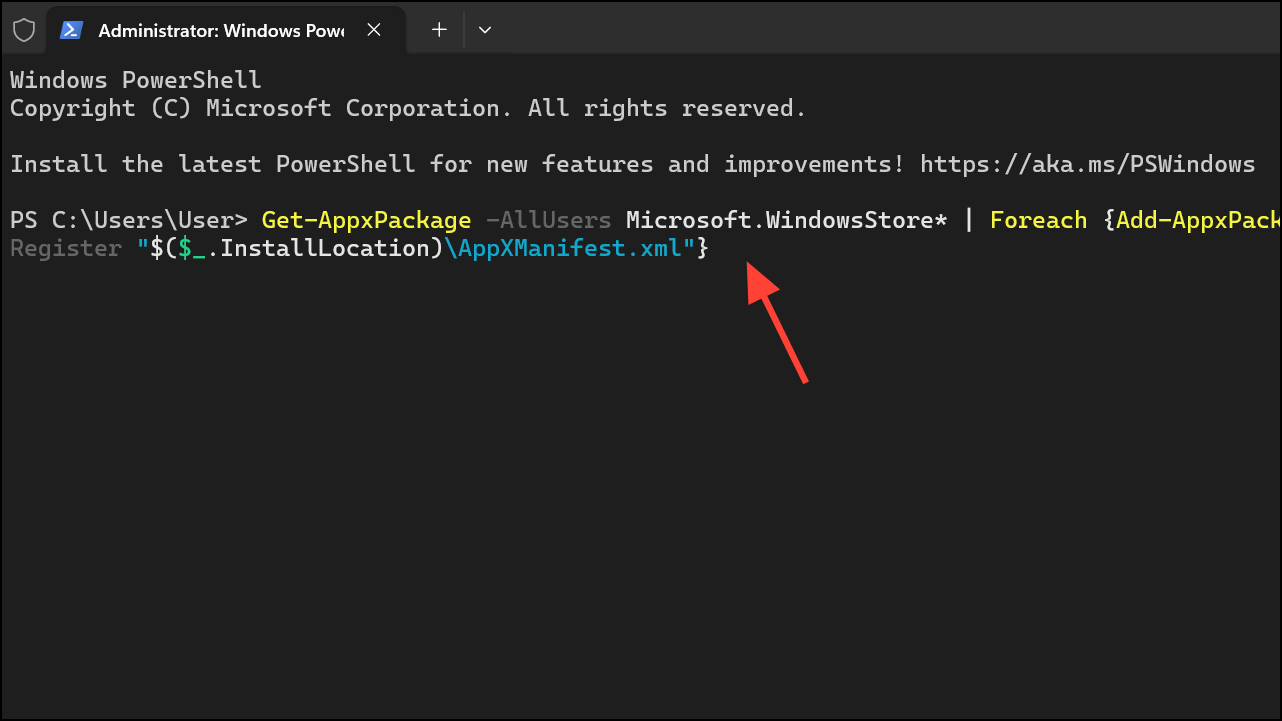
This command searches for the Microsoft Store package and registers it again, which often restores the missing app.
Microsoft.Windows.ShellExperienceHost), try closing open apps or restarting Windows in Safe Mode before repeating the command.Reset the Microsoft Store Cache
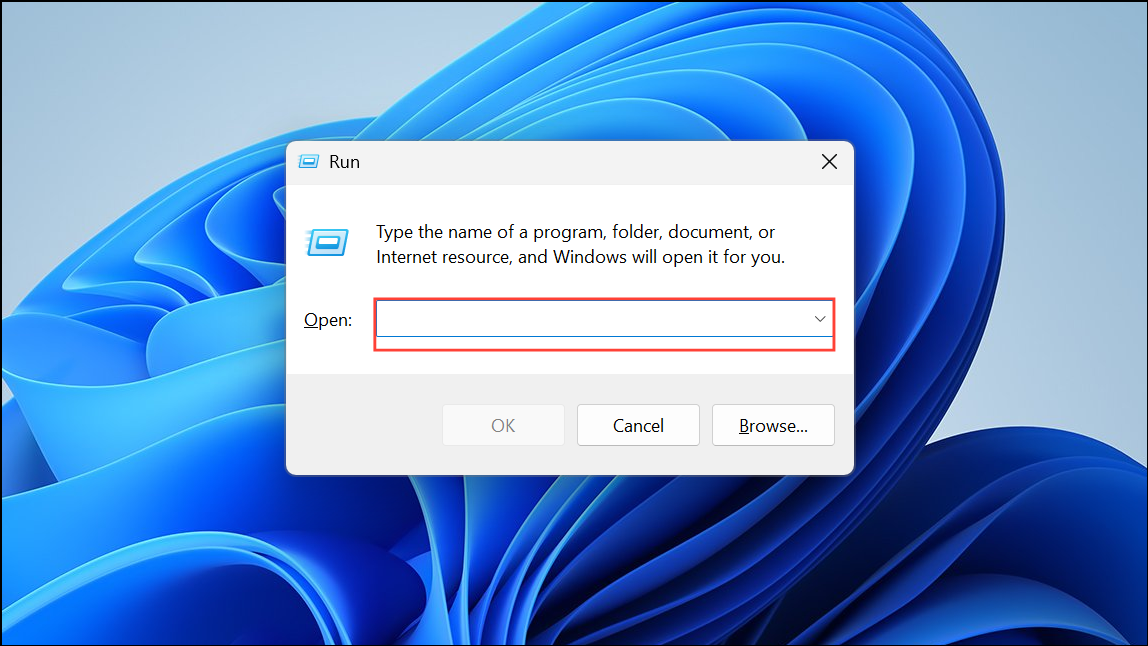
wsreset.exe and press Enter. A blank Command Prompt window will appear for several seconds, then close automatically.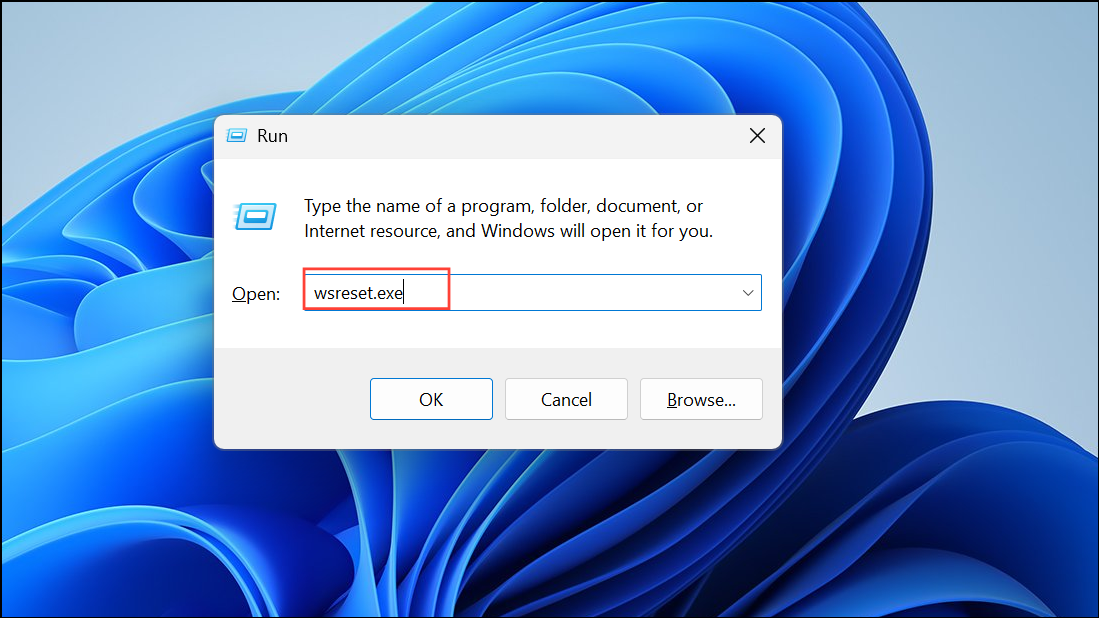
Additional Tips and Troubleshooting
- Ensure Windows 11 is fully updated by visiting
Settings > Windows Updateand installing any pending updates. - If PowerShell commands fail with errors about files in use, restart your PC and try again, or use Safe Mode to minimize running processes.
- If all methods fail and the Store remains missing, consider contacting Microsoft support or, if possible, performing a repair install of Windows 11 to restore system apps without deleting personal files.
Restoring the Microsoft Store on Windows 11 lets you download and update apps as intended, resolving installation roadblocks and streamlining your workflow.



