
Program Compatibility Assistant in Windows 11 displays the message, “This module is blocked from loading into the Local Security Authority,” when certain DLLs—most commonly mdnsNSP.dll from Apple’s Bonjour service—attempt to load into the LSA process. This error appears more frequently since Windows 11 version 24H2, where LSA protection is enabled by default to prevent untrusted modules from accessing sensitive authentication data.
Uninstall Bonjour and Related Apple Software
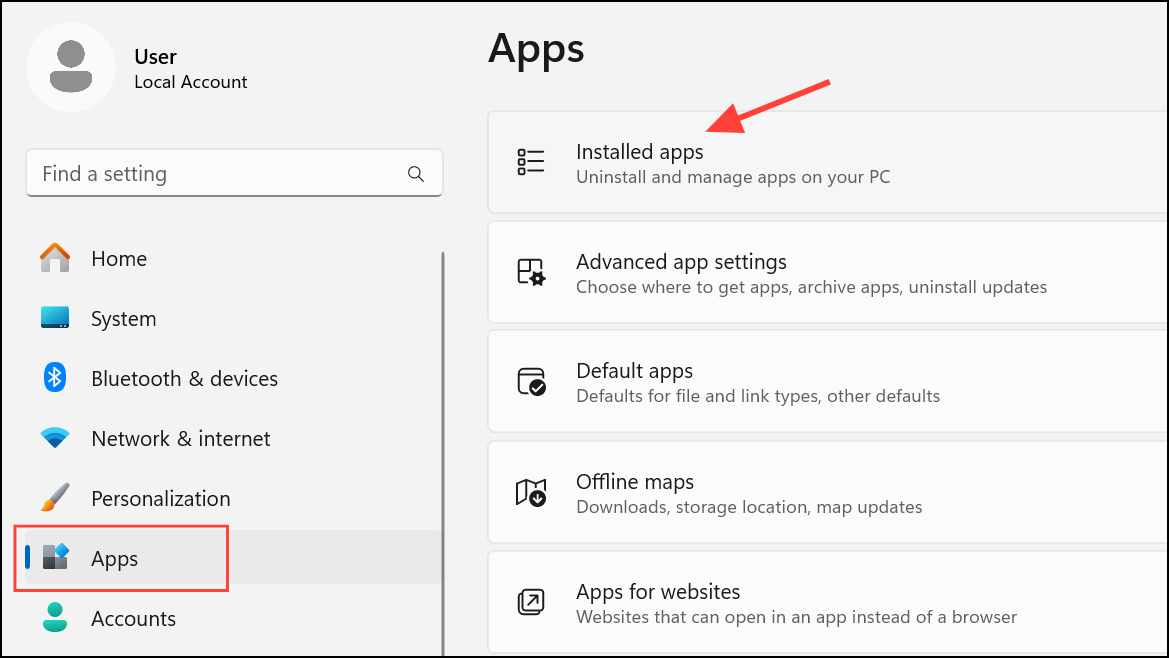
Uninstall. This removes the background service responsible for the error.Disable Bonjour Service Without Full Uninstallation
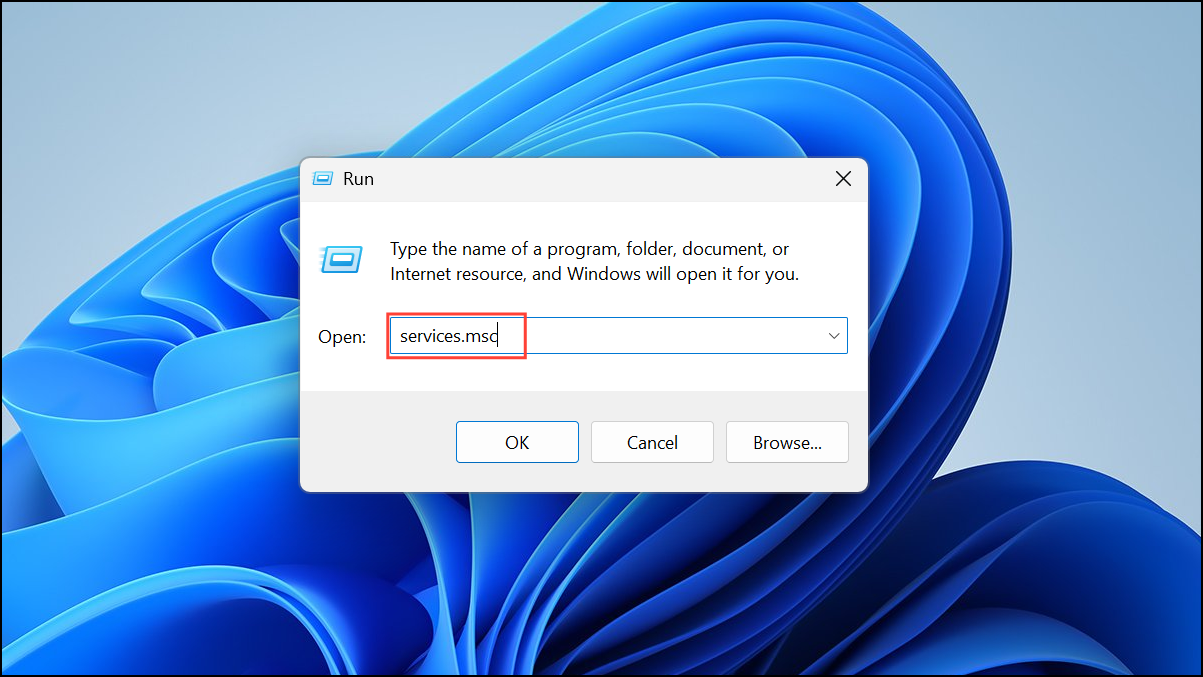
Properties, and set the Startup type to Disabled. Click Stop if the service is running, then click OK. This stops Bonjour from running in the background and attempting to load into LSA.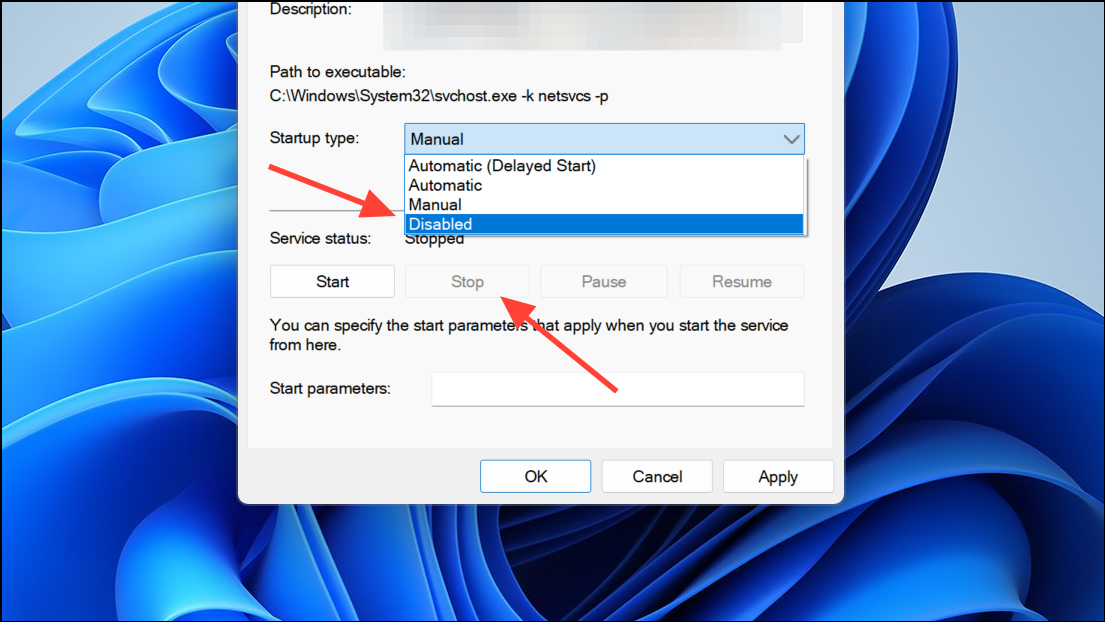
Remove Bonjour’s DLL from Network Provider List (Advanced)
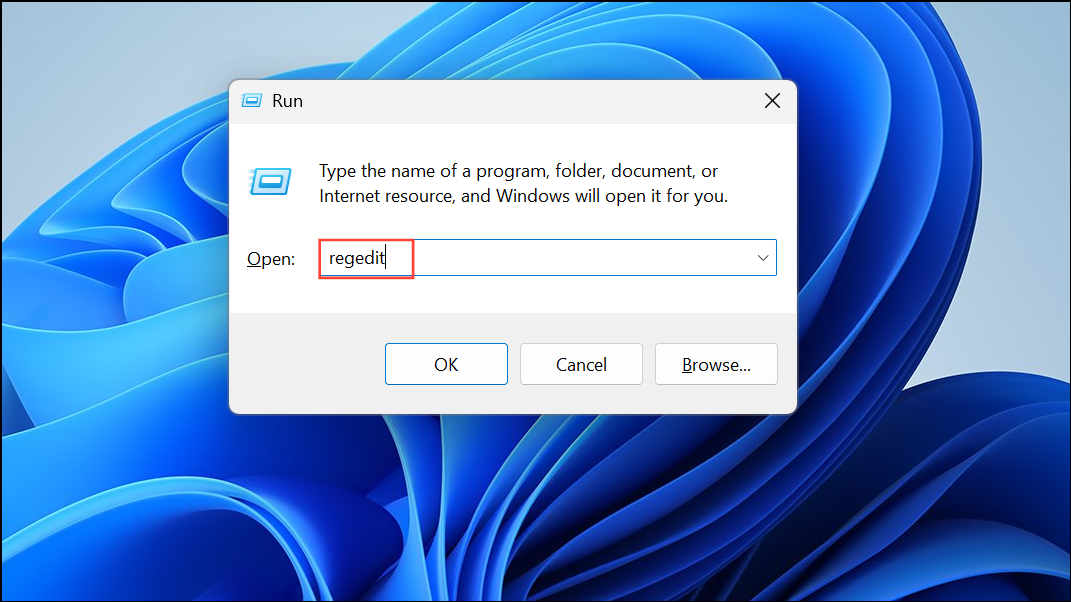
HKEY_LOCAL_MACHINE\SYSTEM\CurrentControlSet\Services\Tcpip\Parameters\ and locate the NameSpace_Catalog5 key.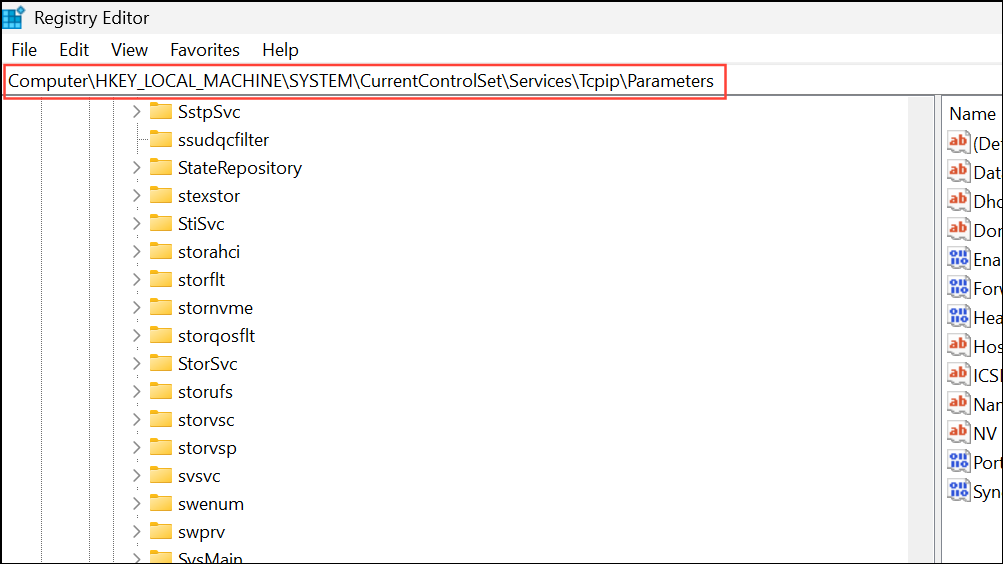
Catalog_Entries, look for entries referencing mdnsNSP.dll. Right-click and delete these entries. Before making changes, export the registry key as a backup in case you need to restore it later.Run System File Checker and DISM (For General DLL Errors)
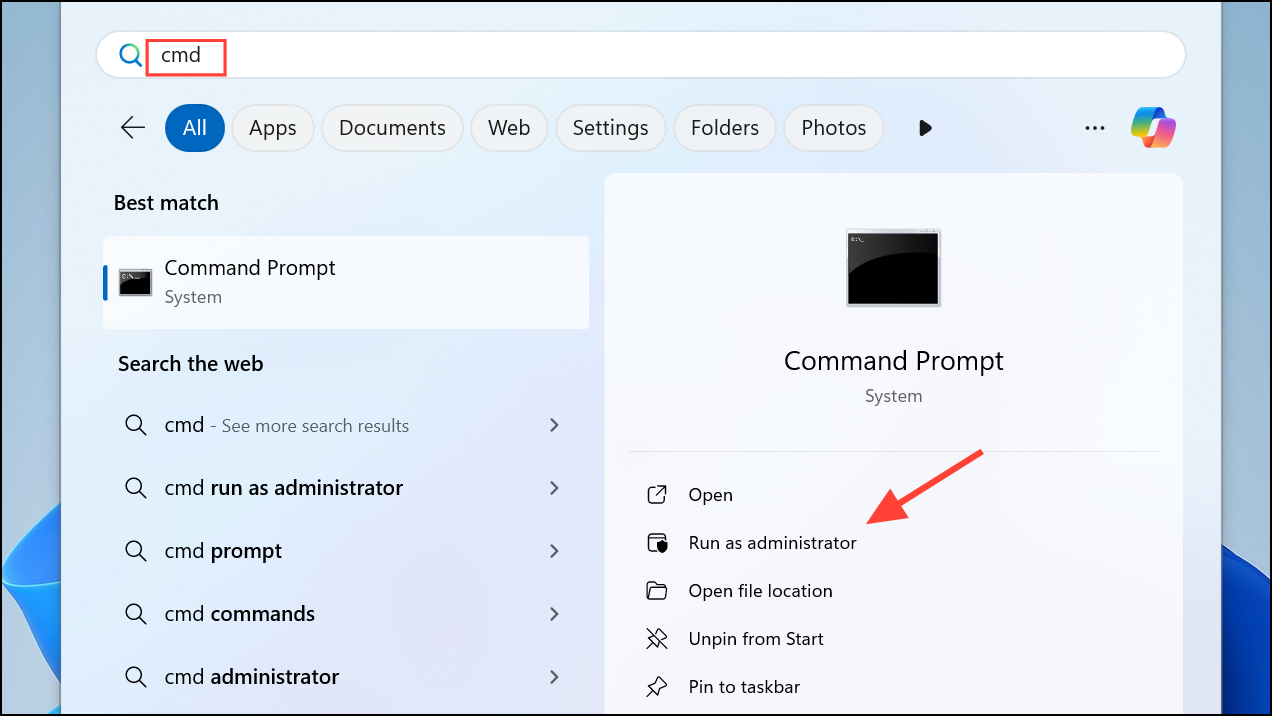
sfc /scannow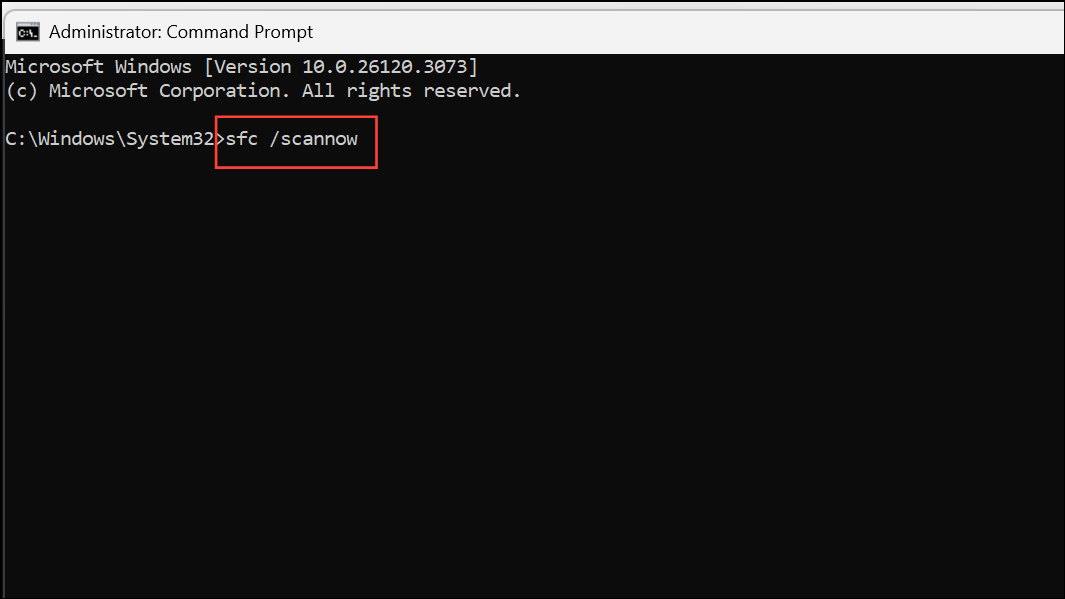
This scans for and repairs corrupted system files that might contribute to DLL loading issues.
DISM /Online /Cleanup-Image /RestoreHealth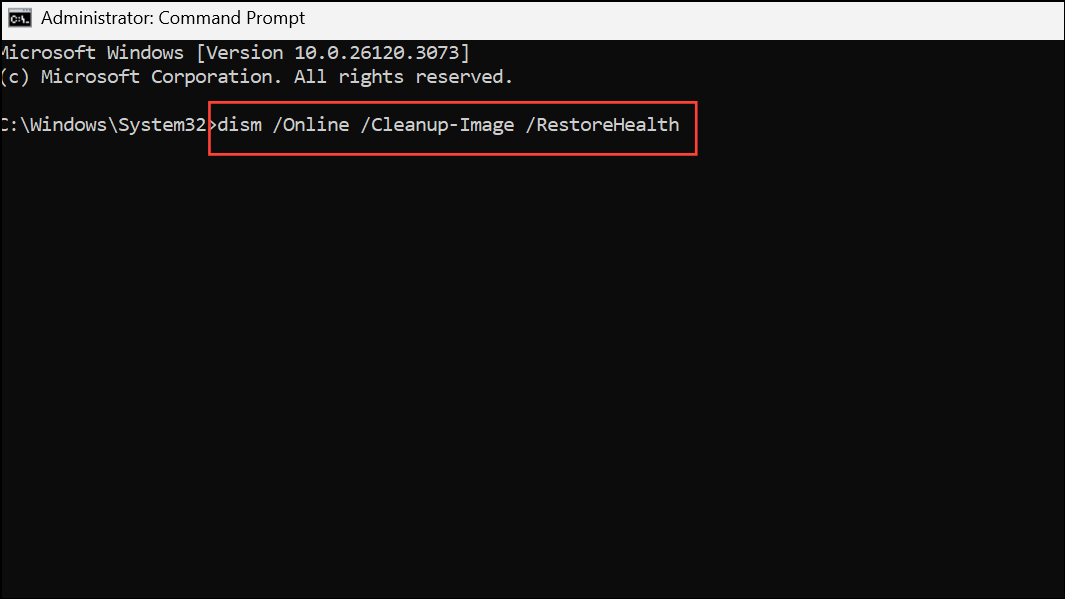
This command checks for deeper system image corruption and attempts to repair it using Windows Update.
Why This Error Occurs
Windows 11’s Local Security Authority (LSA) protection blocks DLLs that are not digitally signed or do not meet Microsoft’s security requirements. mdnsNSP.dll from Bonjour, and similar modules from other third-party software are commonly flagged because they have not been updated to comply with the latest Windows security standards. LSA protection is enabled by default in Windows 11 24H2 and newer, making these prompts more common.
Disabling LSA protection is not recommended, as it weakens system security and exposes sensitive authentication data. Similarly, manually adding DLLs to the LSA security packages list in the registry can create security risks, as it may allow untrusted code to access plaintext credentials.
Alternative Causes and Other DLLs
Other software, such as QuickHeal Antivirus or Entrust authentication modules, may also trigger this error if their DLLs are not compliant with LSA requirements. In these cases, uninstalling or updating the problematic software is the safest course of action. Avoid disabling core security features or adding exceptions unless you fully understand the risks.
Removing outdated Bonjour services or disabling their startup resolves the LSA blocking error for most users on Windows 11. If you need Bonjour or iTunes, always use the latest versions and monitor for updates from Apple that address compatibility with Windows security features.



