
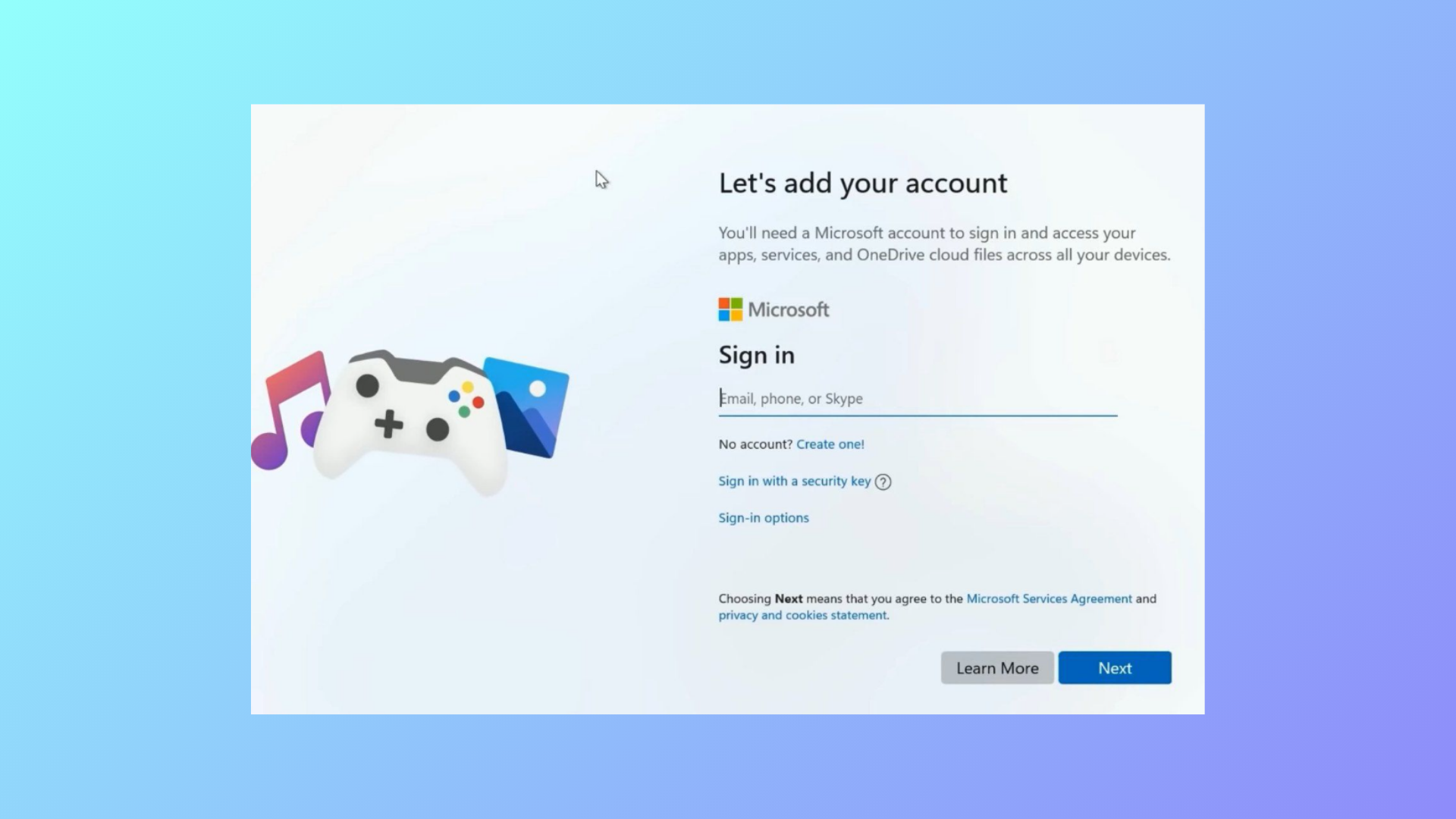
Tiny11, a streamlined version of Windows 11, often blocks progress during installation by requiring a Microsoft account at the “Let’s add your Microsoft account” screen. This requirement can prevent users from completing setup, especially when a local account is preferred. Several practical solutions exist to bypass this obstacle, each with its own advantages depending on your setup environment and Windows 11 build version.
Bypassing the Microsoft Account Requirement by Disconnecting from the Internet
Offline account, Limited experience, or Skip for now. Select the available option to continue without a Microsoft account.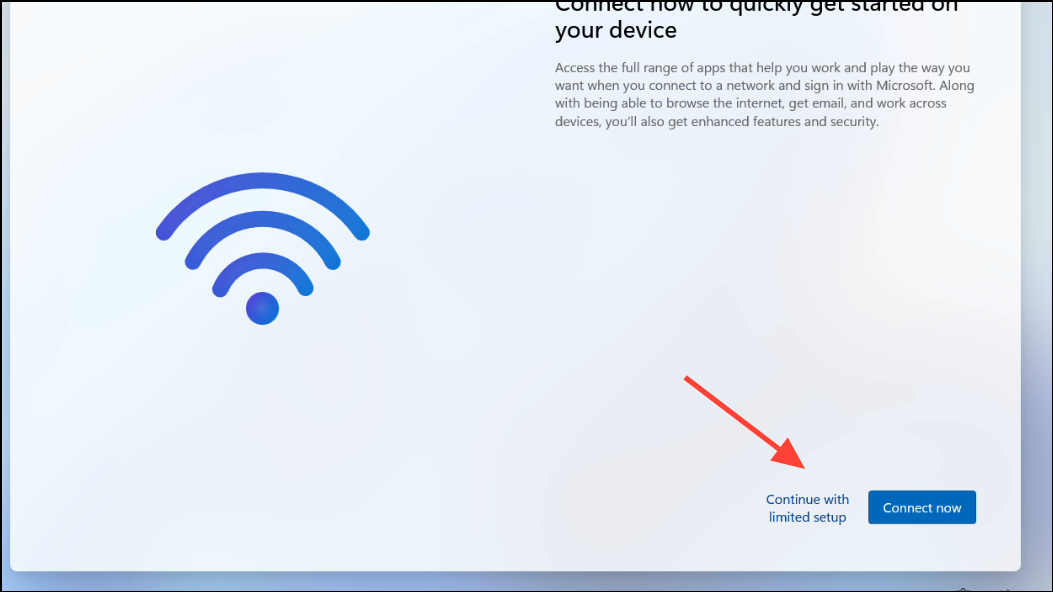
Bypassing Using Command Prompt During Setup
Shift + F10 to open the Command Prompt window. This shortcut works during the Windows setup process and gives you access to system commands.net user Administrator /active:yesThis command enables the Administrator account, which can allow you to continue setup without a Microsoft account.
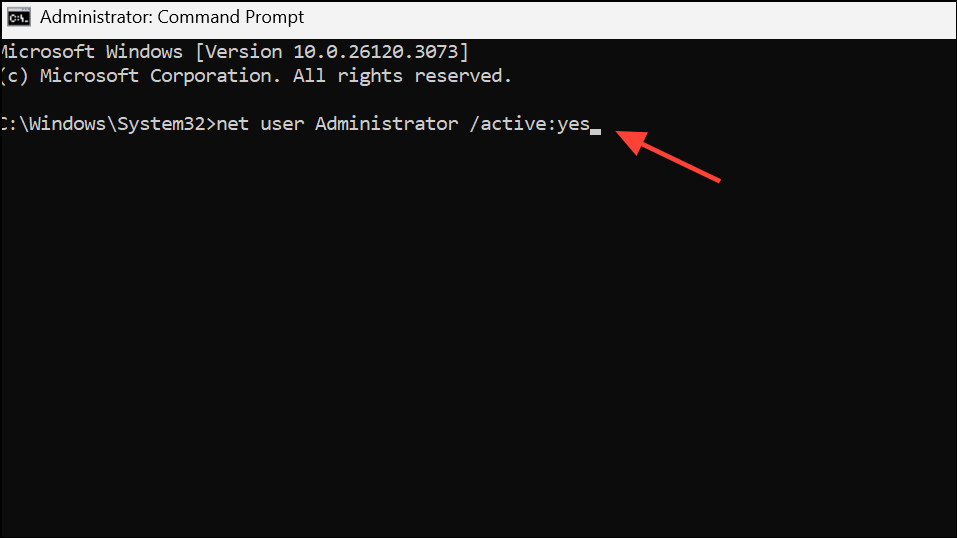
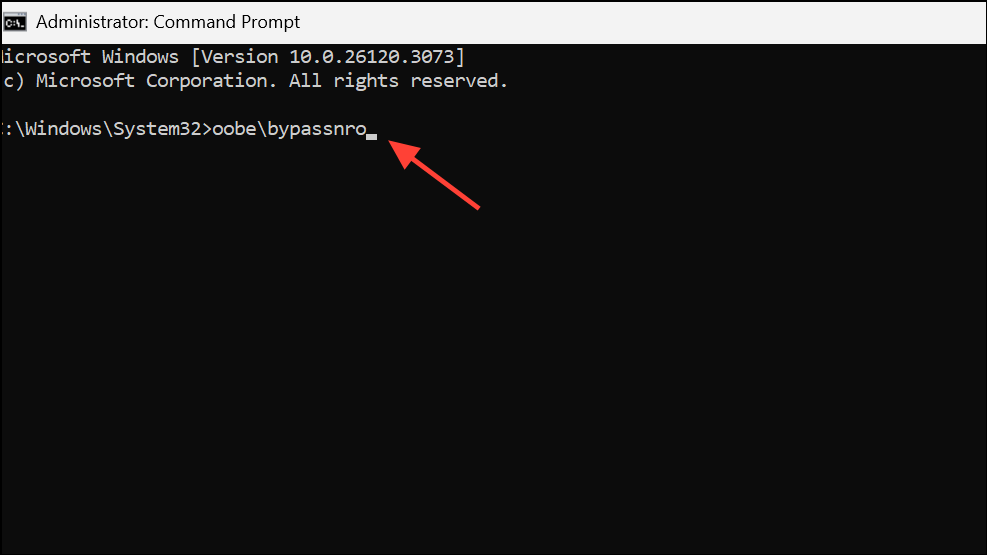
Restart.Alternatively, you can use the following command in Command Prompt to directly trigger the bypass for the network requirement:
oobe\bypassnroThis command restarts the system and, on reboot, typically allows you to select “I don’t have internet” or “Limited setup,” leading to local account creation. Ensure you use the correct backslash (\) in the command, as a forward slash will not work.
Bypassing by Entering Invalid Account Information
[email protected] or [email protected]) and any password.Disabling Network Adapters via Command Prompt
netsh interface set interface "Wi-Fi" disable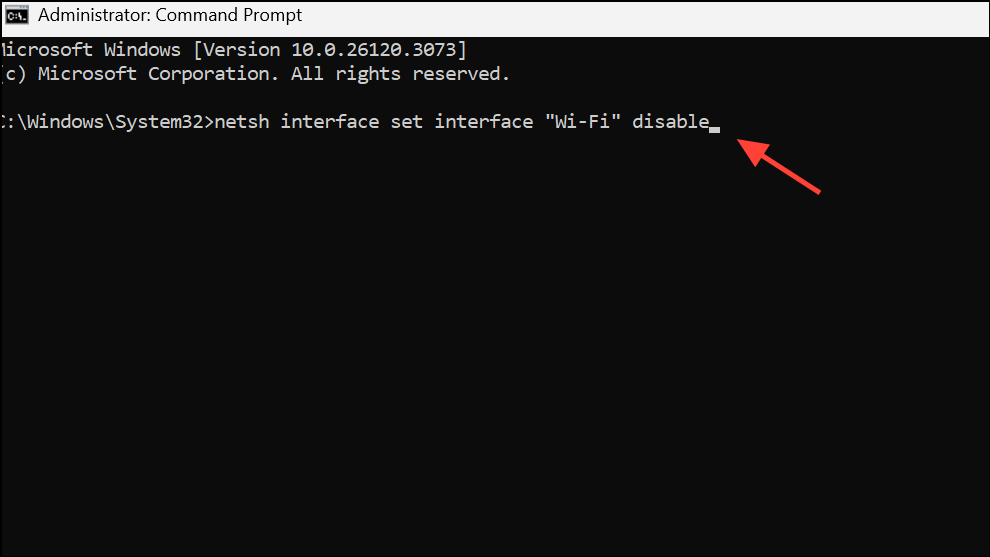
For Ethernet, replace "Wi-Fi" with "Ethernet". This command disconnects the device from the network without needing to physically unplug cables or turn off routers.
Alt + Tab) and look for an option like “Other sign-in options” or “I don’t have internet.” This should now be available, allowing you to proceed with local account setup.netsh interface set interface "Wi-Fi" enable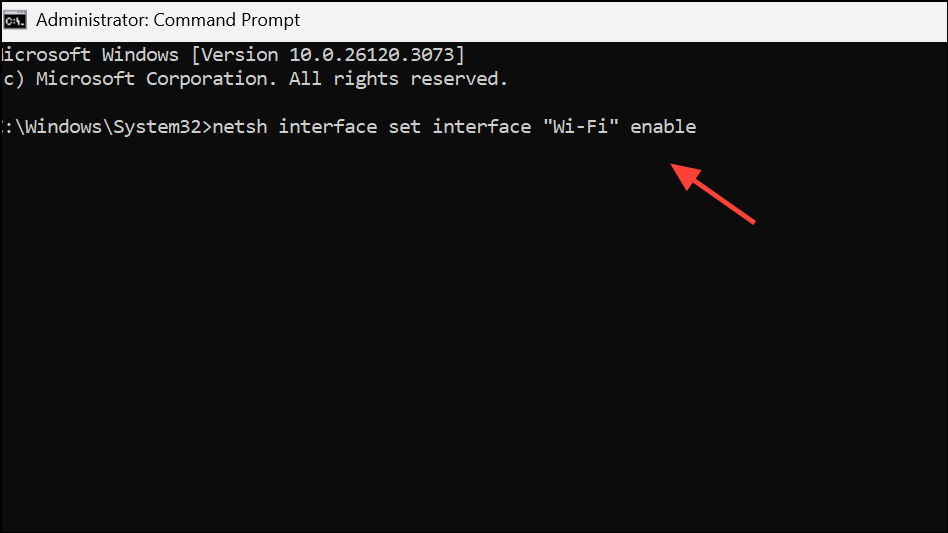
Continue with the rest of the setup as prompted.
Editing the Windows Registry to Force Local Account Option
Shift + F10 to open Command Prompt, then type regedit and press Enter to launch the Registry Editor.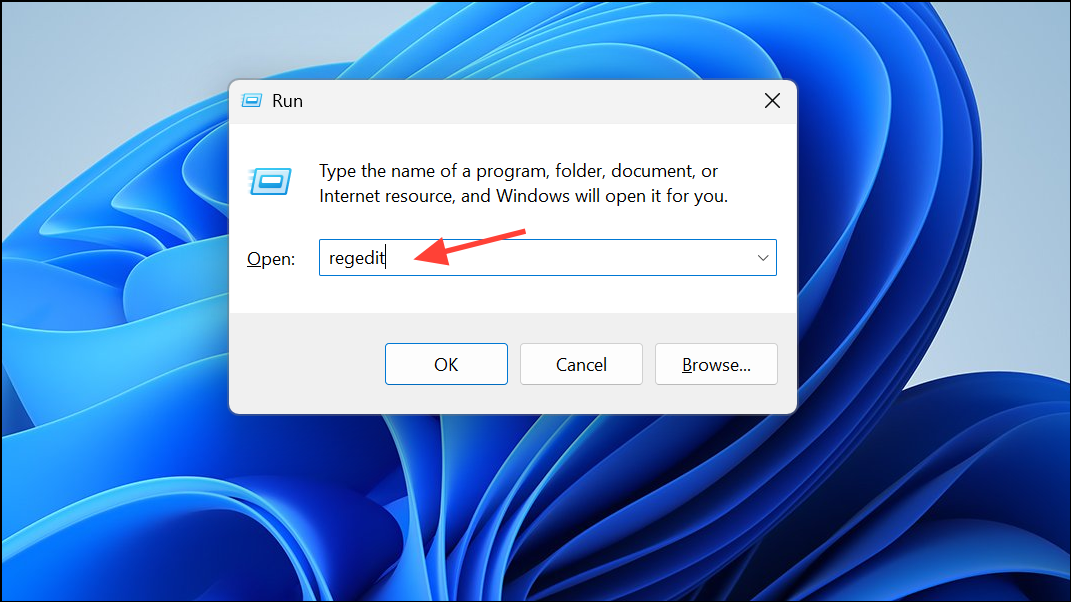
HKEY_LOCAL_MACHINE\SYSTEM\Setup\OOBEIf the OOBE key does not exist, right-click on the Setup folder, select New > Key, and name it OOBE.
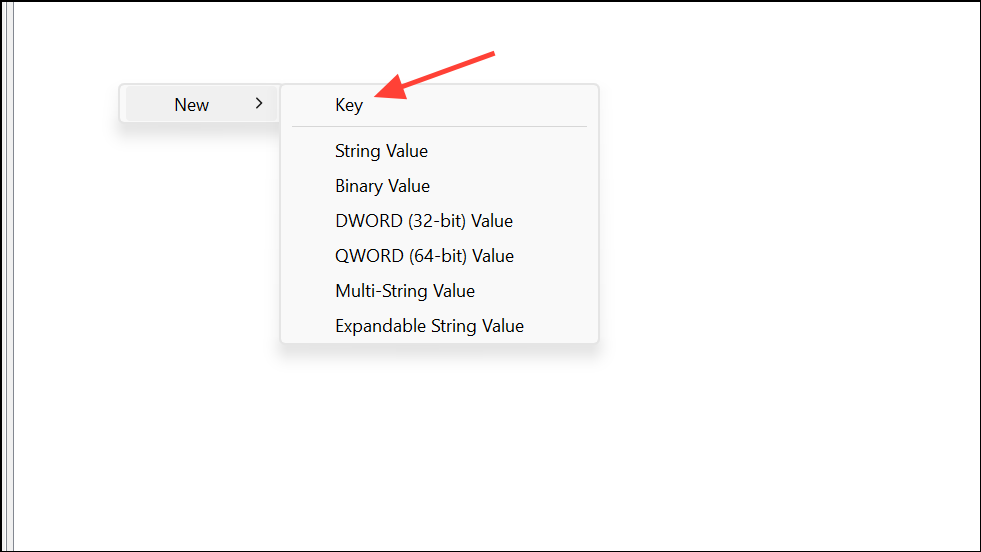
OOBE key, select New > DWORD (32-bit) Value, and name it ByPassNRO.ByPassNRO and set its value to 1. Close Registry Editor and Command Prompt, and restart your device. After rebooting, the setup should offer the option to create a local account.These methods allow you to move past the Microsoft account requirement in Tiny11 setup, giving you the flexibility to use a local account and complete installation efficiently. If one method does not work due to a specific Windows build, try another approach from the list above.



