
Update error 0x80240016 interrupts the Windows 11 update process, often halting security patches or feature installations. This error typically stems from corrupted update files, system file issues, or interference from security software. Addressing the problem promptly restores your system’s ability to receive critical updates and keeps your device secure and reliable.
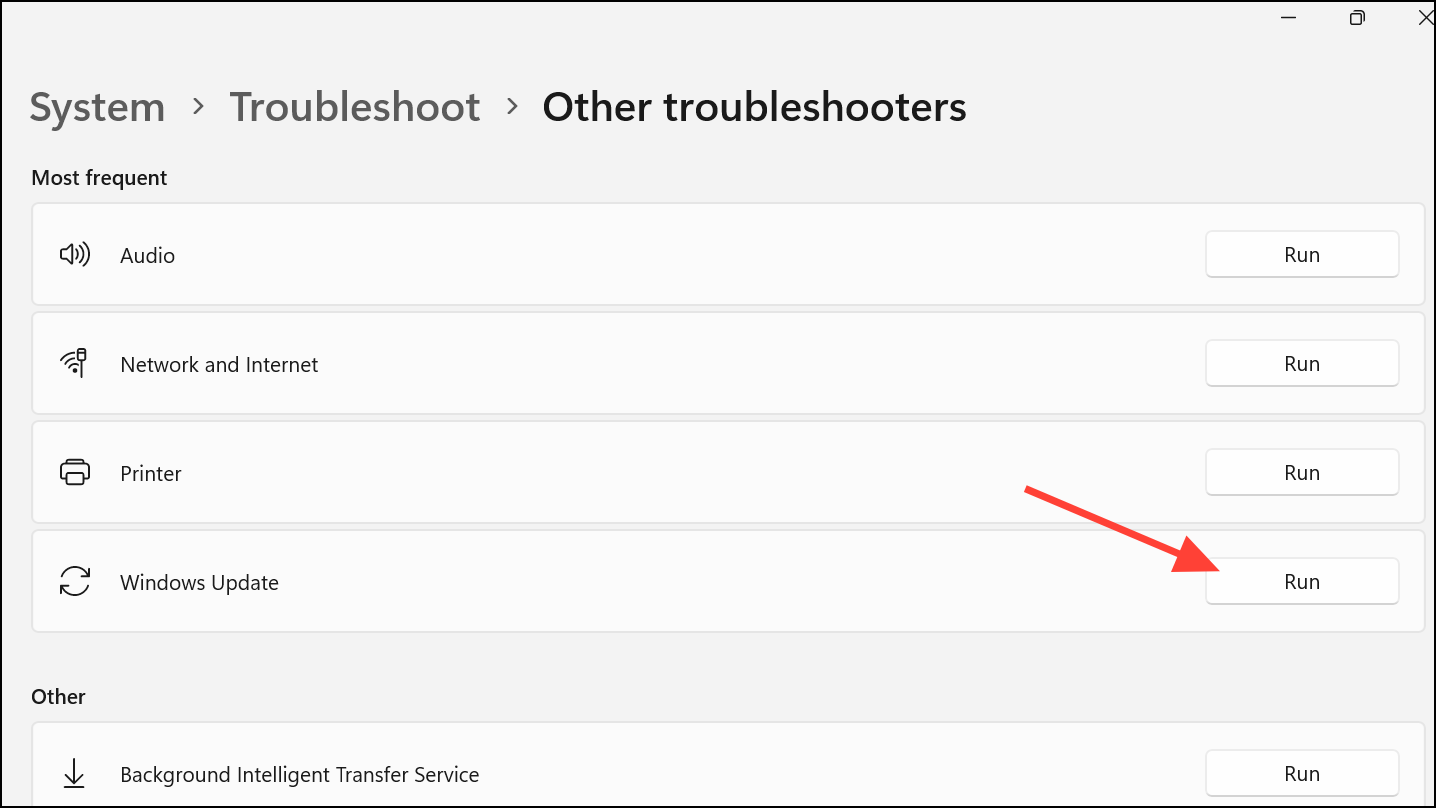
Run the Windows Update Troubleshooter
Windows + I. Navigate to System, then select Troubleshoot from the sidebar, and choose Other troubleshooters.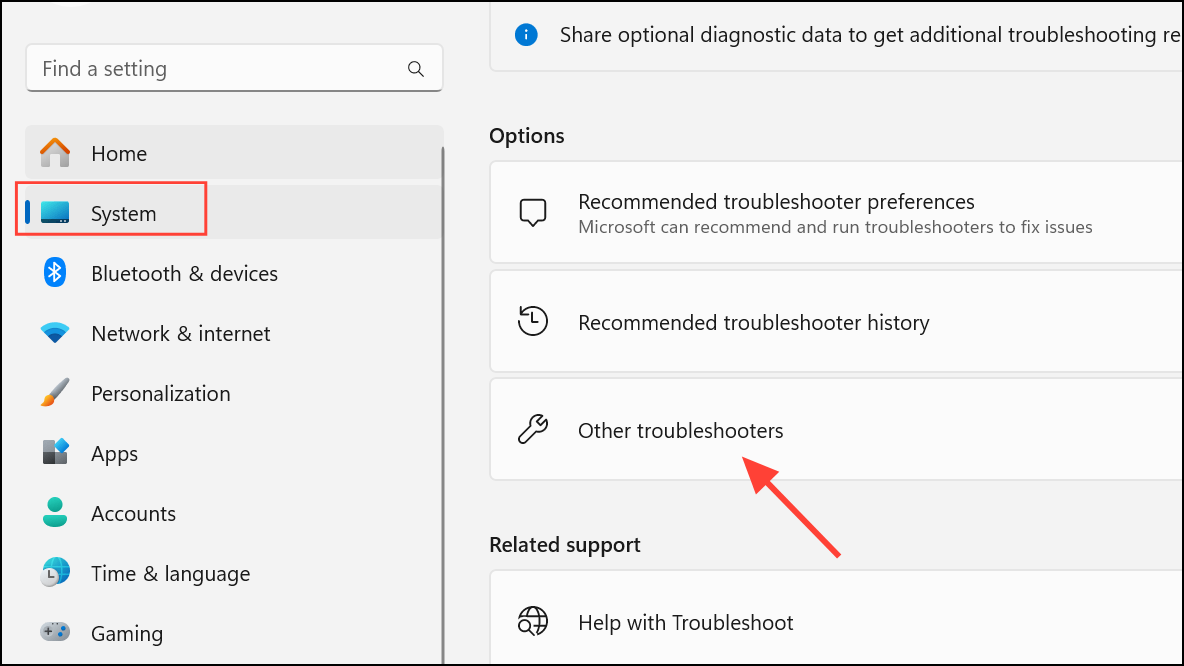
Reset Windows Update Components
Resetting the core update services and clearing cached update data often resolves persistent update errors like 0x80240016.
Windows + R, type cmd, then press Ctrl + Shift + Enter to open Command Prompt with administrative privileges.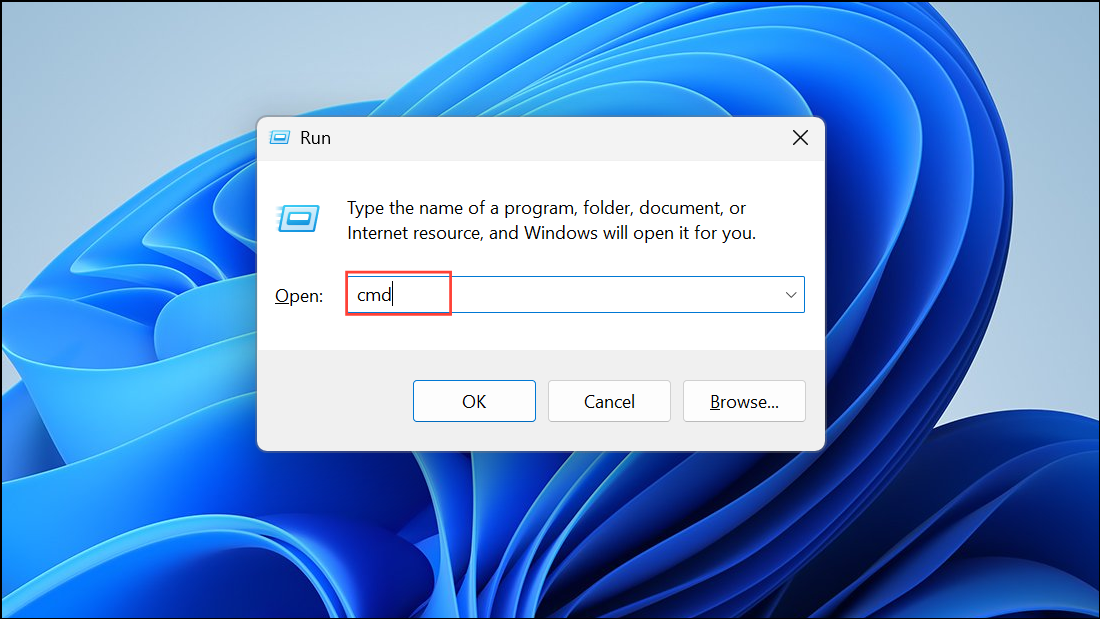
Enter after each to stop update-related services:net stop bits
net stop wuauserv
net stop appidsvc
net stop cryptsvc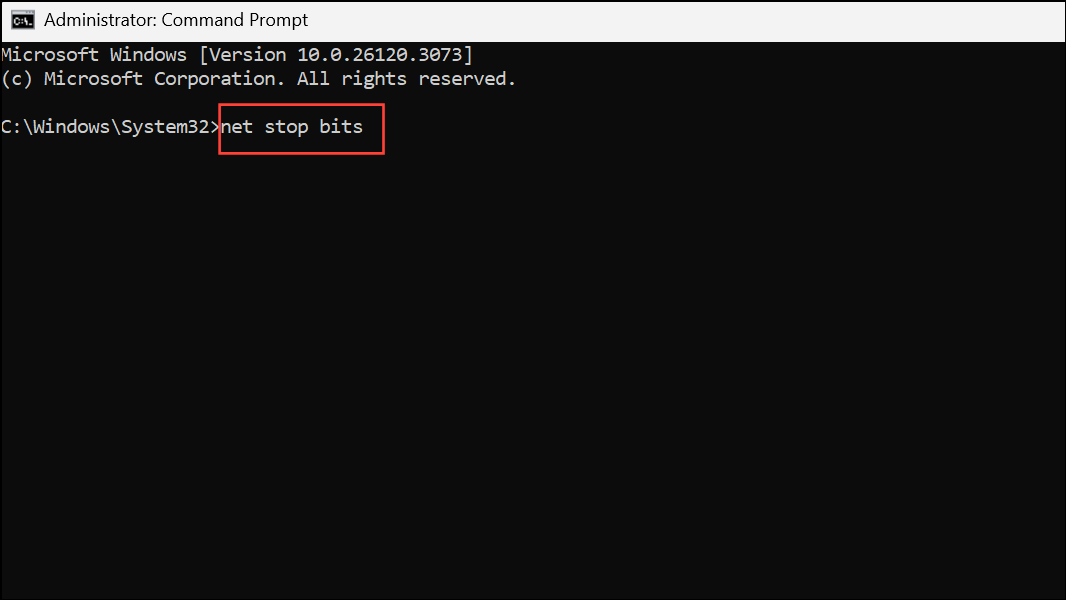
del %ALLUSERSPROFILE%\Application Data\Microsoft\Network\Downloader\*.*
rmdir %systemroot%\SoftwareDistribution /S /Q
rmdir %systemroot%\system32\catroot2 /S /Q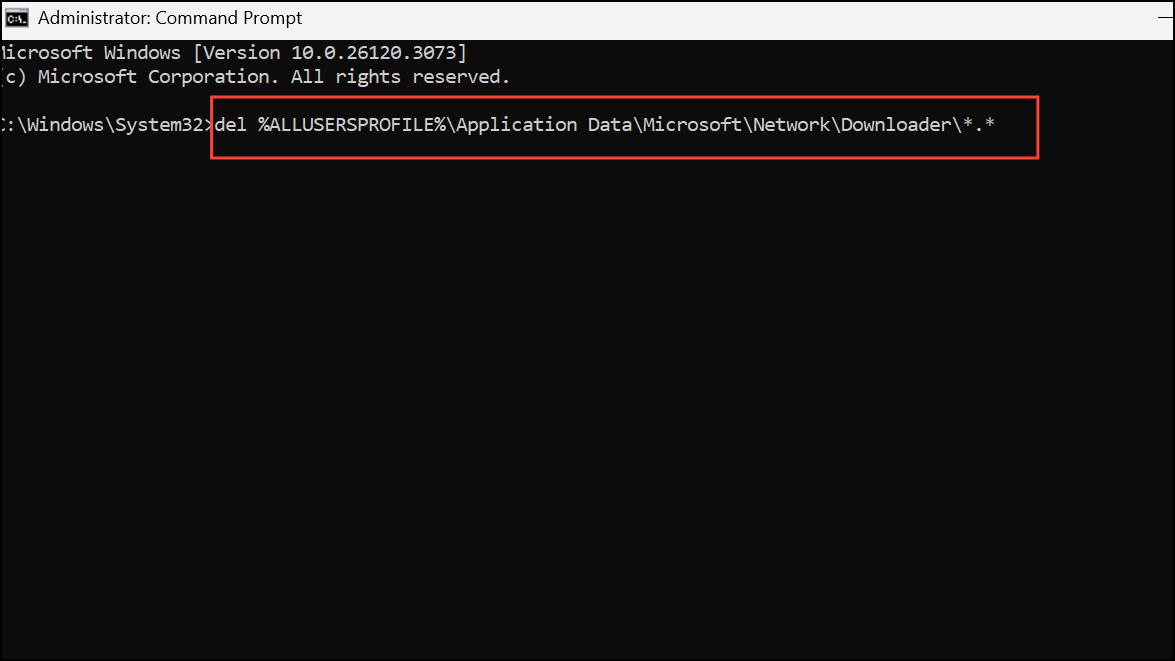
net start bits
net start wuauserv
net start appidsvc
net start cryptsvc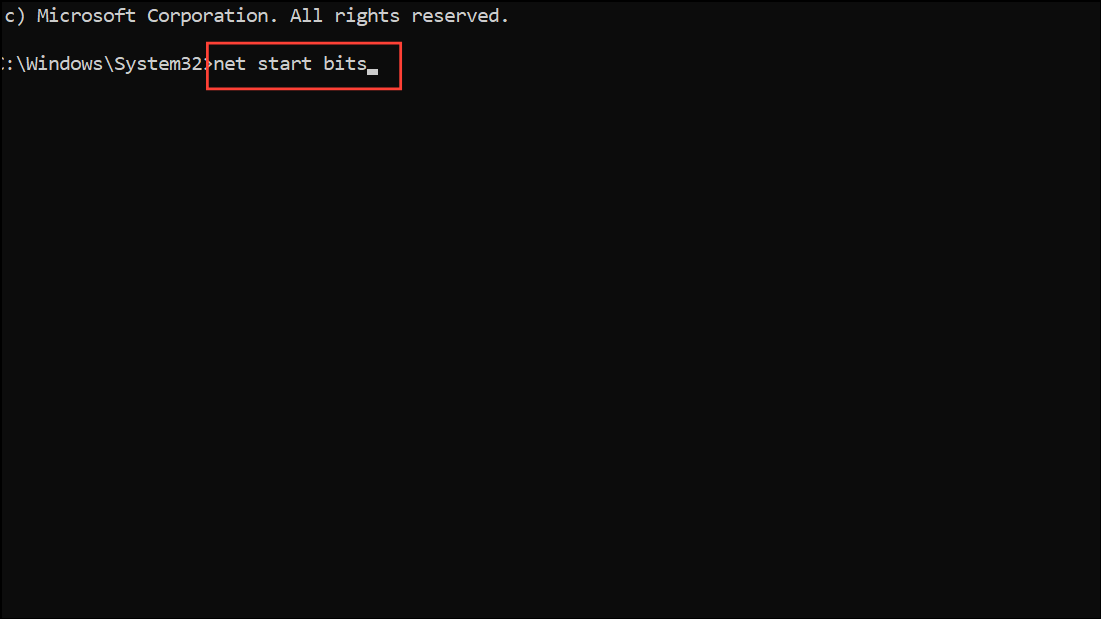
Scan and Repair Corrupted System Files
Corrupted or missing system files can prevent updates from installing correctly. Using built-in tools like System File Checker (SFC) and Deployment Image Servicing and Management (DISM) helps restore critical system components.
Windows + S, search for cmd, right-click, and choose Run as administrator.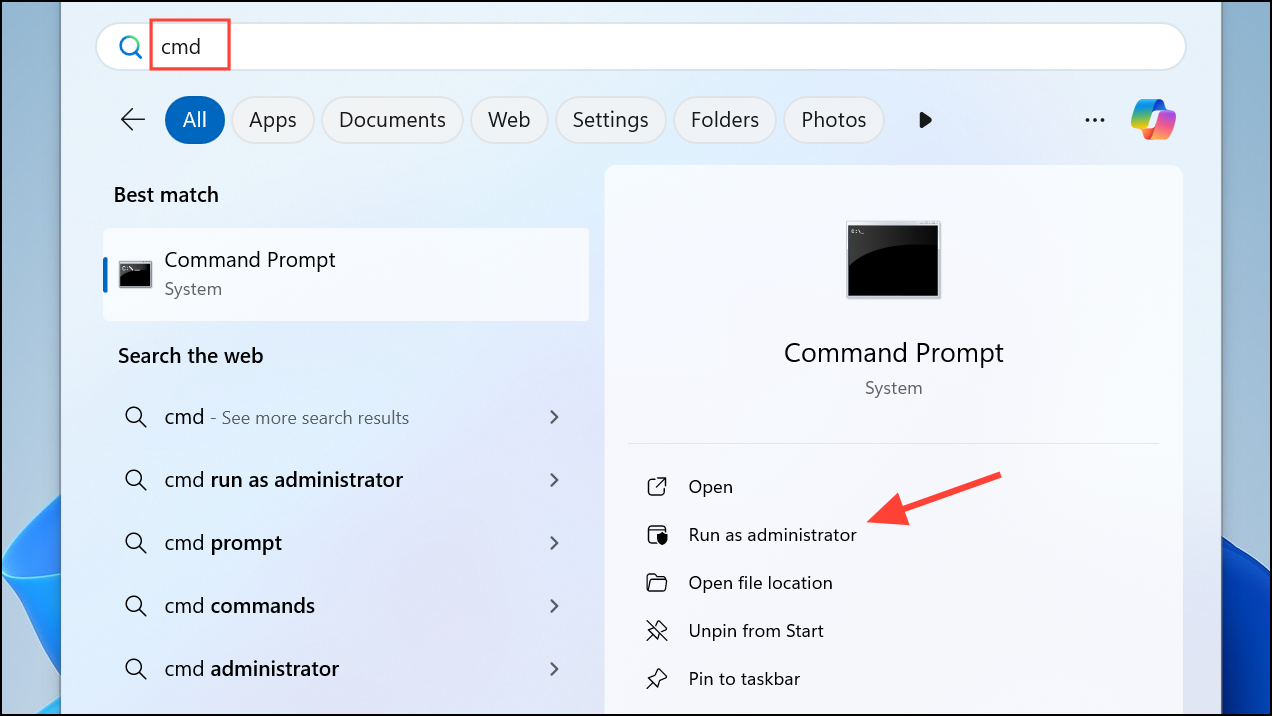
sfc /scannow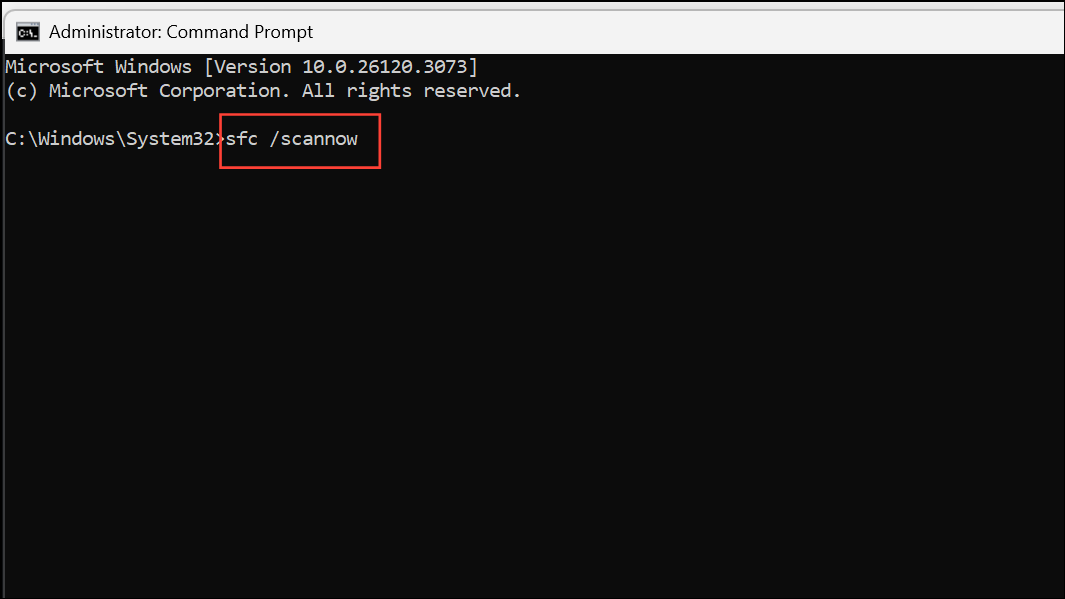
This tool scans and repairs system files. Wait for the process to finish, then restart your PC.
DISM /Online /Cleanup-Image /CheckHealth
DISM /Online /Cleanup-Image /ScanHealth
DISM /Online /Cleanup-Image /RestoreHealth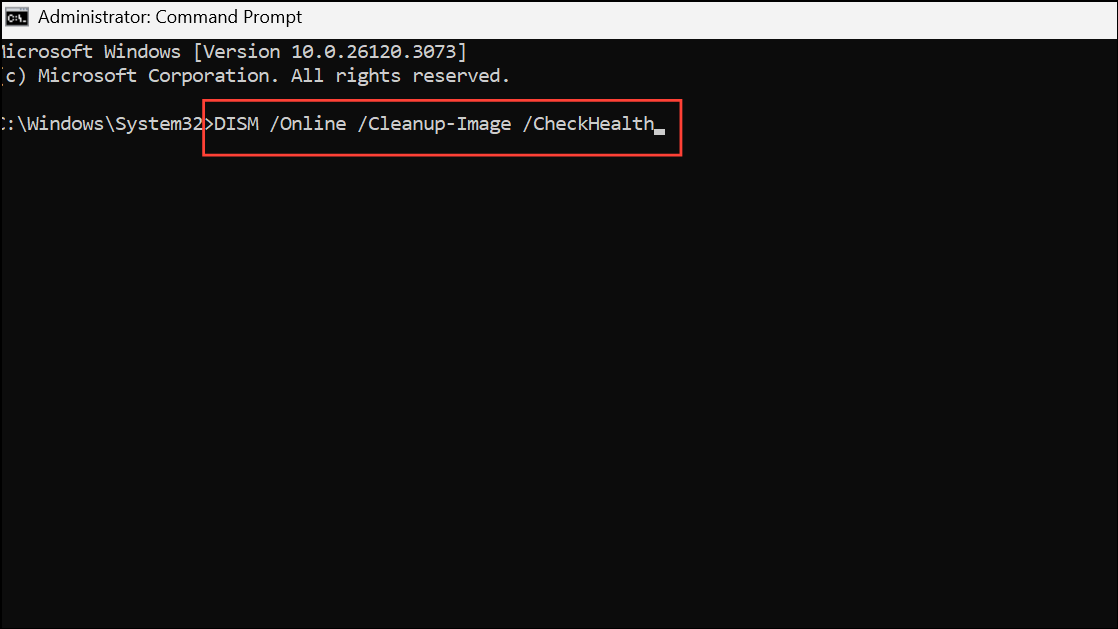
After completion, restart your computer and attempt the update again.
Clear the Windows Update Cache Manually
The SoftwareDistribution folder stores temporary files required for Windows Updates. Corruption here can cause repeated update errors.
net stop wuauserv
net stop bits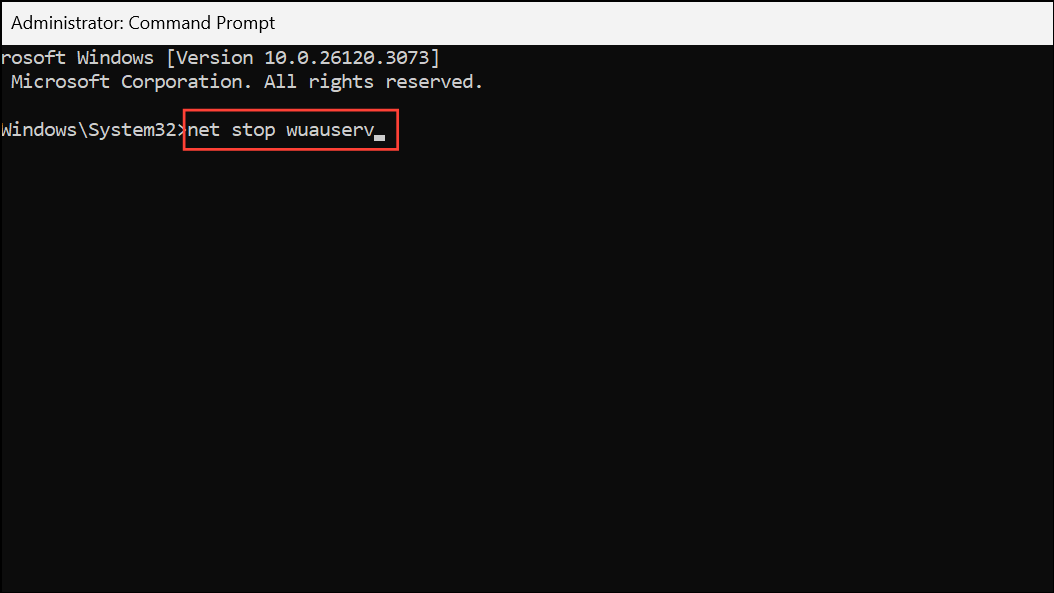
C:\Windows\SoftwareDistribution. Delete all contents inside this folder. If prompted for administrator permission, confirm the action.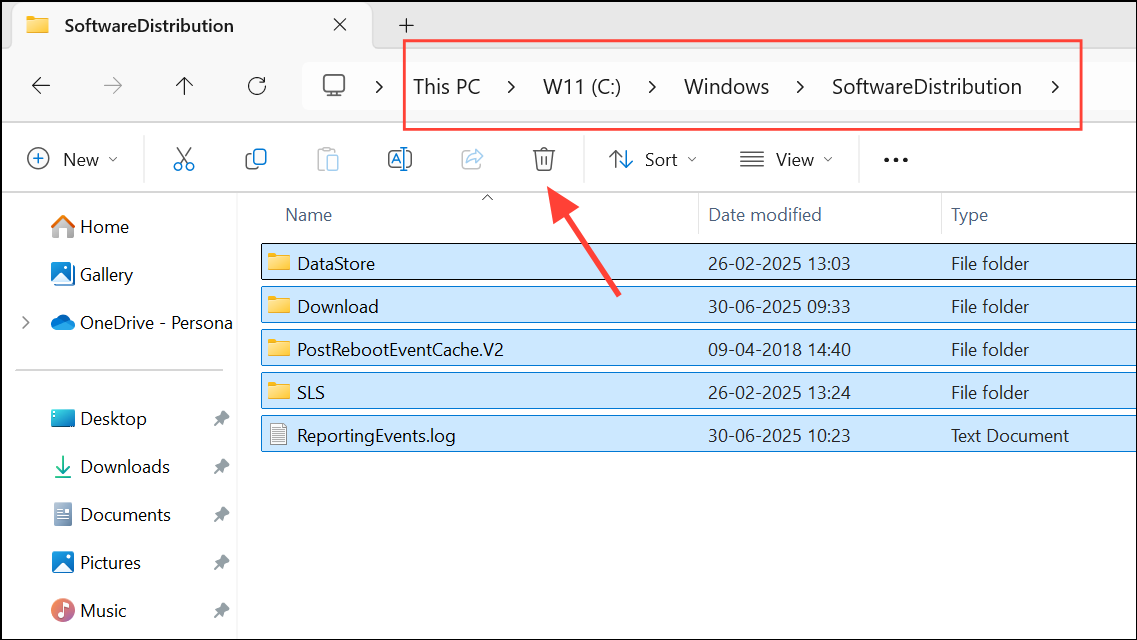
net start wuauserv
net start bits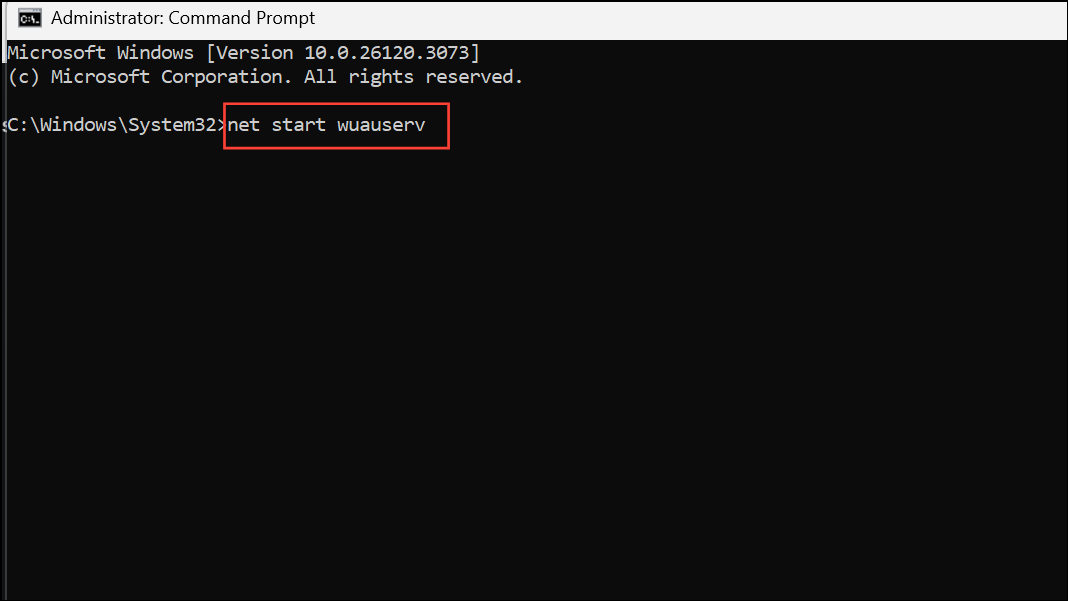
Run a Full Antivirus Scan and Adjust Security Software
Malware or overprotective antivirus software can block update processes. Running a comprehensive scan ensures your system is clean and that security settings aren’t interfering with updates.
Windows + S, searching for Windows Security, and selecting the result.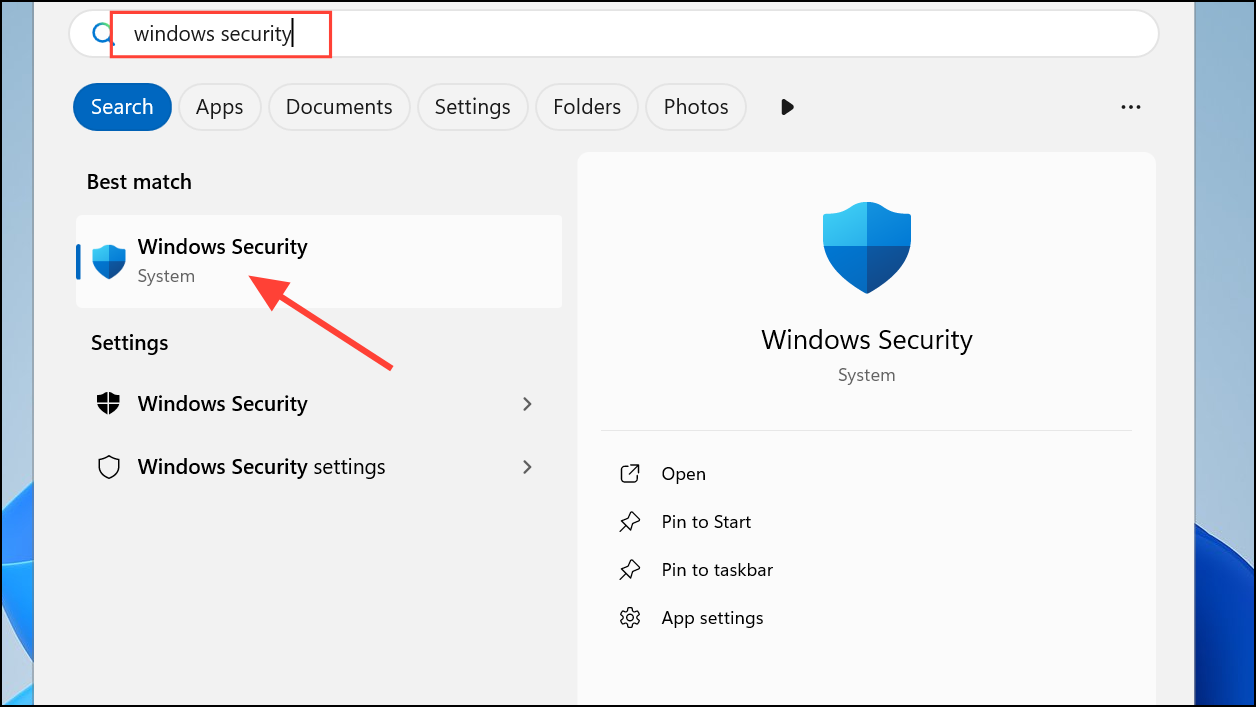
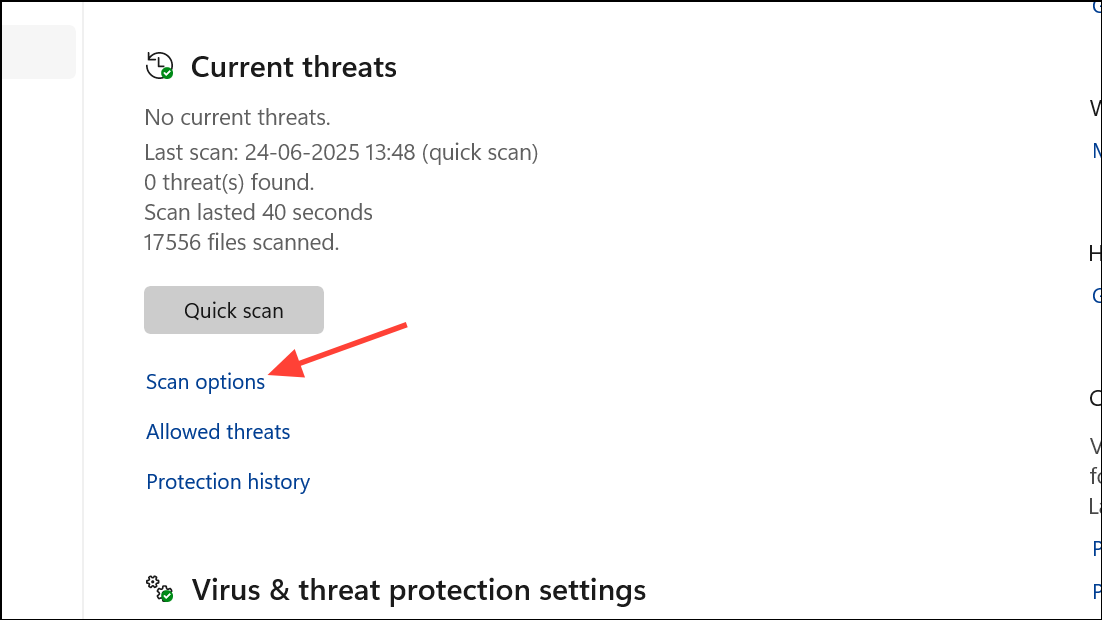
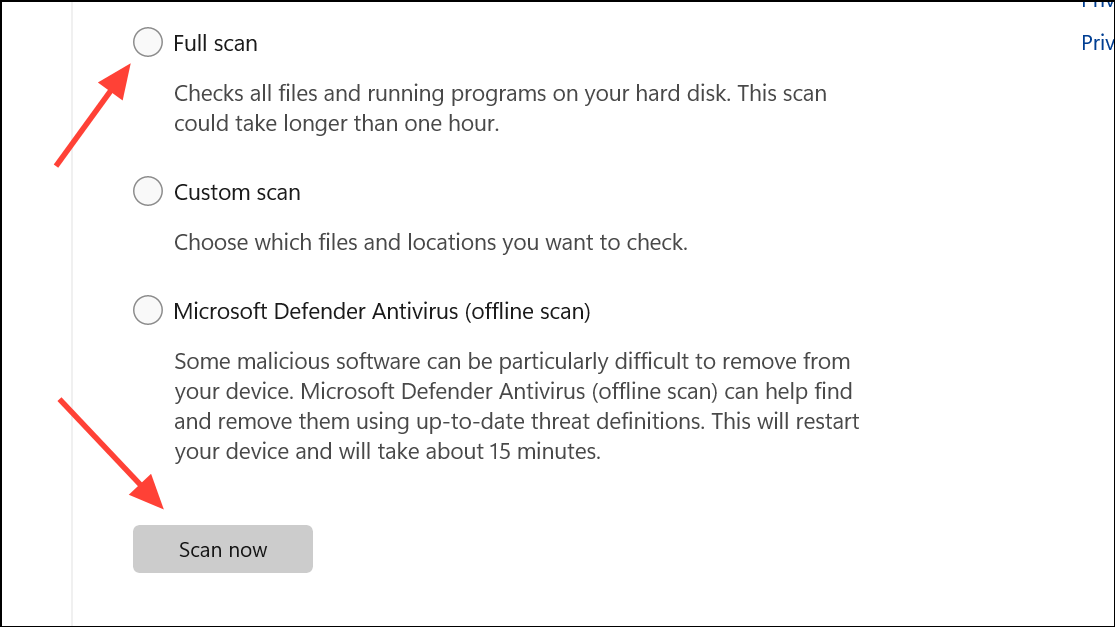
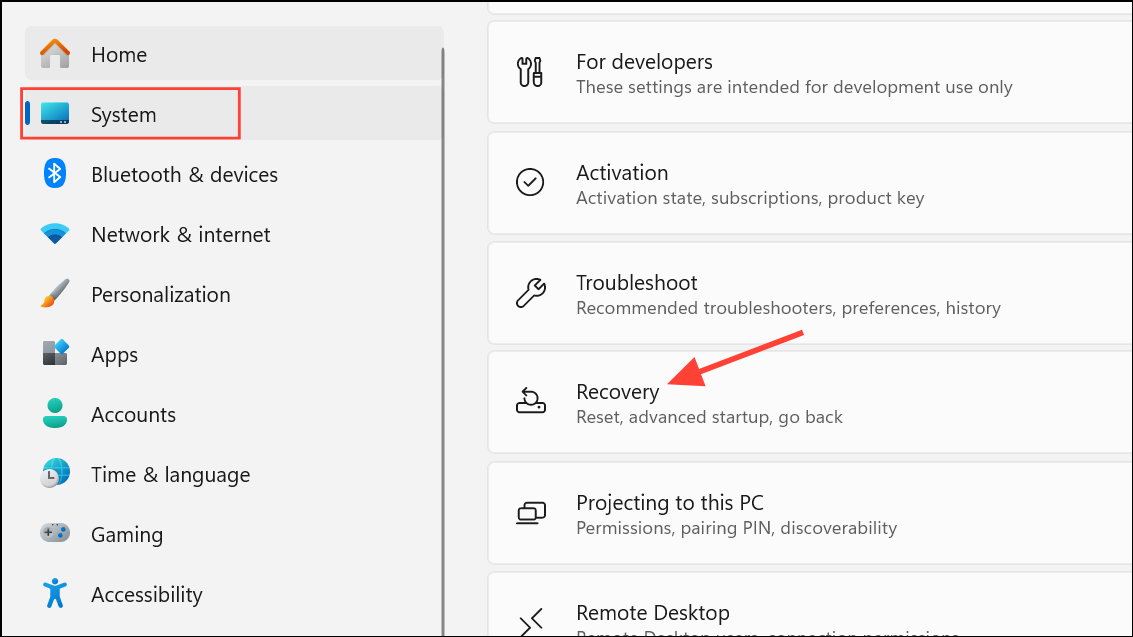
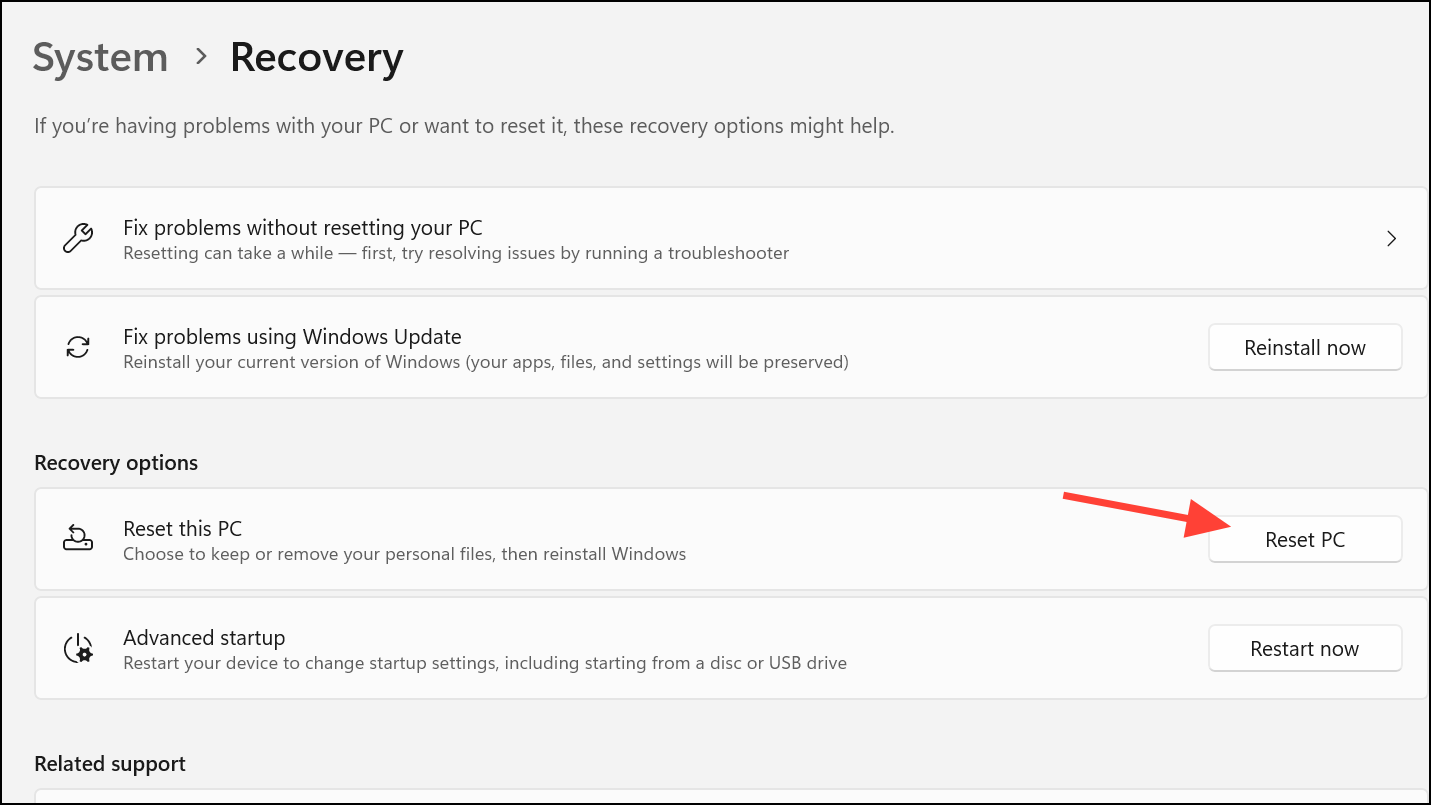
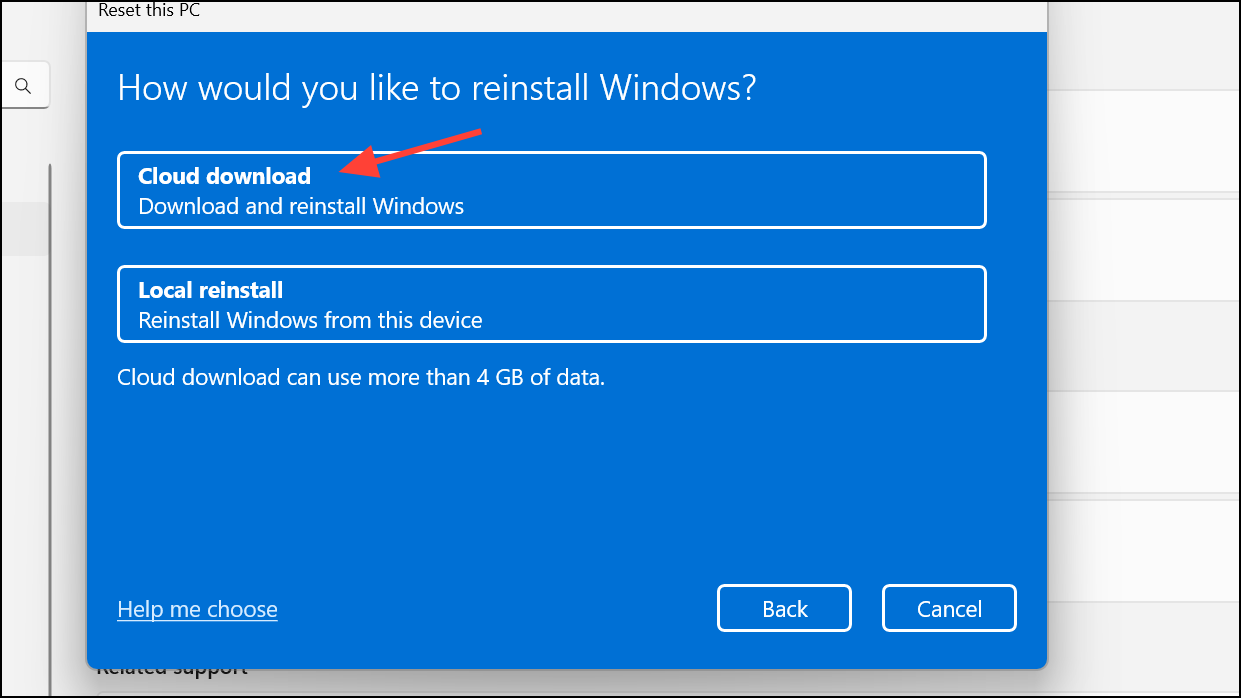
Use Cloud Reset or Reinstall Windows 11 Using Windows Update
If none of the previous solutions resolve the error, some system files may be too damaged for standard repair tools. Performing a Cloud Reset or reinstalling Windows 11 using Windows Update can restore your system without erasing your personal files.
Resolving error 0x80240016 restores your device’s ability to receive updates and keeps your system stable. Regular maintenance, such as running system scans and keeping your update cache clear, helps prevent similar issues in the future.



