

The error message “\WINDOWS\SYSTEM32\CONFIG\SYSTEM is missing or corrupt” signals that Windows 11 cannot load critical registry data required for startup. This issue often halts the boot process, displaying a blue or black screen, and is frequently caused by power outages, disk errors, or registry corruption. Resolving the problem requires targeted repair methods to restore or rebuild the damaged system registry file, ensuring your PC boots normally again.
Method 1: Use Startup Repair from Windows Recovery Environment
F11 or F8 key to access the Windows Recovery Environment (WinRE). If these keys do not work, use a bootable Windows 11 USB installation media.
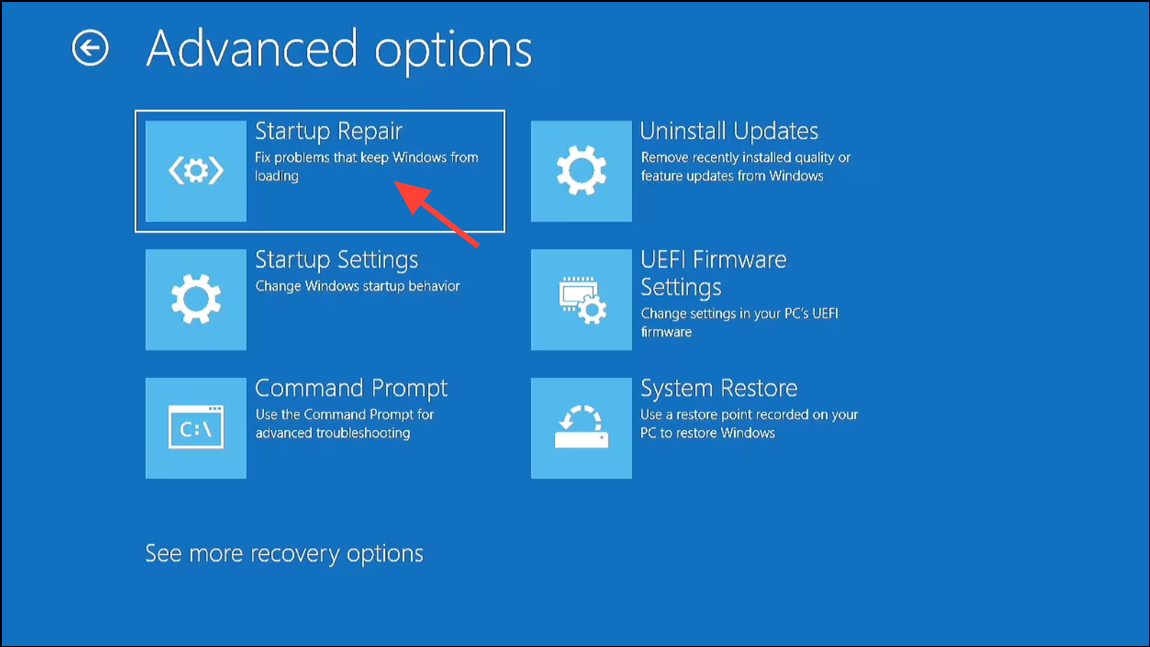
Method 2: Run CHKDSK to Repair Disk Errors
Disk errors can prevent Windows from reading the registry hive, resulting in this error. Running CHKDSK (Check Disk) can identify and fix file system issues.
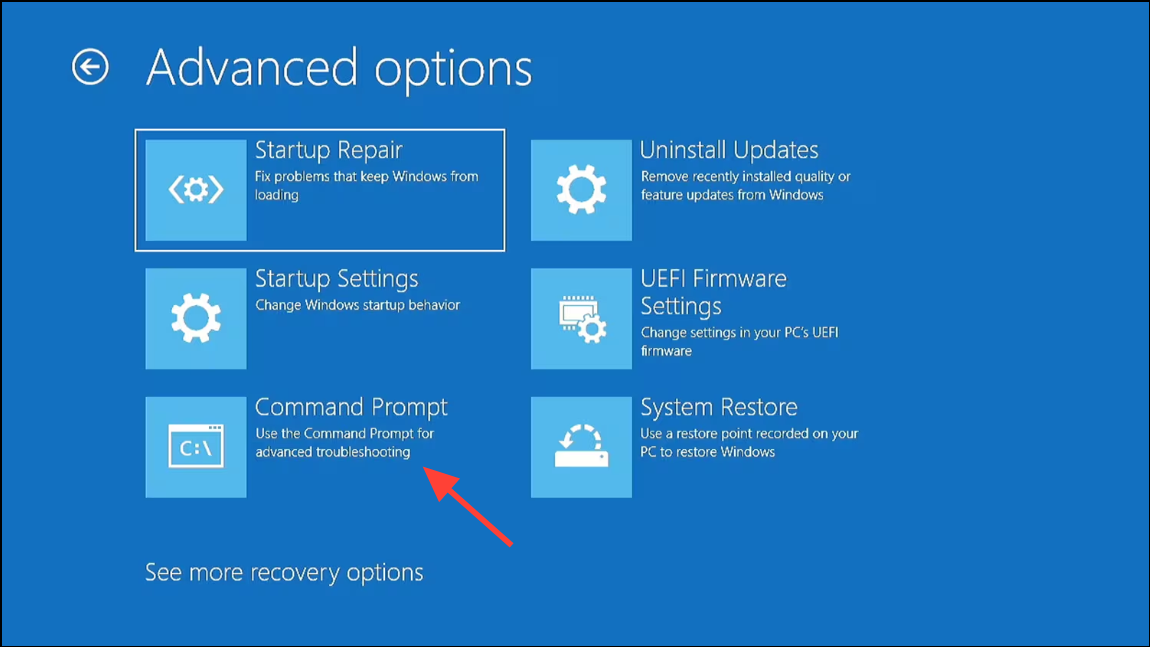
chkdsk C: /r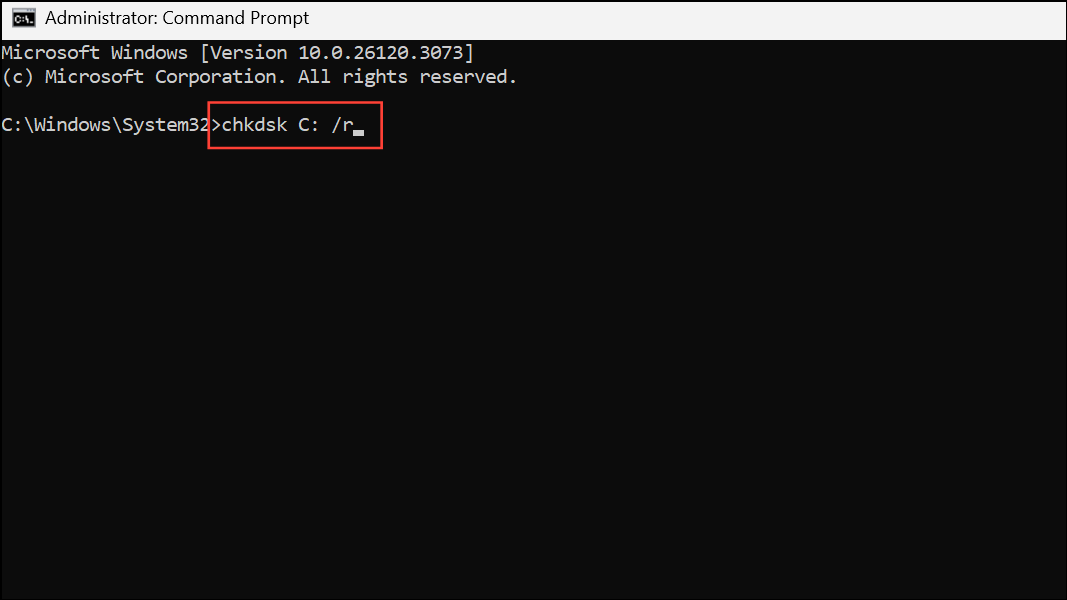
This command scans the C: drive for errors and attempts to recover readable information. Replace C: with your Windows installation drive letter if different.
Method 3: Restore the Registry with System File Checker and DISM
Corrupt system files can cause registry errors. System File Checker (sfc /scannow) and Deployment Imaging Service and Management Tool (DISM) can scan and repair these files.
sfc /scannow /offbootdir=C:\ /offwindir=C:\Windows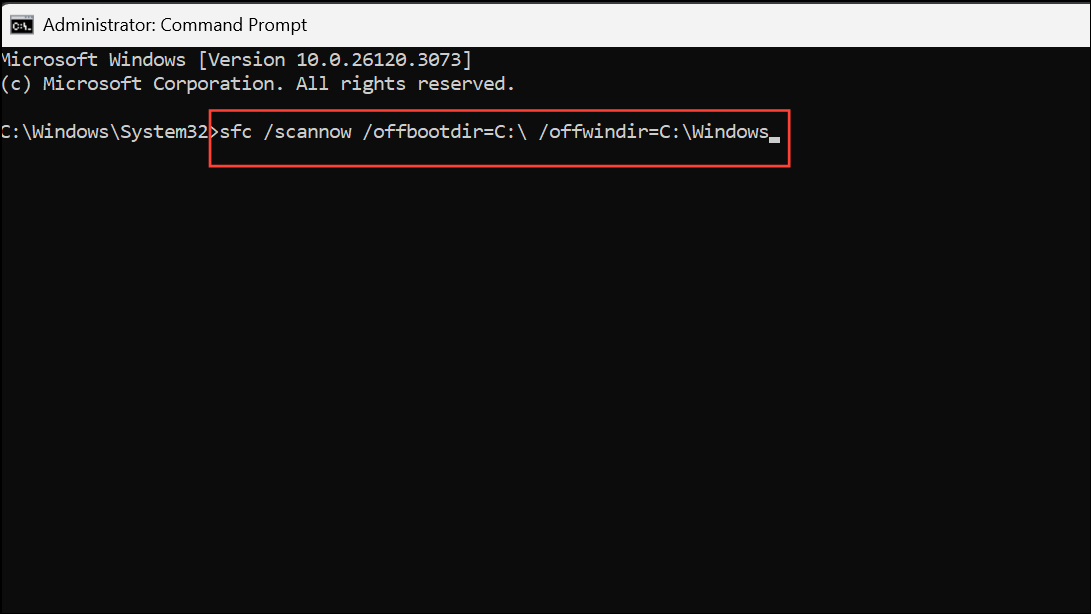
Adjust C:\ and C:\Windows if your installation is on a different drive or folder.
DISM /Image:C:\ /Cleanup-Image /RestoreHealth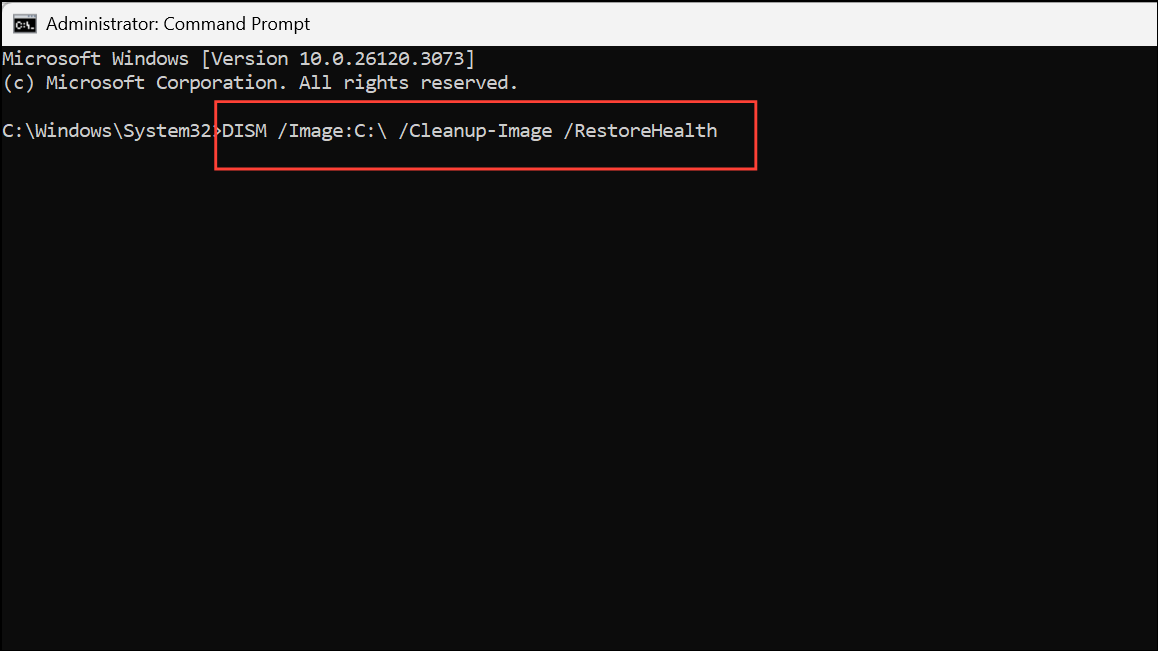
Again, update the drive letter as needed. Once both commands complete, close Command Prompt and reboot your PC.
Method 4: Restore Registry Hives Manually from Backup
If automatic repairs fail, manually restoring the registry hives from the C:\Windows\System32\Config\RegBack folder or the C:\Windows\Repair folder can resolve the issue. This process replaces corrupted registry files with clean copies, but may revert system settings to an earlier state.
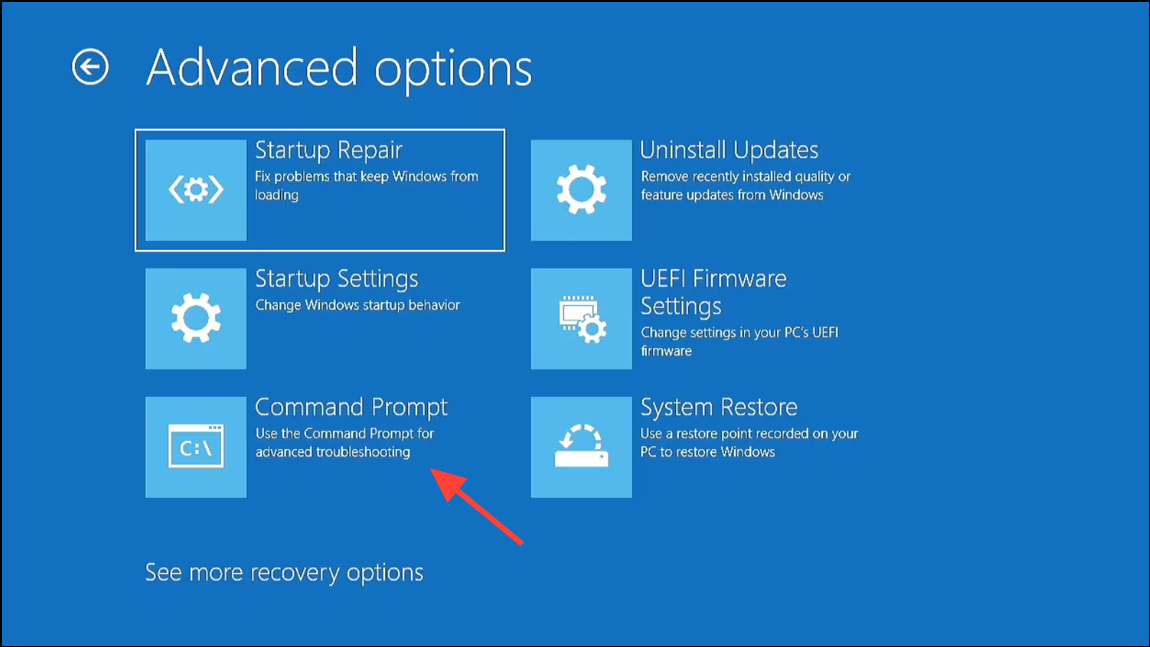
md C:\BackupRegistry
copy C:\Windows\System32\Config\SYSTEM C:\BackupRegistry\SYSTEM.bak
copy C:\Windows\System32\Config\SOFTWARE C:\BackupRegistry\SOFTWARE.bak
copy C:\Windows\System32\Config\SAM C:\BackupRegistry\SAM.bak
copy C:\Windows\System32\Config\SECURITY C:\BackupRegistry\SECURITY.bak
copy C:\Windows\System32\Config\DEFAULT C:\BackupRegistry\DEFAULT.bak
del C:\Windows\System32\Config\SYSTEM
del C:\Windows\System32\Config\SOFTWARE
del C:\Windows\System32\Config\SAM
del C:\Windows\System32\Config\SECURITY
del C:\Windows\System32\Config\DEFAULT
RegBack (preferred for more recent backups), otherwise use the Repair folder:
copy C:\Windows\System32\Config\RegBack\SYSTEM C:\Windows\System32\Config\SYSTEM
copy C:\Windows\System32\Config\RegBack\SOFTWARE C:\Windows\System32\Config\SOFTWARE
copy C:\Windows\System32\Config\RegBack\SAM C:\Windows\System32\Config\SAM
copy C:\Windows\System32\Config\RegBack\SECURITY C:\Windows\System32\Config\SECURITY
copy C:\Windows\System32\Config\RegBack\DEFAULT C:\Windows\System32\Config\DEFAULT
If the RegBack folder is empty, use:
copy C:\Windows\Repair\SYSTEM C:\Windows\System32\Config\SYSTEM
copy C:\Windows\Repair\SOFTWARE C:\Windows\System32\Config\SOFTWARE
copy C:\Windows\Repair\SAM C:\Windows\System32\Config\SAM
copy C:\Windows\Repair\SECURITY C:\Windows\System32\Config\SECURITY
copy C:\Windows\Repair\DEFAULT C:\Windows\System32\Config\DEFAULT
Method 5: Perform a Clean Installation of Windows 11
If all previous attempts fail, a clean reinstall of Windows 11 will replace all system files and the registry, resolving deep corruption issues. This process removes all installed applications and user data from the system partition, so back up your files in advance using a bootable recovery tool or by connecting your drive to another computer.
Addressing the “system registry file is missing or corrupt” error in Windows 11 restores your PC’s ability to boot and operate normally. Regularly backing up your data and system image can help prevent data loss from similar issues in the future.



