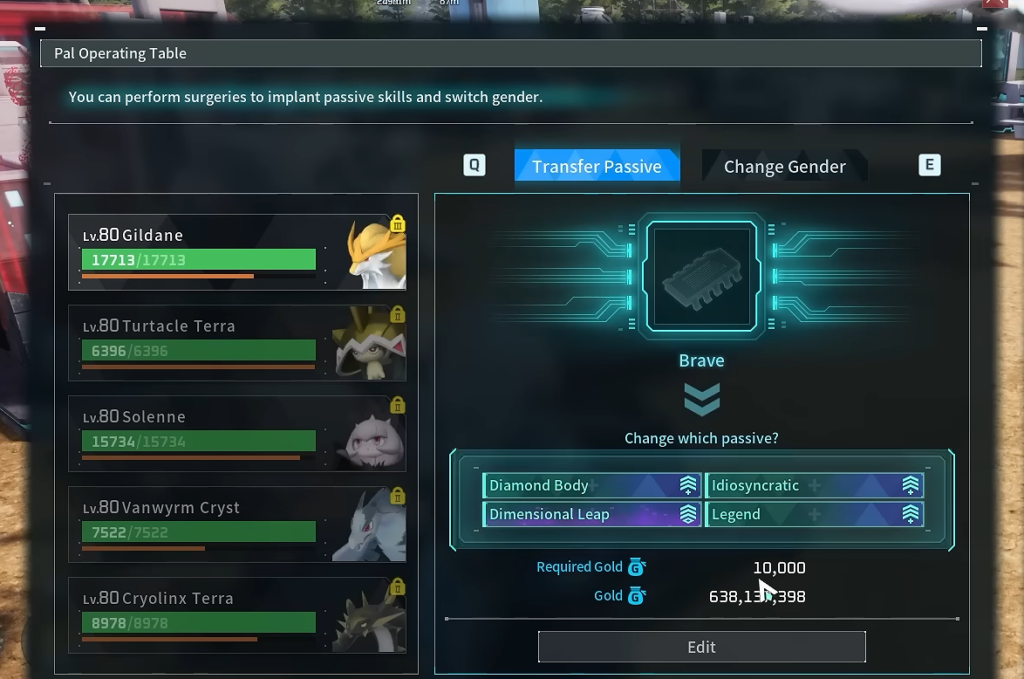
Implant: Runner is an Epic Key Item in Palworld that lets you rewrite one of a Pal’s passive skills. Slot it at a Pal Surgery Table, and the Pal gains the Runner passive, which raises its movement speed. Because it lives in your Key Items, you keep it on hand and apply it whenever a Pal is ready for surgery.
Quick answer: Buy Implant: Runner from a Wandering Merchant, then bring it and the target Pal to a Pal Surgery Table and select the Runner passive skill from your Key Items.
What Implant: Runner does
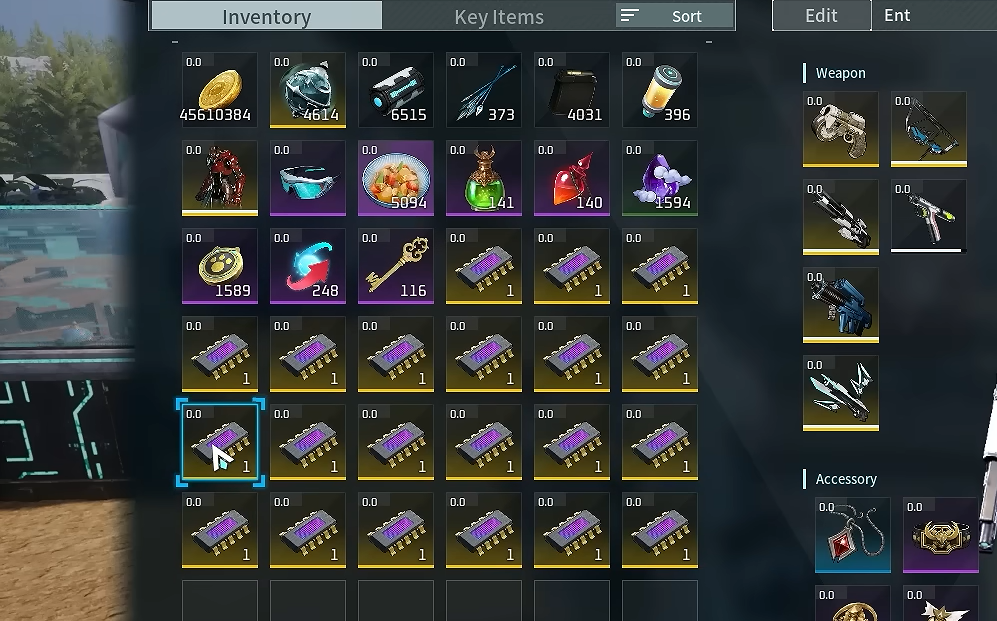
The implant is a module embedded into a Pal’s body to change its passive skill. Once you own it, the Runner passive becomes selectable at a Pal Surgery Table, giving that Pal a movement speed increase. It stacks up to 9,999 in your inventory and carries no weight, so stocking several for future surgeries costs you nothing in carry capacity.
| Property | Detail |
|---|---|
| Category | Key Items |
| Rarity | Epic |
| Rank | 4 |
| Price | 1 |
| Weight | 0 |
| Max Stack | 9,999 |
| Passive granted | Runner (movement speed up) |
| Internal code | PalPassiveSkillChange_MoveSpeed_up_2 |
Where to get Implant: Runner
Implant: Runner is sold by a Wandering Merchant. Check the merchant’s stock and purchase the implant when it appears. The listed price is low, so the main hurdle is finding a merchant that currently carries it rather than affording it.
Merchant stock rotates, so if a given Wandering Merchant does not list the implant, visit another one or return later.

How to apply the Runner passive at a Pal Surgery Table
How to confirm it worked
After the surgery completes, open the Pal’s status screen and check its passive skills. Runner should now be listed among them, indicating the movement speed increase is active. If the passive does not appear, verify that the surgery finished and that the implant was still in your Key Items when you selected it.