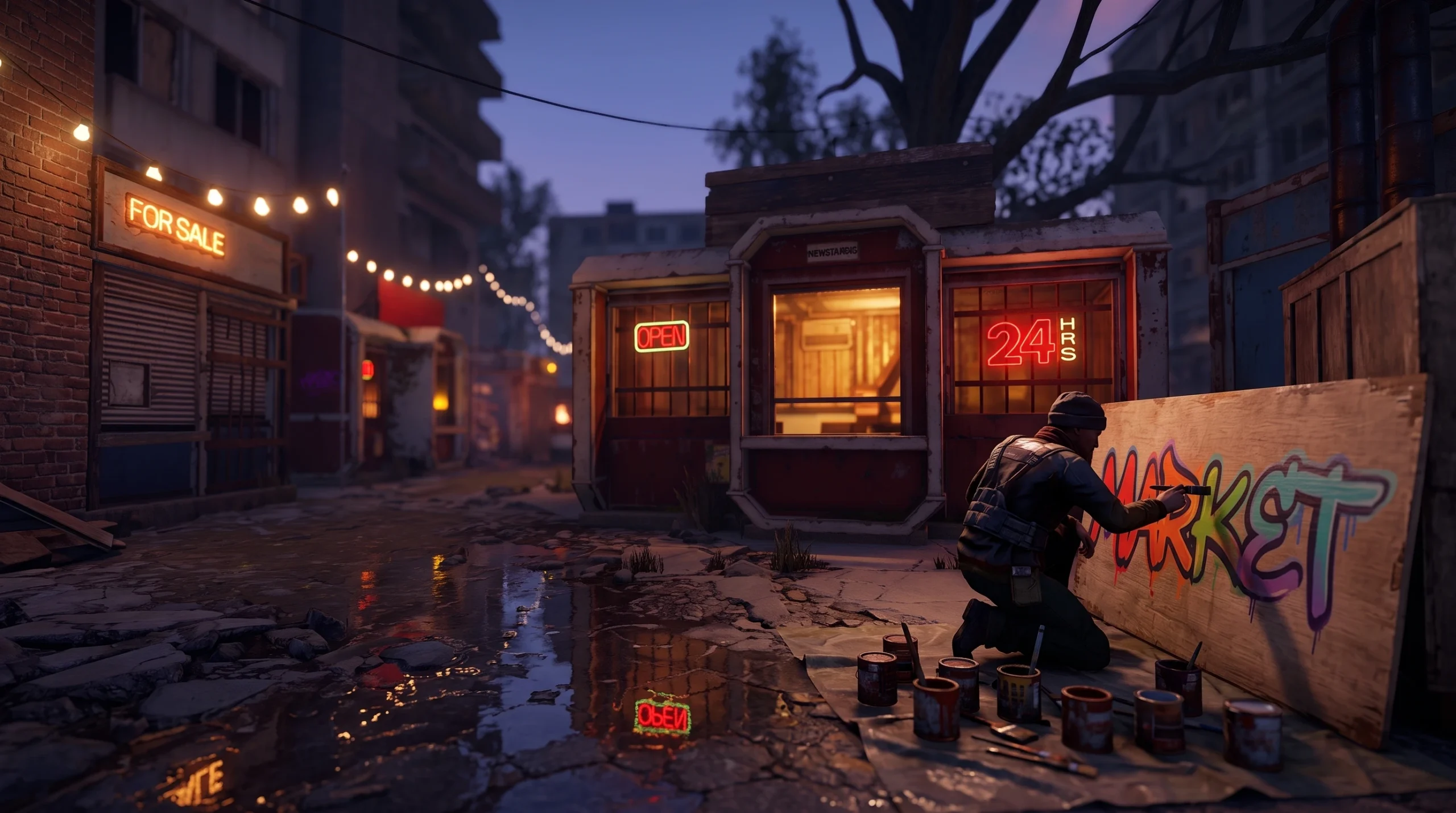
The rentable vending shops inside the Apartment Complex are one of the few things at the monument you can personalize, and the shop sign is the part players actually see when they walk the concourse. Painting that sign is not a standalone action. It is tied directly to renting and owning the shop, so the order you do things in matters.
Quick answer: Rent a vacant shop with Scrap first. Once you are the registered owner, the shop’s sign becomes editable, and you can interact with it to open its paint canvas and draw your design.
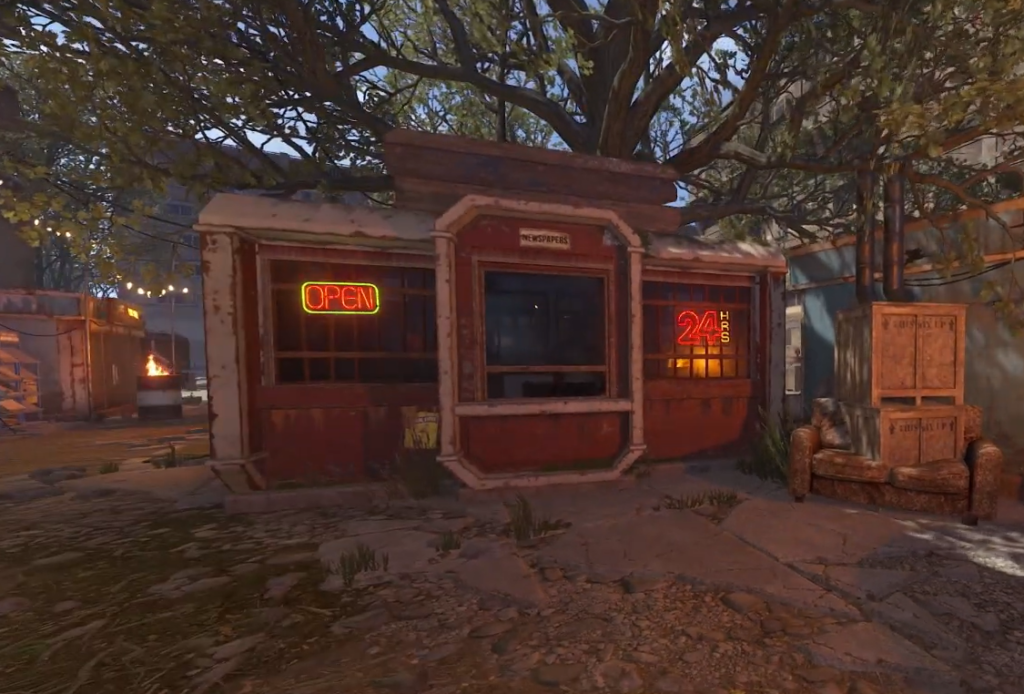
Rent a shop first — the sign only unlocks for the owner
The Apartment Complex is a large safe zone that arrived with the Common Ground Update on July 2nd, 2026. Combat is only possible inside individual apartment rooms, so nobody can raid or grief your storefront the traditional way. The shops sit near the Partially Empty Building, with two entrances at the front by the player-rentable shops.
Everything here runs on Scrap. Renting a shop costs Scrap up front, and you keep paying an hourly rate afterward, similar to standard base upkeep. If you let that upkeep run dry, you lose the shop, and with it any control over the sign.
| Requirement | Detail |
|---|---|
| Currency | Scrap for the initial rent and ongoing hourly upkeep |
| Ownership | You must be the registered renter of that specific shop |
| Location | Rentable vending shops at the Partially Empty Building |
| Combat | Safe zone — no fighting outside apartment rooms |
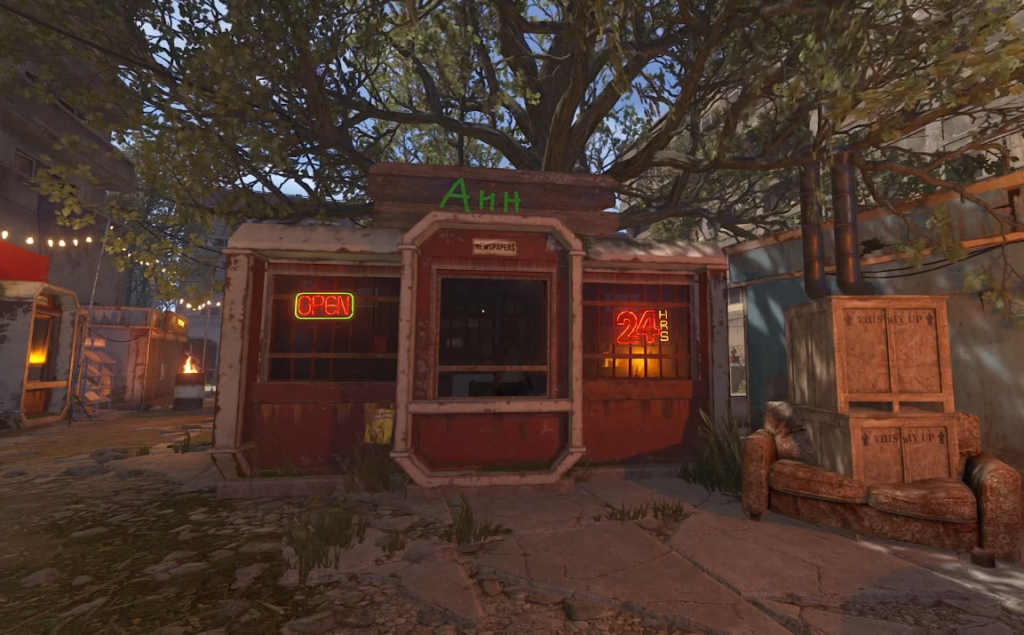
Paint your shop sign after you own the unit
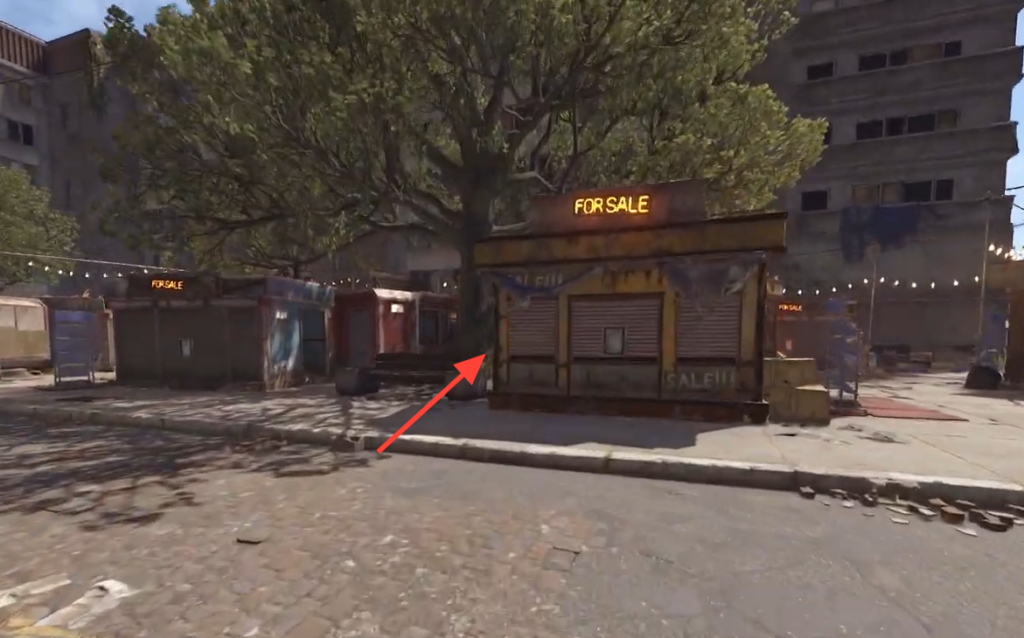
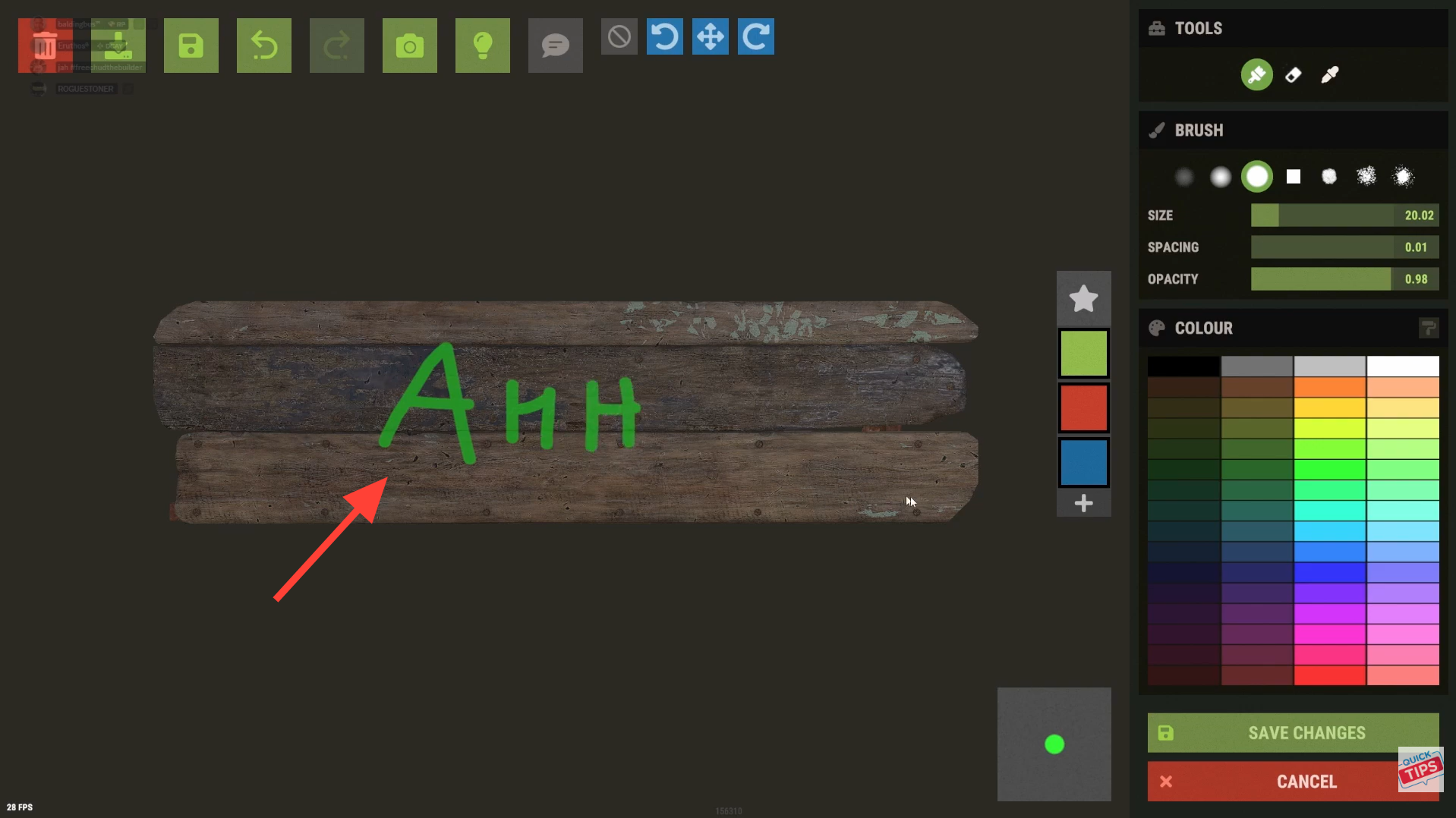
Image credit: Facepunch Studios / Quick Tips
Keep your Scrap reserves topped up. Since the shop runs on hourly upkeep, a custom sign is only useful for as long as you keep paying to hold the unit.
Confirm the sign saved
You know the paint worked when your design displays on the storefront instead of the plain vacant signage. Other players walking past the rented shops will see your artwork, and the unit reads as claimed rather than empty. If the sign still shows the default look after you close the editor, the change did not register.
Why the sign won’t let you paint
- You do not own the shop. Signs on vacant or other players’ shops are locked, and only the current renter can edit them.
- Your rent lapsed. Once the hourly upkeep runs out, you forfeit the shop, so the sign reverts and stops accepting your edits.
- You are trying to edit the wrong unit. Confirm you are standing at the exact shop you rented, since ownership is tied to that specific storefront.
Treat the sign as part of running the shop rather than a separate cosmetic. Rent the unit, keep Scrap flowing into upkeep, and the paintable sign stays yours to change whenever you want to rebrand your storefront in the Apartment Complex.