

Seeing the error message C:\Users\[Your Username]\Desktop is unavailable. If the location is on this PC, make sure the device or drive is connected or the disc is inserted, and then try again. signals that your Desktop folder has been deleted or is missing from its default location. This can disrupt access to important files and shortcuts, but you can restore the folder and, in many cases, recover your data by following the steps below.
Restoring the Desktop Folder from the Recycle Bin
If the Desktop folder was deleted using the standard Delete key and not permanently removed, it may still be in the Recycle Bin. This is the simplest way to recover deleted folders and files.
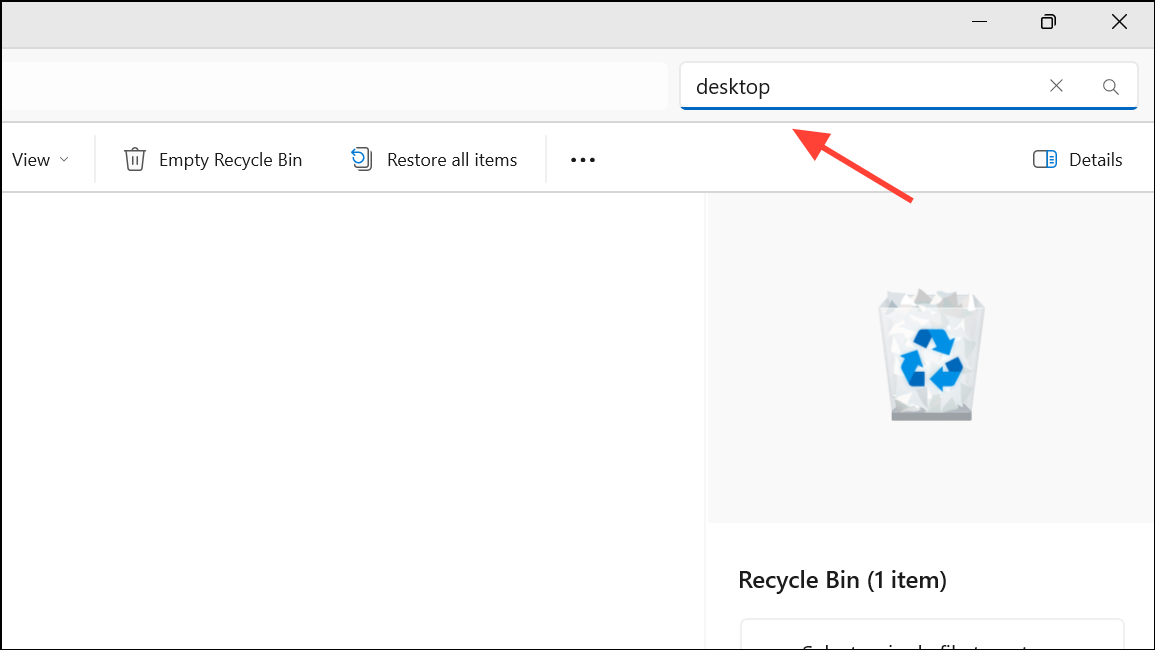
Restore. The folder will be returned to its original location under your user profile.Recreating a Missing Desktop Folder
If the Desktop folder cannot be recovered, you can manually recreate it so Windows stops showing errors and new files can be saved there.
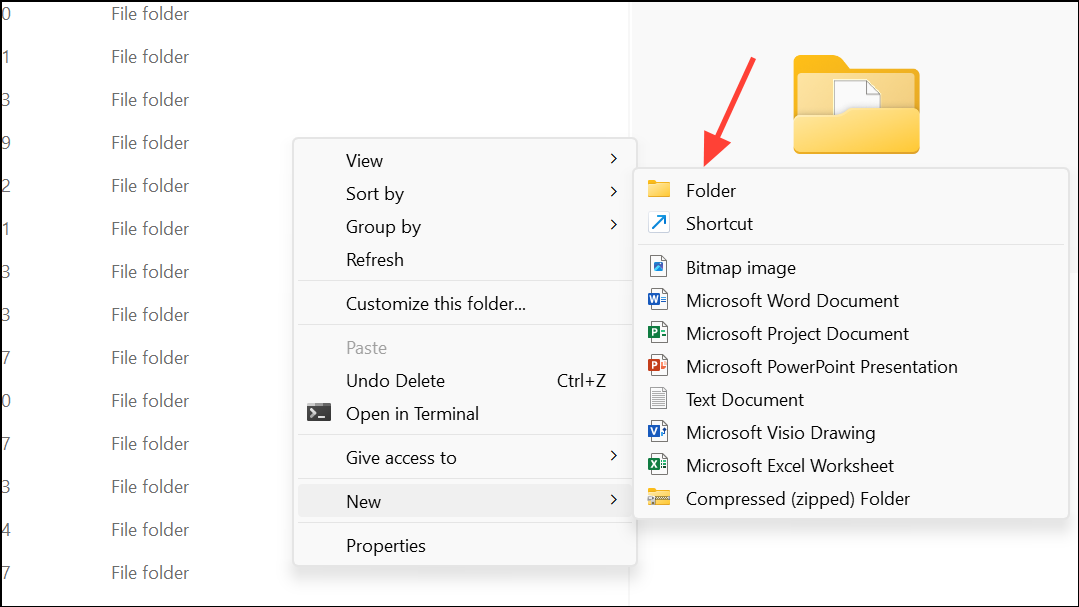
Enter to create the folder. Windows will now use this as your Desktop location, restoring normal functionality for saving files and shortcuts.Recovering the Desktop Folder from Backups
Windows 11 offers built-in backup options, such as File History and Backup and Restore. If you enabled these features before the folder was deleted, you may be able to recover the Desktop folder from a previous backup.
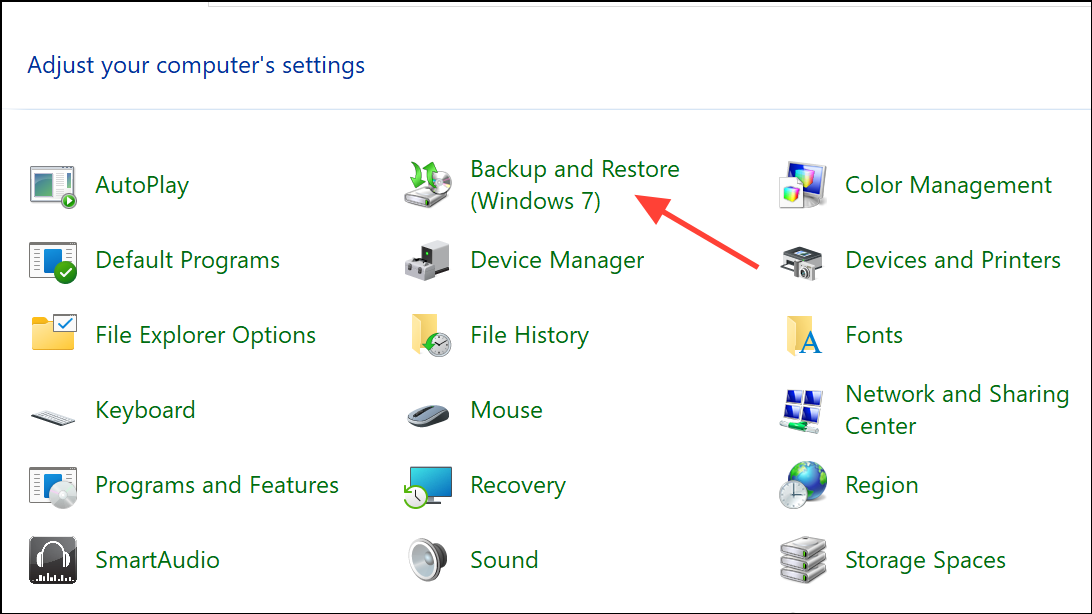
Checking for Hidden or Moved Desktop Folder
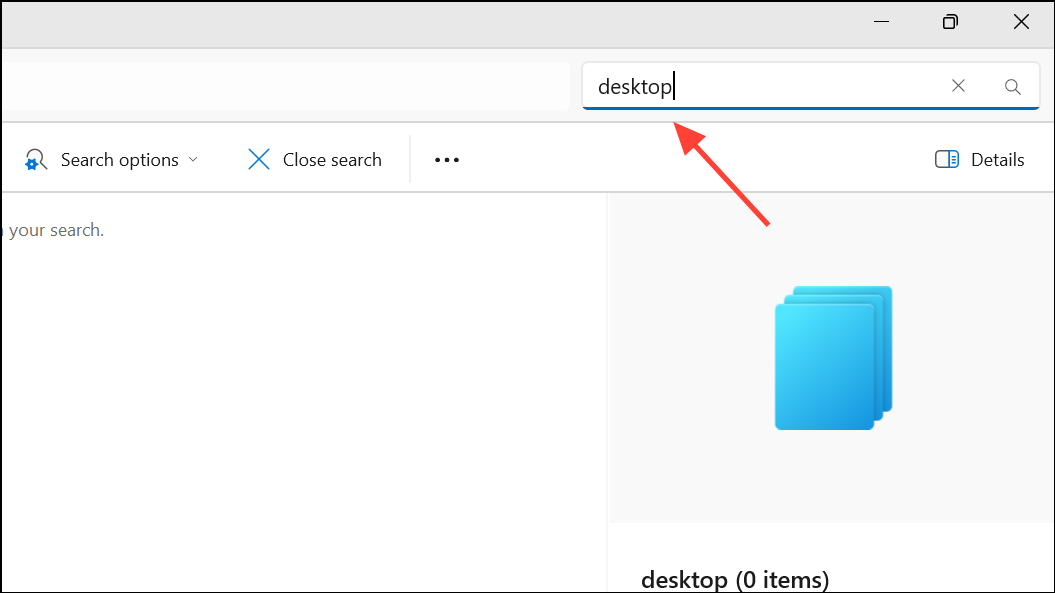
Sometimes, the Desktop folder may appear “missing” because it was accidentally moved or hidden. Windows allows you to search for and reveal hidden folders.
C:\Users\[Your Username]. If the Desktop folder is not visible, click the View tab and check the Hidden items box to show hidden folders.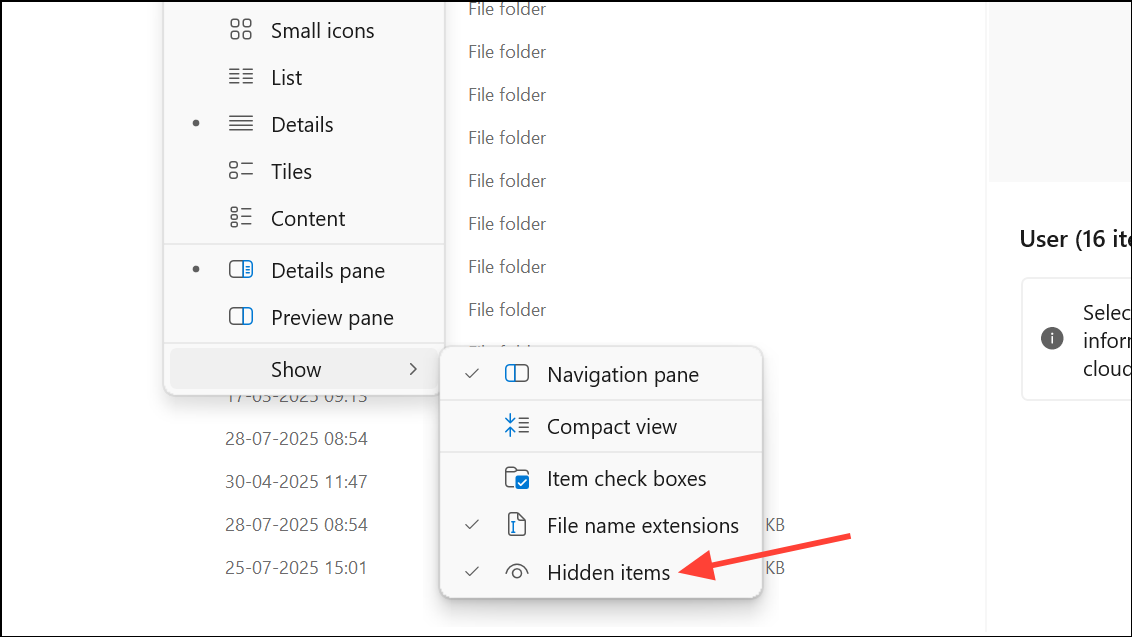
Recovering the Desktop Folder from OneDrive
If your Desktop folder was synced with OneDrive, deleted items may be recoverable from the OneDrive recycle bin.
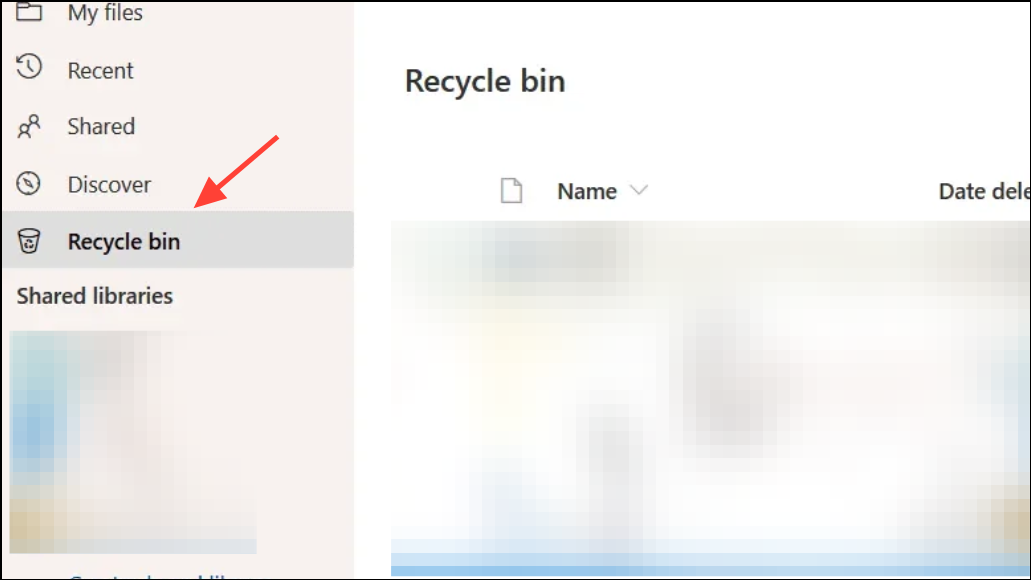
Restore. The files will be returned to their original OneDrive location and resynced to your PC.Restoring a deleted Desktop folder in Windows 11 is possible using the right approach. Always act quickly and avoid saving new files to the affected drive until recovery is complete for the best chance of getting your data back.



