
Installing the Google Android Development Kit (ADK) on Windows 11 enables developers to build, test, and manage multi-agent systems for Android devices. The ADK provides essential tools, libraries, and emulators needed for developing complex agent-based applications. Ensuring the proper setup avoids compatibility issues and streamlines the development process.
Install Google ADK Using the Official Installer
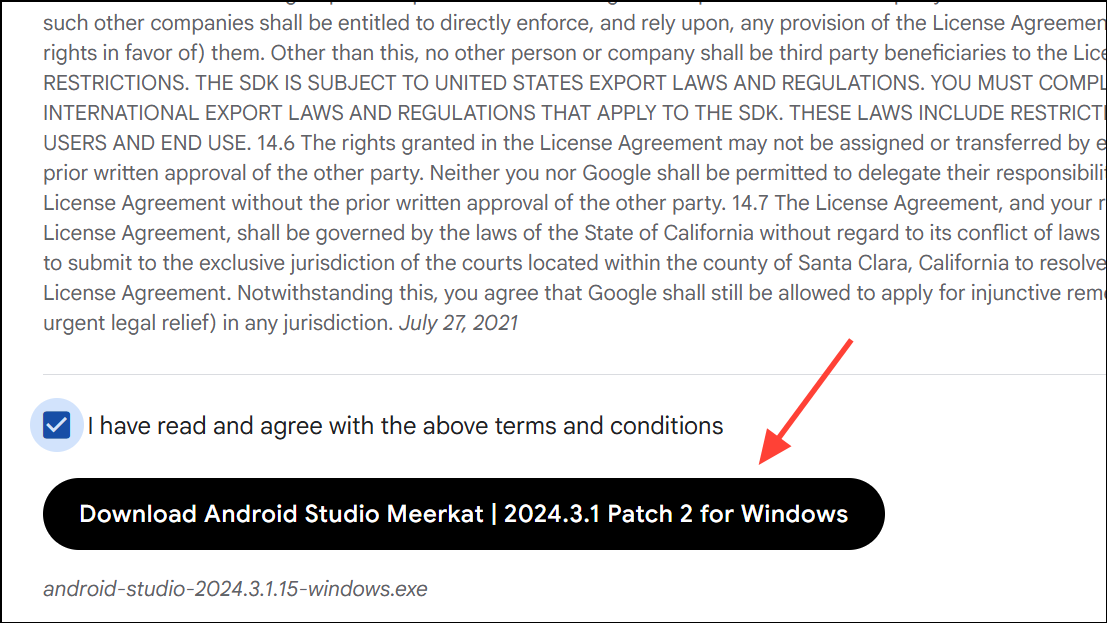
More info and then Run anyway to proceed.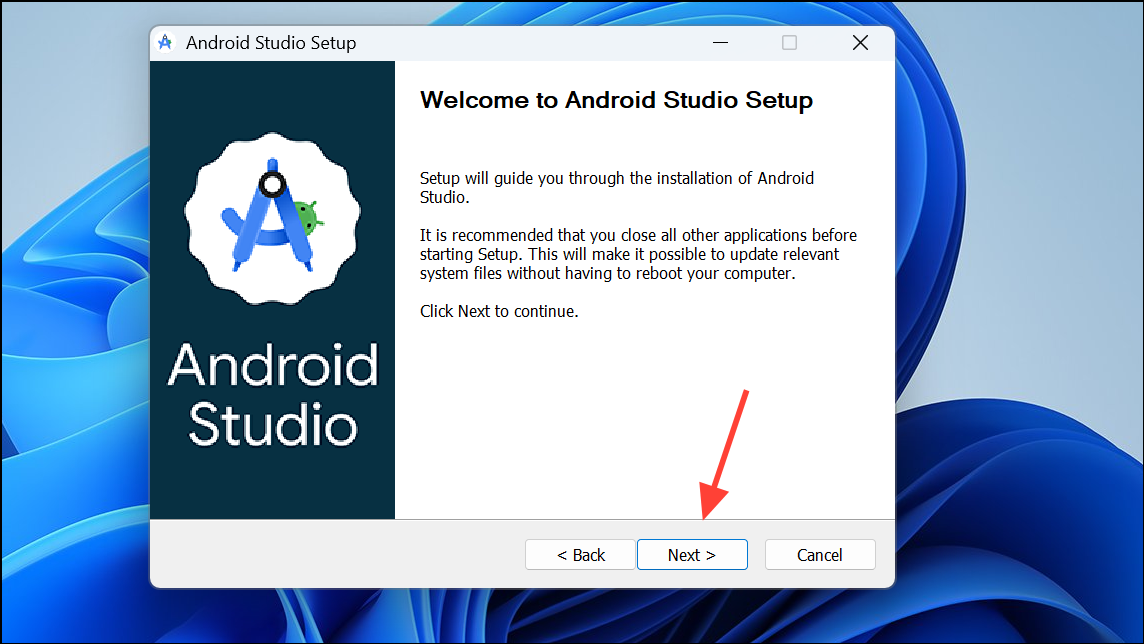
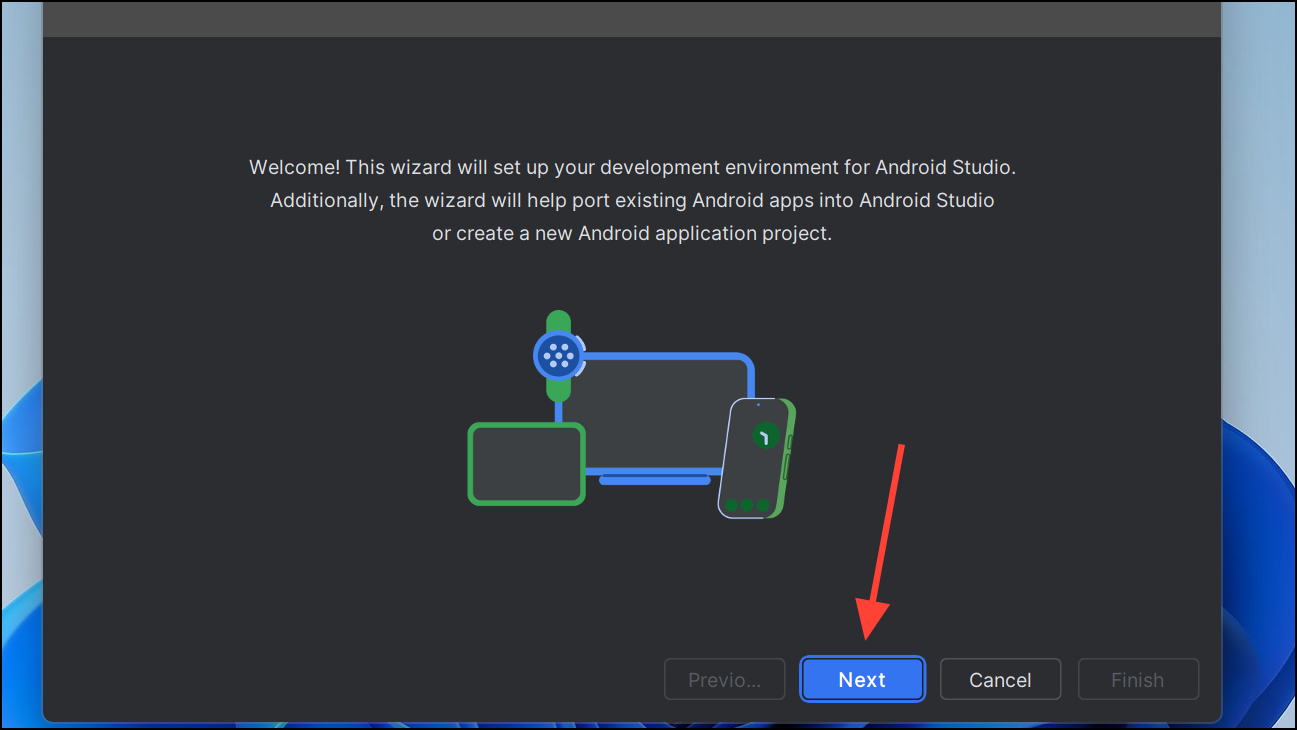
More Actions > SDK Manager. Verify that the latest SDK versions and build tools are installed. Install any missing components required for multi-agent development, such as Google APIs or specific system images for emulation.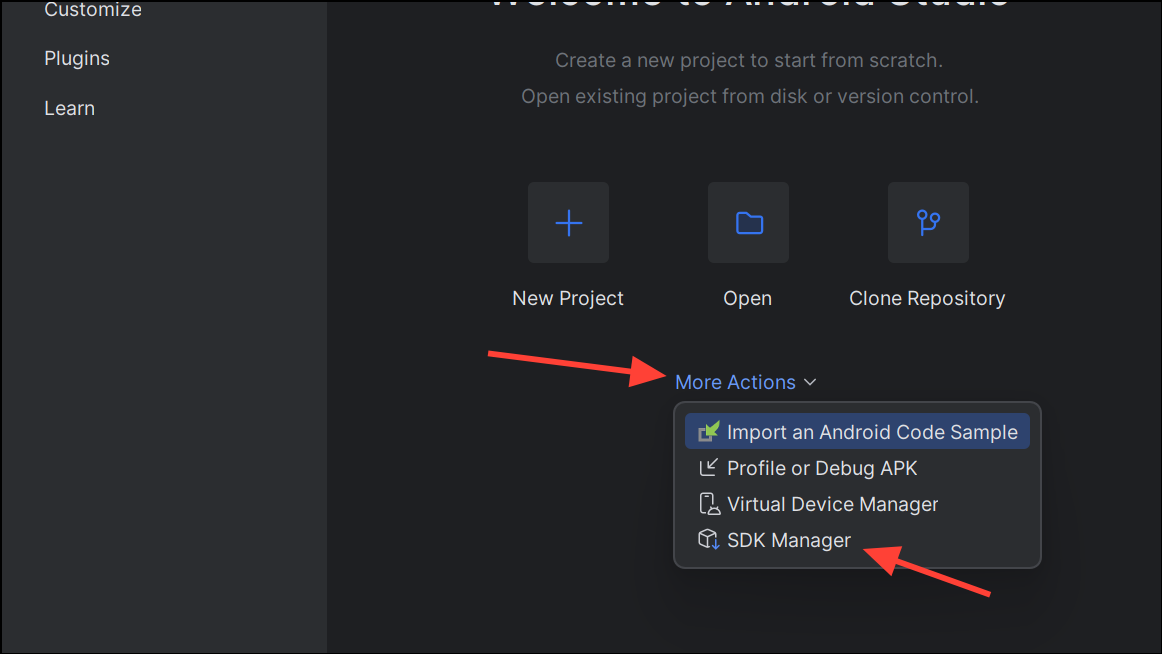
This PC, select Properties.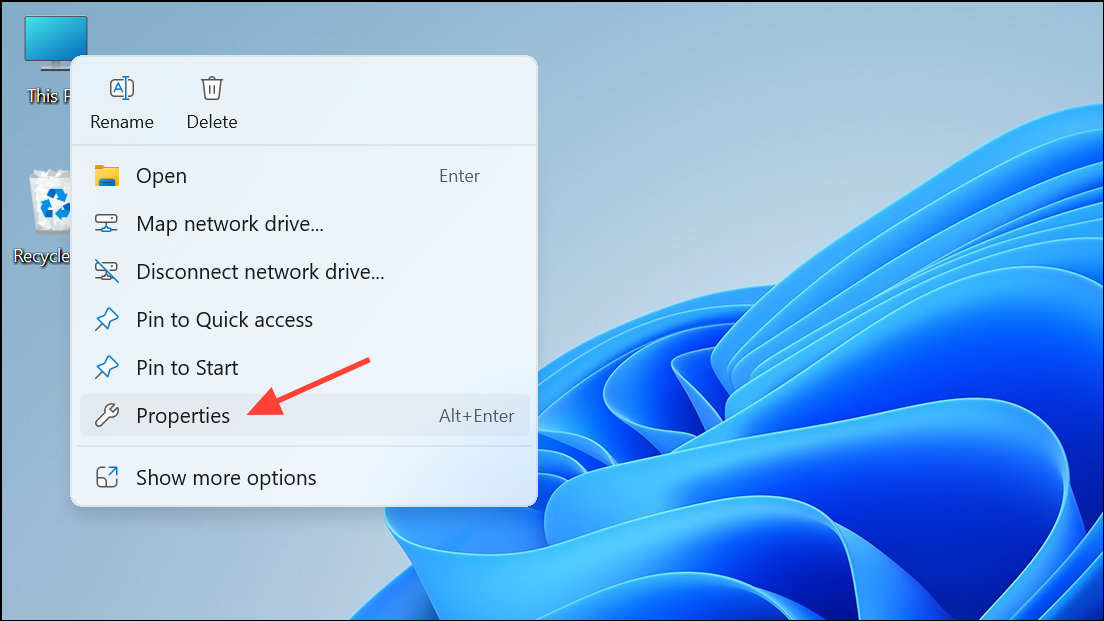
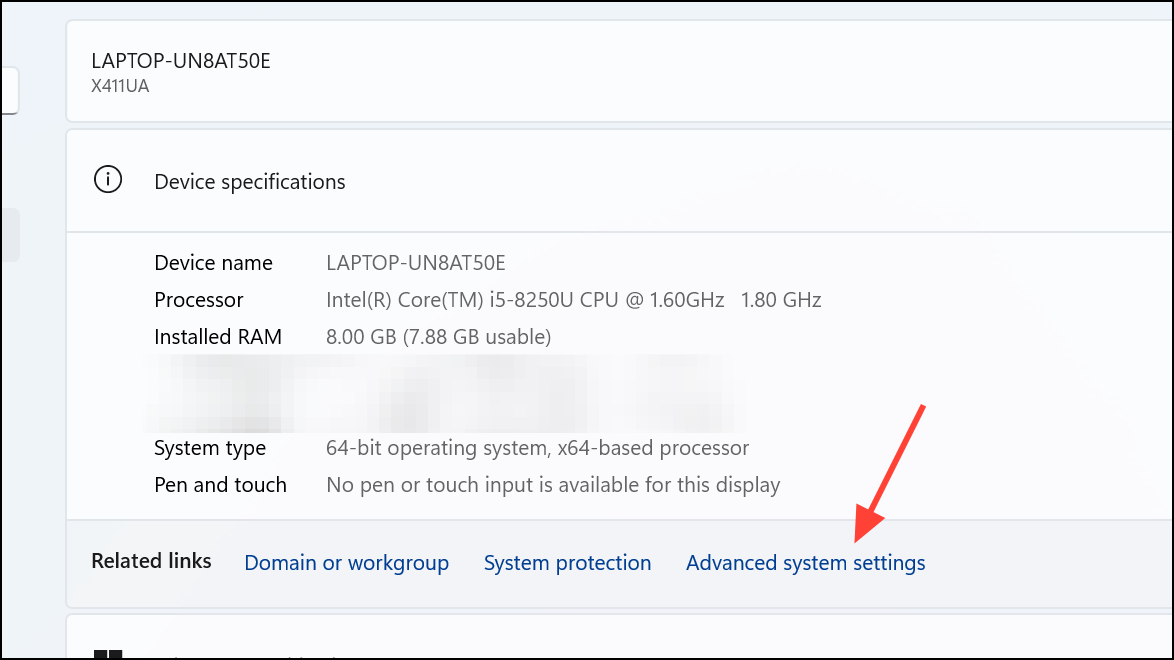
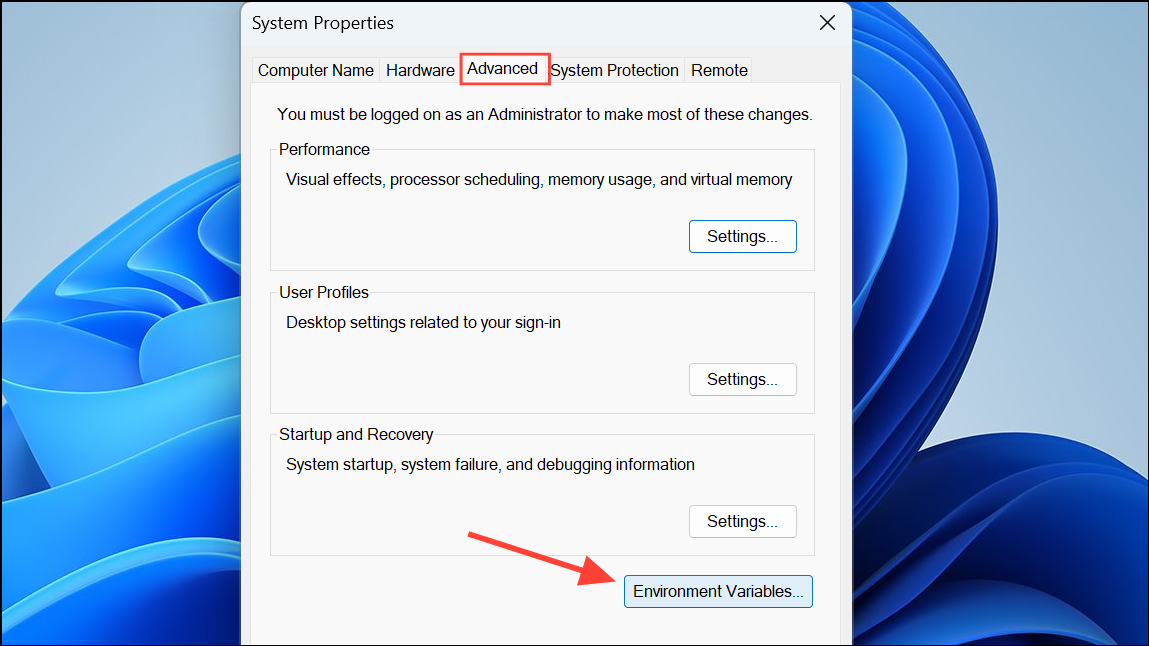
Path pointing to your ADK’s platform-tools directory (commonly C:\Users\[username]\AppData\Local\Android\Sdk\platform-tools).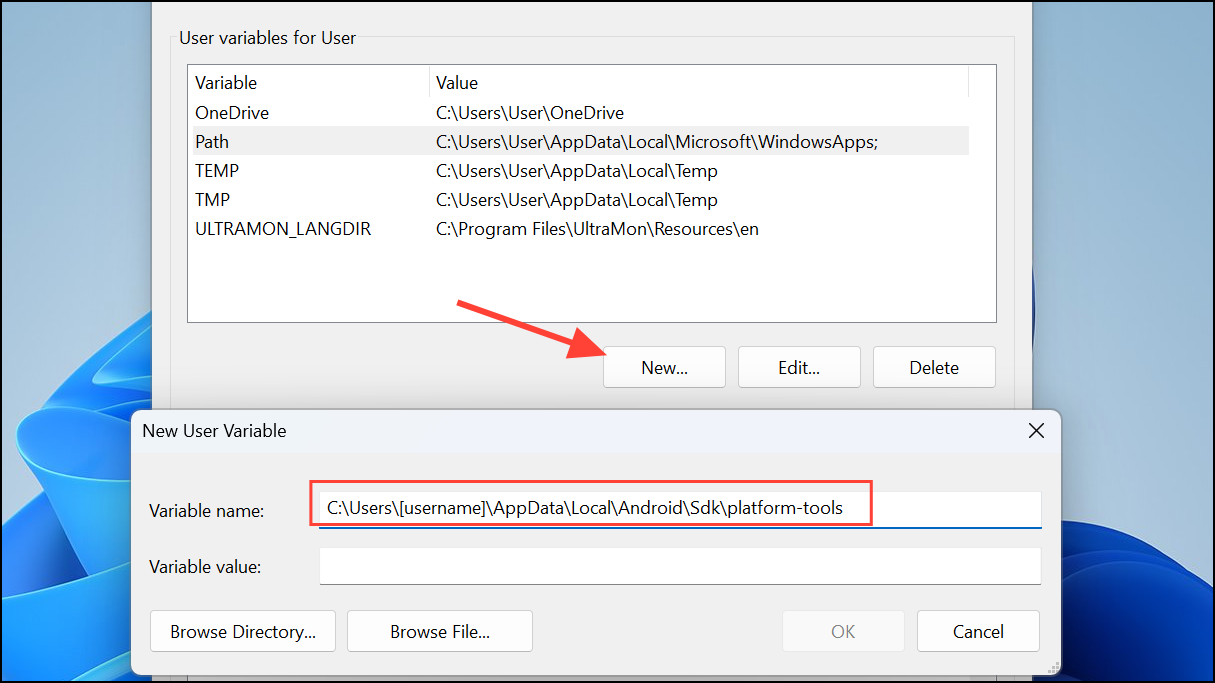
adb --version. If the command returns version information, the ADK is installed correctly and ready for multi-agent project development.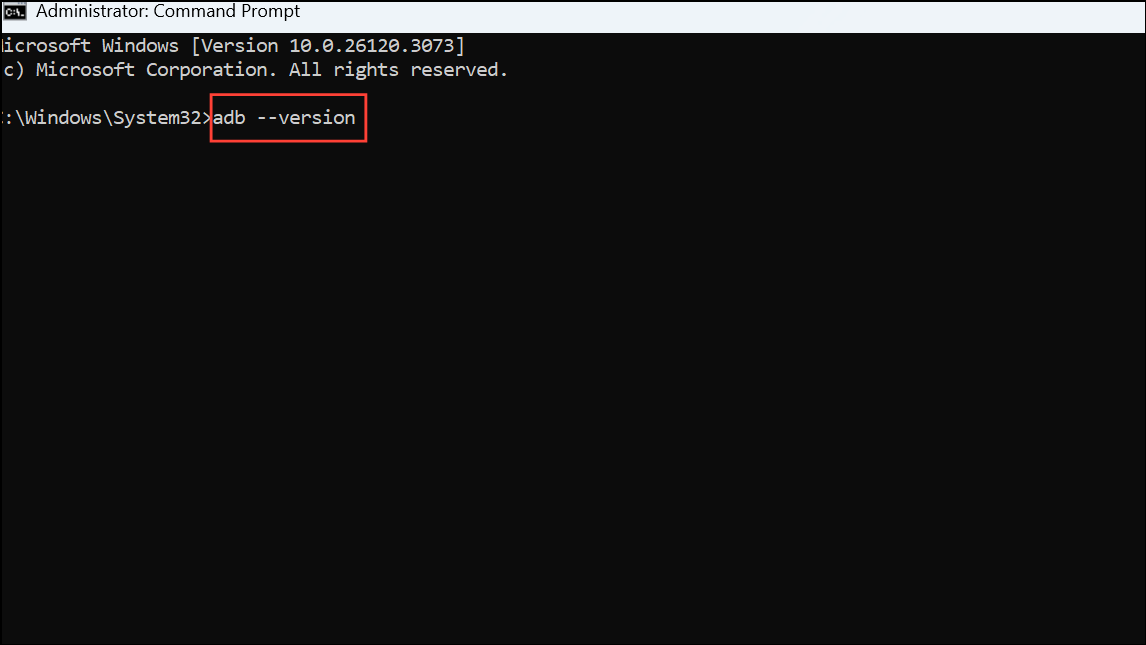
Install Google ADK Manually Using SDK Tools Only
cmdline-tools\bin and platform-tools directories in your system Path. This allows you to access ADK tools from any command prompt.sdkmanager "platform-tools" "platforms;android-33" "build-tools;33.0.0"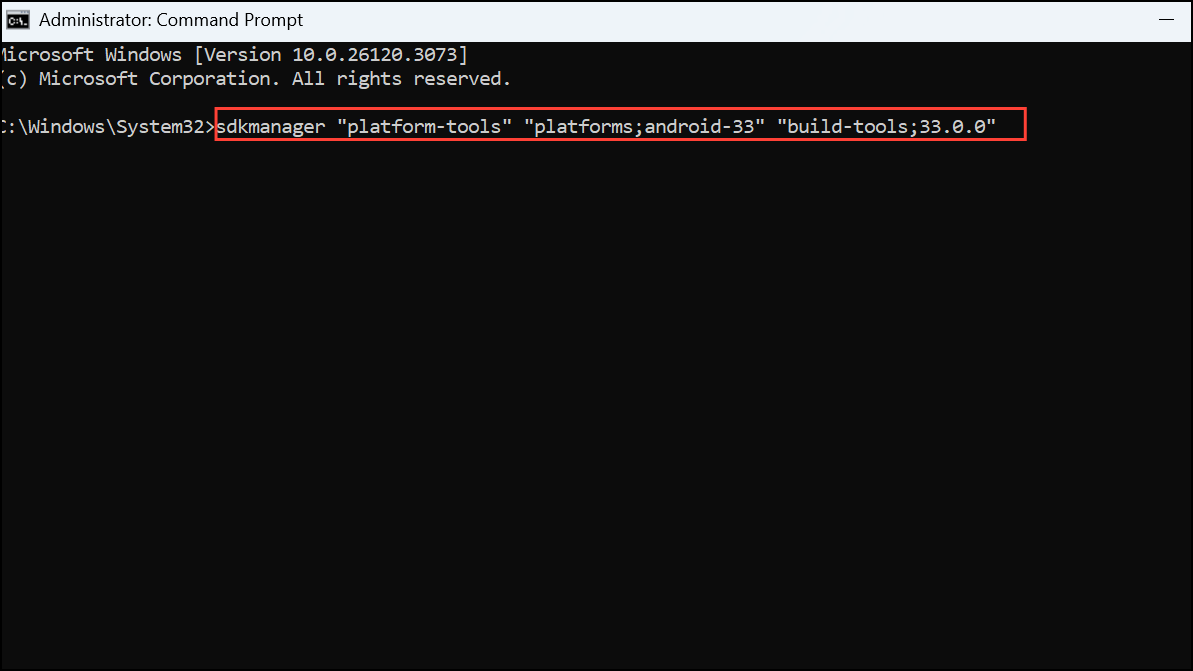
This command installs the platform tools, the Android 13 platform, and build tools version 33.0.0.
sdkmanager "system-images;android-33;google_apis;x86_64"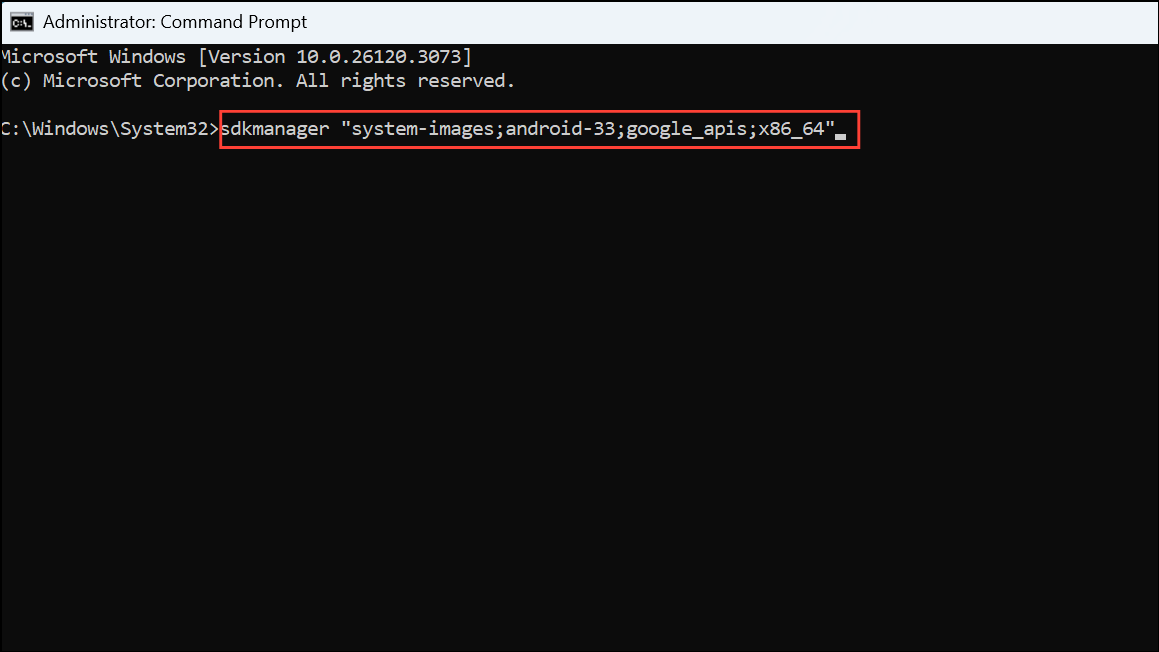
Then, create and manage virtual devices using the avdmanager tool.
adb --version and emulator -list-avds to ensure tools are working as expected.Additional Configuration for Multi-Agent Development
Multi-agent systems in Android often require advanced communication libraries, concurrency handling, and sometimes integration with cloud services. After setting up the ADK, install any additional dependencies required for your specific multi-agent framework, such as third-party libraries or plugins.
Keep your SDK and build tools updated by regularly launching the SDK Manager or running sdkmanager --update in the command line. This ensures compatibility with the latest Android versions and features.
Completing these steps sets up a reliable environment for multi-agent development with the Google ADK on Windows 11. Keeping your tools updated and verifying configurations will help you avoid common build and deployment issues as your projects grow.



