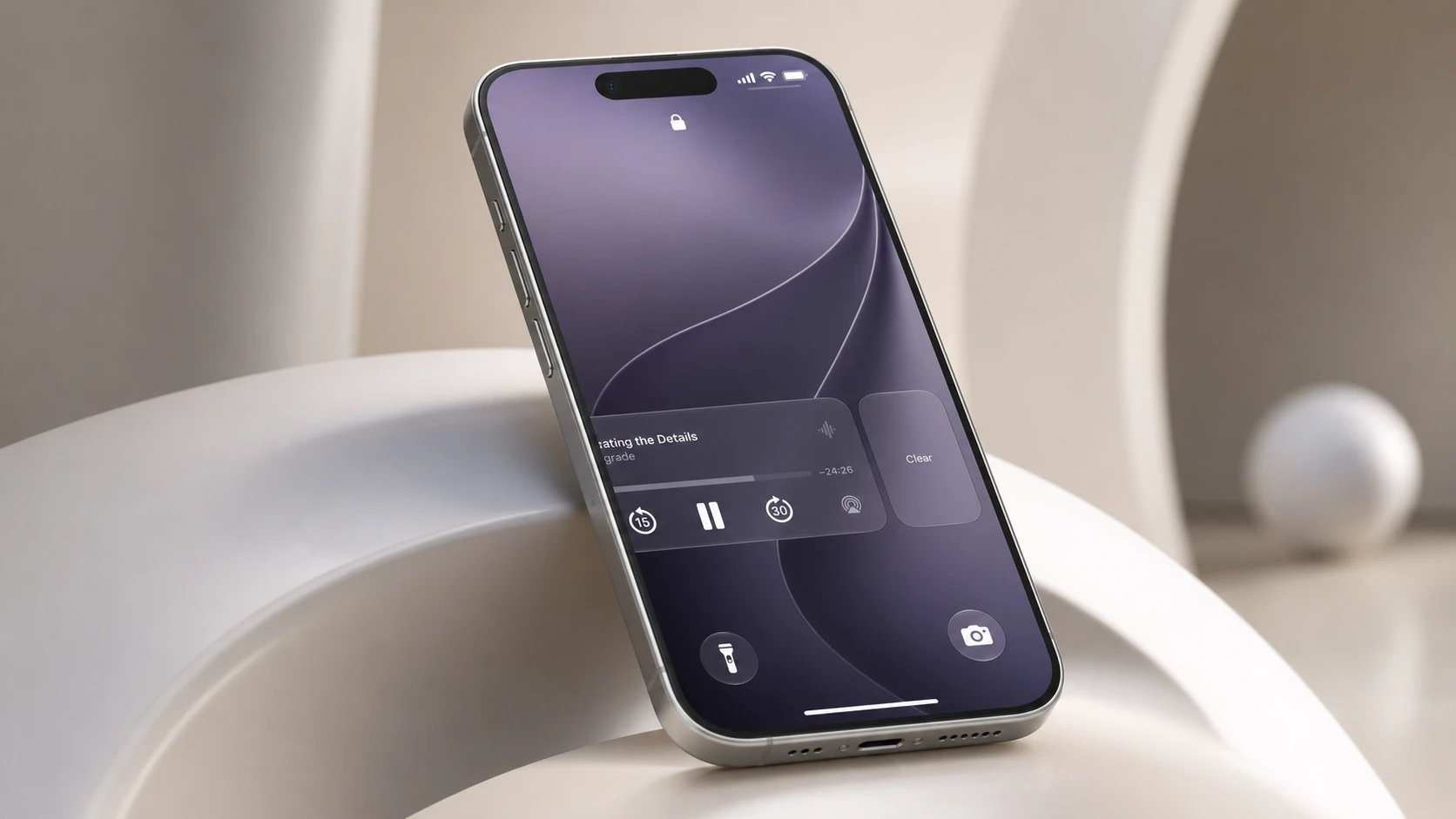
For years, the Now Playing widget has been a permanent fixture on the iPhone Lock Screen whenever audio or video was running, with no built-in way to make it go away. iOS 27 changes that. You can now swipe the widget off the Lock Screen and out of Notification Center, the same gesture you already use to clear a notification.
Quick answer: Swipe the Now Playing widget left (or off the screen) from the Lock Screen or Notification Center to dismiss it. This also removes it from the Dynamic Island for that app.
What dismissing the Now Playing widget does in iOS 27
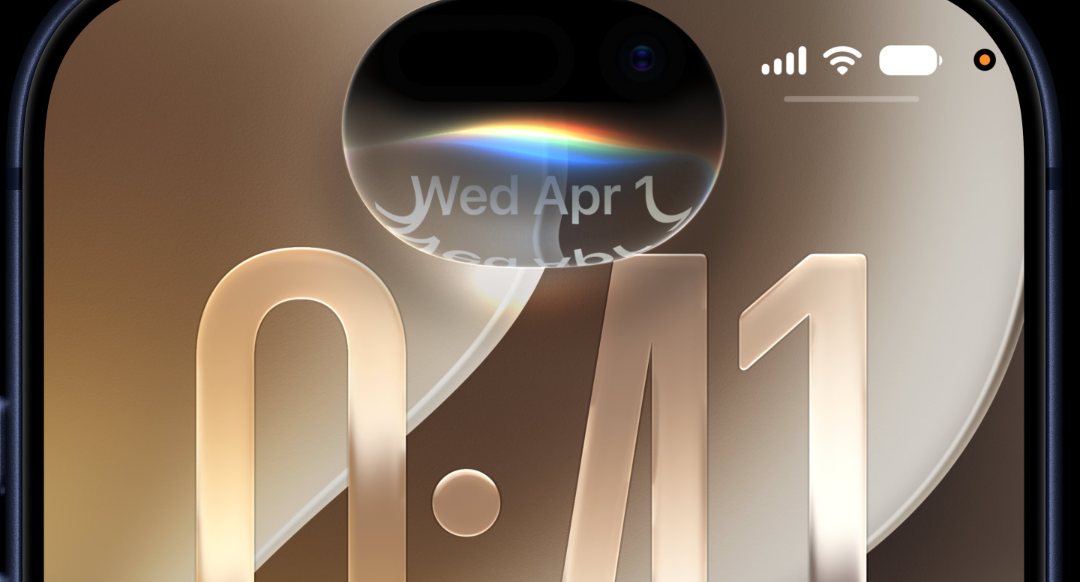
The swipe gesture treats the media controls like any other dismissible item. Once you clear it, the widget disappears from the Lock Screen and from Notification Center. On the first iOS 27 developer beta, the action goes one step further and hides the Now Playing presentation in the Dynamic Island too, so the playback indicator no longer wraps around the camera cutout.
This is a real change in behavior. On earlier versions of iOS, the player would always reappear on the Lock Screen while media was playing, and there was no setting to switch it off. People regularly asked whether the Now Playing widget could be removed and were told it simply could not be disabled.
How to swipe the widget away
How to bring the widget back
There is no obvious button to restore the widget right away once you have cleared it. The workaround on this beta is to pause playback, wait a few minutes, and then resume. After that gap, the Now Playing widget returns for the active app.
Note: If you resume too soon after dismissing the widget, iOS may not bring it back, so the short wait matters.
The dismissal is tied to each app
Clearing the widget applies to the app you dismissed it for, not to media playback in general. Switch to a different app that plays audio or video, and a fresh Now Playing widget shows up for that one.
| Action | Result |
|---|---|
| Dismiss the widget while listening in Overcast | Overcast’s Now Playing widget is cleared from the Lock Screen and Dynamic Island |
| Start a video in YouTube afterward | The Now Playing widget reappears for YouTube |
| Pause YouTube and resume in Overcast shortly after | Overcast’s widget may not return, depending on how recently it was dismissed |
Because the behavior depends on the individual app and on timing, expect some inconsistency while this is still a developer beta. The core capability is straightforward, though. You finally have a quick gesture to clear media controls that used to stay locked in place, and the same swipe clears the Dynamic Island along with the Lock Screen.