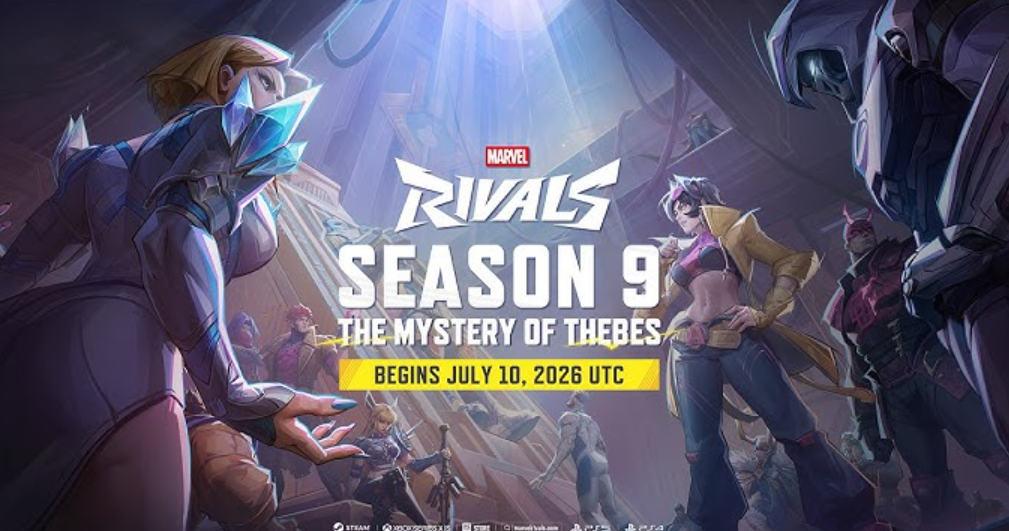
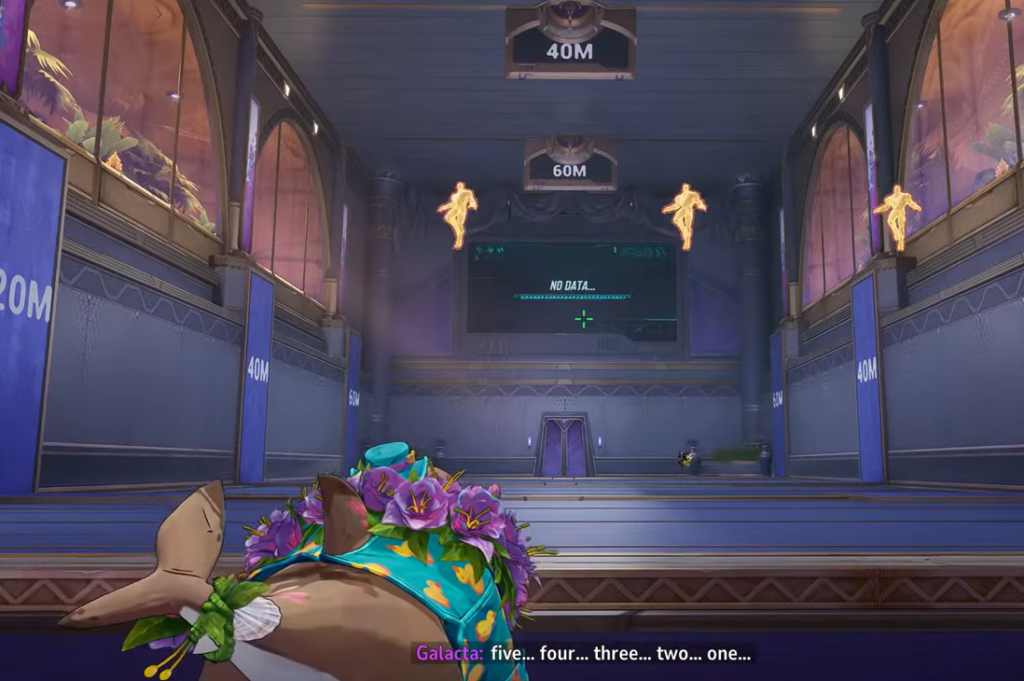
The Practice Range in Marvel Rivals is where you learn a hero’s kit before risking a real match, so it stings when the loading bar freezes at 1% and never moves. This tends to spike right after a new season or a fresh hero drops, when everyone rushes in at once to test the newcomers. The good news is that most cases clear up on their own or with a couple of quick resets.
Quick answer: Fully close and reopen Marvel Rivals, then try the Practice Range again. If it still stalls at 1%, verify the game files on PC and confirm you have a stable internet connection. When the problem hits many players at the same moment, it is a server-side outage and only clears once NetEase pushes a fix.
Why the Practice Range gets stuck at 1%
There are two very different causes, and telling them apart saves you time. If large numbers of players report the training area failing to load at the exact same time, the fault sits on the developer’s side. Marvel Rivals relies on a constant connection to its servers, so an overloaded or misbehaving server will leave the loading bar frozen no matter what you do on your end.
The second cause is local. Corrupted or renamed game files, a shaky connection, or a temporary hitch in the client can each trap the load at 1%. Those are the ones you can actually fix yourself, and the steps below work through them in order of how quickly they usually pay off.
Before you start deleting anything, check whether other players are reporting the same thing right now. If the whole community is stuck, sit tight rather than reinstalling.
Restart the game and retry
You know it worked when the loading bar advances beyond 1% and the training map finishes loading with your selected hero placed on the range.
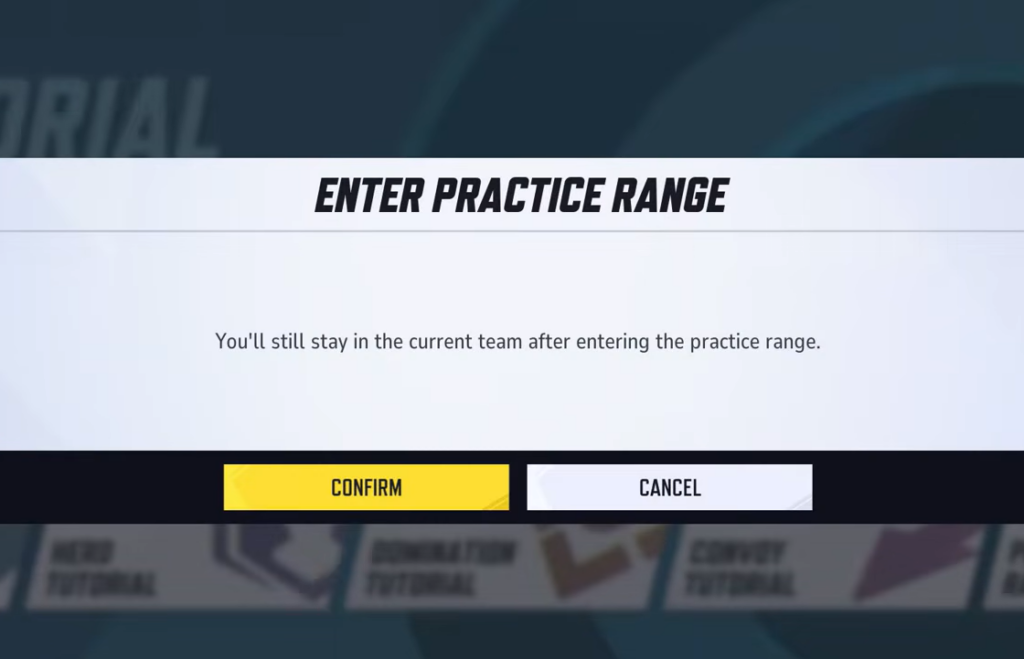
Verify the game files on PC
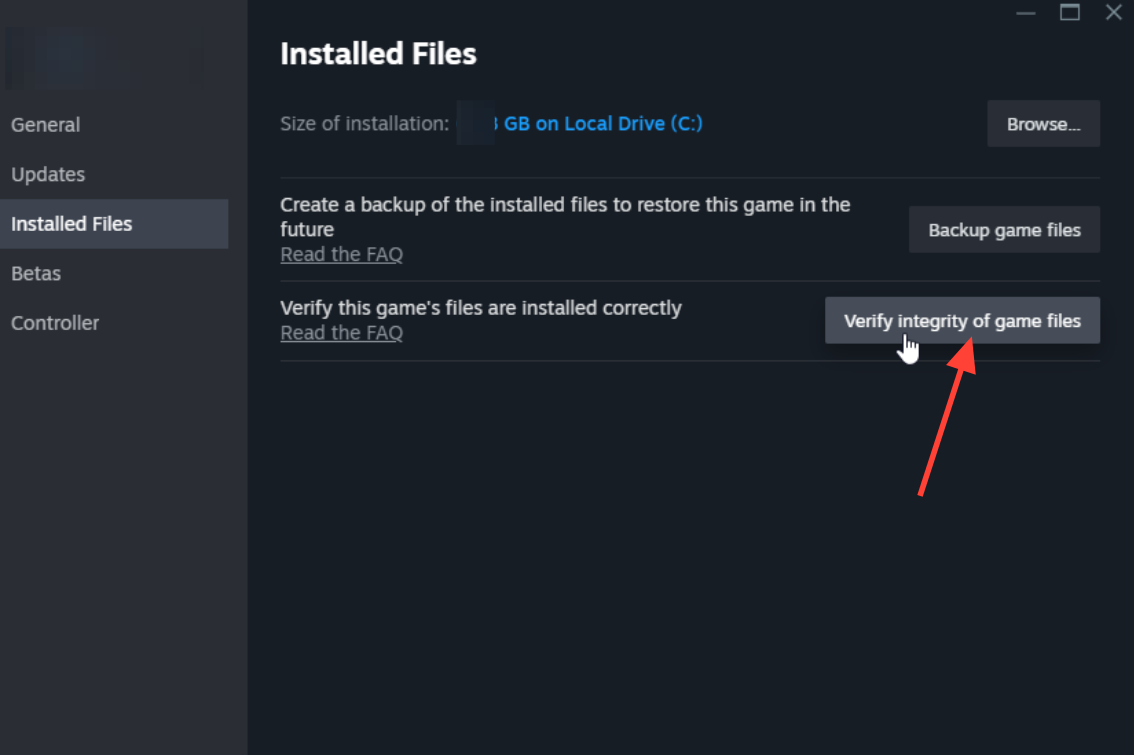
The 1% freeze mostly hits PC players, and damaged files are a common trigger, especially if you ever renamed or deleted files to run mods. Verifying replaces anything missing or broken without touching your account progress.
Once verification completes, restart the game and load the Practice Range. If the scan replaced files, the training area should now load normally.
Check your internet connection
Because the game needs a live connection, a slow or dropping link can leave the Practice Range hanging. Run a speed test to confirm you are getting the throughput you normally expect.
If you are on Wi-Fi, switch to a wired Ethernet connection where you can. A cable gives a steadier link with fewer drops, which matters for the constant handshake the training area needs to finish loading.
Reinstall Marvel Rivals as a last resort
If restarting, verifying files, and fixing your connection all fail, a clean reinstall removes any stubborn problem files and starts you fresh. Treat this as the final option, since it takes the longest.
Your progress is tied to your account, not the installation, so you will not lose anything. Log back in with the same profile and your skins, achievements, and competitive rank will all be intact.
| Fix | Best for | Effort |
|---|---|---|
| Restart and retry | Temporary client hitch | Low |
| Verify game files | Corrupt or renamed files (PC) | Medium |
| Check connection / go wired | Unstable internet | Medium |
| Reinstall the game | Persistent local problems | High |
| Wait for a patch | Server-side outage | None |
Console players and the server-side wait
On console, there is no file-verification tool to fall back on, so your practical options are restarting the game, confirming your connection is stable, and reinstalling if nothing else helps. Repeatedly re-entering the range often gets you in eventually, particularly during the post-launch crush when a new hero arrives.
When none of that moves the bar and the timing lines up with a fresh season or hero release, the cause is almost certainly the servers. In that situation, the wait is the fix, and the Practice Range comes back once NetEase resolves the load on its end.