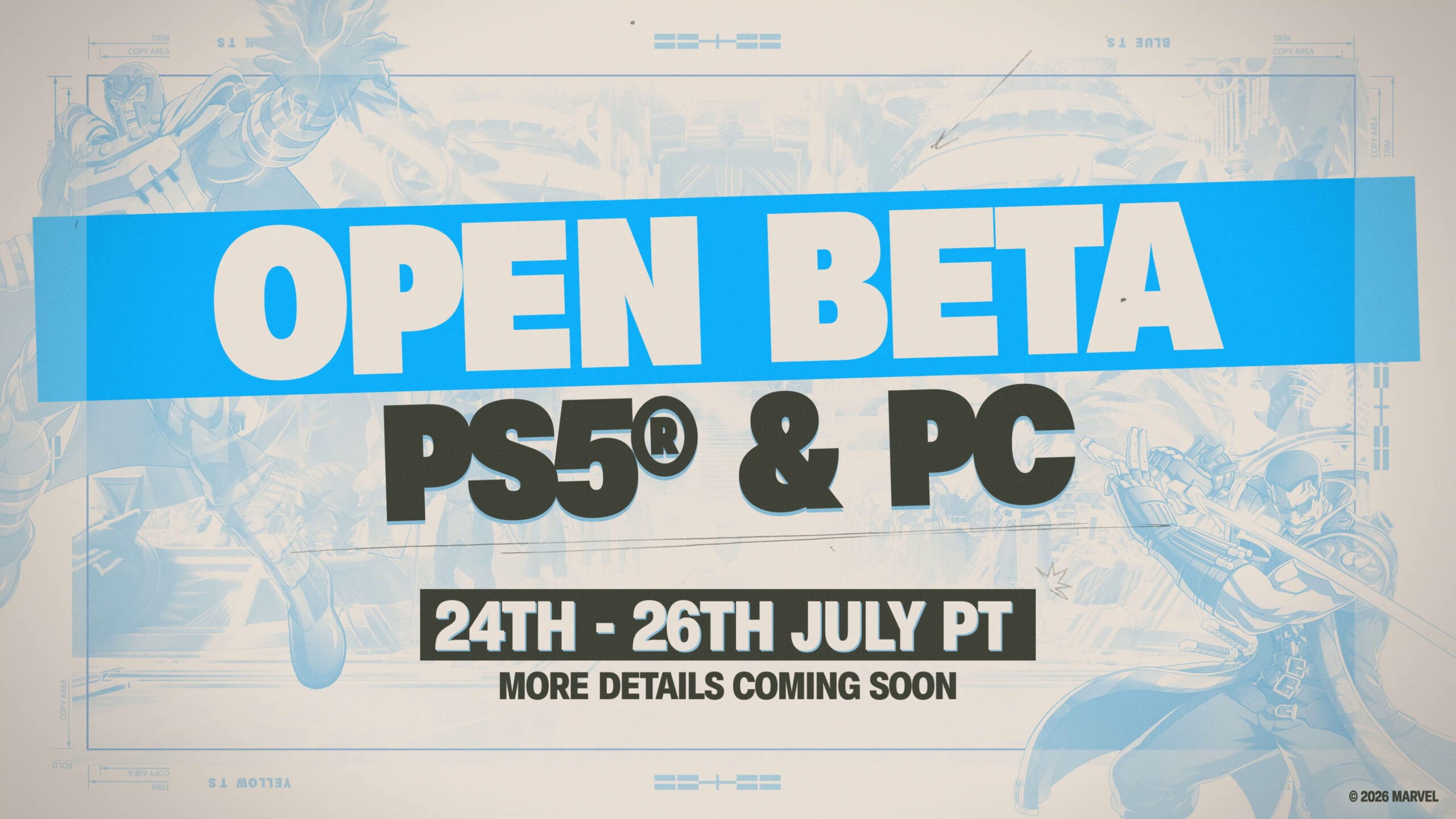
Marvel Tokon: Fighting Souls, the 4v4 tag-team fighter from Arc System Works, PlayStation Studios, and Marvel Games, is opening its doors to everyone before its August 6, 2026 release. Unlike the earlier PS5-only Closed Beta, the Open Beta is free to enter on both PS5 and PC, and you do not need a code or an emailed invitation to get in.
Quick answer: Sign in with your PlayStation Network account, download the “Marvel Tokon: Fighting Souls Open Beta” client from the PlayStation Store (PS5) or from Steam or the Epic Games Store (PC), then launch it any time between July 24 and July 26, 2026 while the servers are live.
Open Beta dates and platforms
The Open Beta runs for three days, from July 24 to July 26, 2026. An exact start time and time zone have not been confirmed, so plan to check the client on the morning of July 24 in your region. The test is global and available on PS5, PS5 Pro, and PC.
| Detail | Info |
|---|---|
| Open Beta window | July 24-26, 2026 |
| Start time | Not yet confirmed |
| Platforms | PS5, PS5 Pro, PC (Steam and Epic Games Store) |
| Invitation required | No |
| Account needed | PlayStation Network (PSN) account |
| Full release | August 6, 2026 |
Whether crossplay between PS5 and PC will be active during the Open Beta has not been confirmed. Treat it as uncertain until Arc System Works says otherwise.
How to join the Open Beta on PS5
How to join the Open Beta on PC
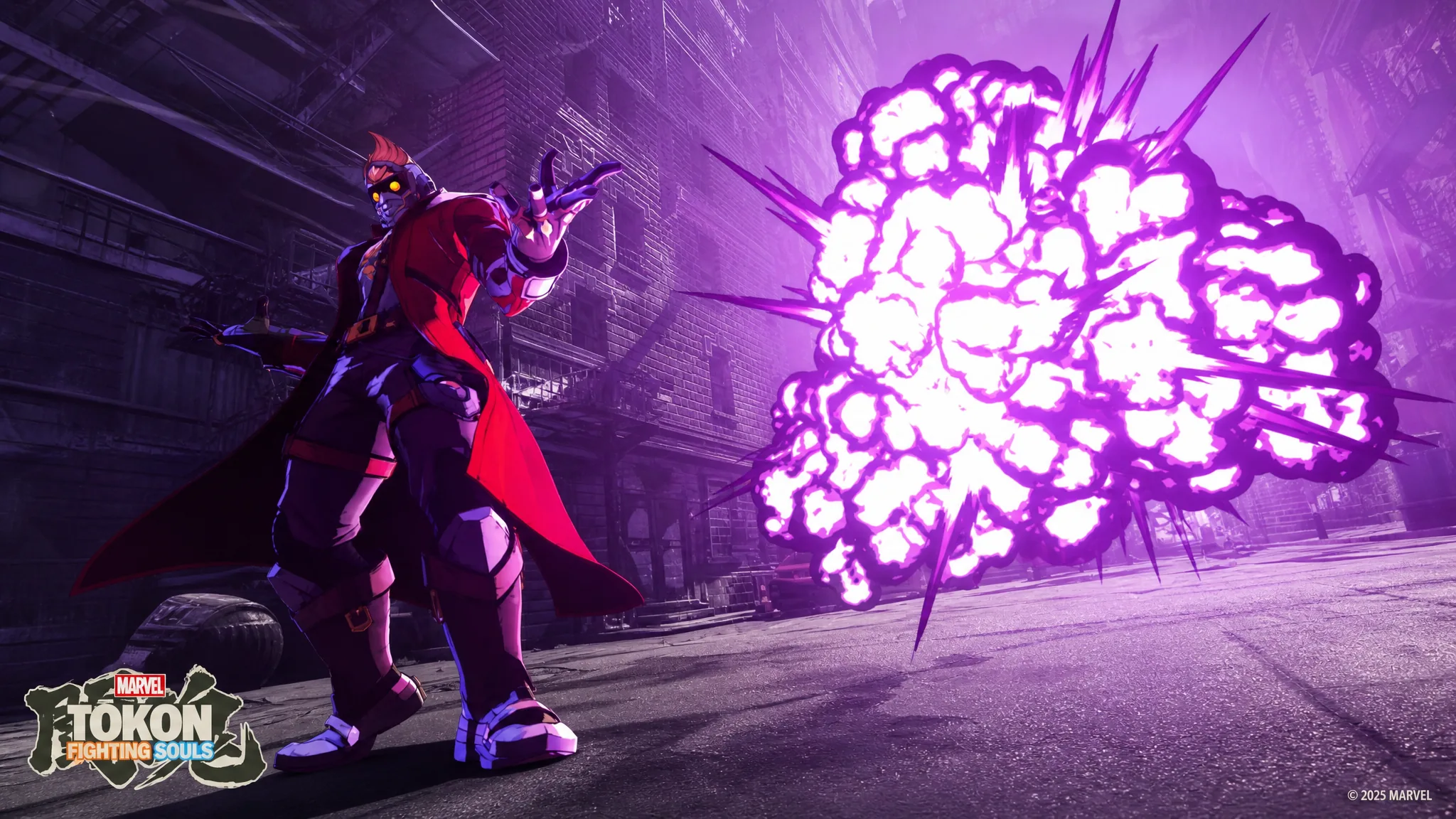
What you can play in the Open Beta
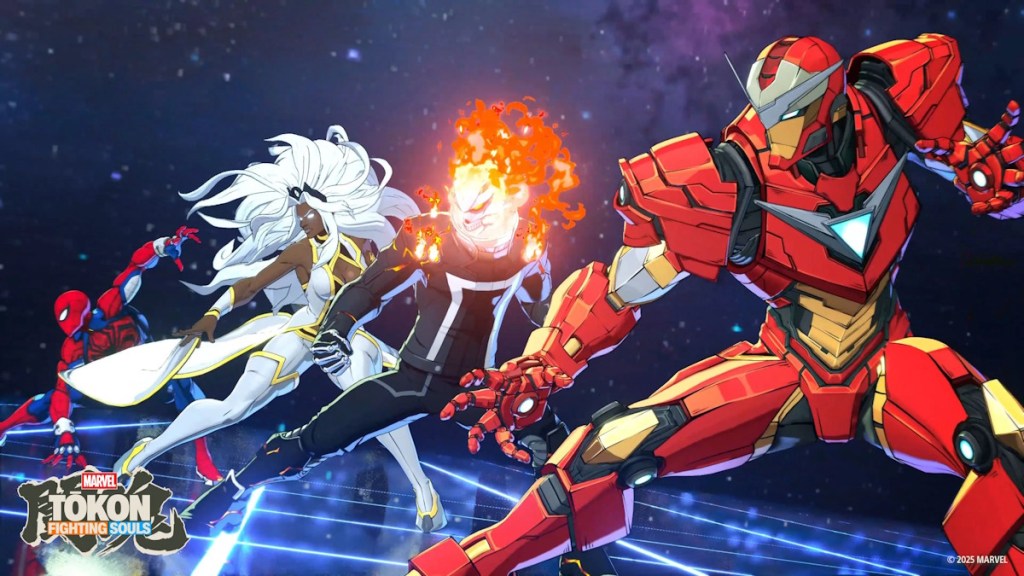
The Open Beta opens up the full launch lineup of 20 characters, a major step up from the eight-fighter Closed Beta. PC players also get to try the newly revealed Blade for the first time. Marvel Tokon is a paid release rather than free-to-play, with the standard edition priced at $59.99, so the beta is your no-cost chance to test the roster before deciding.
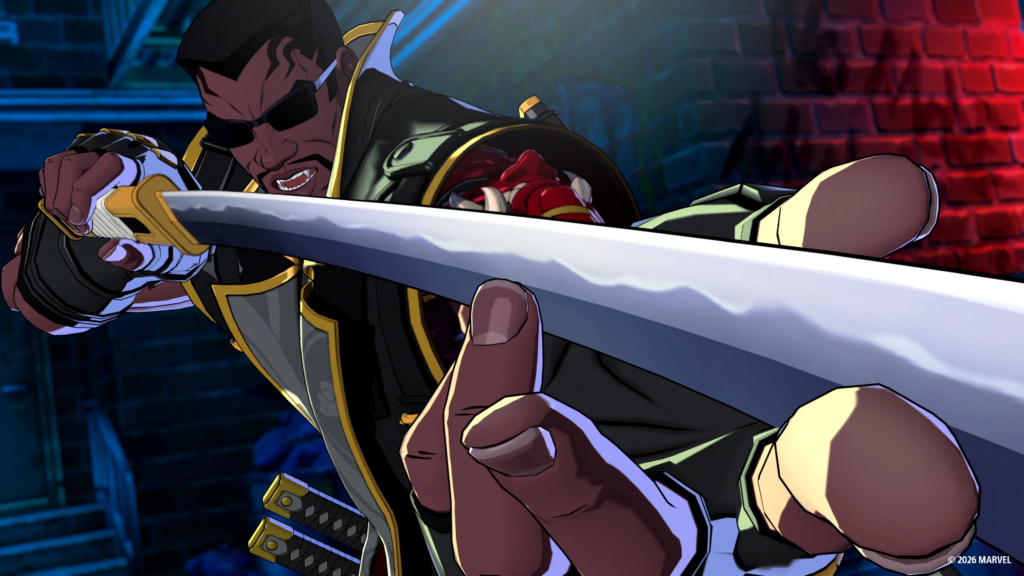
The earlier Closed Beta gave a preview of the format, with online matches, CPU battles, a 64-player lobby of Chibi Marvel avatars, training tutorials, and Spectator Mode across three stages (Savage Land, X-Mansion, and Marvel’s New York). The Open Beta widens access to that core experience on both platforms.
Confirming you are in
You know you have access once the beta client launches and connects you to the lobby or hero select screen during the July 24-26 window. Because no invite is involved, there is no code to enter and nothing to wait for in your inbox. If the client refuses to connect outside those three days, that is expected behavior since the servers only run for the test period.
The most common reasons the beta won’t start are a missing PSN sign-in or trying to launch before the servers go live. Sign in first, confirm the install completed, and try again once the window opens. With the full game arriving August 6, 2026, the late-July test is the last broad chance to lock in your team before launch.