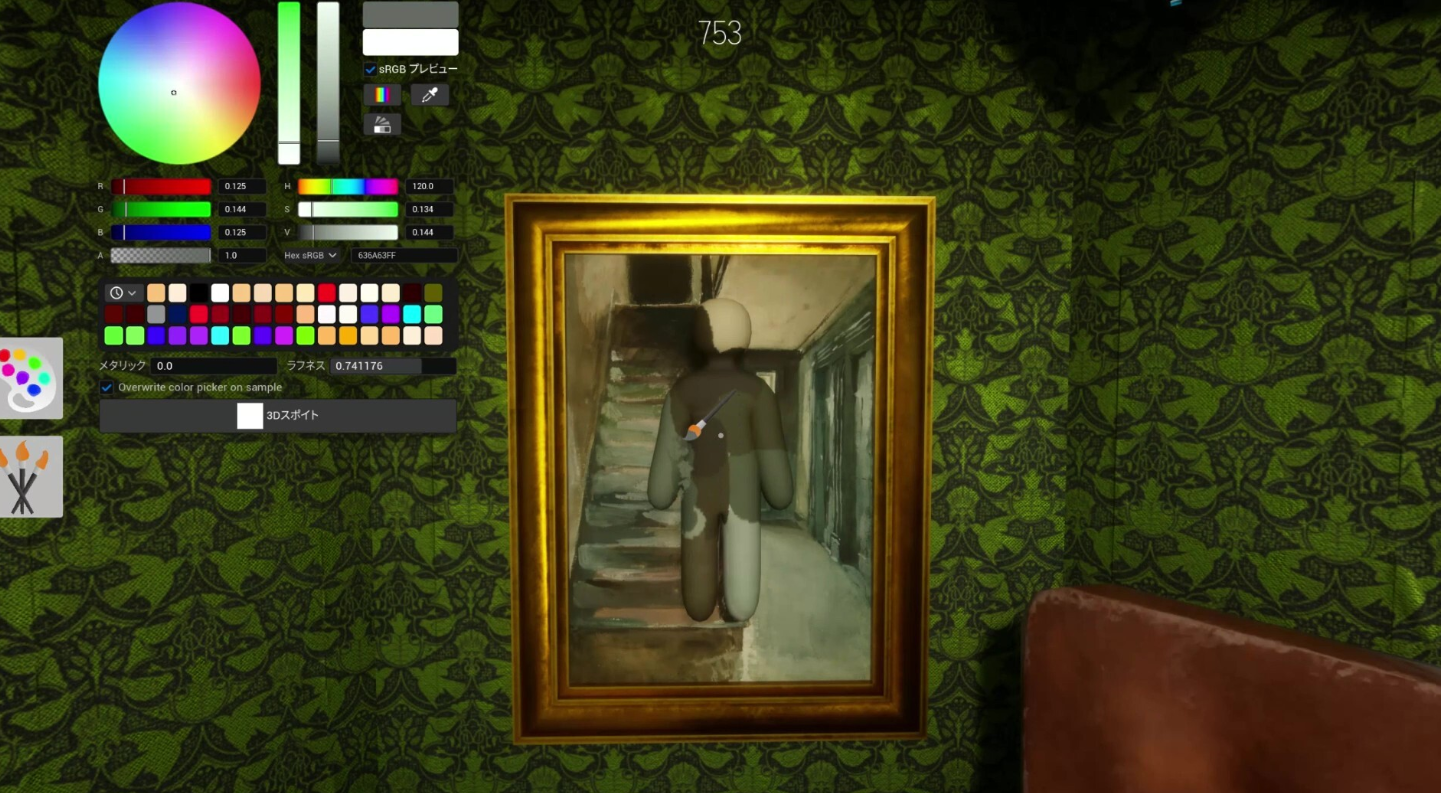
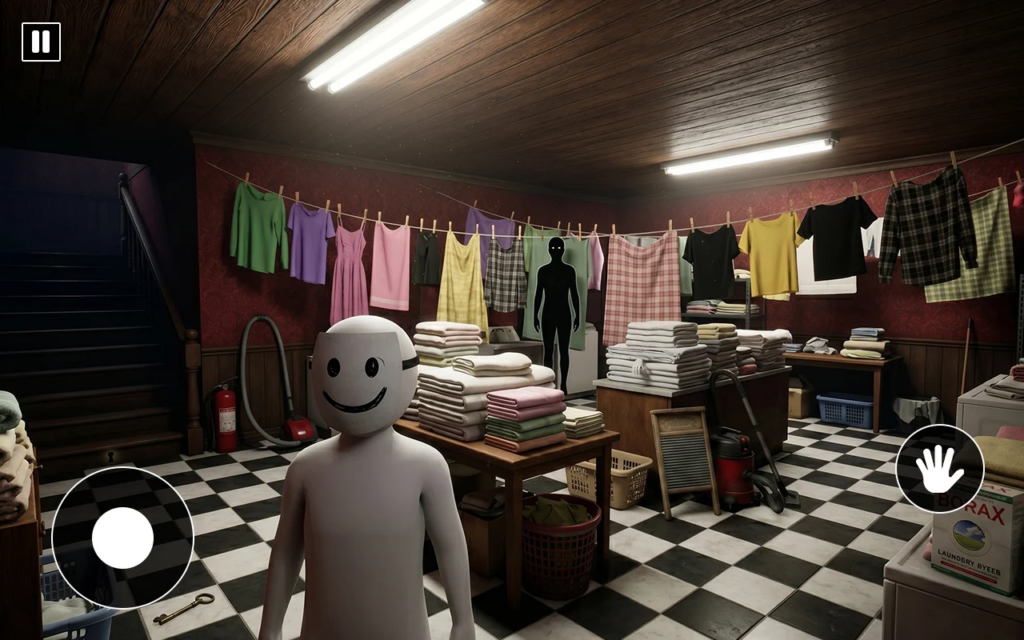
Meccha Chameleon started as a hide-and-seek game where hiders paint a blank white body to blend into walls, signs, and props while seekers try to spot them. If you’re trying to play it on a phone, the safest route on Android is the listed multiplayer version on Google Play, not a random APK or a browser “stream” page.
Quick answer: On Android, open the Google Play Store and search for Meccha Hide & Paint Chameleon by Barracuda Games, then tap Install. There is no confirmed official iOS App Store listing, so treat any iPhone “download” or in-browser gateway as unofficial.
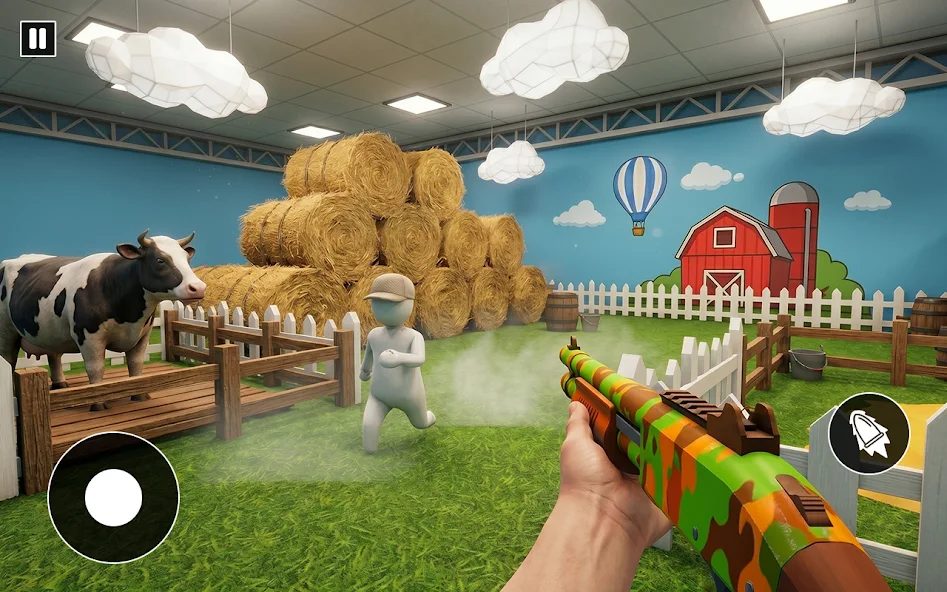
Download Meccha Hide & Paint Chameleon on Android (Google Play)
The Android build is published by Barracuda Games – Good Shooting and Action Games. It contains ads, carries a Rated for 3+ content rating, and was last updated on June 15, 2026. The store lists it under Simulation.
You’ll know it worked when the app icon appears on your home screen or in your library and the game launches to its main menu. If the install fails, the most common reasons are insufficient storage, a region or device-compatibility block on the listing, or an interrupted connection.
What the mobile game includes
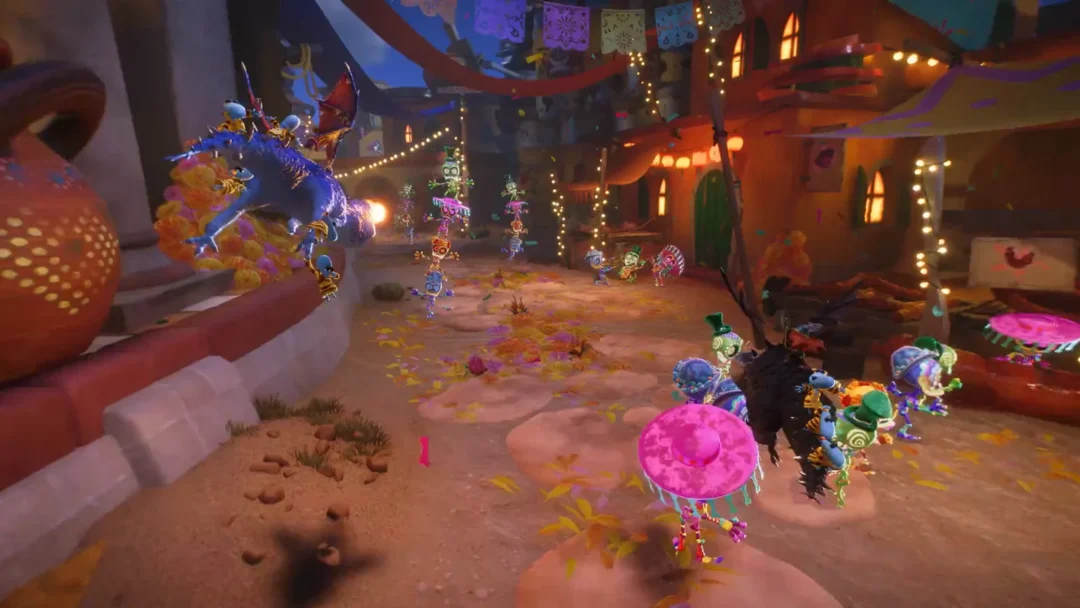
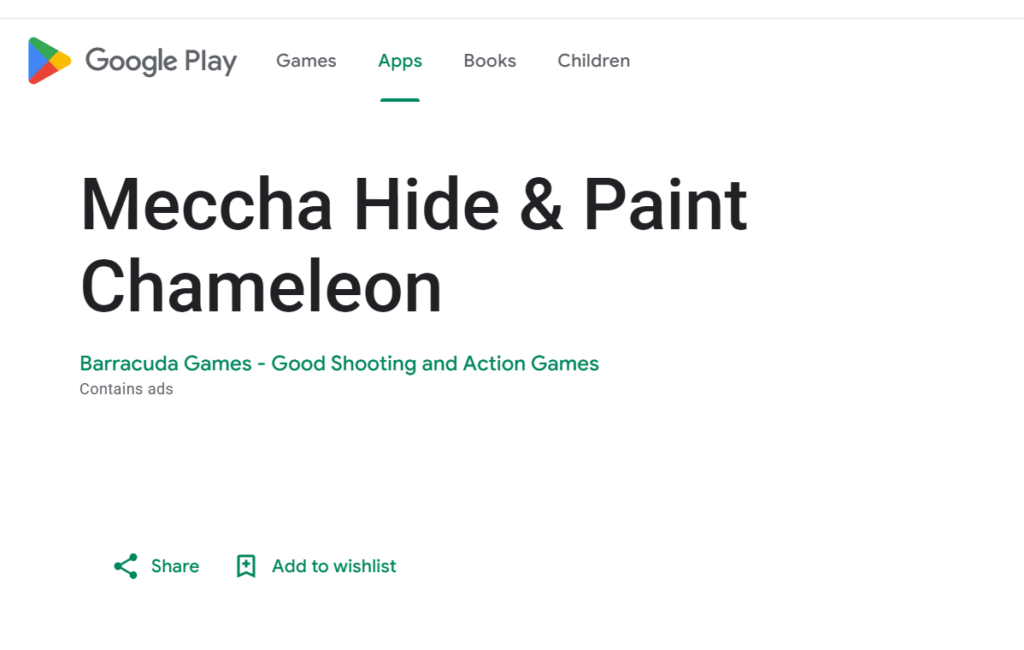
Matches split players into two teams. Seekers hunt every hider before the timer ends, while hiders use a digital paintbrush to copy the textures, patterns, and colors around them. Your character begins as a plain white canvas, so finding the right spot and striking a pose that matches the surface is the whole game.
| Detail | Value |
|---|---|
| Android title | Meccha Hide & Paint Chameleon |
| Developer | Barracuda Games – Good Shooting and Action Games |
| Category | Simulation |
| Content rating | Rated for 3+ |
| Monetization | Contains ads |
| Last updated | June 15, 2026 |
| Recommended players | 2–10 (online multiplayer) |
You can open a public server to play with people worldwide or set up a private lobby for friends. The game is built for viewer-participation streams too, so creators can pull their community into a match.
Data safety details to check before installing
The Play listing reports that the app may share certain data with third parties, including Location and App activity, among others. It also states the data isn’t encrypted and that collected data can’t be deleted. Review these points and your own privacy preferences before you install, especially if you plan to let younger players use it.
Developer contact and support run through Barracuda Games, with a support email at [email protected] and a privacy policy hosted on the developer’s blog.
Avoid third-party APKs and browser “gateway” pages
You’ll see sideload-style APK files and websites advertising a “mobile server gateway” that claims to stream the full game in your phone’s browser with instant play and random nicknames. These are not official distribution channels. Installing an unofficial APK or signing into a third-party stream page carries the usual risks of unverified files and unknown data handling, and nothing about them is confirmed by the game’s developer.
Note: If an iOS version matters to you, there is currently no confirmed official App Store listing. Until one appears, the Google Play release is the verified mobile option.