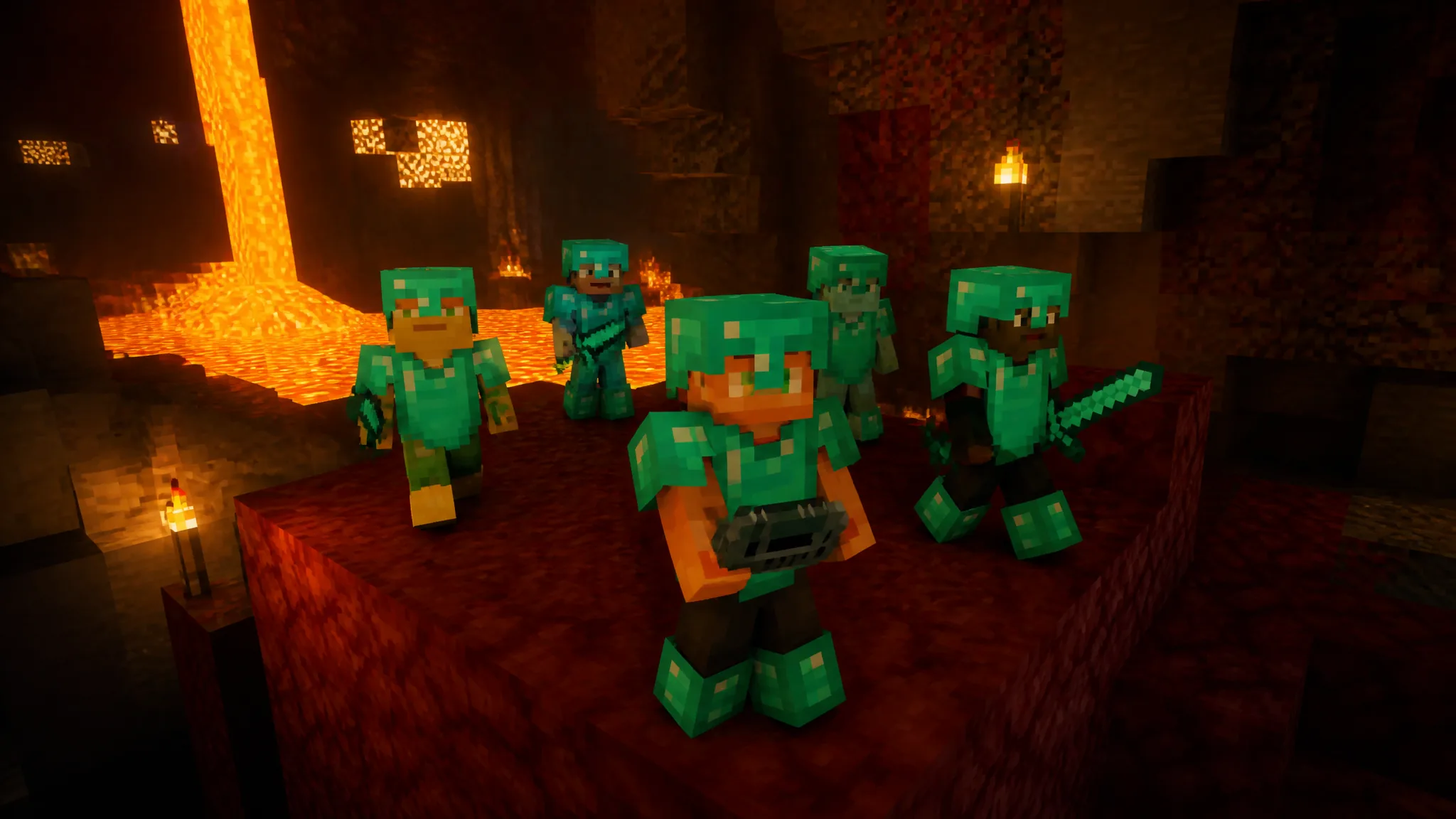
Playing Minecraft alone no longer means playing by yourself. The AI Players add-on from Gamemode One fills a single-player Bedrock world with companions that look, move, and act like other players, and they keep doing their own thing whether or not you are watching. Despite the name, these bots do not run on a chatbot or an online language model. They use traditional in-game AI, which is why the whole thing works with the device completely offline.
Quick answer: Buy AI Players on the Minecraft Marketplace for 830 Minecoins, enable it under Behavior Packs when creating a world, then use the Admin device to invite bots in.
What the AI Players add-on does
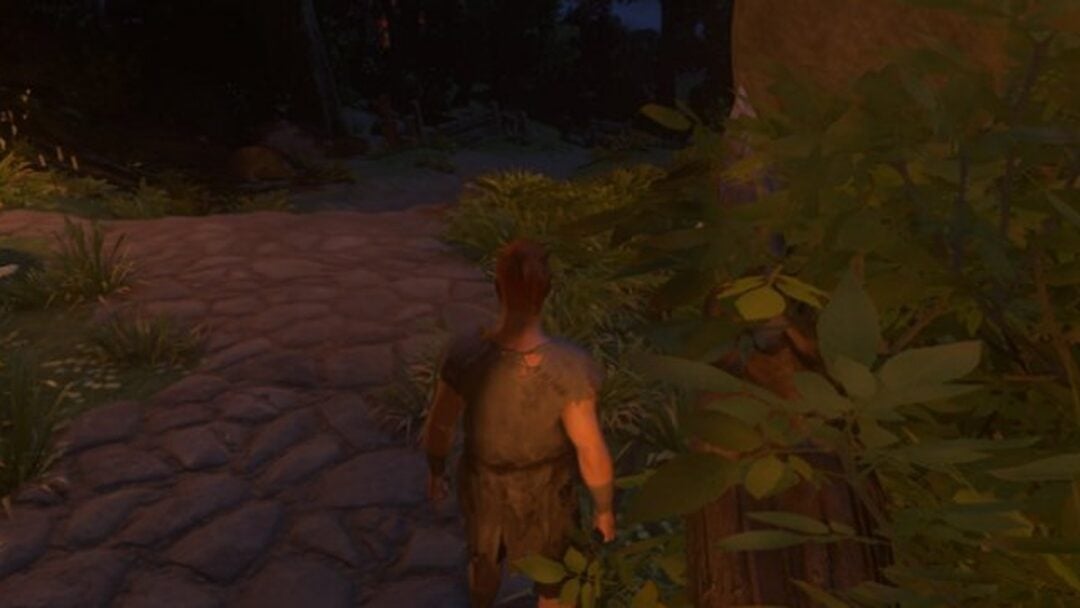
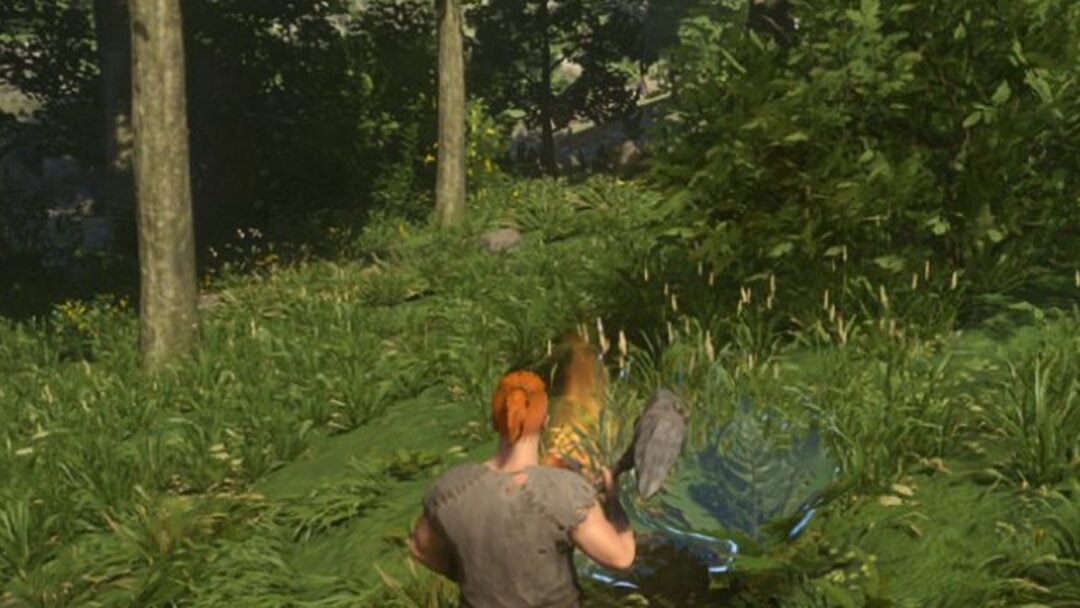
The add-on spawns computer-controlled players that behave like real teammates or rivals. They chop trees, mine ores, gather food, fight hostile mobs, craft gear, and tag along on adventures. Left alone, they keep pursuing their own goals, so you might find one wandering off to explore the new Dappled Forests while another digs deeper looking for ore.
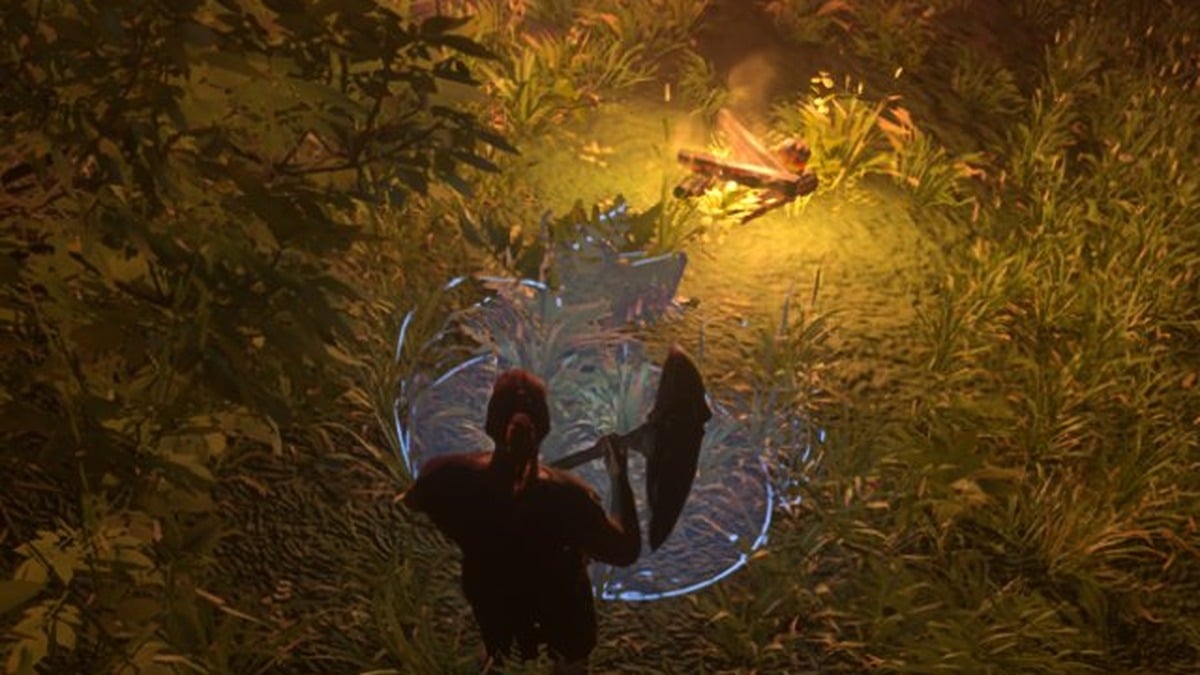
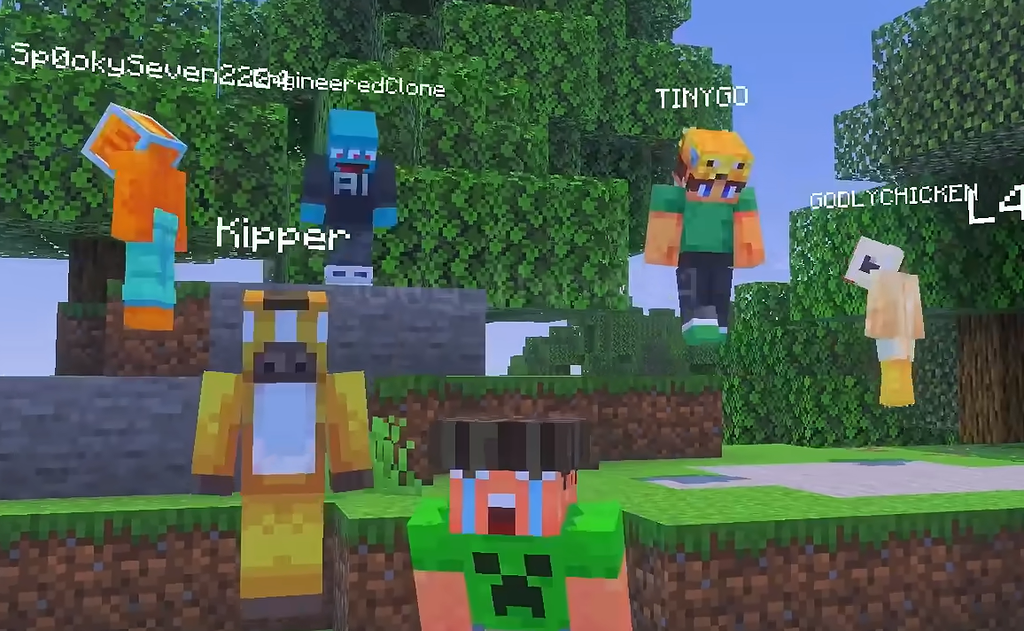
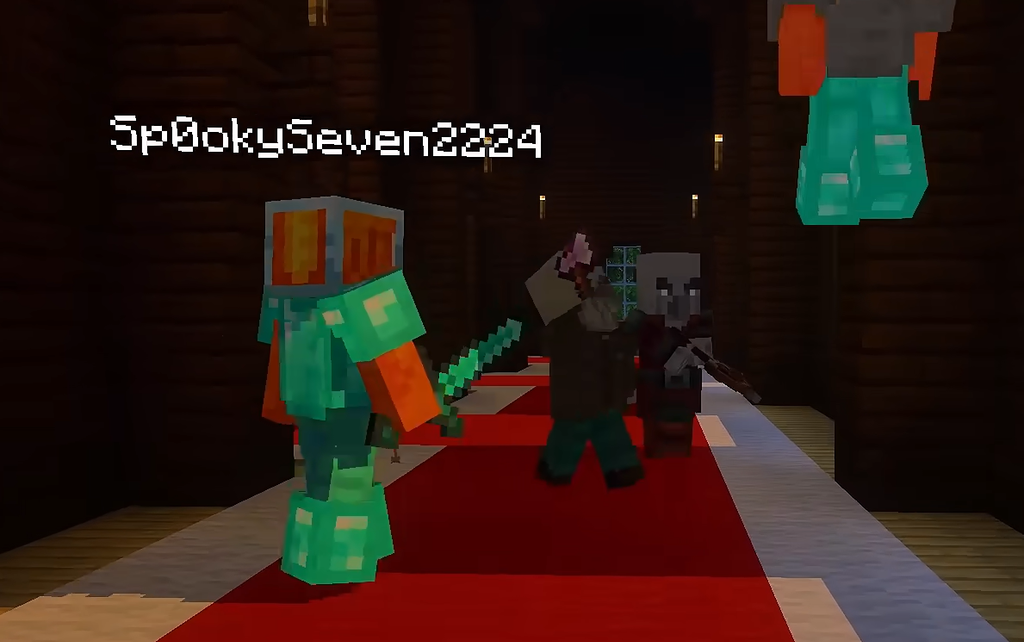
Each bot progresses through the early game on its own. It will craft tools, hunt for stone, ores, and eventually diamonds, wear armor, use weapons, and interact with nearby crafting tables and furnaces. In the reveal trailer, several appeared at once under player-style usernames such as SpookySeven2224, EngineeredClone, Kipper, and GODLYCHICKEN, moving around and gathering together by a campfire.
Gamemode One’s stated aim is not flawless artificial players but unpredictable ones. The bots make their own decisions based on what is happening around them, so each session plays out differently. That is the “chaos” part, the messy, memorable moments you normally only get in real multiplayer.
Requirements and cost
| Detail | Value |
|---|---|
| Price | 830 Minecoins |
| Platform | Minecraft Bedrock Edition |
| Where to buy | Minecraft Marketplace |
| Internet required | No (runs offline) |
| Released | September 15, 2026 |
The add-on arrived on the Marketplace alongside the Wilderness Bound update. Because it is a Bedrock Marketplace add-on, it installs and applies to worlds without any manual Java-style mod setup.
How to install and enable AI Players
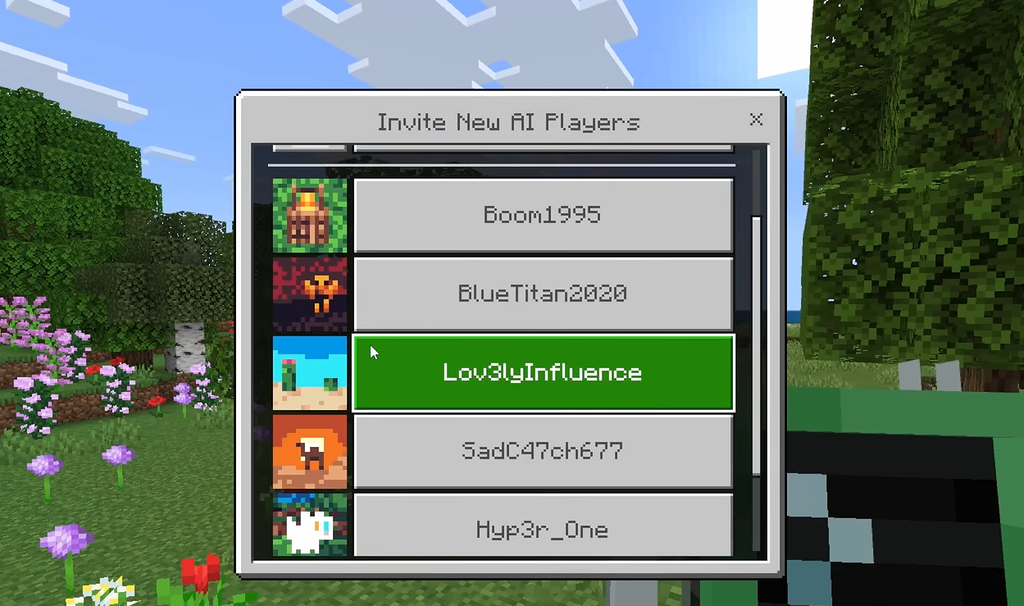
Once invited, the bots start working right away, chopping wood, mining, exploring, and fighting mobs alongside you. That is your confirmation the add-on is running as intended.
Managing bots with the moderation tool
Enabling the add-on gives you a moderation tool that controls the companions. You can teleport them to you, kick them out temporarily, or permanently ban ones you no longer want around.
If you lose the moderation tool, you can craft a replacement using a pickaxe, an axe, and a copper ingot, so misplacing it is not a dead end.
You can also open a companion’s inventory to hand over equipment, food, torches, or other resources. Gearing them up helps during expeditions, since they will actually use weapons and armor when fighting.
Gamemode One is an official Minecraft Marketplace partner with past work spanning Sonic the Hedgehog, PAC-MAN, How to Train Your Dragon, and Avatar: The Last Airbender. AI Players is its answer to a simple question, what if single-player felt like multiplayer, and the offline, humans-built design is what keeps those player-like companions running even when you are nowhere near a connection.