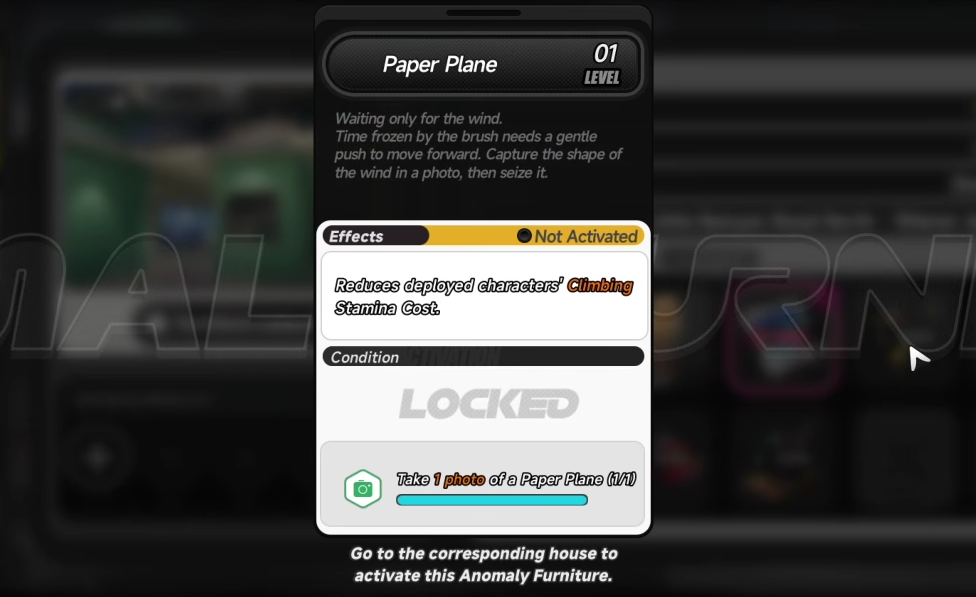
The Paper Plane in Neverness to Everness is an Anomaly Furniture piece tied to the Wiener Apartments property. Activating it reduces the climbing stamina cost of deployed characters. Before you can place it, the game requires one photo of the Paper Squadron, a hostile flock of paper planes that spawns near suburban mailboxes around Hethereau City.
Quick answer: Open City Tycoon → Property → Wiener Apartments, click the Paper Plane furniture’s “Take 1 photo of a Paper Plane (0/1)” condition to auto-track the Paper Squadron, fast travel to the marker, enter Photo Mode, frame one paper plane in focus, and take the shot. The counter changes to 1/1 when accepted.
What the Paper Plane anomaly furniture does
The “Paper Plane” listed in your property menu is a decorative painting of paper planes in the sky. Once activated, it functions as Anomaly Furniture and lowers the stamina drain when characters climb. Upgrading the piece increases the effect, and upgrade materials come from the same enemy that gates the unlock.
| Field | Value |
|---|---|
| Furniture name | Paper Plane |
| Property slot | Wiener Apartments |
| Unlock condition | Take 1 photo of a Paper Plane (Paper Squadron) |
| Effect | Reduces climbing stamina cost for deployed characters |
| Upgrade material | Feather Fragments |
| Material source | Defeating the Paper Squadron anomaly |
Track the Paper Squadron from the property menu
The Paper Squadron does not appear on the world map by default. The fastest way to find one is to let the unlock condition place a marker for you.
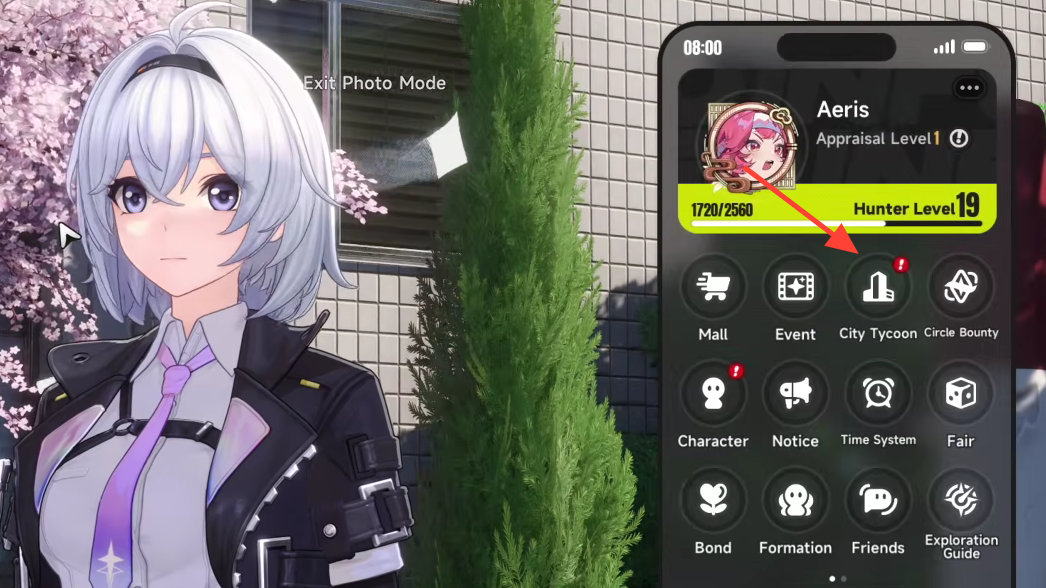
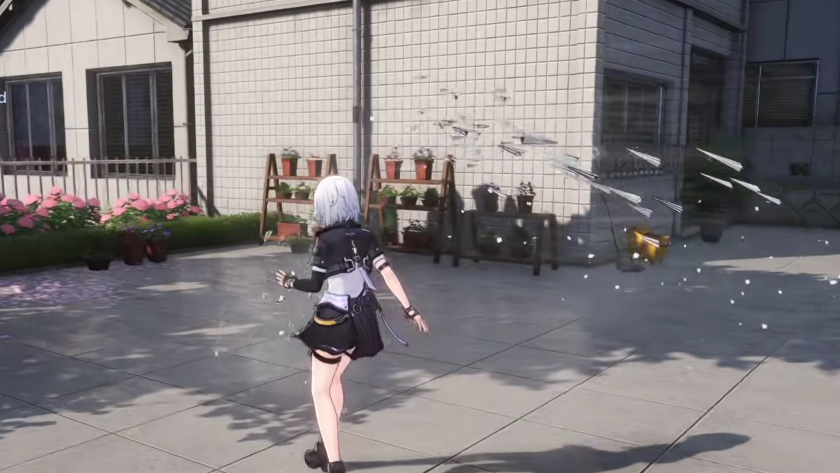
Take the photo without losing the shot
The squadron is hostile and will engage on sight. Photo Mode freezes time, so you can use it mid-fight to line up a clean frame.
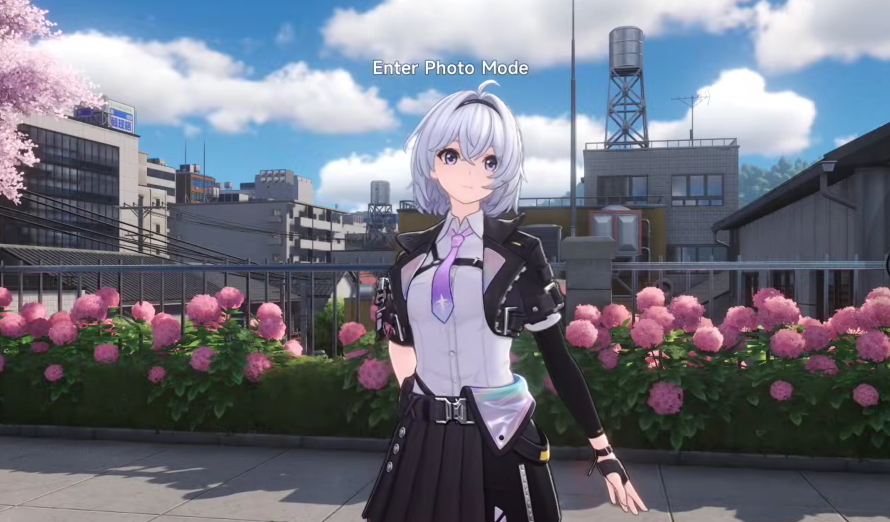
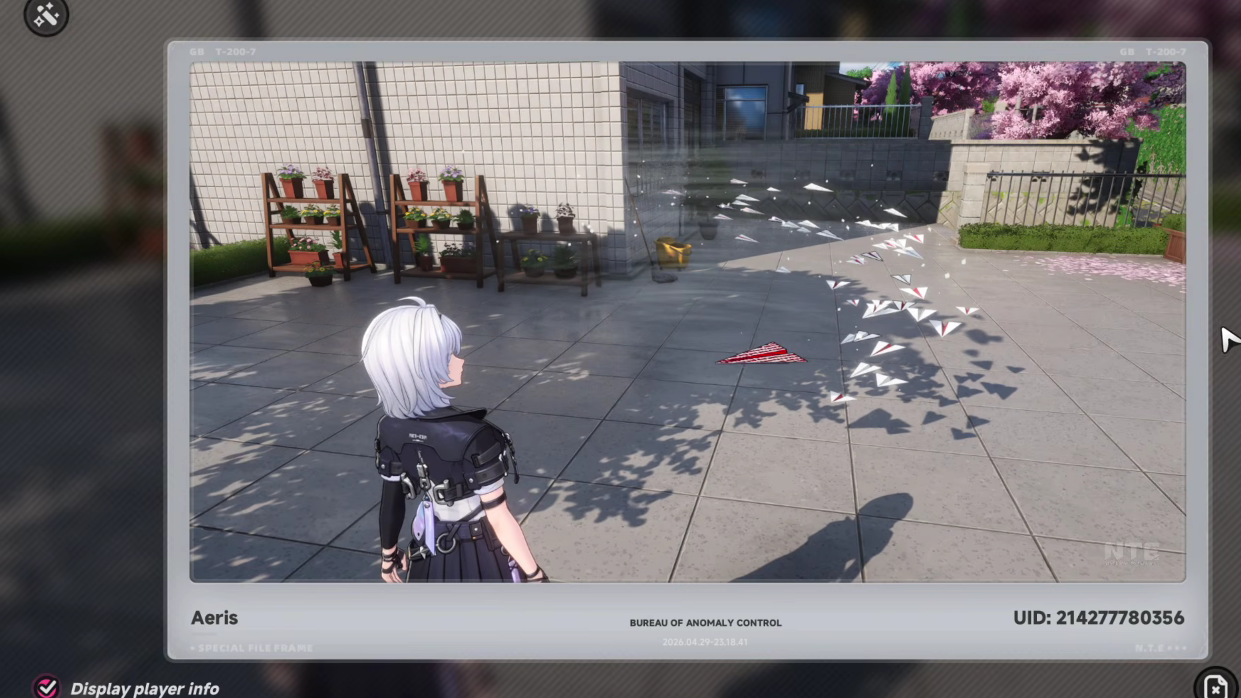
Confirm the photo registered
Open City Tycoon again, return to Property → Wiener Apartments, and select the Paper Plane furniture. The unlock line should now read “Take 1 photo of a Paper Plane (1/1).” If it still shows 0/1, the shot did not register, and you need a cleaner frame with a paper plane clearly visible and in focus.
Common reasons the counter stays at 0/1:
- No paper plane was inside the focus area of the photo.
- The frame captured only debris, projectiles, or the wider squadron silhouette without a recognizable plane.
- Your character body obscured the subject; enabling Hide Yourself usually fixes this.
Activate the furniture after the photo
Unlocking the condition does not place the furniture by itself. Travel to the player house where you want the effect, view the painting of paper planes flying in the sky, and press Activate to enable the anomaly bonus. The climbing-stamina reduction applies to characters deployed in that property.
Farm Feather Fragments to upgrade it
Upgrades use Feather Fragments, dropped by Paper Squadron anomalies across Hethereau City. You can re-track the enemy two ways:
- Repeat the City Tycoon method on any property entry that references Paper Squadron.
- Open the Feather Fragment item description in your inventory and click “Source: Anomaly Paper Squadron” to pin a squadron on the map.
Each defeated squadron yields fragments, and additional spawns appear near mailboxes throughout the suburban districts, so a single farming loop can hit several in sequence.
Once the photo is registered and the painting is activated, the Paper Plane is fully functional, and any further visits to the Paper Squadron are purely for upgrade materials.