Action Prompts are the floating button icons that pop up over an enemy’s head the moment they wind up an attack in Onimusha: Way of the Sword. They’re on by default in Story (Storyline Focus) difficulty, and they’re genuinely useful while you’re learning Musashi’s parry, deflect, dodge, and Issen timings. They also clutter the screen once the timings click, and Capcom lets you switch them off without touching your difficulty.
Quick answer: Pause the game, open Settings, move to the Gameplay tab, scroll down to Action Prompts, and set it to Off.
What Action Prompts show during combat
When the setting is on, a button icon appears above an attacking enemy telling you which input that specific attack calls for. Run up on a Hitotsume Gasa mid-swing and you’ll see something like an L1 hovering over its head. The prompt names the button, not the moment. Timing the press is still entirely on you, which is why the feature works as a training wheel rather than an autopilot.
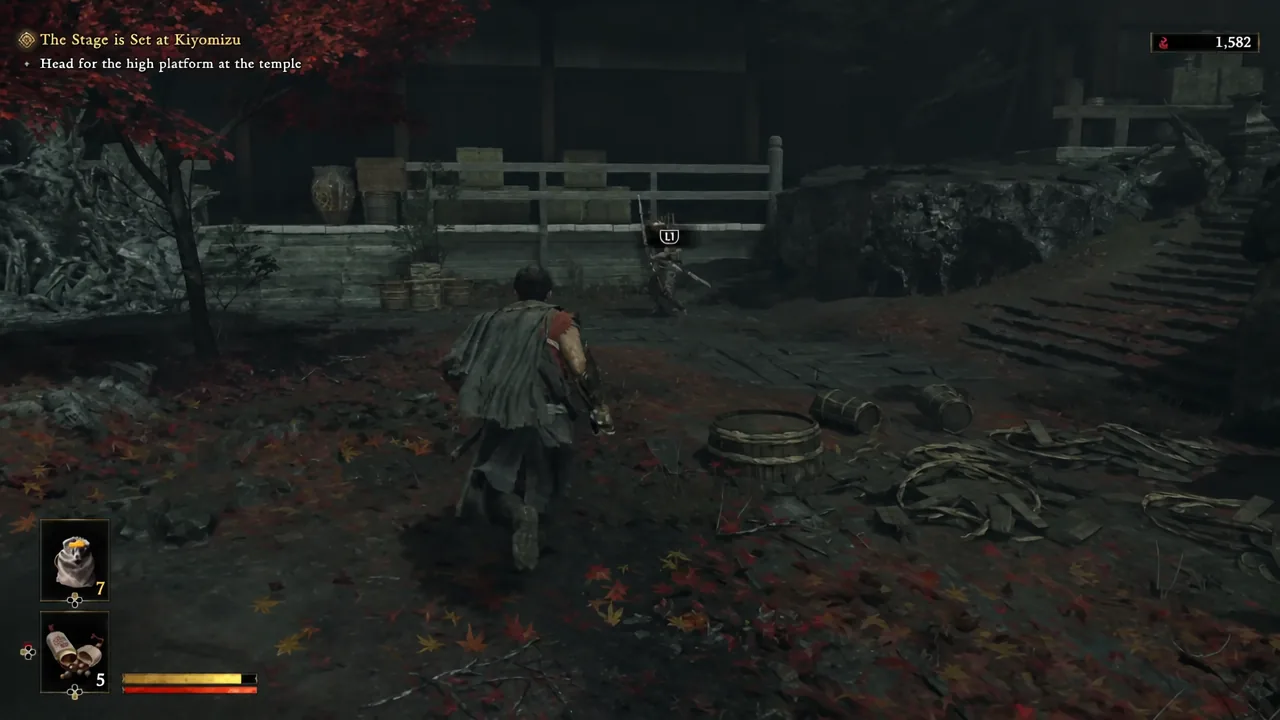
Turning the setting off removes those indicators completely. Nothing else about the encounter changes — enemy damage, parry windows, and your own damage output are all governed by the difficulty level, not by this toggle.
Turn off Action Prompts in the Gameplay settings
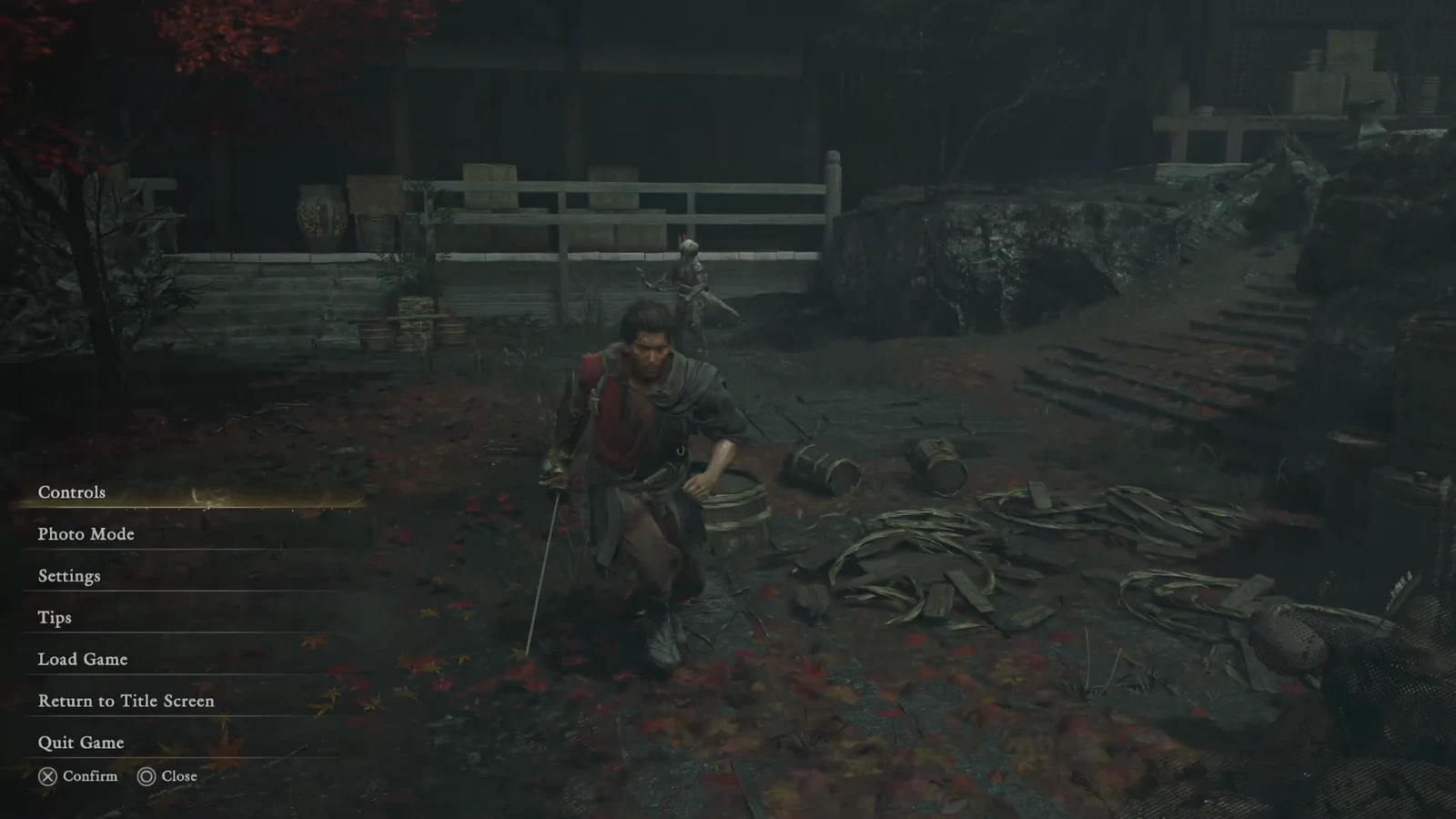
How to confirm the prompts are gone
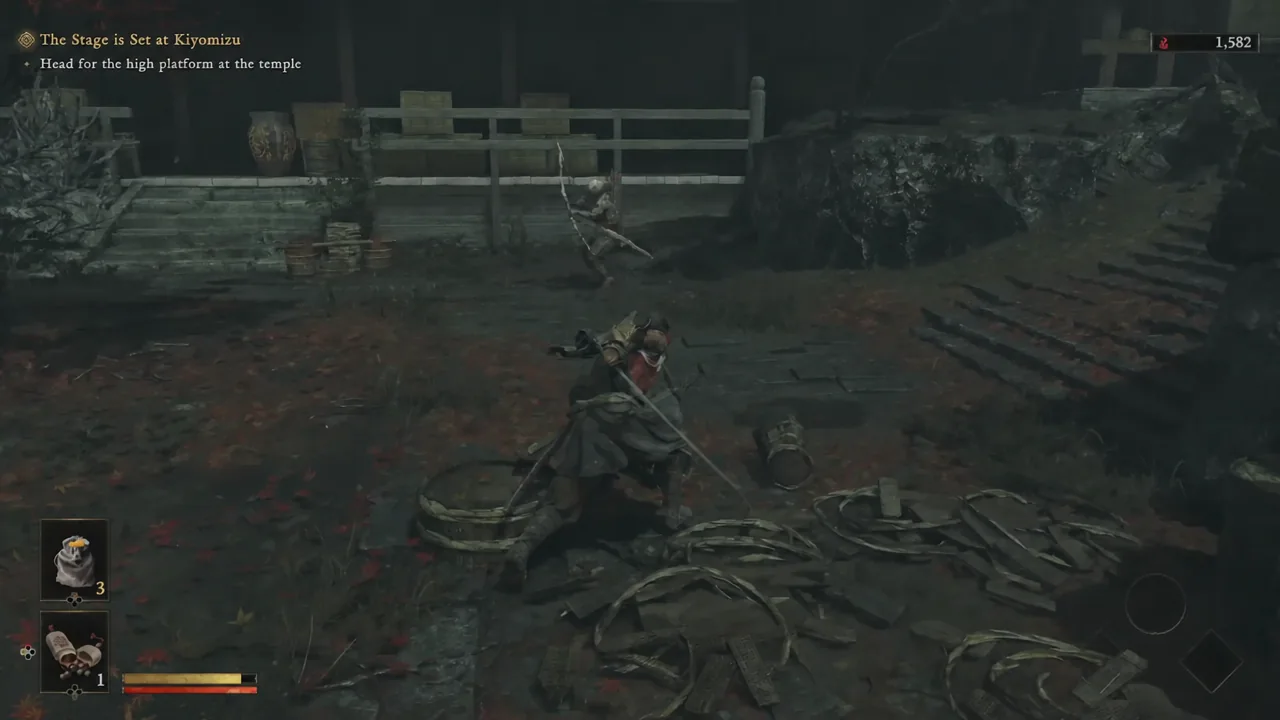
Walk back into any fight and let an enemy start an attack animation. If the setting took, no button icon appears above their head at any point in the swing, including on telegraphed heavy attacks. Enemy health bars, objective text, and the rest of the HUD stay exactly as they were.
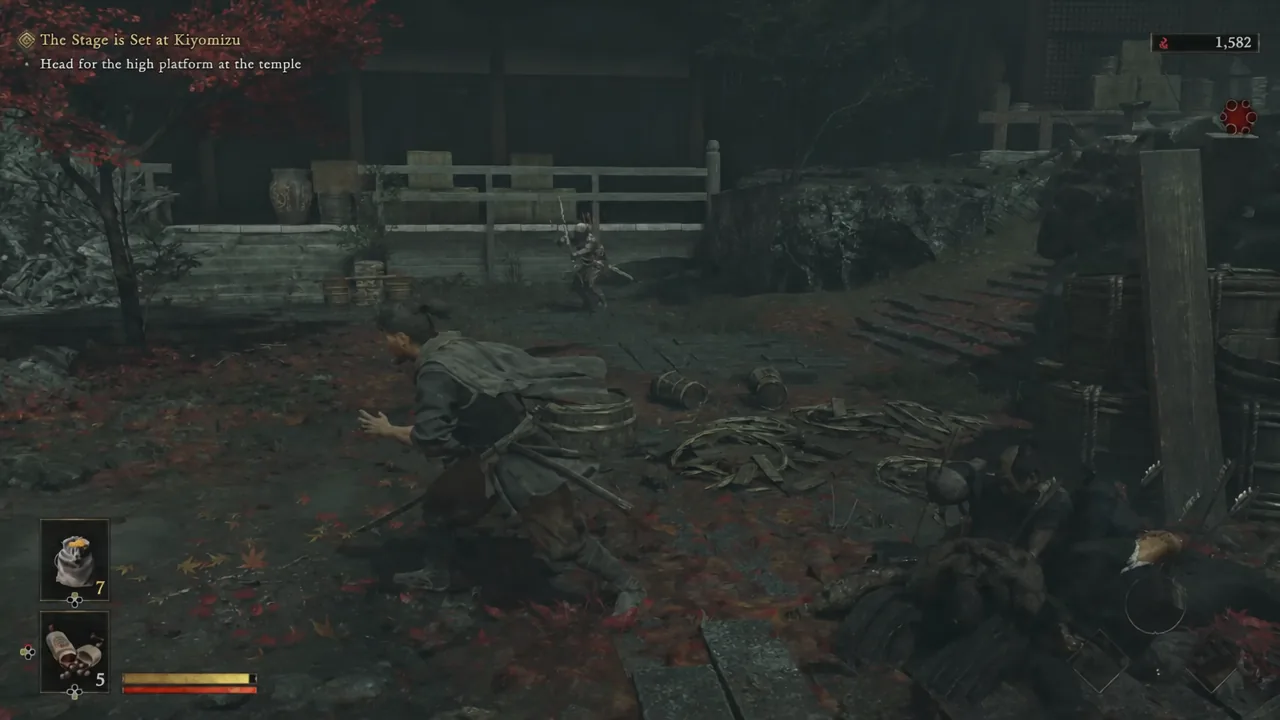
If icons are still showing, you almost certainly landed on the Controls screen instead of Settings, or you changed a tab other than Gameplay. Reopen Settings and check that the Gameplay tab specifically reads Off next to Action Prompts.
Action Prompts by difficulty level
The toggle behaves differently depending on which difficulty you picked, because prompts are a Story mode feature by design.
| Difficulty | Action Prompts |
|---|---|
| Story (Storyline Focus) | On by default; can be switched off at any time |
| Action (Combat Focus) | Not used — the mode is built around reading enemies yourself |
| Carnage | Disabled automatically and cannot be enabled |
Carnage only unlocks after you finish the game once, and it strips prompts out entirely. That makes a prompt-free Story or Action run decent preparation for it, since the muscle memory you build is the same one Carnage demands from the first fight.
Switching Action Prompts back on
The toggle isn’t one-way. Reopen Settings, go back to the Gameplay tab, and set Action Prompts to On. There’s no penalty for flipping it repeatedly, and no trophy or completion tracking is tied to it, so it’s reasonable to leave prompts on for a boss that keeps killing you and turn them off again for regular encounters.
Note: the difficulty setting itself is a separate matter and is not stored in the Settings menu. If you want to move between Story and Action, you’ll find the “Change Difficulty Level” option in the Spirit Mirror menu, and the death screen also offers a drop down to Story after several consecutive failures on the same encounter.
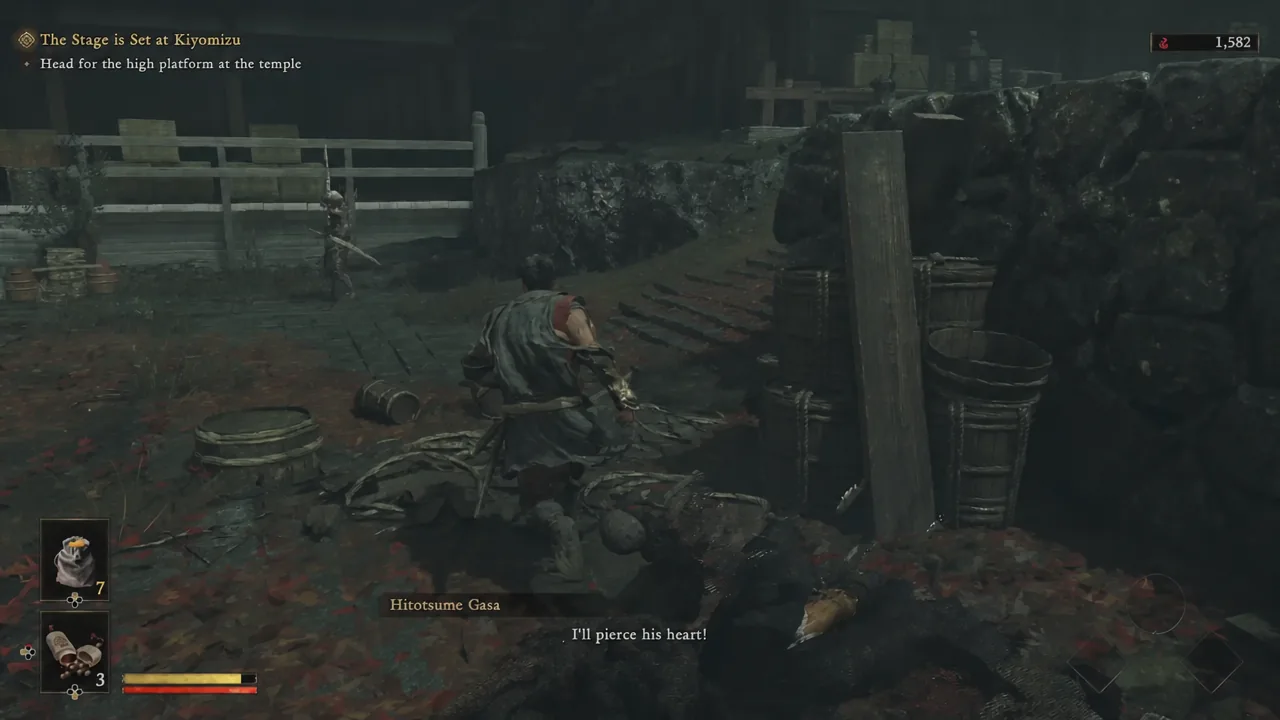
A reasonable middle path is to keep prompts on until you can consistently name each attack type on sight — weapon swings, unblockable white-glow strikes, projectiles — then turn them off and let enemy animations do the talking. The information they carry is the same either way; the difference is whether you’re reading the HUD or reading the fight.