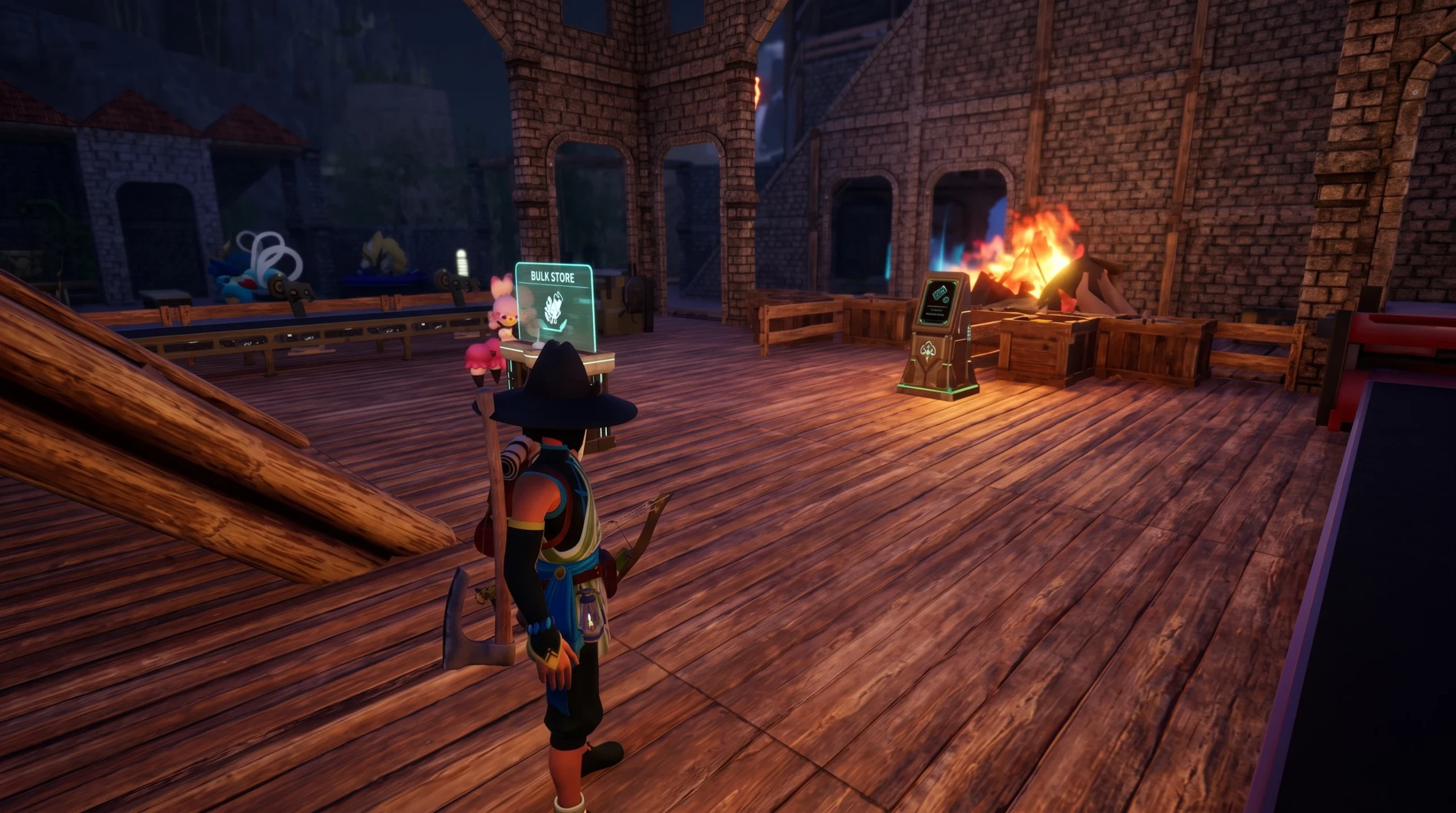
Easy Bulk Storage moves every matching item from your inventory into your base chests in a single press, without you walking to a single box or opening one. It runs from the inventory screen as long as you are standing inside your base border, and it checks every chest in that base at once.
Quick answer: Open your inventory anywhere inside your base, press the Easy Bulk Storage button (R on PC, RB/RT on Xbox, R2 on PlayStation), then confirm with Stow. Every item that already exists in a base chest is deposited automatically.
Button prompt for Easy Bulk Storage by platform
The prompt sits in the bottom-right corner of the inventory screen and only shows up while you are inside a base. You do not need to unlock anything. It works from the moment you have a base and a chest that already holds the item.
| Platform | Button | Where to press it |
|---|---|---|
| PC | R | Inventory screen, anywhere in base |
| Xbox | RB / RT | Inventory screen, anywhere in base |
| PlayStation | R2 | Inventory screen, anywhere in base |
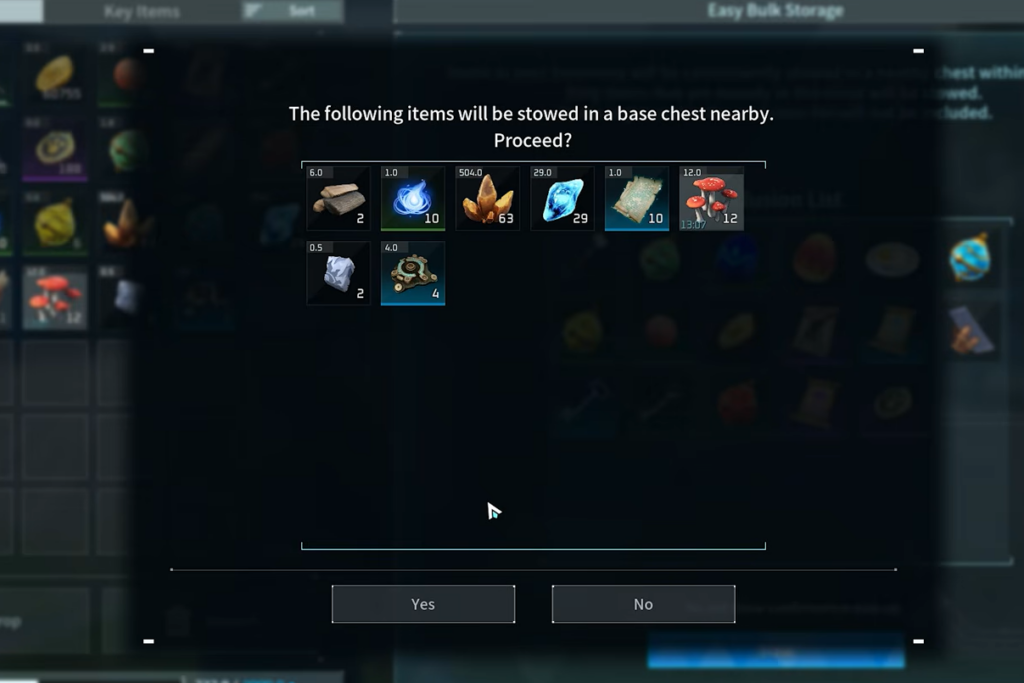
Stow items with Easy Bulk Storage
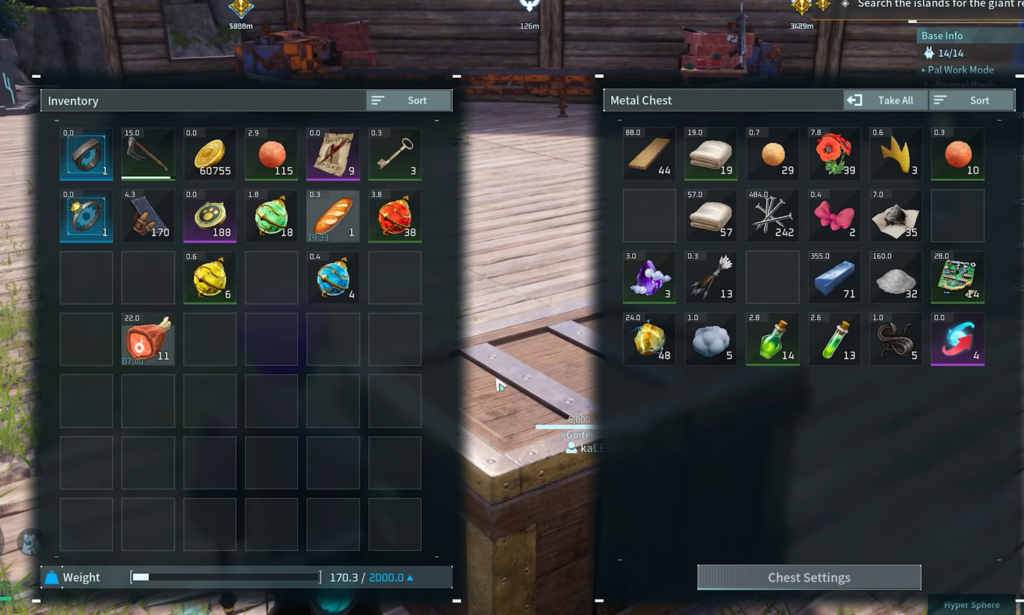
The two conditions an item must meet
Easy Bulk Storage never creates a brand-new stack. It only tops up stacks that already exist. Two things have to be true before any item moves.
- A chest in the base already holds at least one of that item.
- That chest’s existing stack has room left before it reaches the 9999 cap.
If either condition fails, the item stays in your inventory. An empty chest with plenty of free slots will still be skipped, because nothing matching is in it yet.
Why Easy Bulk Storage isn’t storing everything
When items refuse to move, the cause is almost always a full stack or a chest the system cannot reach. Run through these before assuming anything is broken.
| Reason it skips an item | Fix |
|---|---|
| No chest holds that item yet | Manually place one of the item in a chest first, then run it again |
| The matching stack is at 9999 | Split that stack in half to open a second slot |
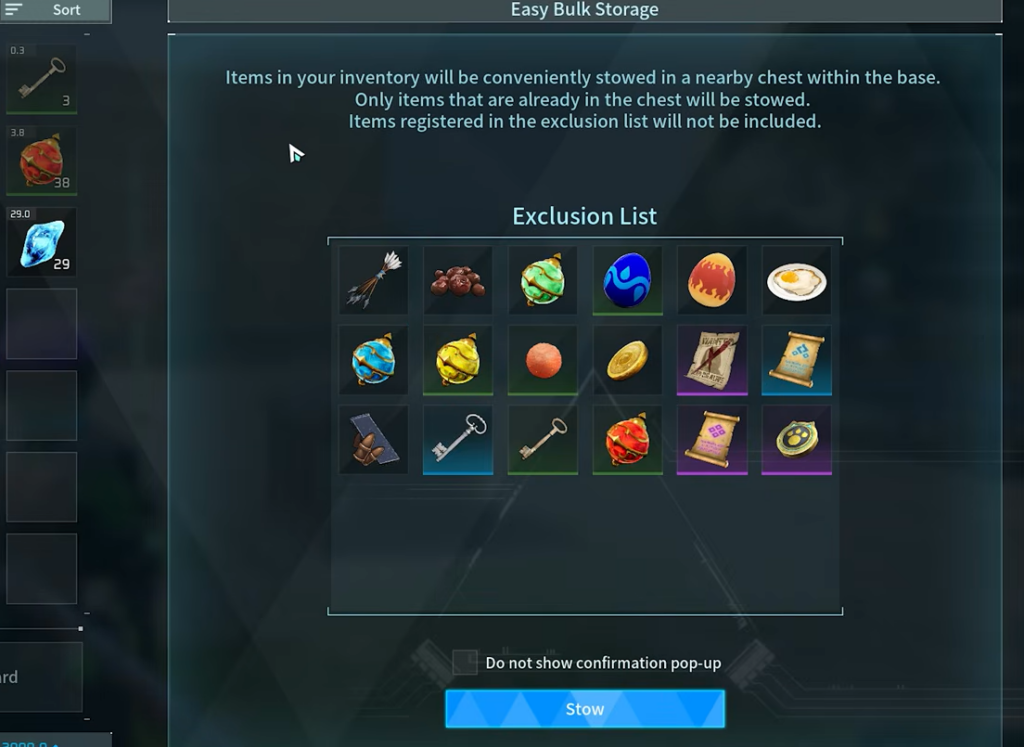
| The item is on the exclusion list | Remove it from the list in the overlay |
| The item lives in the Guild Chest or Cooler/Feed Box | Manage those chests by hand |
The split-stack trick is the fix for full chests. If a chest holds 9999 coal in one slot, there is nowhere left to add more. Split that stack inside the chest, and you turn one full slot into two partial ones, giving the system room to deposit again. Doing this with common mining materials like stone and quartz after a run takes only a few seconds.

Use the exclusion list to protect gear
The automatic deposit will happily grab things you still need, so the exclusion list exists to lock them in your pockets. Once an item is on the list, Easy Bulk Storage skips it at every base until you remove it.
To add something, press right-click on PC, or Y / Triangle on console, while hovering over the item. Good candidates include your Pal Sphere stacks so you never run dry mid-fight, gold coins so they stay on you, and your active weapon with its ammo type.
Easy Bulk Storage vs. Quick Stack
These two tools use similar buttons and are easy to confuse, but they cover different ranges. Quick Stack fills only the one chest you are standing at. Easy Bulk Storage scans your whole base in a single pass, whether or not you are near any chest.
| Feature | Range | How you trigger it |
|---|---|---|
| Quick Stack | One chest you stand at | Walk up to a chest, press C |
| Easy Bulk Storage | Every chest in the base | Open inventory, press the bulk storage button |

Where Easy Bulk Storage won’t reach
Two containers stay outside the system. The Guild Chest and the cold Feed Box, sometimes shown as the Cooler Box, are both ignored. If a Cooler Box is completely full, food such as Rushoar Pork simply stays in your inventory because there are no open slots to fill. Both containers have to be managed by hand for now.
Pair it with the Item Retrieval Machine
Easy Bulk Storage handles putting loot away. The Item Retrieval Machine handles pulling it back. The machine unlocks at level 49, arrived with the Feybreak update, and lets you type an item name to draw it from any chest in the base. Together they keep base sorting to a couple of button presses.
When Easy Bulk Storage was added
This is not a new 1.0 feature. It went live in the Tides of Terraria update, version 0.6.0, on June 25, 2025, more than a year before Palworld left Early Access on July 10, 2026. Many returning players assume it is brand new when it has been sitting in the corner of the inventory screen the whole time.
Patch 1.0 did add a related option. Chests now carry their own auto-deposit setting that works even if you never open your inventory, and it obeys the same exclusion list. Walk up to a chest, open it, and matching loot nearby files itself in without a menu. Between the manual bulk press and the automatic chest deposit, you can move mining and farming hauls into storage almost the moment you get home.