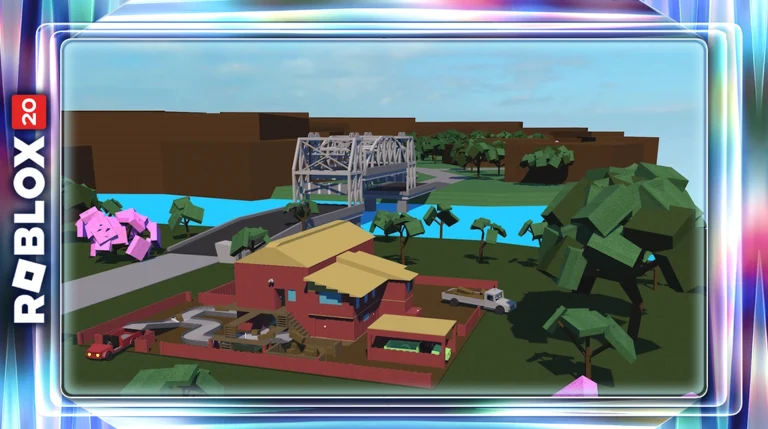
Lumber Tycoon 2 drops you into Lumberland with $20, no axe, and almost no instructions. The game is a sandbox tycoon from Defaultio where every dollar comes from chopping trees and selling wood, and the first twenty minutes decide whether you spend your session grinding oak by hand or running planks off your own land.
Quick answer: Reload Slot 1 from the Menu, buy the $12 Basic Hatchet at Wood R Us, chop oak and drag whole trees into the Wood Dropoff, then buy a $100 land plot and sell its sign.
The loop never really changes after that. You spawn near the shops, chop trees, sell the wood, and reinvest in a better axe, a truck, and a sawmill that converts raw logs into planks worth several times more. Everything later in the game — biomes, trailers, factories — is that same loop at a larger scale.

Reload your save slot before you buy anything
This is the single step most new players miss, and it costs them an entire session. When you first join, the game shows a datastore load prompt, and until you clear it your progress is not properly attached to a save slot. Land and placed items can fail to stick.
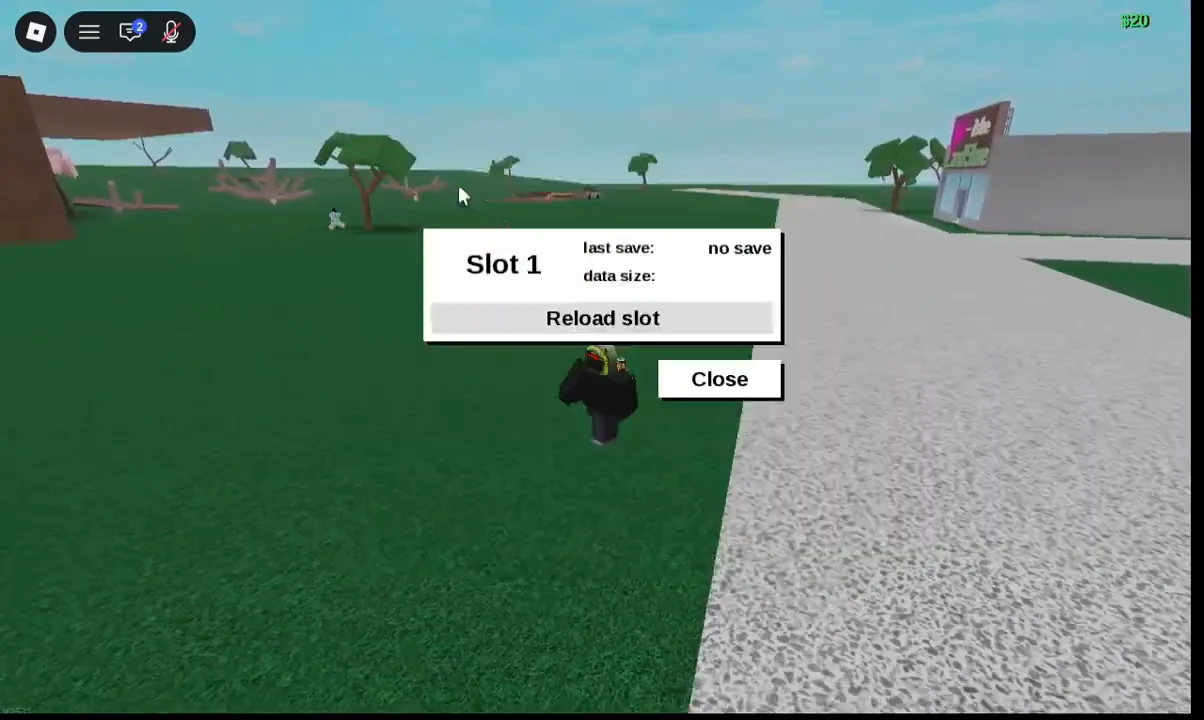
You can confirm it worked when the slot shows a last save timestamp instead of “no save”. The same panel also has Save to this slot, which is worth pressing right before you spend money on land.
The Menu also holds Settings (player and global permissions), Send Money, and the Changelog. The Changelog is the only official place to read what has changed in the game — there is no developer-run Trello board.
Buy the Basic Hatchet at Wood R Us for $12
Wood R Us sits directly in front of spawn and sells axes, sawmills, vehicles, and blueprints. Outside it you will find Geck, an NPC standing next to a wooden drop box asking for wood, and the store’s own Wood Dropoff chute where everything gets sold.
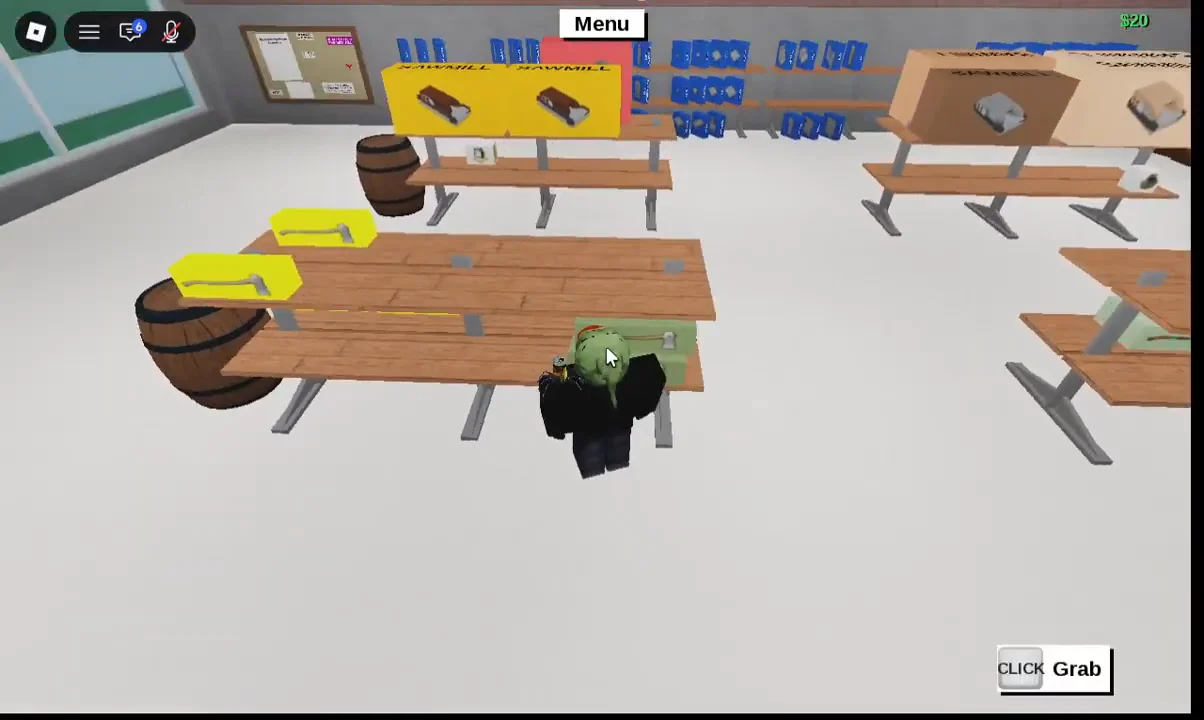
Every tool and machine you buy arrives boxed and uses that same two-press unboxing. Backspace drops an equipped tool if you need your hands free.
Chop oak and sell whole trees at the Wood Dropoff
Oak grows all around spawn and is the only wood a Basic Hatchet handles comfortably. Equip the axe, aim at the base of the trunk, and hold left-click. Keep swinging until a black cut line crosses the trunk and the tree topples.
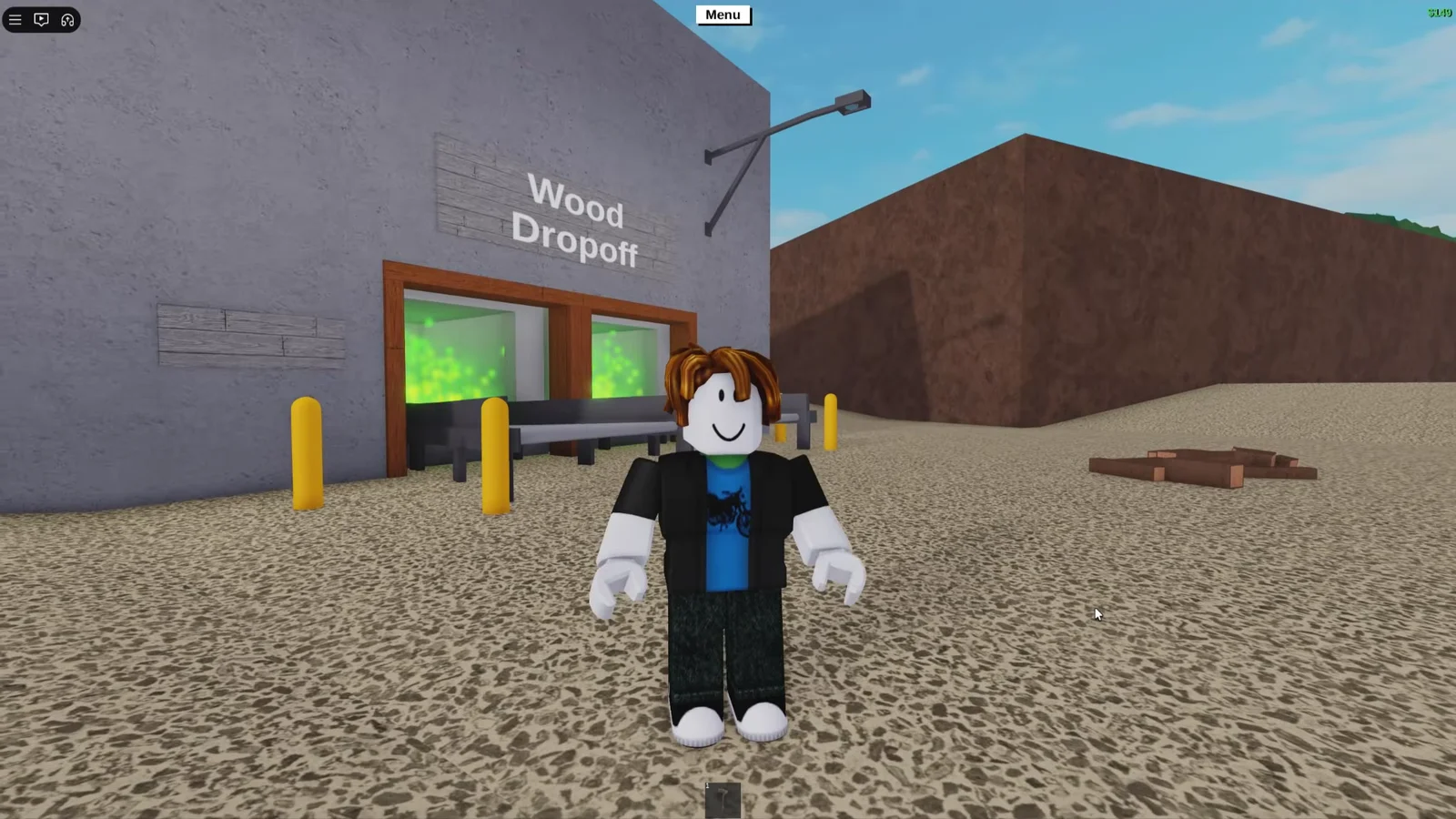
To make money quickly at the start, leave the fallen oak intact. Click the trunk’s middle, then pull the entire tree into the Wood Dropoff chute beside Wood R Us. The full tree sells in one transaction, and one decent oak may earn more than $100. Aim for the log’s center when clicking, since the edges commonly fail to pick it up.
Geck’s drop box next to the store accepts wood the same way and is the origin of the game’s freebie badge. Either sale point works; use whichever is closer to where you are chopping.
Cut oak branches right at the joint where they meet the main stem. Several branches fall off at once, which saves a lot of swings compared with hacking through each one mid-length.
Buy land and sell the SOLD sign for $400 to $600
You need land before you can place a sawmill or a vehicle, and the plot pays for itself several times over the moment you own it. The land store, Yes! — It’s the Land Store, sits right next to Wood R Us.
Nothing in the tutorial mentions the sign. It functions as an easter egg, and it is the difference between grinding oak for an hour and affording a truck and sawmill immediately.
Set up a sawmill and truck to sell planks instead of logs
Raw logs sell for a fraction of what milled planks are worth, and they do not persist on your base between sessions. Planks do. That one rule shapes the rest of the game, so a sawmill is the first structure worth owning.
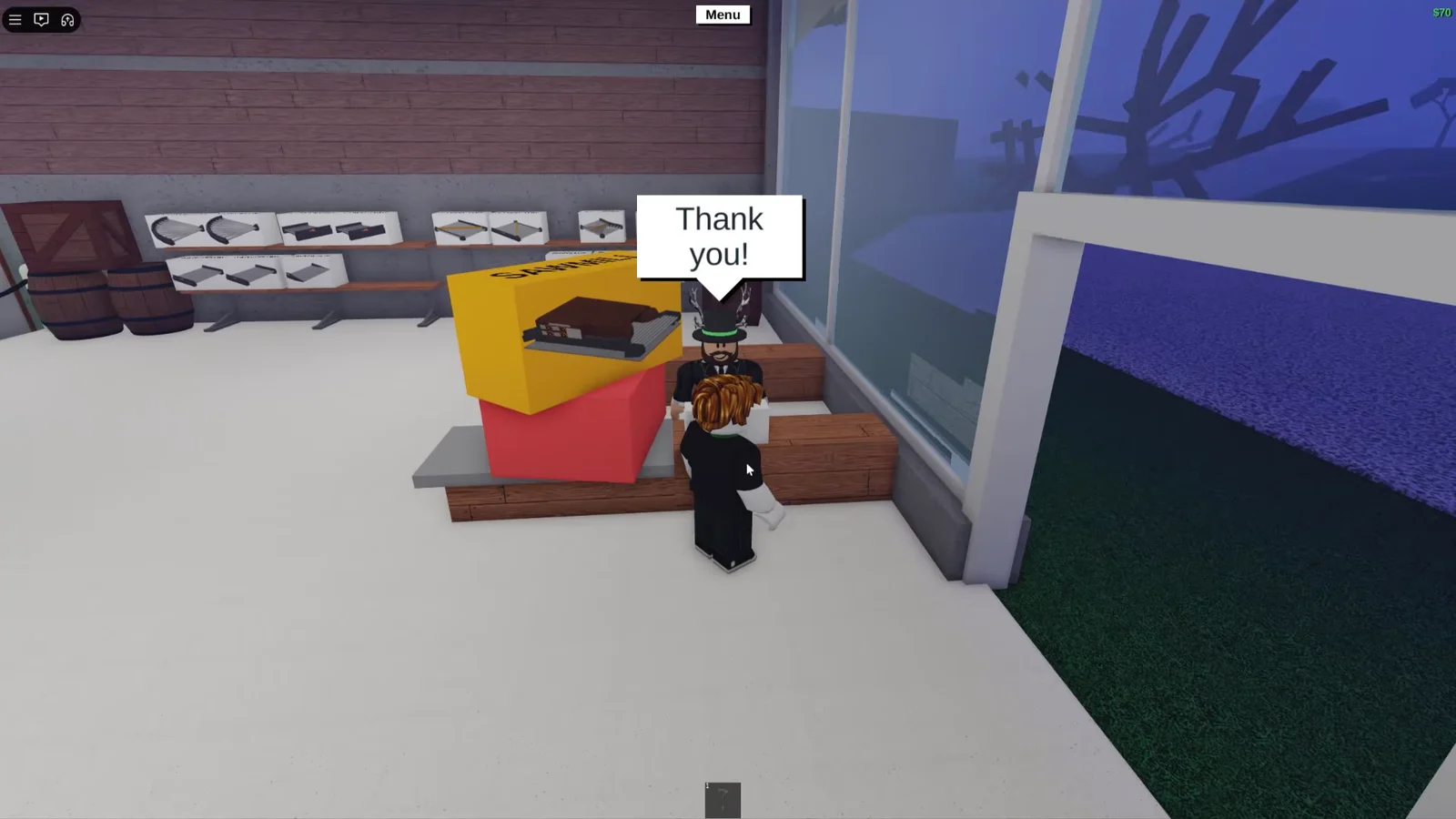
Go back into Wood R Us and buy a boxed sawmill along with the Small Truck / Utility Vehicle at $400. Carry both boxes to your plot, press E to unbox each one, and place them on the plot using the placement grid. A popup reads “You built sawmill!” once it is down.
Running logs through the sawmill
Feed a log onto the sawmill conveyor and it comes out the far side as planks. If a BLOCKAGE warning appears, the output area is full — move the finished planks away and the mill starts again. The control board on the side has arrow buttons that set the plank cross section, with X adjusting width and Y adjusting height.
Load the cut planks into the truck bed and drive to the Wood Dropoff. A full truck of oak planks sells for several hundred dollars, and that is your income engine until you can reach better wood.
Sawmill upgrade path
| Sawmill | Cost | Speed |
|---|---|---|
| Shabby Sawmill | $220 | Slow |
| Fair Sawmill | $800 | Medium |
| Sawmax 02 | $2,205 | Fast |
| Sawmax 04 | Premium | Fastest |
Upgrade the mill in step with your axe. A Sawmax pushing oak is wasted, and a Shabby Sawmill choking on a truckload of gold logs is just as bad.
Axe upgrade order and costs
| Axe | Cost | DPS | Tier |
|---|---|---|---|
| Basic Hatchet | $12 | 0.3 | D |
| Plain Axe | $90 | 0.75 | D |
| Steel Axe | $190 | 1.33 | C |
| Hardened Axe | $550 | 2.23 | B |
| Silver Axe | $2,040 | 3.33 | A |
| Rukiryaxe | $7,720+ | 4.2 | S |
Hardened Axe is the upgrade that matters most. It is the first axe that handles every wood type at a reasonable speed, so skipping the Plain and Steel axes and saving straight for $550 is usually the better play. After that, the Silver Axe opens up gold and lava wood without a fight, and the Rukiryaxe is the quest reward that most players settle on long term.
Limited event axes sit outside that ladder. The Fire Axe tears through volcano wood, the Frost Axe specializes in frost trees, and the Gingerbread Axe carries the highest raw power of any chopper. None of them are sold in stores anymore — they come from past events or from other players.
Wood types and what they are worth
| Wood | Log | Plank | Where |
|---|---|---|---|
| Oak | $0.50 | $3 | Spawn area |
| Birch | $1 | $6 | White mountains |
| Gold | $3 | $18 | Gold region |
| Lava | $5 | $30 | Volcano |
| Frost | $9 | $106 | Taiga / snow |
| Phantom | $10 | $130+ | Special areas |
The gap between the two price columns is the whole argument for milling. Frost jumps from $9 as a log to $106 as a plank, roughly a twelvefold return for running it through a sawmill you already own. Sign wood beats everything on paper but is far too rare to farm.
Progress through the biomes in that order: oak until you can buy the Hardened Axe, birch once you have a truck, then gold, then lava at the Volcano with a trailer attached. Frost and phantom are late-game targets that need both a strong axe and a route planned through difficult terrain.
There are no promo codes in Lumber Tycoon 2, and no code redemption system has ever existed in it. Sites advertising working codes are not worth your login details.
Controls for PC and Xbox
- WASD — move; Space to jump.
- Left click — swing the equipped axe, or click and drag to grab and move objects.
- Shift + WASD — rotate whatever you are holding, useful for lining planks up on a truck bed.
- E — talk to NPCs, open boxes, and pick up unboxed tools.
- Backspace — drop the equipped axe.
- Xbox — left stick to move, A to jump, RT to swing or interact, LT plus stick to rotate a held object.
Carrying wood is where most beginners lose time, so it is worth practicing the grab-and-rotate combination on a few oak logs before you own anything expensive. Whitelisting trusted friends through the permissions menu also stops anyone picking up an axe you dropped on your own land.
Confirm your setup saved before you log off
Your base auto-saves periodically, but the manual save is free insurance. Open Menu → Load, select your slot, and press Save to this slot. The slot entry should then show a fresh last save timestamp rather than “no save”.
Leave planks on the plot rather than logs, since only milled wood survives the session. When you rejoin and reload the same slot, your land, sawmill, truck, and plank stock should all be exactly where you left them.
From there the game stops being a tutorial and starts being a business. Bigger trailers, faster mills, and routes out to the Volcano and the Taiga are all just larger versions of the oak run you already know.