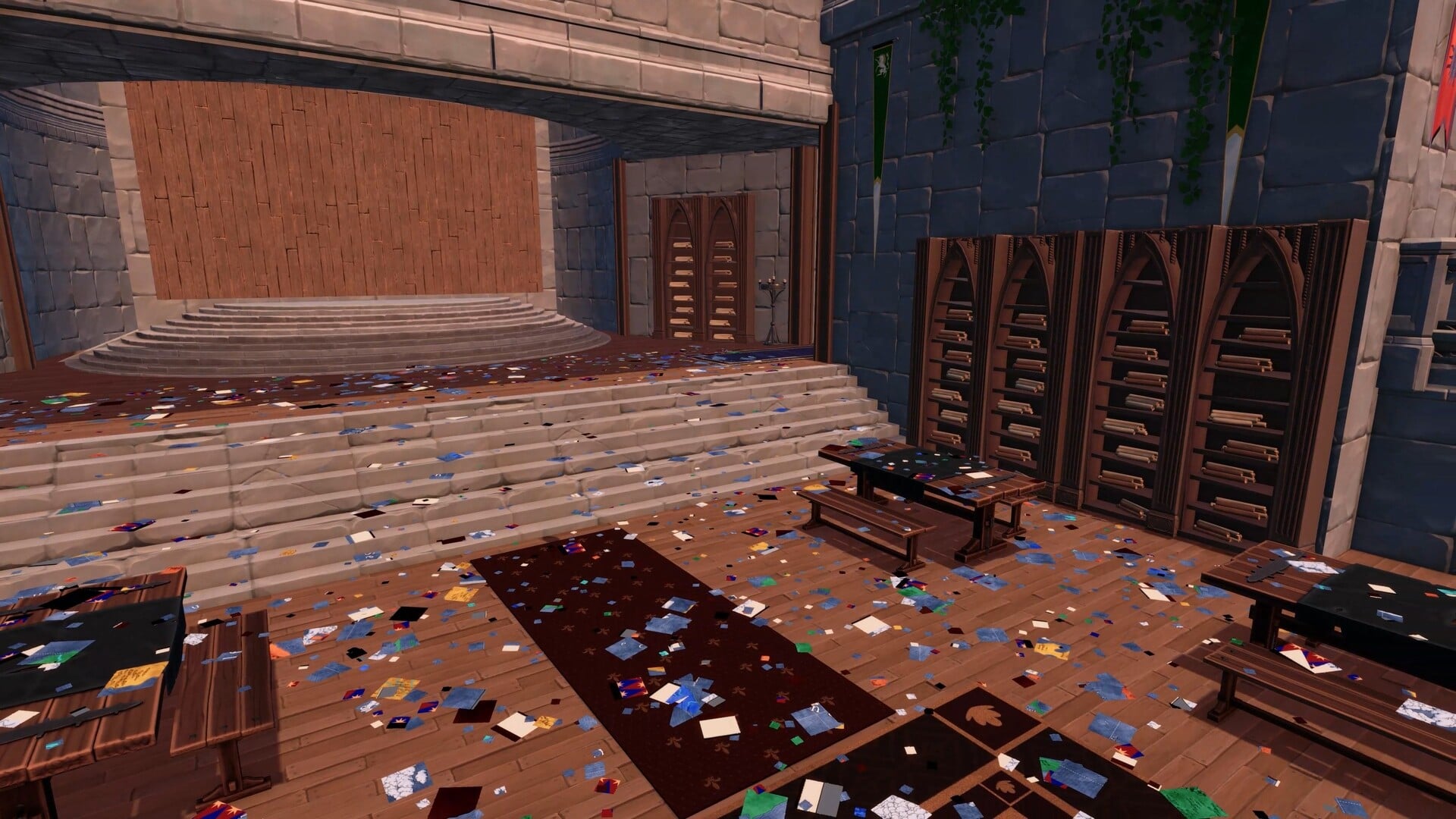
In the single-player simulation Royal Cartographer: Restore the Map, you take the role of the King’s cartographer and repair a royal chart that has been sabotaged, recovering it piece by piece. Locked inside a map tower with thousands of fragments covering the floor, you collect and turn them, then fit them into place until the Kingdom’s complete map emerges.
Quick answer: It’s a first-person organization sim from developer _Taralis where you reassemble 2,514 scattered map fragments inside a castle tower, using magical wind abilities to speed up sorting and placement.
The premise: a sabotaged royal map
The setup is simple. The Royal Map has been torn apart, and thousands of paper fragments now blanket the floor of the King’s Map Tower. As the King’s personal cartographer, you are not permitted to leave until the map is whole again, so the blame for the damage does not land on you.
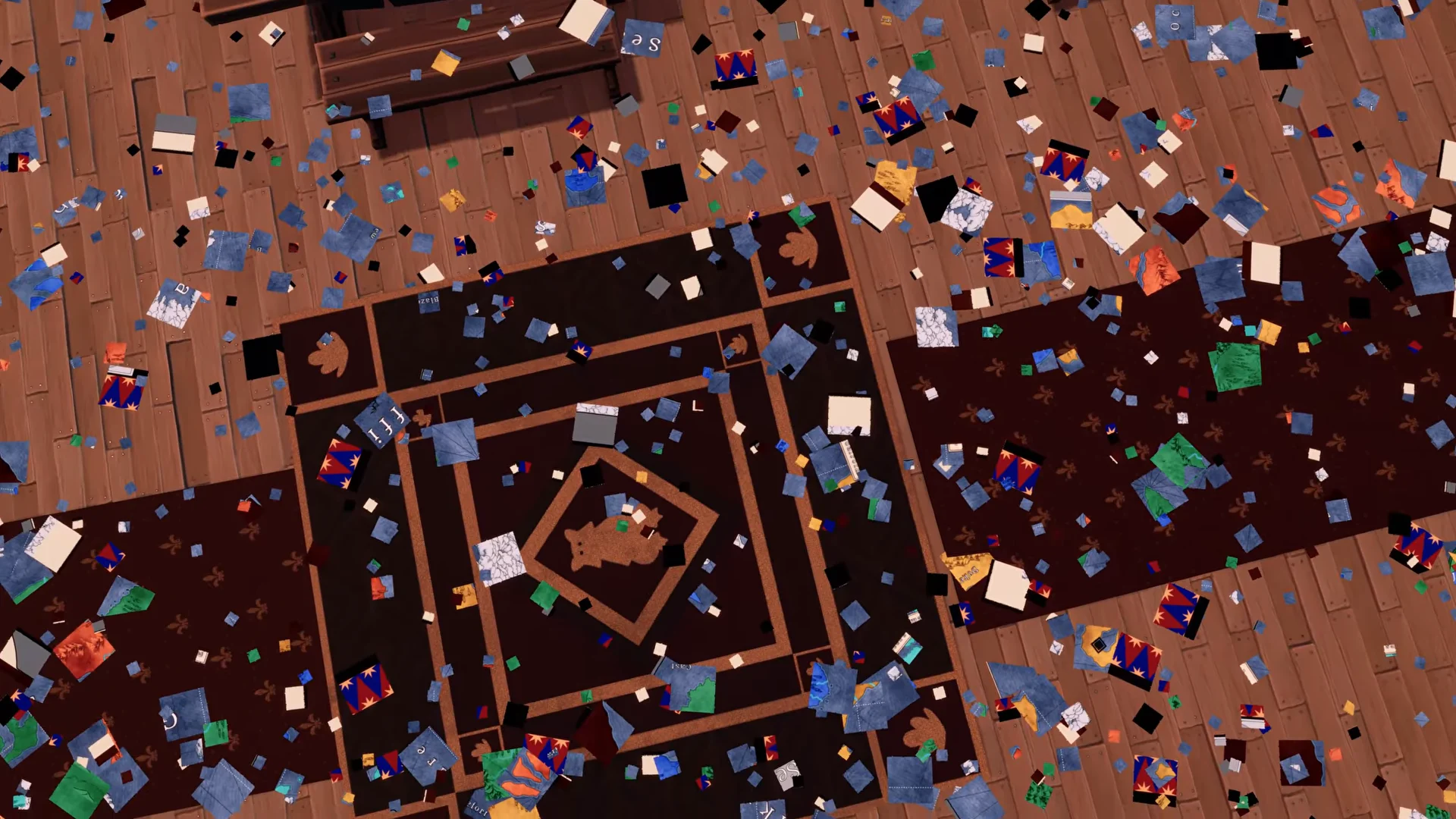
The whole map is made up of 2,514 fragments, which is the total the game tracks as you work. That counter climbs piece by piece as you place tiles correctly, giving you a running sense of how much of the Kingdom you have rebuilt.
How the core loop works
Everything plays out from a first-person view. You walk through the tower, pick fragments up off the floor, and carry them to the wooden boards mounted on the stage where the map is assembled. You hold a limited number of pieces at once, shown on screen as “Hands,” with a maximum carry of six pieces at a time.
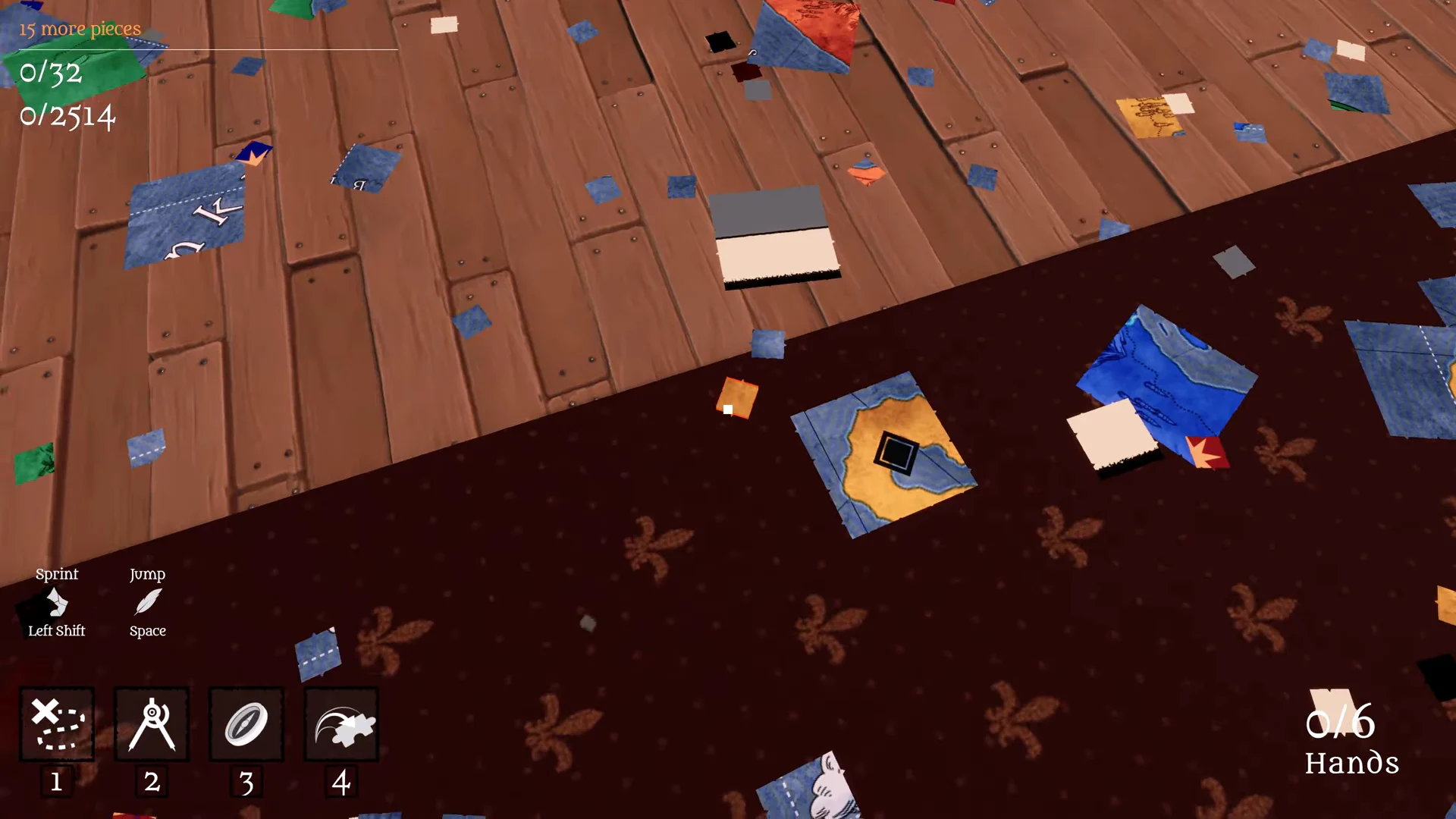
Finding where each piece belongs comes down to reading the artwork. You match coastlines, line up rivers, follow roads, connect borders, and rebuild mountain ranges until a fragment clicks into its correct spot. The boards are divided into named regions of the Kingdom, with labels such as Casterwallow, Matternest, Blazefort, Alpinwaters, Opal, and Brisk marking different sections of the map.
Progress is also broken into milestones, tracked on screen as a separate counter (for example, 0/32). Hitting these gives you shorter-term goals along the way to the full 2,514-piece total.
Wind abilities that speed up sorting
As you restore the map, you unlock abilities tied to the “winds of the sea” that change how you gather, inspect, and place pieces. These are split into Major and Minor skills, and each can be leveled to cut its cooldown.
| Ability | What it does | Cooldown |
|---|---|---|
| Foresight of the Winds | Highlights the quadrant of the map the piece in your hand belongs to, for the ability’s duration | 5s, reducible to 3s |
| Memory of the Winds | Temporarily reveals the entire map layout as an overlay on the board | 30s, reducible to 28s |
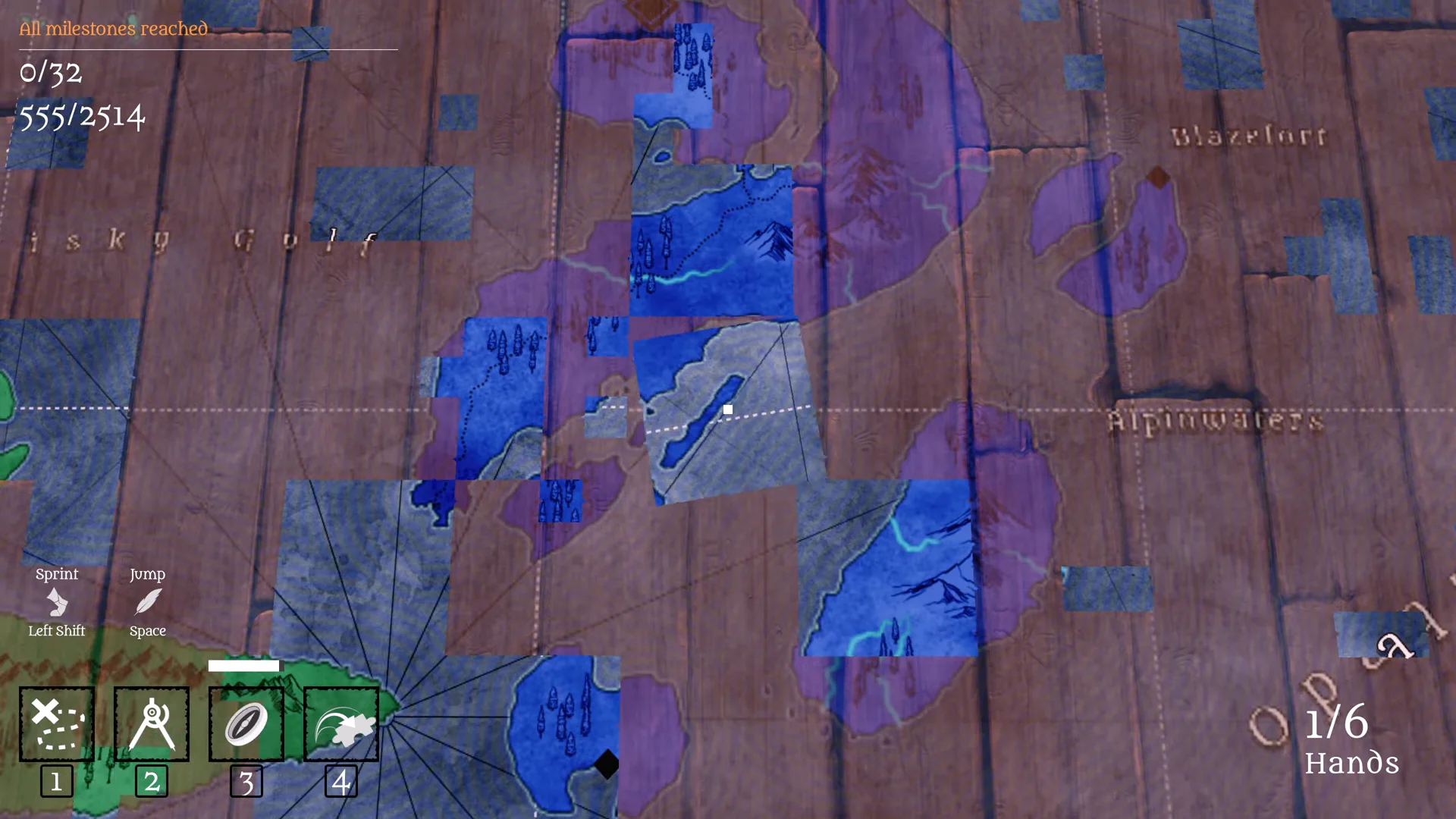
Foresight is the quicker, more frequent helper for narrowing down a single piece, while Memory gives you a full-board snapshot on a longer timer. Blue spirit wisps drift across the floor alongside the scattered pieces, part of the same wind theme that powers these skills.
The tower setting and pace
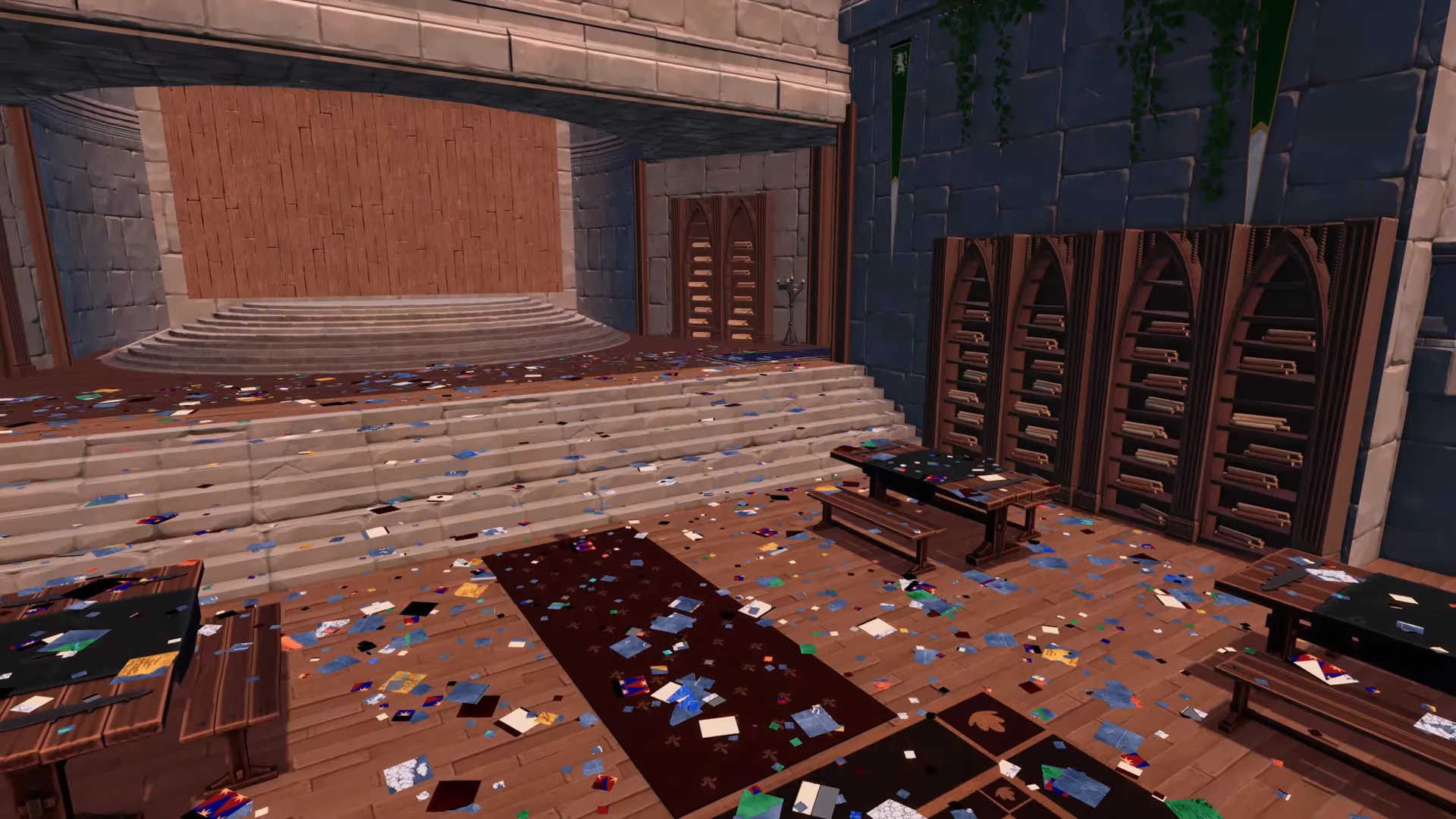
You work high above the Kingdom inside a stone tower filled with bookshelves, tables, corridors, and rugs, all strewn with loose paper. Wind, ambient sound, and music surround you as you tidy the space and fill the boards, which is where the game leans into its cozy, relaxing framing rather than any fail state or timer pressure.
It carries accessibility options including custom volume controls, stereo sound, and the fact that it is playable at your own pace without timed input, reinforcing that the restoration is meant to be a slow, deliberate task.
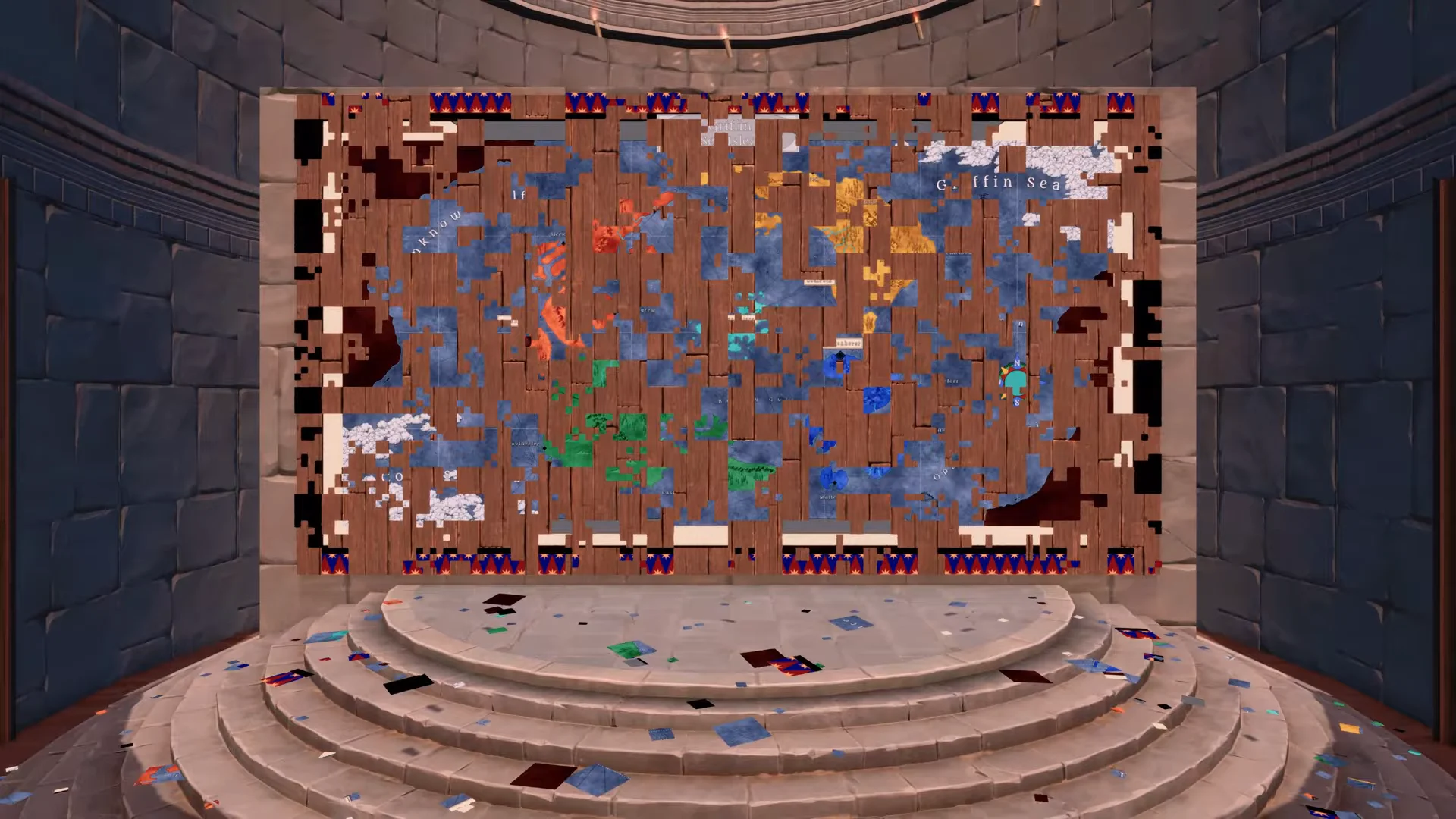
Clearing the floor and filling the boards is the whole payoff. As the tiles go up, the wooden wall gradually transforms from an empty frame into a complete map of the Kingdom, and you know you are done when the final piece slots in and the full map is restored.
Price, platform, and release
The game launched on Steam on October 7th, 2026, from solo-branded developer and publisher _Taralis. It is Windows-only and English-language, with single-player and Family Sharing support. It normally costs $5.99, and an introductory 15 percent discount brings it to $5.09 until October 19.
System requirements
The minimum and recommended specs are identical apart from memory. You need a 64-bit processor and operating system, with 8 GB of RAM at minimum and 16 GB recommended.
| Component | Minimum | Recommended |
|---|---|---|
| OS | Windows 10 or newer | Windows 10 or newer |
| Processor | 2.5 GHz or better | 2.5 GHz or better |
| Memory | 8 GB RAM | 16 GB RAM |
| Graphics | RTX 3060 / RX 6600 / RX 5700 XT | RTX 3060 / RX 6600 / RX 5700 XT |
| Storage | 4 GB available | 4 GB available |
For a budget indie built around one tightly focused idea, Royal Cartographer: Restore the Map is unusually clear about what it offers: a quiet tower, a mountain of torn paper, and the slow satisfaction of watching a kingdom come back together under your hands.