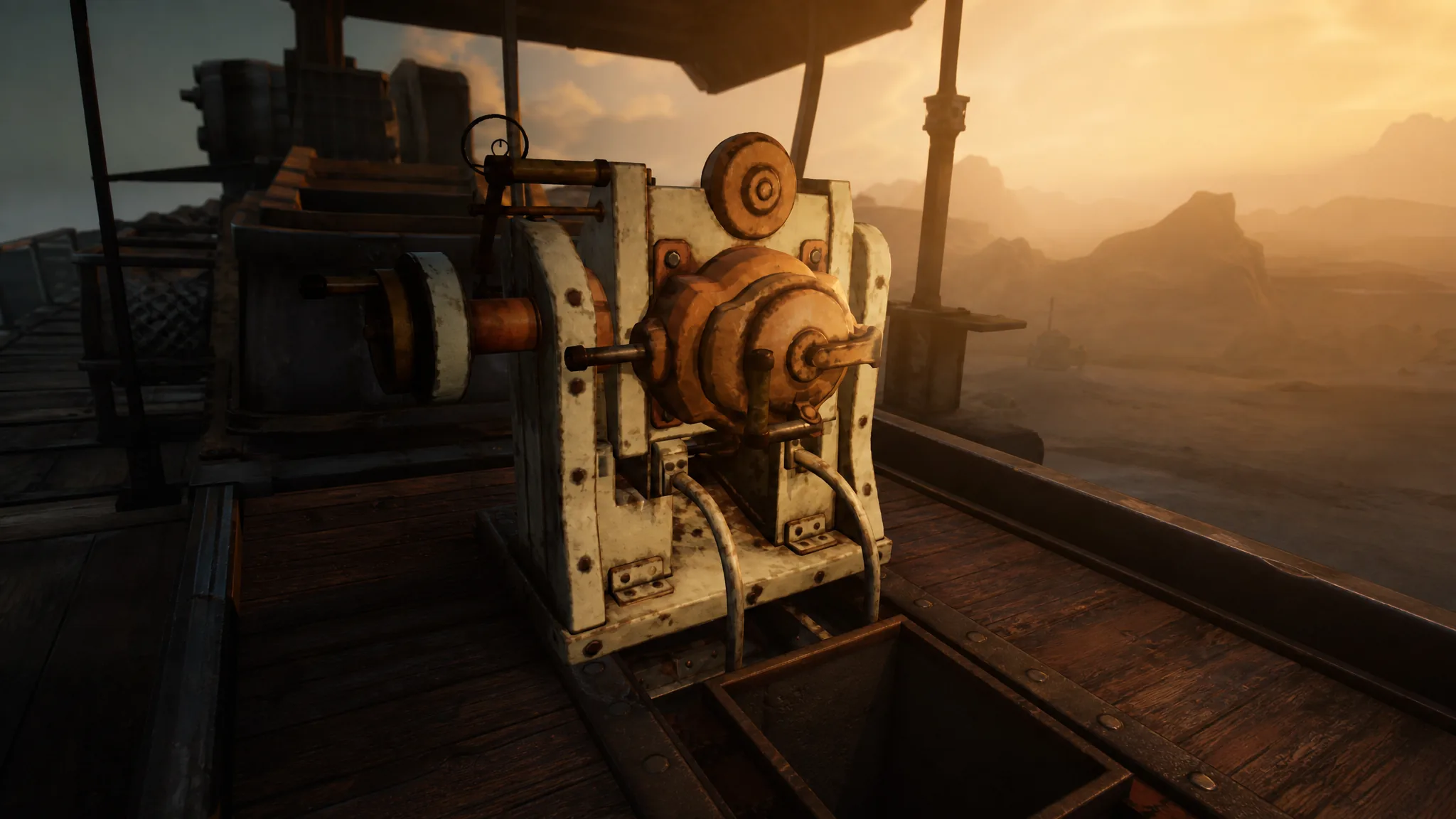
Your Trampler in SAND: Raiders of Sophie does not roll out armed. It is a customizable walking base, so every cannon and every shell has to be packed before you leave the lobby and then physically installed once you board the mech on the planet of Sophie. Skip that prep and you deploy with nothing to defend yourself when a hostile crew opens fire.
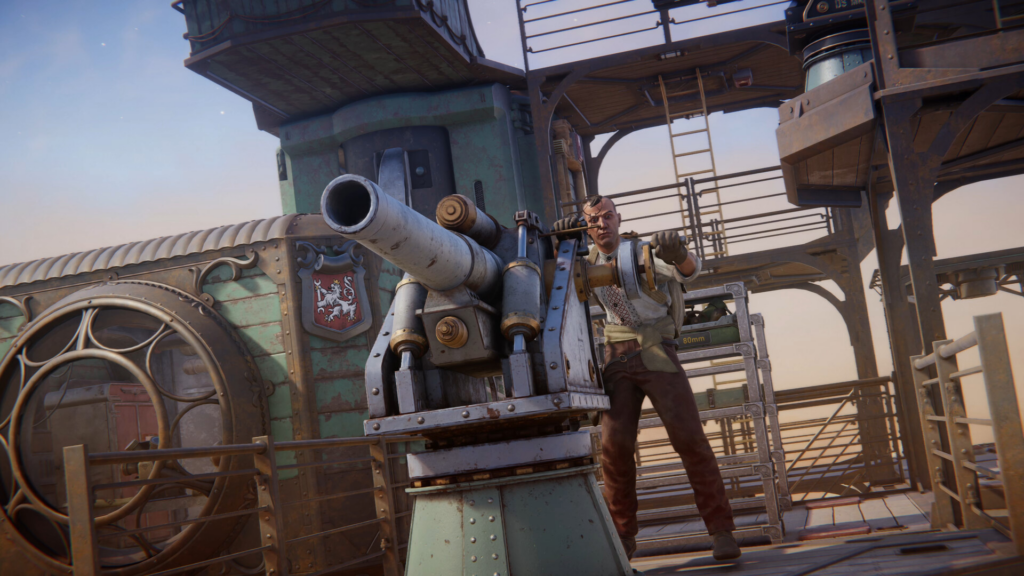
Quick answer: Load up to three cannon kits and their matching ammo into the Trampler’s cargo in the loadout screen, deploy, board the Trampler, place each kit on an open mount, then face the cannon, open your inventory with Tab, and load the correct shells. A cannon shows button prompts and fires once it is mounted and fed.
Pack cannons and ammo before you deploy
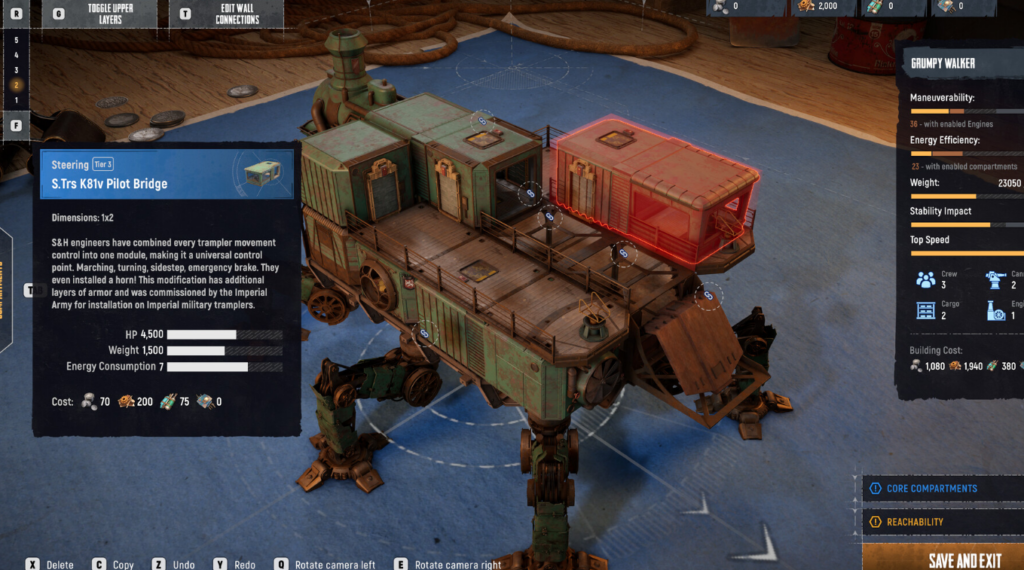
Cannons cannot be conjured mid-match. The hardware travels with you, so everything starts on the loadout screen. After you kit out your character with personal weapons and supplies, you can add up to three cannons to the Trampler.
That third slot matters. If you are running solo, load one or two cannons and reserve the remaining slot for cannon ammo and other supplies you will need during the run. Pack each ammo crate alongside its matching cannon kit so you can install and feed a gun without sprinting across the deck.
Cannon types and what each one does
Three cannon classes are available, and each one trades fire rate for range or raw damage. Pick based on how close you expect your fights to be.
| Cannon | Strength | Drawback |
|---|---|---|
| 40MM (Auto Cannon) | Fires multiple shots at a target without reloading between them. | High recoil and small shell drop-off, and it overheats after sustained fire, forcing a cooldown. |
| 70MM (Shotgun Cannon) | High burst damage in a spread that can hit several enemy Trampler parts at once. | Close range only, with a reload after every shot. |
| 80MM (Naval Cannon) | Highest single-shot damage and area of effect. | Reloads after every shot, drops harder over distance than the 40MM, and is easy to miss if your Trampler is moving sideways. |
Install and arm cannons on the Trampler
Loading from the supply box this way fills a complete shell slot at once. That is far quicker than the alternative, where you stuff single bullets into your backpack and feed them in one at a time.
How to confirm a cannon is ready to fire
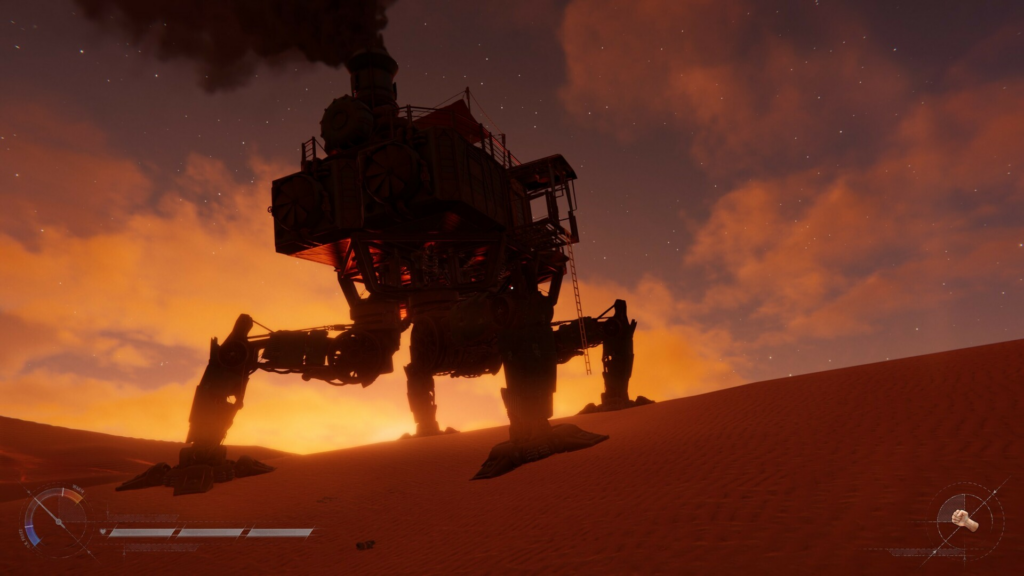
A cannon is battle-ready once it is sitting on a mount and loaded with its correct shell type. Interact with the weapon station and fire using your normal shooting controls. If the wrong ammo is loaded, the cannon simply will not fire, so match the shell to the gun.
Cannons are only one layer of defense. When a rival crew tries to board your Trampler, you still have to clear the decks yourself with personal weapons, so keep a sidearm ready for boarders.
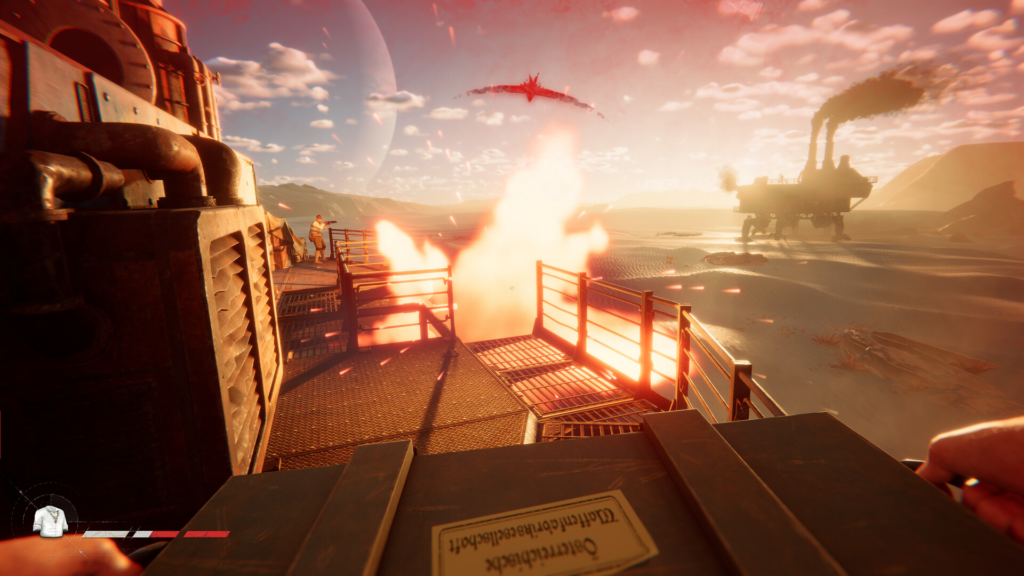
Common reasons cannons do not work
- No ammo crate packed. An installed cannon with no shells is dead weight that occupies a mount.
- Wrong shell type loaded. Each cannon needs its matching ammunition or it stays silent.
- Cargo overloaded with loot. Filling decks with haul leaves no room for weapon and ammo crates.
- Poor mount placement. A cannon crammed into tight deck space with no clear line of sight is hard to reach and aim mid-fight.
Which cannons to run
For solo pilots, the front mount is the priority because the cannon there always tracks wherever you steer, making it the only gun you can reliably keep on target while driving. A 40MM Auto Cannon for suppression paired with an 80MM Naval Cannon for heavier targets is a flexible starting spread. If you are diving into close-quarters PvP raids, the 70MM Shotgun Cannon and the 80MM both reward landing those high-burst hits at short range.
SAND: Raiders of Sophie is in Early Access on PC, PlayStation 5, and Xbox Series X and S, so cannon balance can shift between patches. Get comfortable installing and feeding your guns now, keep ammo crates next to their mounts, and your Trampler will be armed and answering fire by the time the first rival crew rolls into view.