The Static Glove is one of the newest additions to Slap Battles, and you can’t buy it with Slaps. It’s locked behind a single achievement, and the only way in is through the PIM Boss fight. Below is exactly what the glove does, how to reach the fight, and how to confirm the unlock worked.
Quick answer: Earn the “Banish the Night” badge by clearing the PIM Boss fight. Once the badge lands on your profile, the Static Glove appears in your glove collection automatically.
Static Glove stats and ability
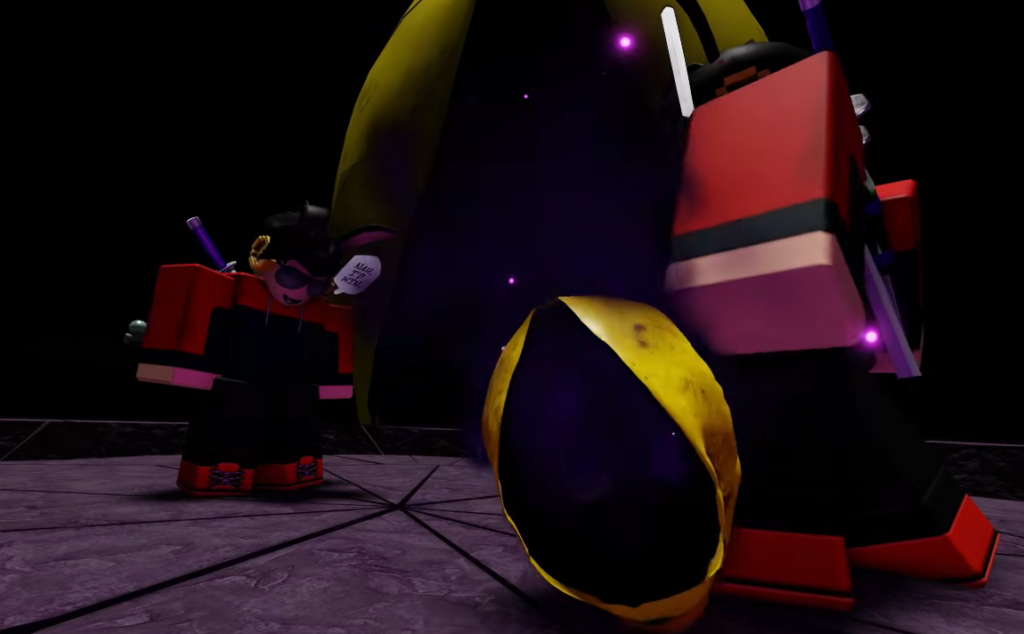
The Static Glove uses the Distortion ability, triggered by pressing E. Its most distinctive feature is the design itself, which is covered in multiple eyes that blink while you hold it. Here are its in-game numbers.
| Stat | Value |
|---|---|
| Power | 50 |
| Speed | 14 |
| Ability | Distortion |
| Ability key | E |
| Requirement | Banish the Night badge |
The only requirement: the Banish the Night badge
You can’t earn the Static Glove through normal slapping or by grinding Slaps. It is tied strictly to the Banish the Night badge. The moment that badge is credited to your account, the glove becomes available in your collection, so completing the badge is the entire task.
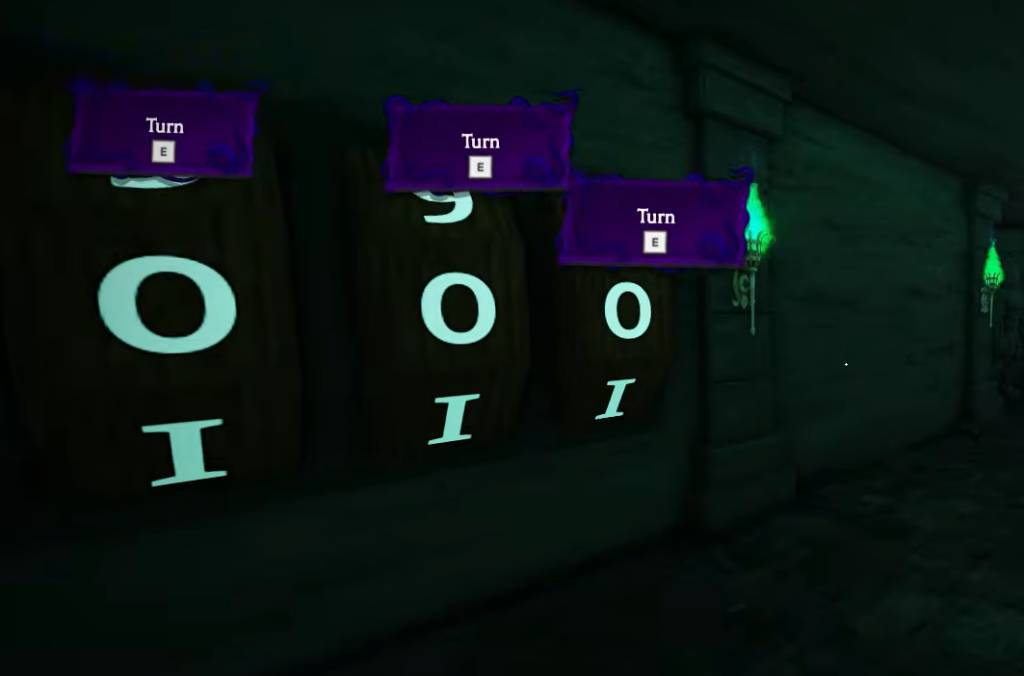
The badge itself comes from finishing the PIM Boss fight, which mixes puzzle rooms, obstacle sections, and survival mechanics inside a dedicated dungeon arena.
How to reach the PIM Boss fight
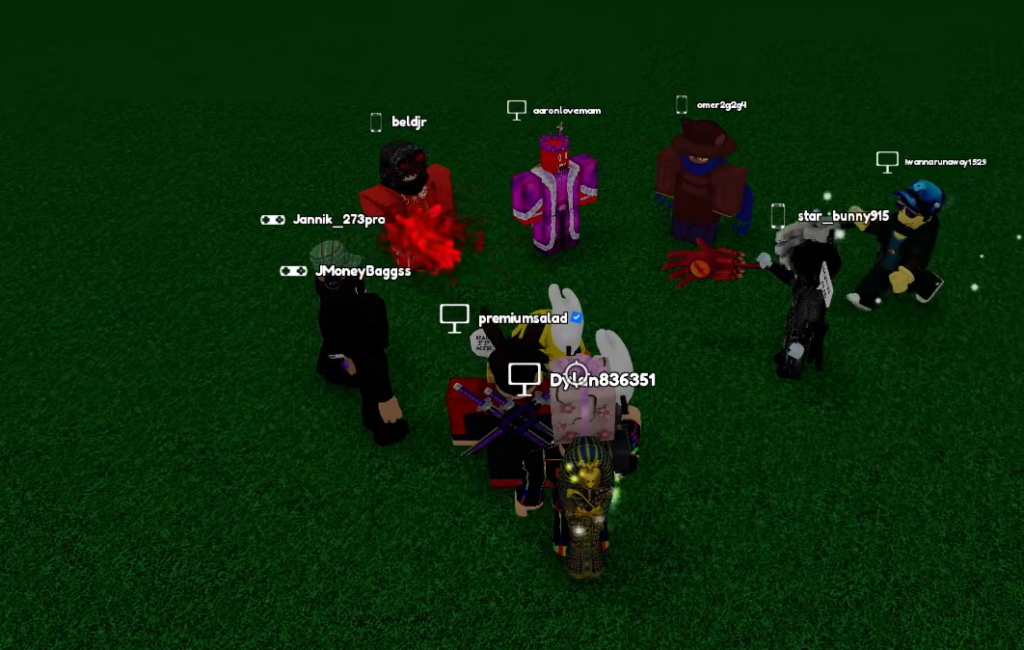
E to interact with it.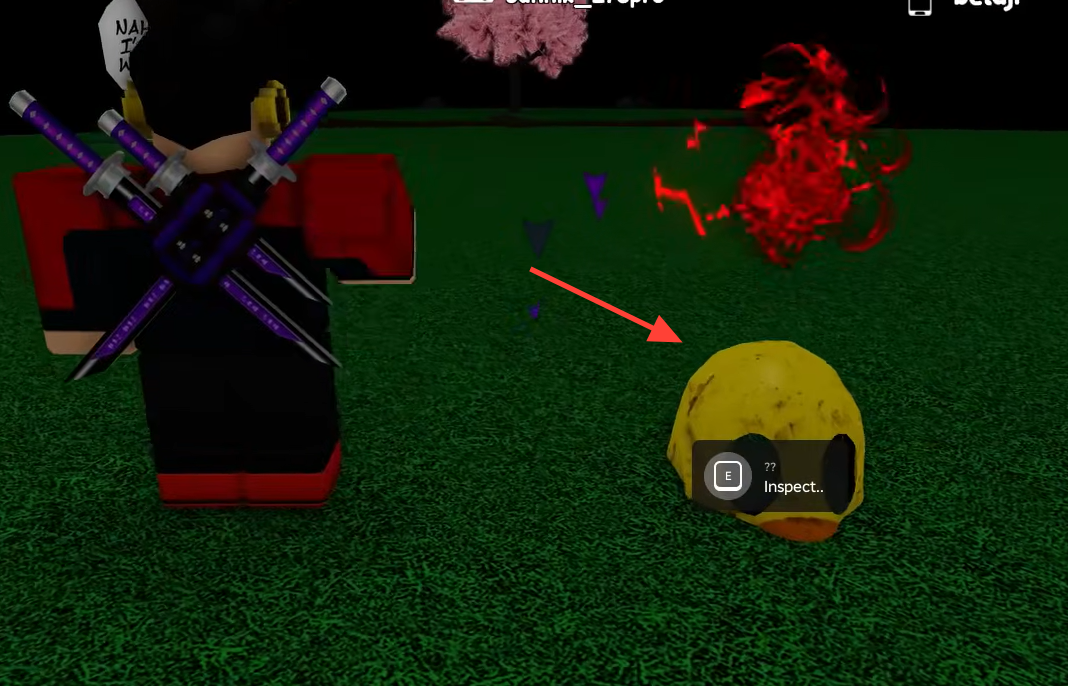
The encounter is designed to be tackled with other players. Coordinating with your server makes several of the puzzle sections much easier than soloing them, so joining a busy server with active players is the more reliable route.
How to confirm the unlock
Clearing the full PIM encounter awards the Banish the Night badge. You’ll know it worked when the badge shows on your profile and the Static Glove appears in your glove collection, ready to equip. No extra purchase or step is needed after the badge unlocks.
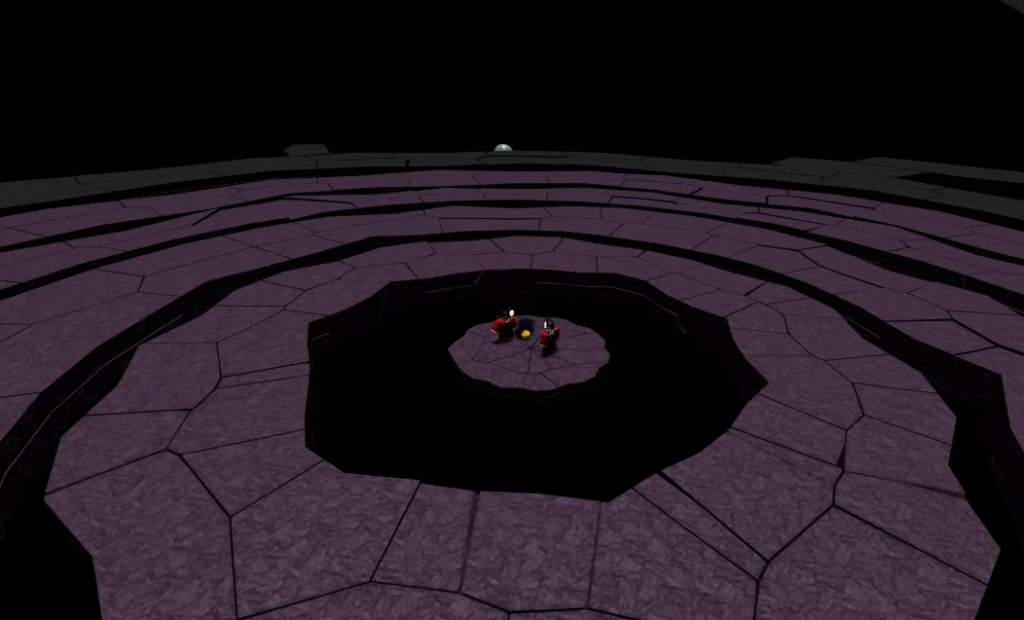
If the boss fight shows a black screen
Some players hit a loading problem when entering the PIM Boss fight. Instead of the arena appearing, the screen stays black, and the challenge never starts. This is a temporary bug introduced with the update, not something you did wrong.
There is no guaranteed workaround while the bug is active. The fix has to come from a developer patch or hotfix, so the practical move is to wait for that update and then retry the fight. Once loading is stable, finishing the encounter is the clear path to the Static Glove.