
Topic
Battlefield 6
-

How to turn off crossplay in Battlefield 6 (PS5, Xbox, PC)
Crossplay is on by default; here’s how to disable it and what each setting actually changes.
-

Battlefield 6 max level explained — ranks, unlocks, and mastery
Career unlocks end at 50; ranks continue into the thousands with cosmetics and mastery.
-
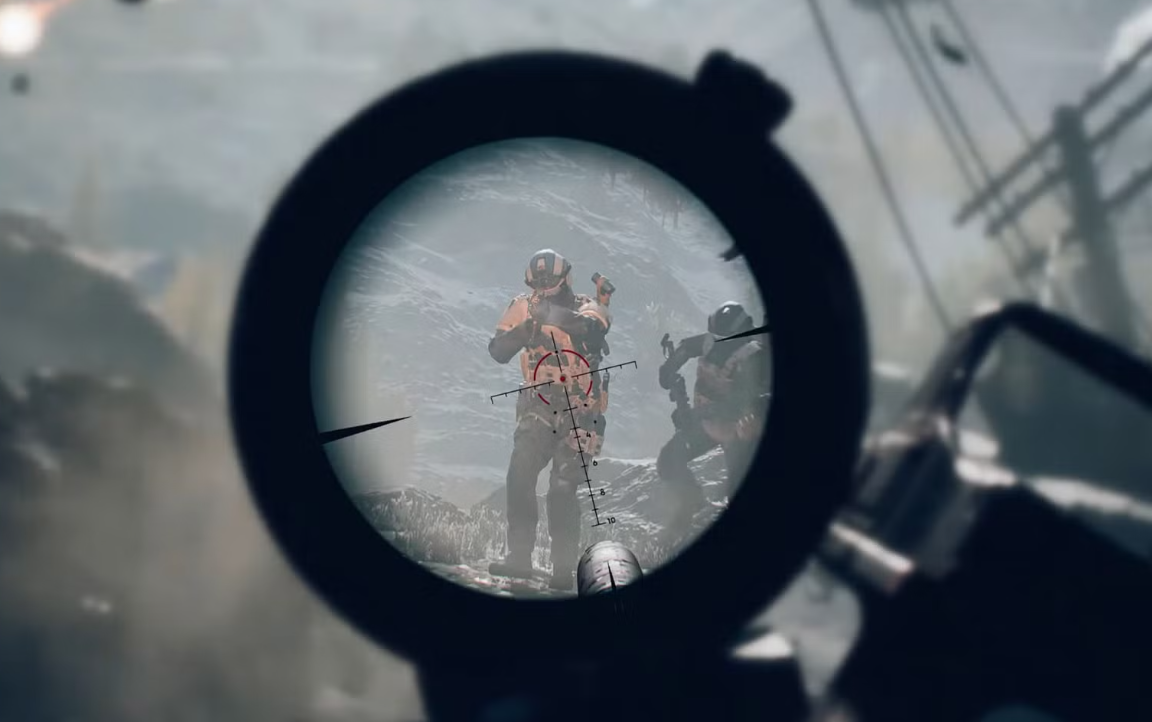
Battlefield 6 controller button layout: how to switch and customize
Change presets fast, remap individual actions, and apply smarter layouts for infantry, vehicles, and aircraft.
-
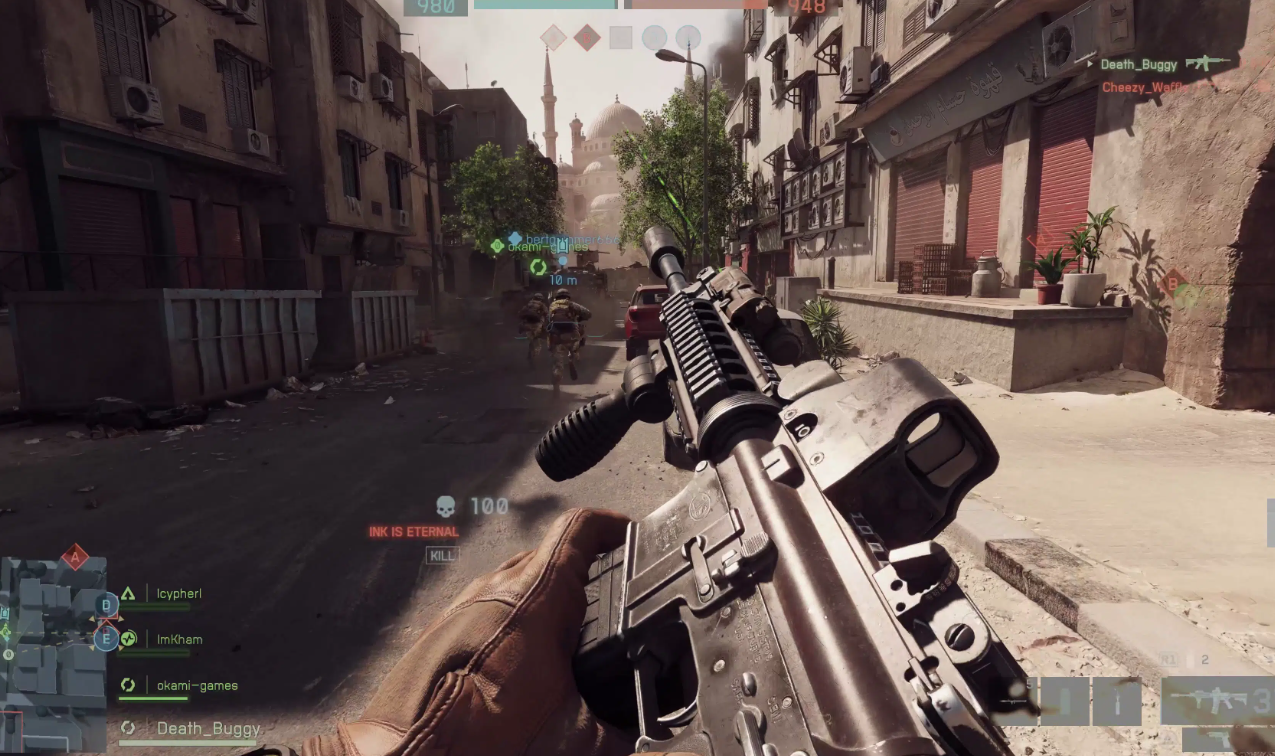
Battlefield 6 — turn off DualSense adaptive triggers on PS5 and PC
No in‑game toggle yet; use system settings on PS5 or Steam Input on PC.
-

Battlefield 6 server status — queues, errors, and what to do
Servers are online with peak-time queues; here’s what to expect and the fixes that work right now.
-
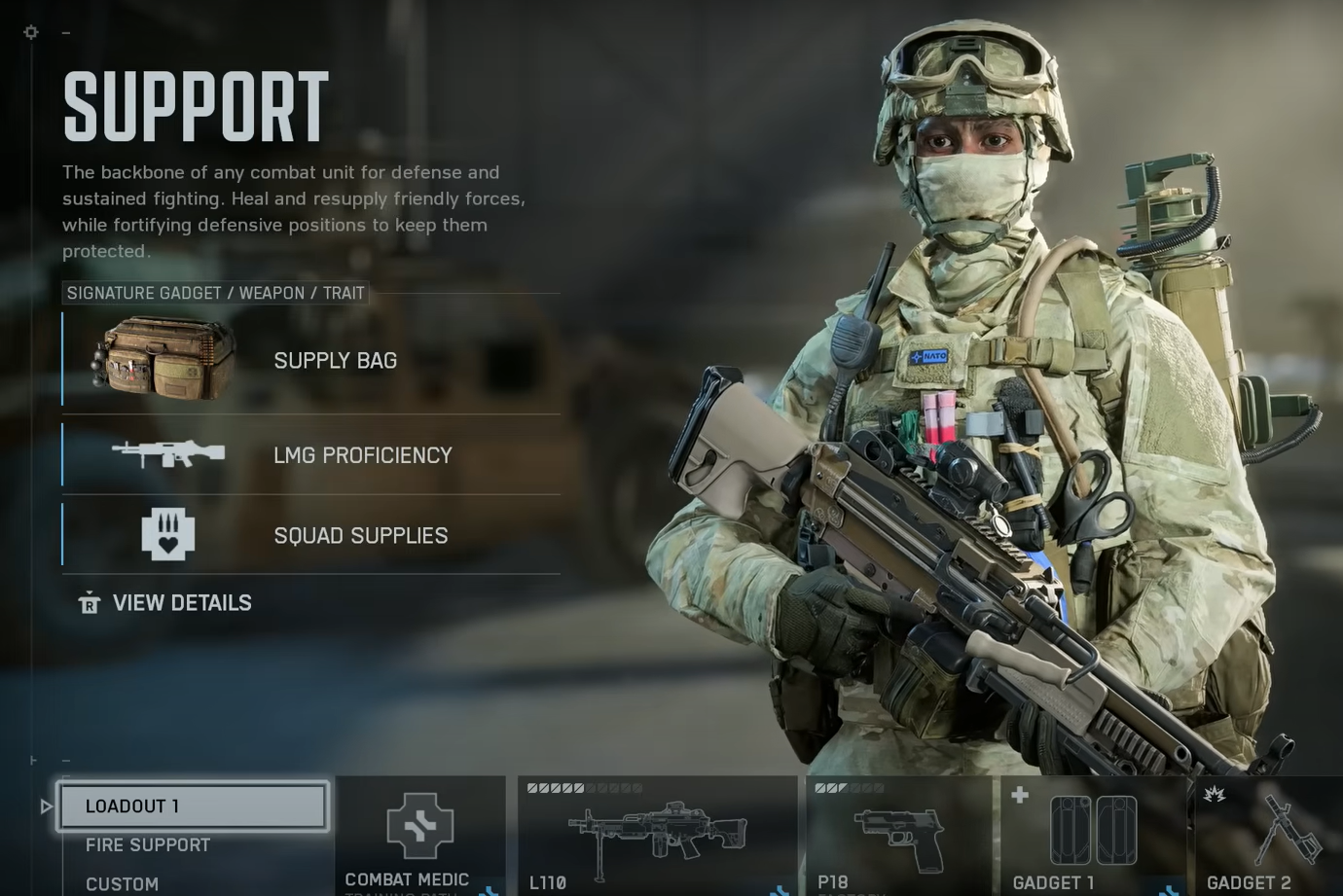
Battlefield 6 Support builds that win — medic, fire support, grenadier
Three practical loadouts with specific weapons and gadgets for frontline revives, anchored fire support, and area denial.
-
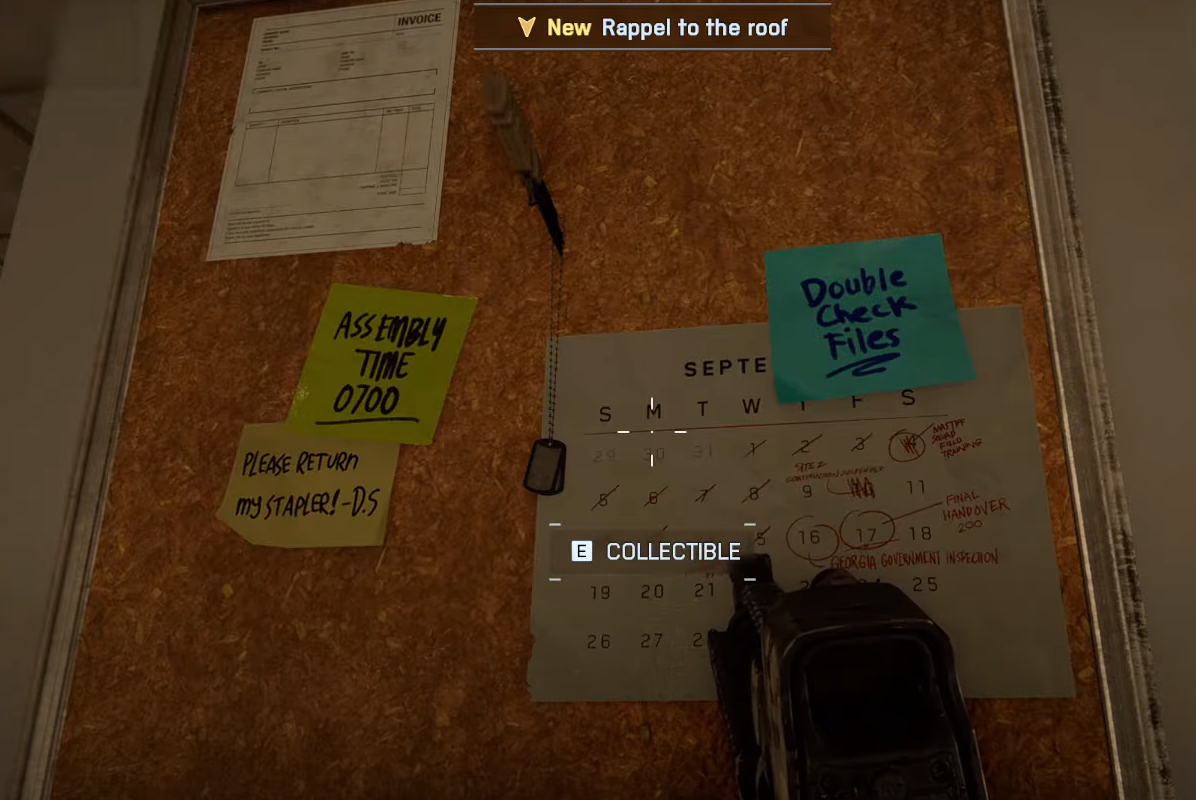
Battlefield 6 Always Faithful dog tags — every location and reward
Find all three campaign collectibles, plus the hidden dinosaur, without replaying the mission.
-
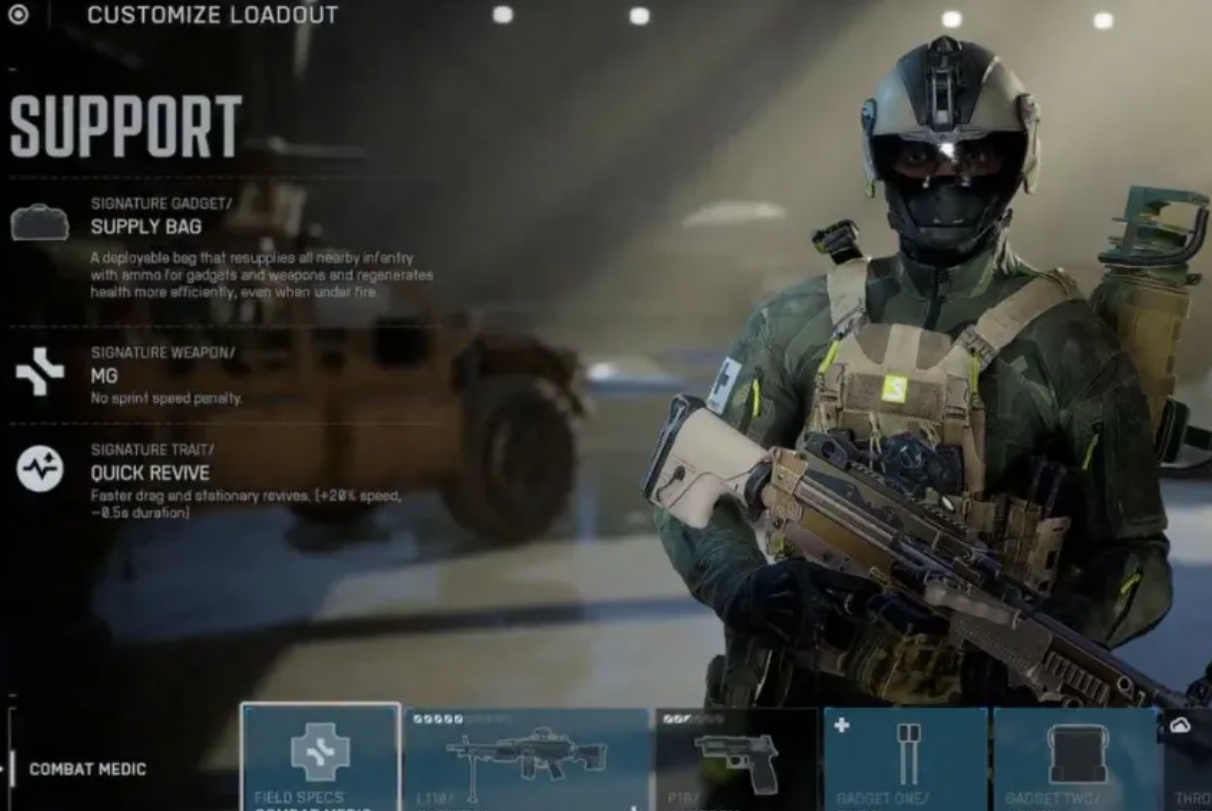
Battlefield 6 Support class challenges — all requirements and rewards
Unlock Support gadgets and cosmetics by clearing six challenges, starting at Rank 20.
-

Battlefield 6 (PC) — Show FPS counter, ping, and performance data
Use the in‑game Performance Overlay, the Frostbite console command, or overlays like Steam and Xbox Game Bar.
-
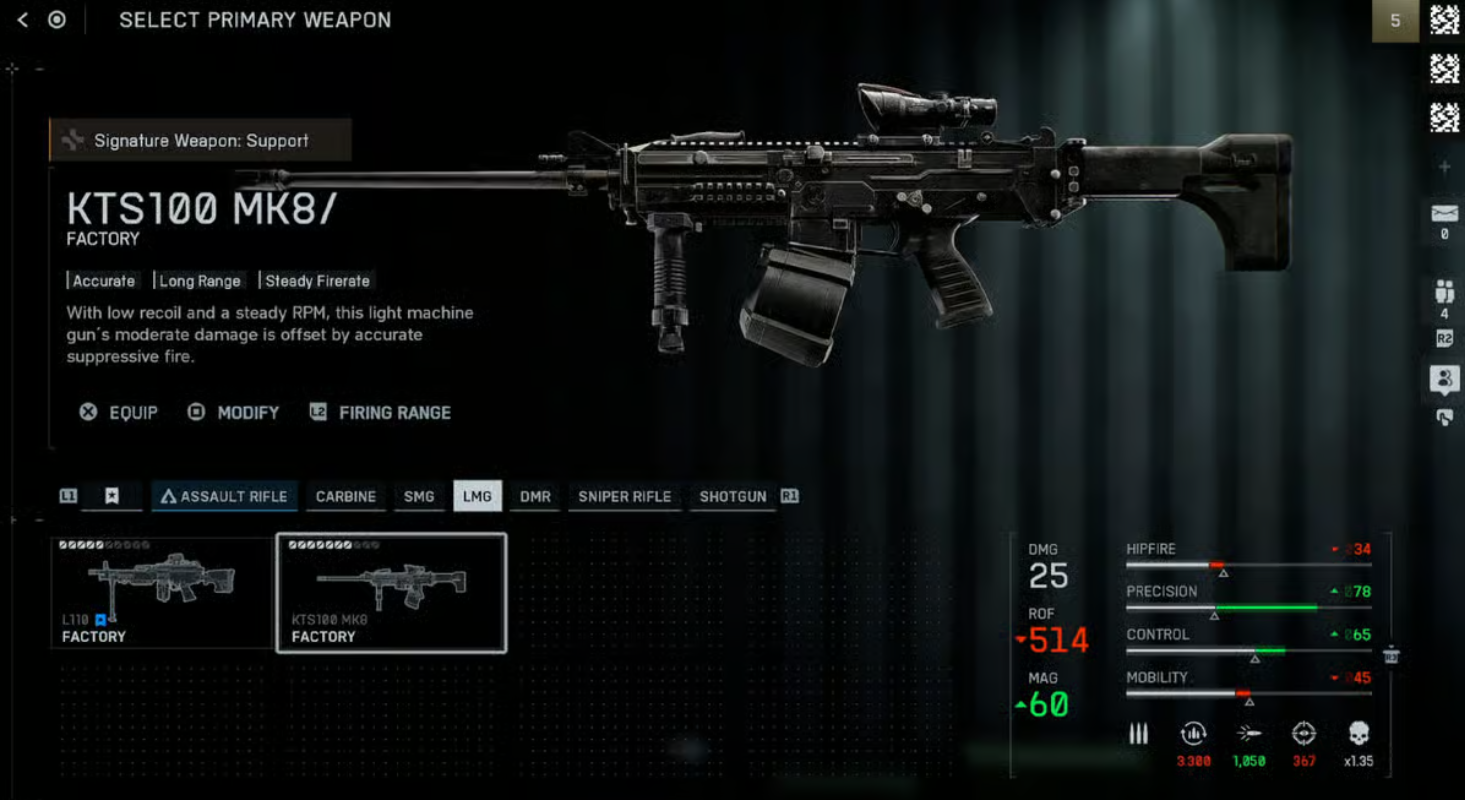
Battlefield 6 Bullet Storm challenges — requirements, rewards, how to finish
Unlock the KTS100 MK8 and M240L by clearing two LMG assignments that focus on suppression, hip-fire damage, and multi-kills.