
Topic
Windows 11
Windows 11 is Microsoft’s modern PC operating system, built to deliver a refreshed interface, stronger productivity tools, gaming features, enhanced security, and deep integration with services like Copilot. It launched as the successor to Windows 10 and supports a wide range of desktops, laptops, and compatible hardware configurations for work, play, and everyday computing. | Release Date: October 5, 2021 | Developer: Microsoft | Platforms: x86-64 PCs, Arm64 PCs | Genre: Operating System
-
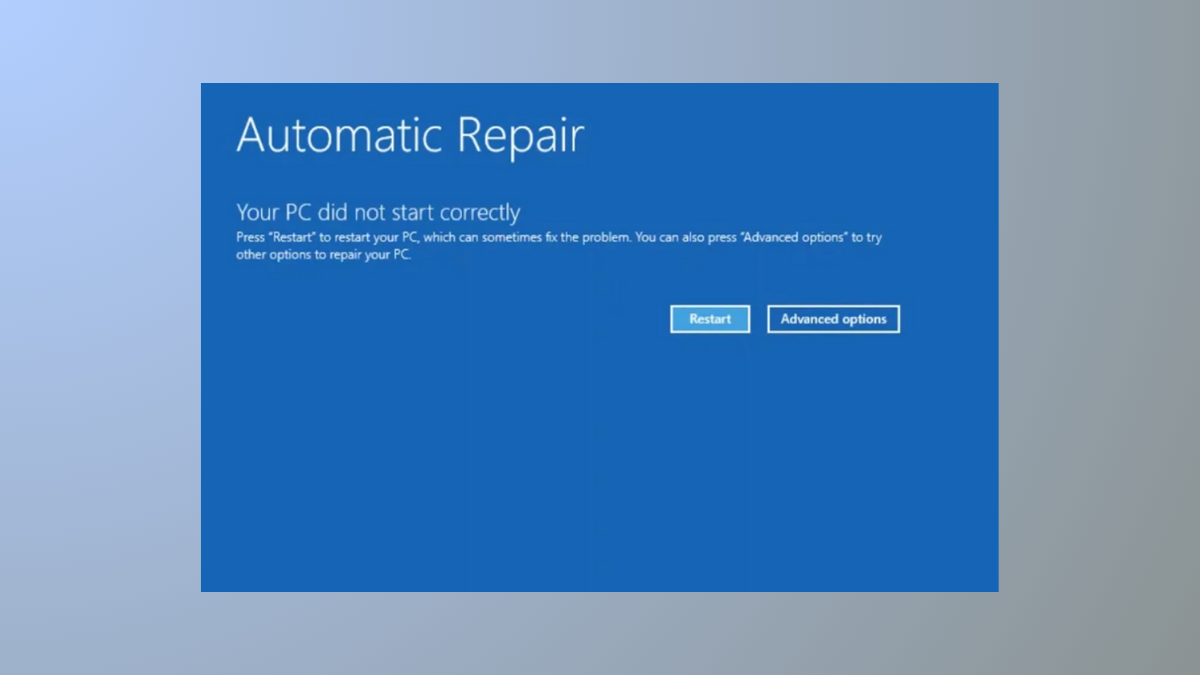
How to Fix “Your PC Did Not Start Correctly” Error in Windows 11
A comprehensive guide to troubleshooting and resolving Windows 11 boot failures caused by the “Your PC Did Not Start Correctly” error message.
-
How to Fix “Can’t Connect to This Network” Error on Windows 11
Simple solutions for resolving persistent Wi-Fi and network connection failures in Windows 11.
-

How to Fix Error 0x80070057 on Windows 11
Resolve Windows Update failures and storage-related issues caused by error code 0x80070057 with clear repair instructions for Windows 11.
-
How to Turn Windows Installer Service On or Off on Windows 11
Control the Windows Installer Service on Windows 11 to troubleshoot installation issues or manage software deployment more effectively.
-
How to Fix System Image Backups Failing in Windows 11
Resolve system image backup failures in Windows 11 with detailed troubleshooting, error code fixes, and reliable alternative backup solutions.
-

How to Disable Selection Highlight When Hovering Over an Object in Windows 11
Stop files and folders from being automatically selected or highlighted when your mouse hovers over them in Windows 11 File Explorer.
-

How to Fix “Windows Was Unable to Locate Required Install File boot.wim” Error
Resolve the boot.wim missing error during Windows 11 installation or upgrade with multiple solutions for USB, ISO, and registry issues.
-

How to Fix Public WiFi Login Page Not Appearing in Windows 11
Detailed solutions to resolve missing public Wi-Fi login pages on Windows 11, including DNS, browser, and network troubleshooting.
-

How to Fix Windows\System32\Config\System Is Missing or Corrupt Error in Windows 11
Restore access to your Windows 11 system by repairing or replacing the missing or corrupt system registry file with these practical solutions.
-
How to Fix FAT FILE SYSTEM Blue Screen Error on Windows 11
Resolve the FAT FILE SYSTEM (fastfat.sys) BSOD in Windows 11 by updating drivers, checking disk health, and repairing file system errors to restore stability…