
Topic
Windows 11
Windows 11 is Microsoft’s modern PC operating system, built to deliver a refreshed interface, stronger productivity tools, gaming features, enhanced security, and deep integration with services like Copilot. It launched as the successor to Windows 10 and supports a wide range of desktops, laptops, and compatible hardware configurations for work, play, and everyday computing. | Release Date: October 5, 2021 | Developer: Microsoft | Platforms: x86-64 PCs, Arm64 PCs | Genre: Operating System
-
Fix Error 0xd0000034 on Windows 11
Get rid of error 0xd0000034 when updating Windows by switching to a local account, disabling your antivirus, and other effective solutions.
-
Fix Windows 11 Freezing When Scanning for Hardware Changes
Get rid of your system freezing when scanning for hardware issues by disconnecting peripherals, performing a clean boot, and other solutions.
-
Fix Generic PnP Monitor Not Detected on Windows 11
Multiple solutions to help you get your generic PnP monitor detected when connected to a Windows 11 PC.
-
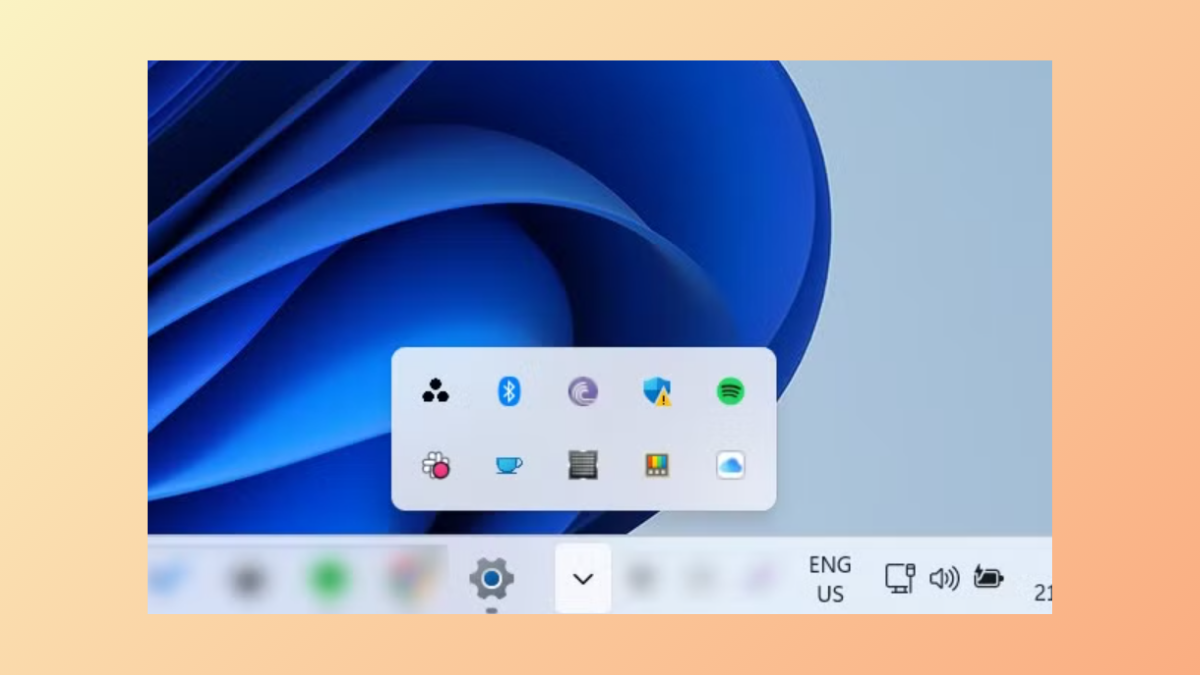
Reset Tray Icons in Taskbar on Windows 11
Reset Taskbar Tray Icons to their defaults, getting rid of any customizations or changes that you might have implemented earlier with the help of…
-
Fix Windows 11 Won’t Boot After Enabling Secure Boot
Fix boot issues with Windows 11 that occur after enabling Secure Boot in the BIOS using these easy-to-follow instructions.
-
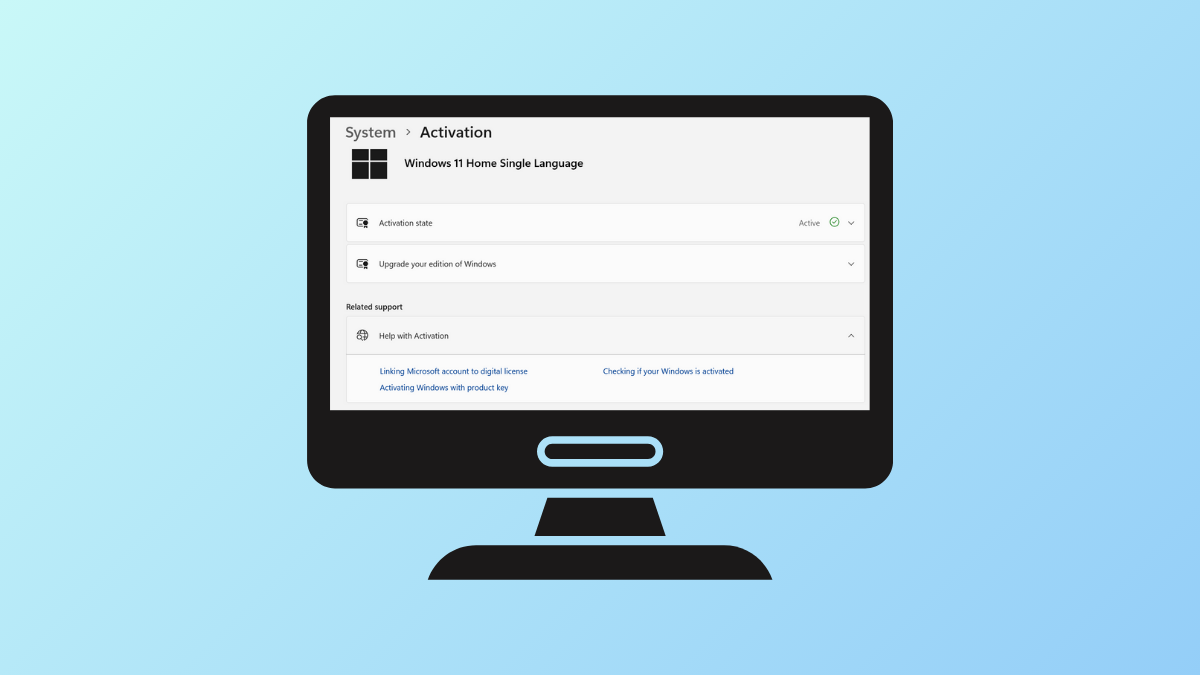
Check Windows 11 Activation Status on Your PC
Learn how to check whether your copy of Windows 11 is activated or not, as well as how to change your product key when…
-
Fix Windows PowerShell Causing High CPU Usage
Control high CPU usage caused by PowerShell on Windows 11 using these clear instructions.
-
Recover Lost Wireless Password in Windows 11
Easily recover your wireless password on Windows using in-built and third-party tools.
-
Fix Error 0x80071128 on Windows 11
Try out these multiple solutions to fix error 0x80071128, which can prevent you from deleting files and folders on your PC.
-

Fix Windows 11 Signing Me Out Immediately After Logging In
Sort out issues when Windows automatically logs you out after signing in using these easy-to-follow instructions.