
Topic
Windows 11
Windows 11 is Microsoft’s modern PC operating system, built to deliver a refreshed interface, stronger productivity tools, gaming features, enhanced security, and deep integration with services like Copilot. It launched as the successor to Windows 10 and supports a wide range of desktops, laptops, and compatible hardware configurations for work, play, and everyday computing. | Release Date: October 5, 2021 | Developer: Microsoft | Platforms: x86-64 PCs, Arm64 PCs | Genre: Operating System
-
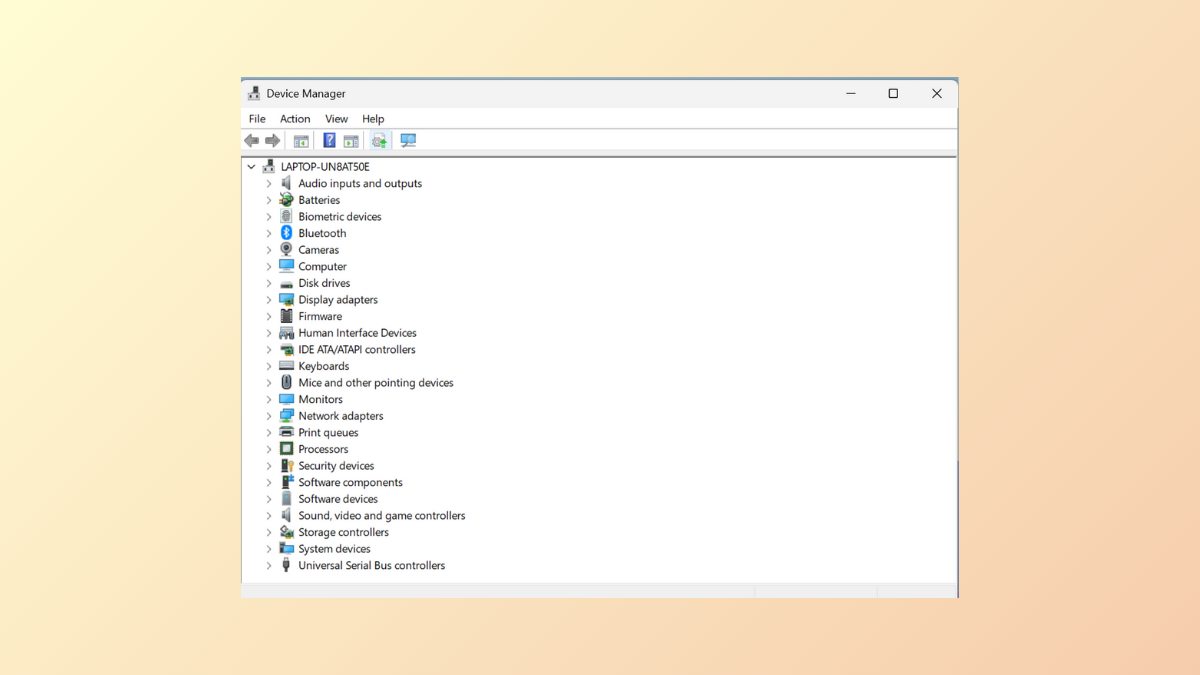
Fix Device Manager Crashing or Not Opening on Windows 11
Restore access to Device Manager on Windows 11 by following proven troubleshooting steps that address system file issues, software conflicts, and user profile problems.
-
Check WiFi Network Security Type in Windows 11
Identify your WiFi network’s security protocol in Windows 11 to assess and improve your wireless network’s protection.
-

Turn Off Delivery Optimization in Windows 11
Stop Windows 11 from sharing update bandwidth with other PCs by disabling Delivery Optimization using Settings, Registry Editor, Group Policy, or Services.
-

Stop or Make Storage Sense Delete Files from Downloads Folder in Windows 11
Control whether Storage Sense automatically deletes files from your Downloads folder in Windows 11 by configuring system settings, Group Policy, or the Registry.
-

Fix Mouse Freezing, Stuttering, or Getting Stuck in Windows 11
Fix issues with the mouse getting stuck, freezing, or stuttering on Windows 11 using simple but effective solutions.
-
Fix Wireless Display Install Failed Error on Windows 11
Resolve installation issues with your wireless display on Windows 11 using these detailed instructions.
-
Fix ntdll.dll file error on Windows 11
Get rid of all ntdll.dll file error messages on Windows 11 using these easy-to-follow instructions.
-
Fix Node.dll is missing or not found error on Windows 11
Resolve the Node.dll is missing or not found error on Windows 11 by running SFC and DISM scans, and re-registering the node.dll.
-
Fix You Can’t Sign in With This Account. Try a Different Account Error on Windows 11
Clear instructions on how to log in to your Windows account when it prevents you from doing so using built-in and third-party tools.
-
Fix Application Error 0xc0150004 in Windows 11
Multiple solutions to fix the application error when trying to install and run applications on Windows 11.