The world map in The Mound: Omen of Cthulhu begins mostly sealed off, and Fort Logbooks are the items that peel it open. Each logbook you recover from an abandoned Fort maps a fresh region and gives your crew a new starting point for later expeditions. They only appear in jungle areas that contain a Fort, so finding one means pushing into the tangled inner sections of the map.
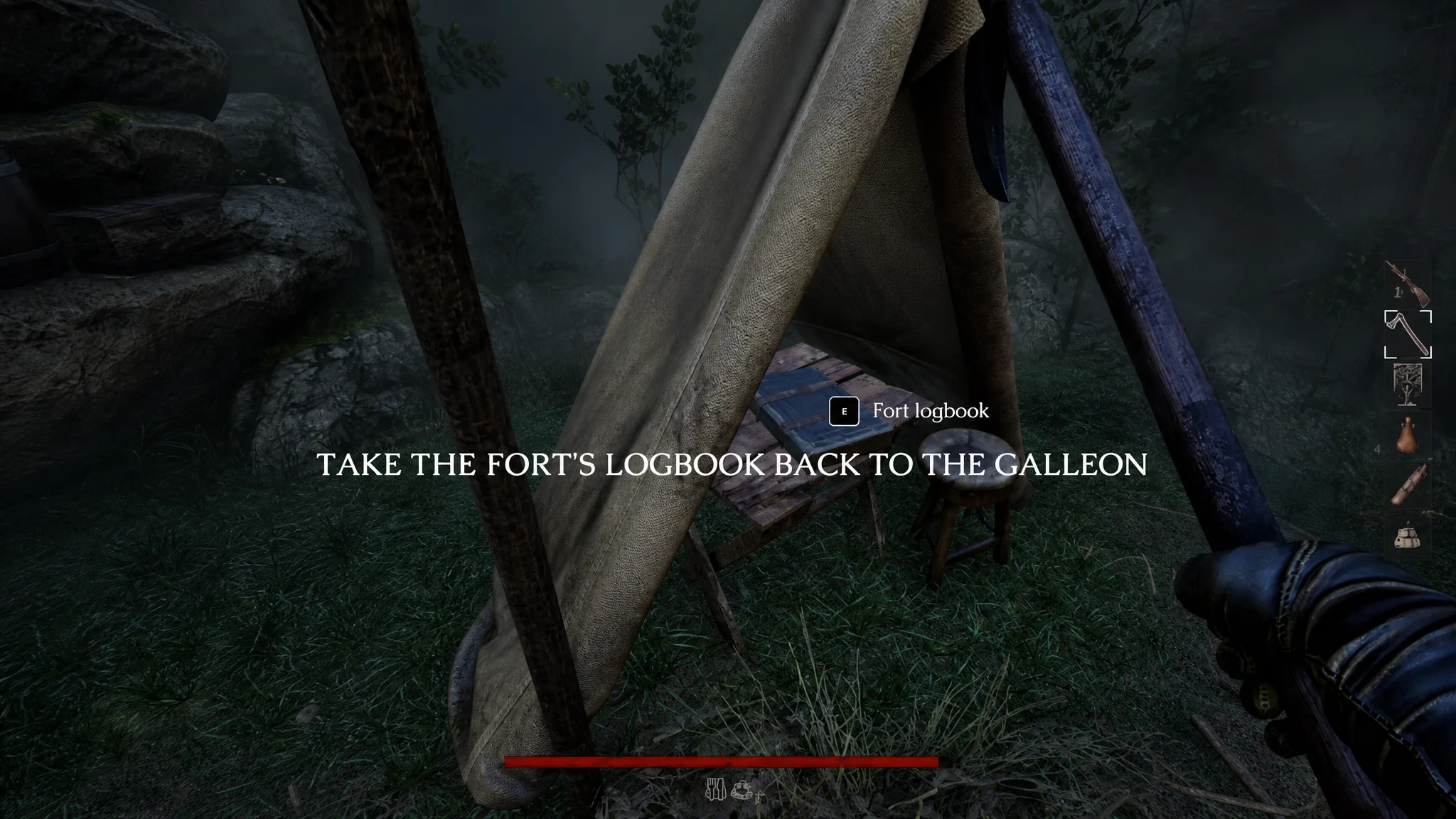
Quick answer: Sail into a jungle expedition that has a Fort, reach the small tent tucked in the interior, and pick up the Fort logbook when the on-screen prompt appears. Then return to the ship to lock in the new region on your map.
What a Fort Logbook does
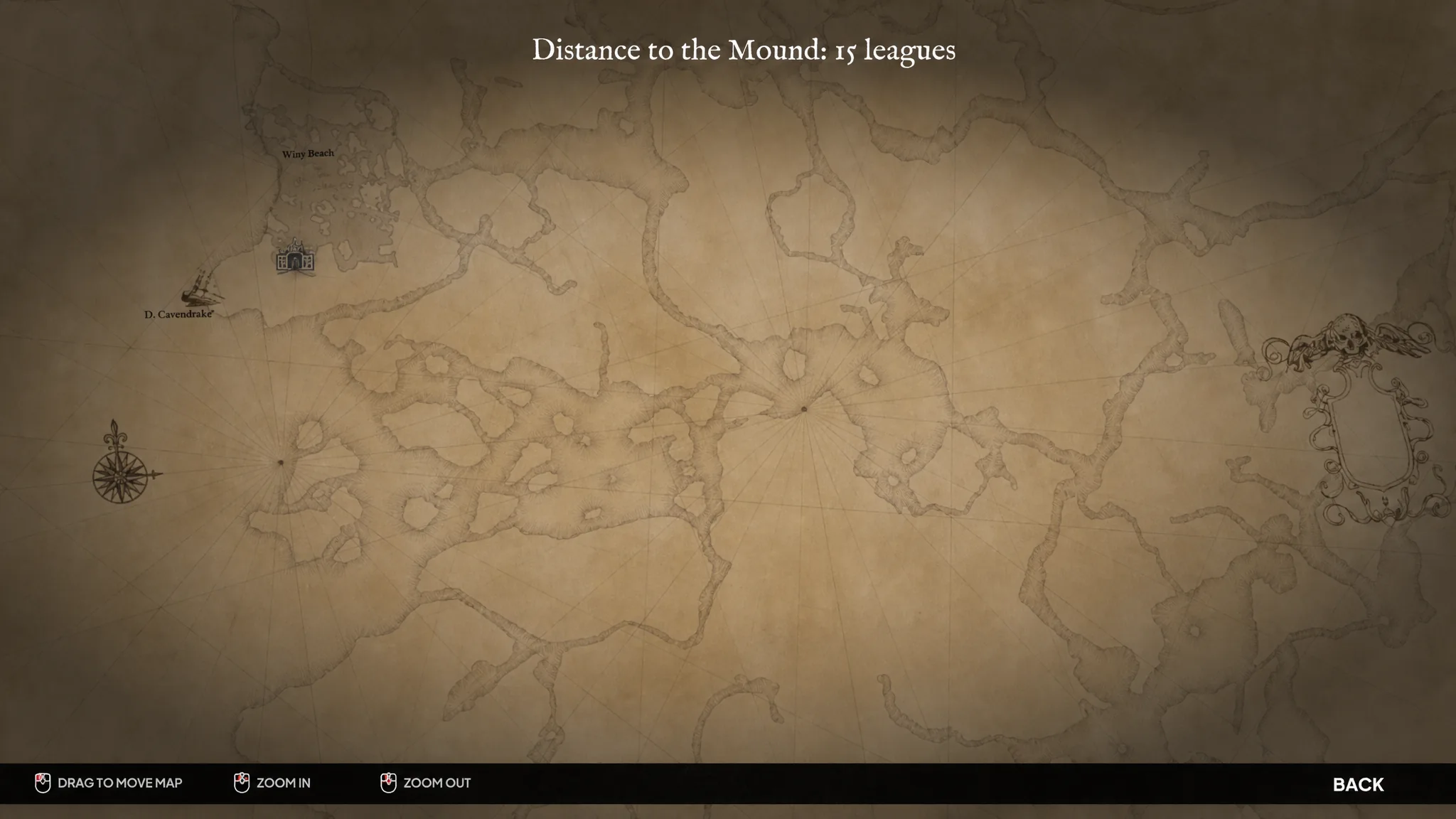
A Fort logbook is a record left behind by earlier expeditions. When you retrieve one, the game notes that the previous crew’s knowledge lets you approach a new area, and it unlocks that region as an accessible destination. Back on the galleon, the captain confirms the logbook was recovered and adds the fresh zone to your travel options.
The jungle holds 13 Fort logbooks in total, and each one you pull out expands where you can plan your next contract. Because these tents also sit deep inside hostile ground, treat each retrieval as a full expedition rather than a quick side trip.
Where the first logbook appears
The introductory expedition only teaches the basics, so no logbook is available there. The very next expedition is the one that tasks you with recovering a Fort logbook, and it works whether you go in with a full party of four or run it solo.
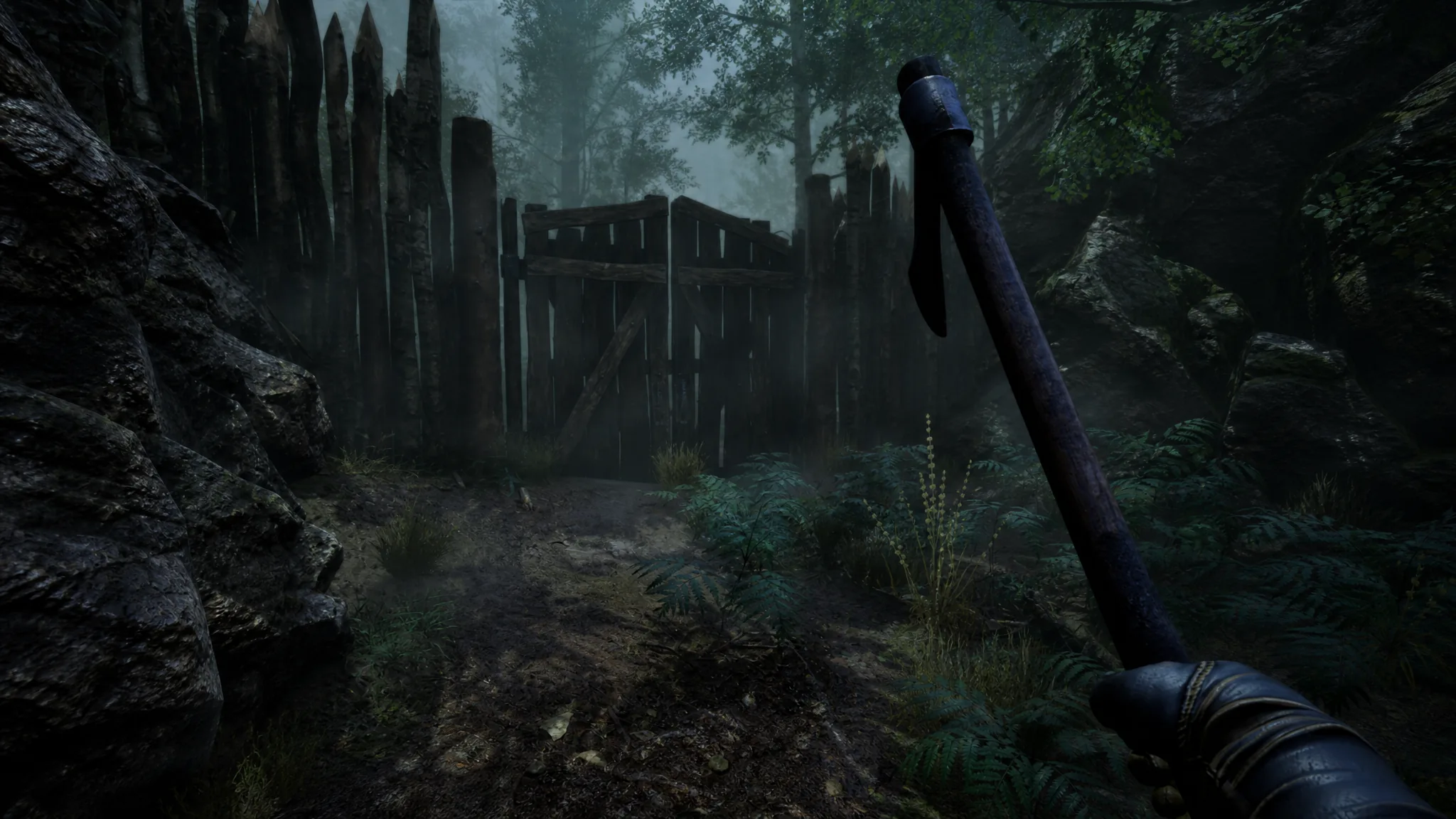
Forts here are not grand buildings. They are modest tents hidden among the jungle’s inner paths, and the route to them loops and dead-ends in ways that make the tent easy to miss. Note the medallion you can find in a small shack on the map. It reveals all of the island’s riches, which makes cleanup easy, though it is not required to grab the logbook itself.
Route to the Fort logbook on the second expedition
How to confirm the map unlocked
When you pick up the logbook, the prompt “RETRIEVE THE FORT’S LOGBOOK TO MAP A NEW AREA” confirms the item is in hand. The unlock itself finalizes after you return to the galleon, where the captain acknowledges the recovered logbook and notes it opens the way to a new region.
Open the map on the ship and look for white dots scattered around certain zones. Those markers show where a Fort logbook can be found, so they double as your checklist for the remaining regions to unlock.
Common mistake that blocks the unlock
The unlock only counts once the logbook makes it back to the ship with you. It is possible to carry the logbook out of the area in a way that leaves the mission stuck, so make sure the item stays in your possession through the finish of the expedition rather than being dropped or lost on the way to the exit.
Once you have the routine down, every jungle marked with a white dot works the same way. Push to the Fort, grab the logbook, survive the trip home, and watch another slice of the map toward the Mound open up for your next expedition.