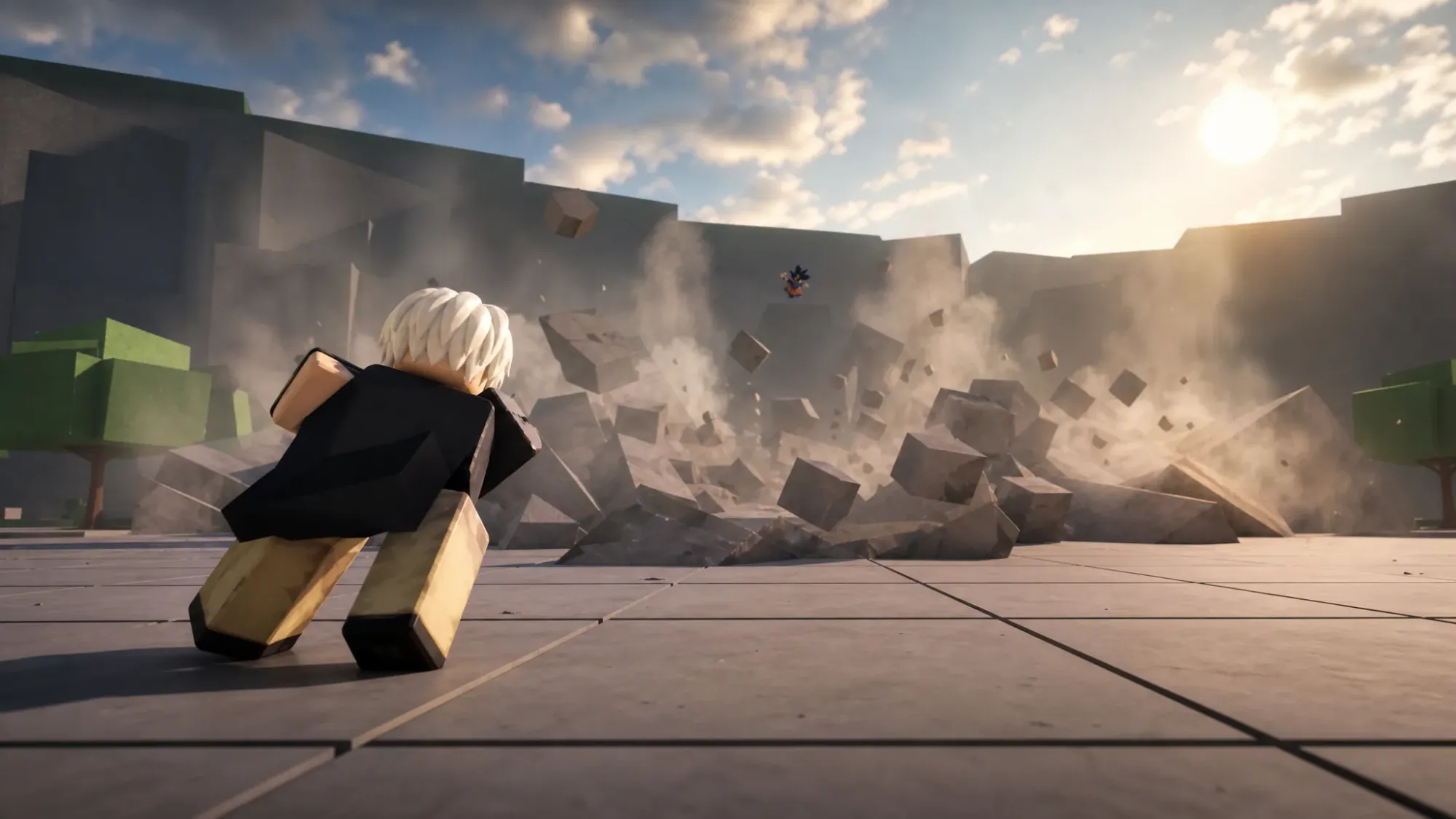
Accessories in The Strongest Battlegrounds are cosmetic items you wear over your character. Most of them are tied to a kill counter, so they unlock automatically once your lifetime knockouts pass a set number. A couple are free from the start, and two are locked behind a gamepass or a Roblox group instead of kills.
How accessory unlocks work in The Strongest Battlegrounds
The game tracks your total kills across matches. When that number reaches the requirement for an accessory, the item becomes available in your cosmetics menu permanently. You do not spend the kills, so passing 1,200 kills unlocks the Royal Cape while every lower-tier item you already earned stays unlocked.
If you would rather not grind, you can spend Robux to spin for accessories instead of waiting on the kill counter. The free options, Blocky Body and Spiral Cloth, are usable right away with no requirement.
All accessories and kill requirements
The full lineup is below, ordered by how many kills each one needs. Items without a kill number are unlocked through the VIP gamepass or by joining the official group.
| Accessory | Requirement |
|---|---|
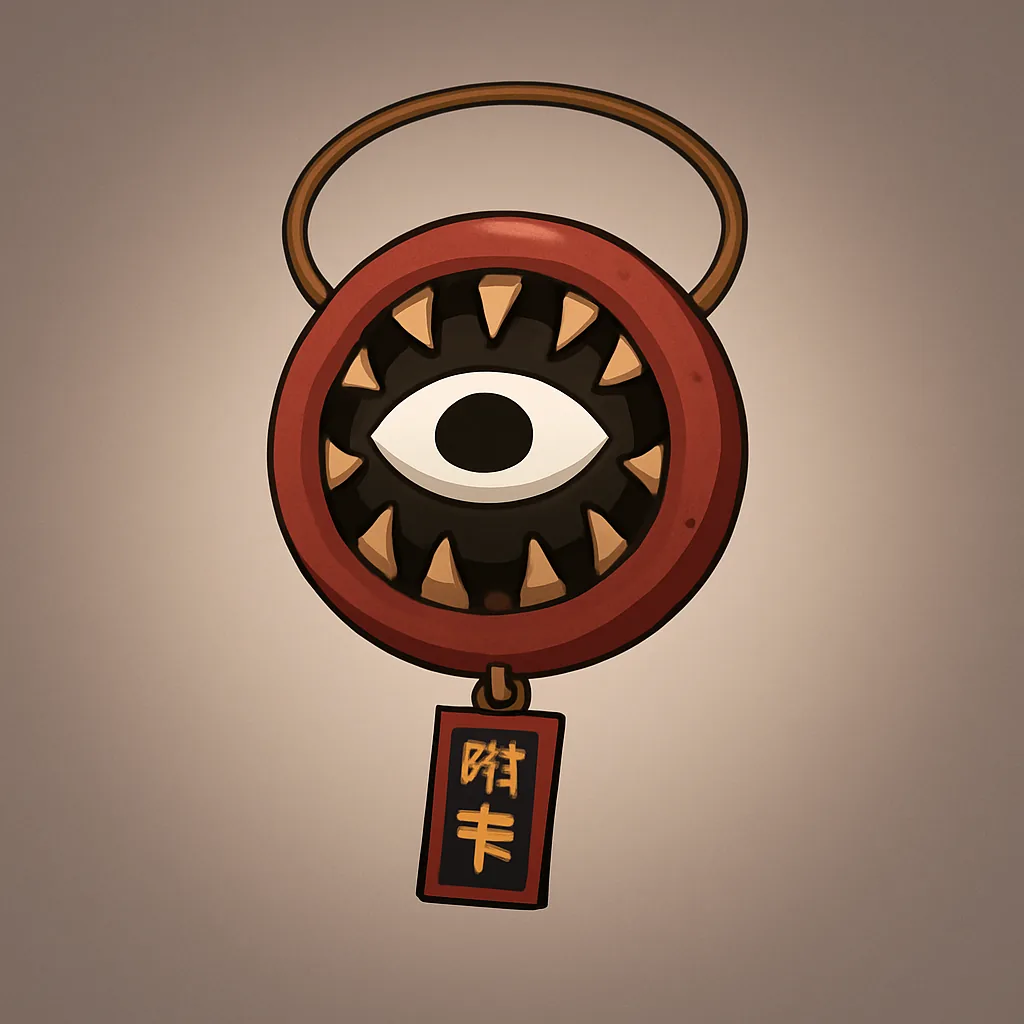 | Free |
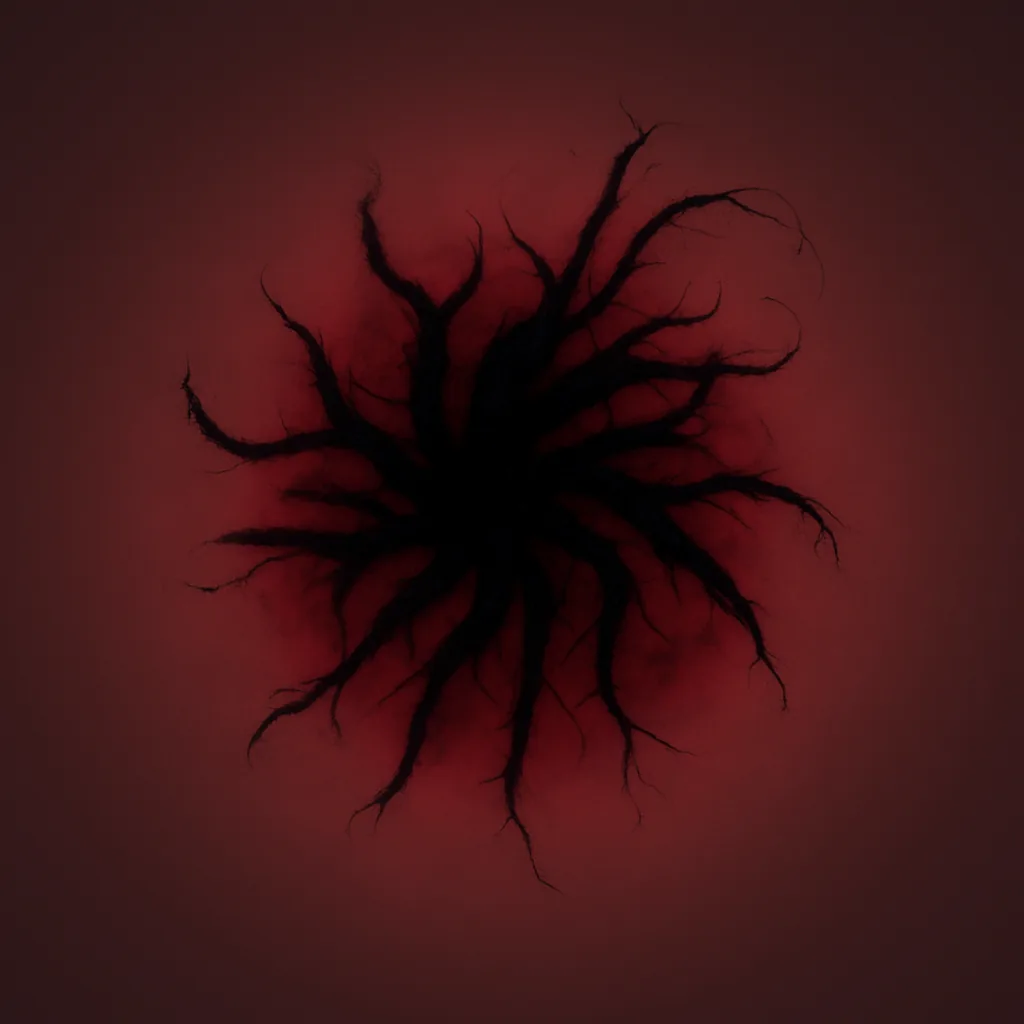 | Free |
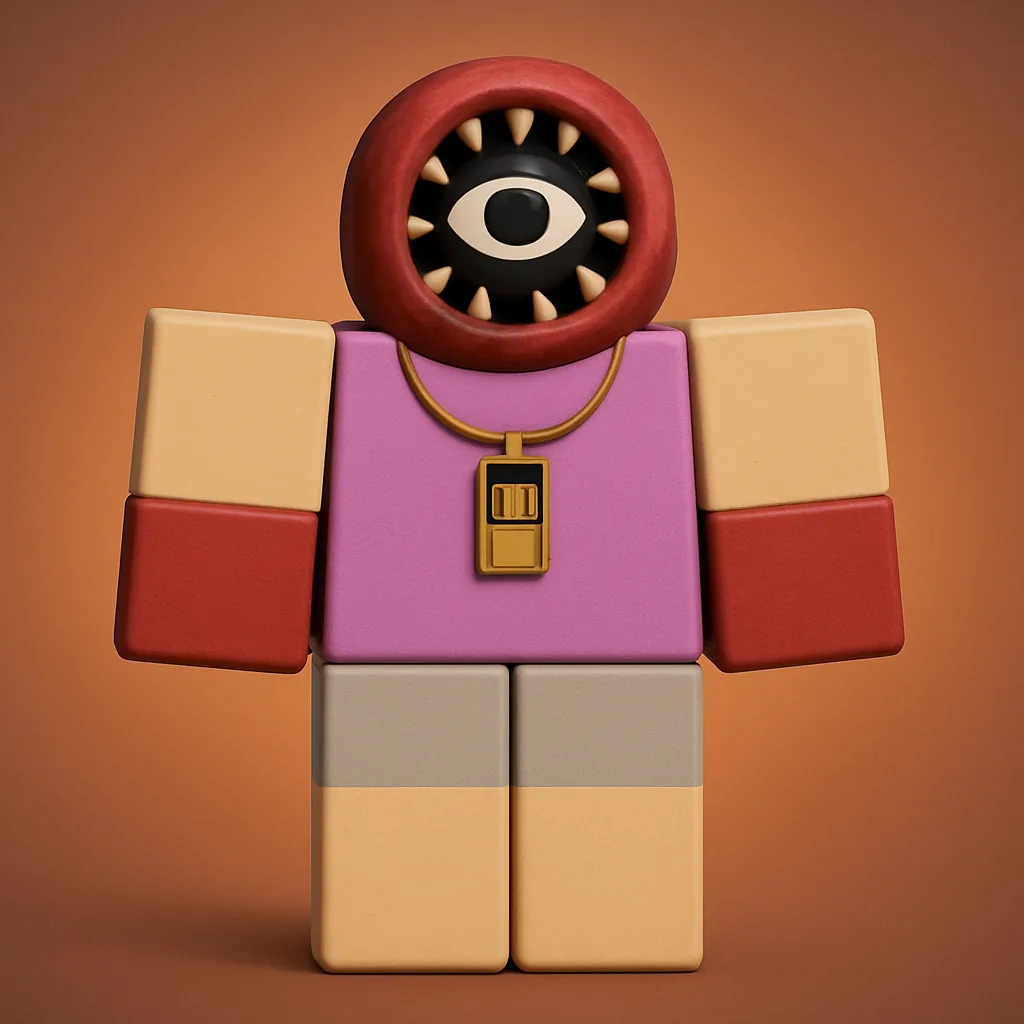 | 25 Kills |
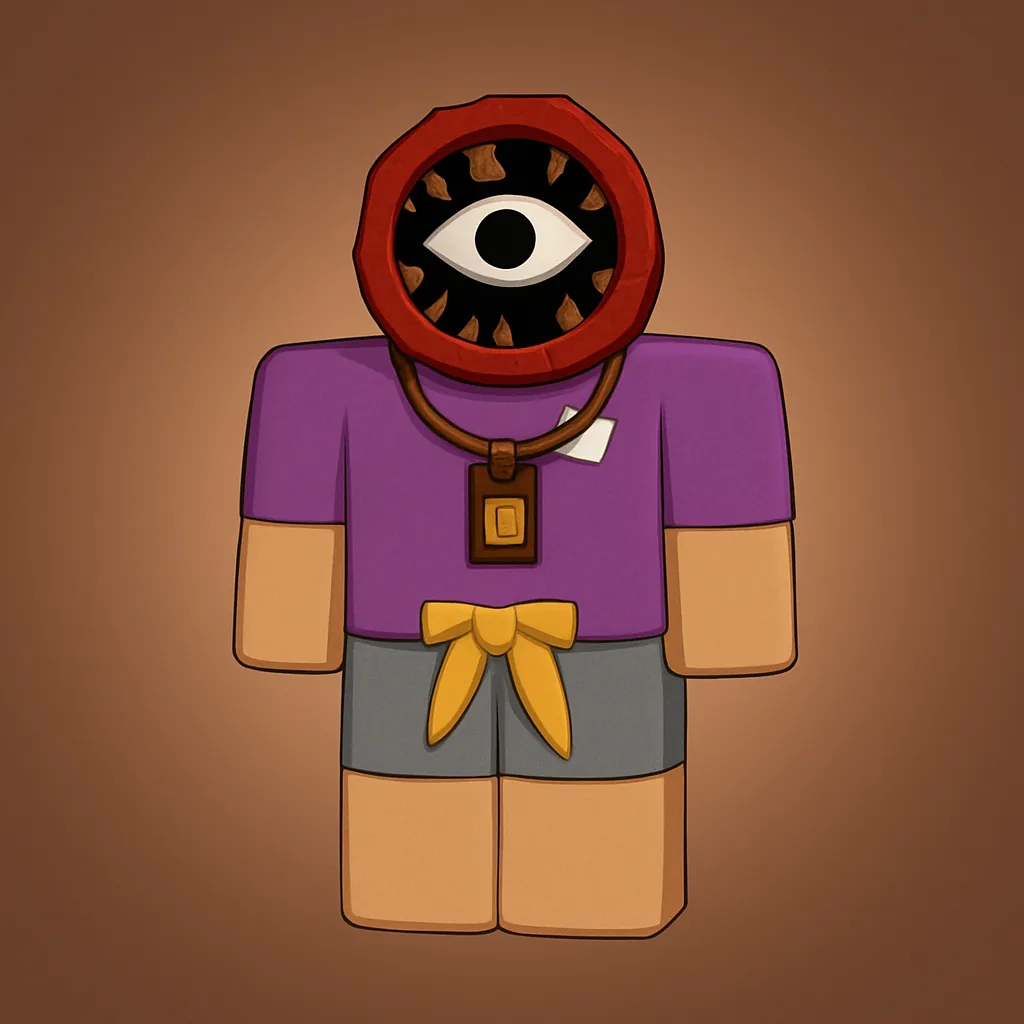 | 75 Kills |
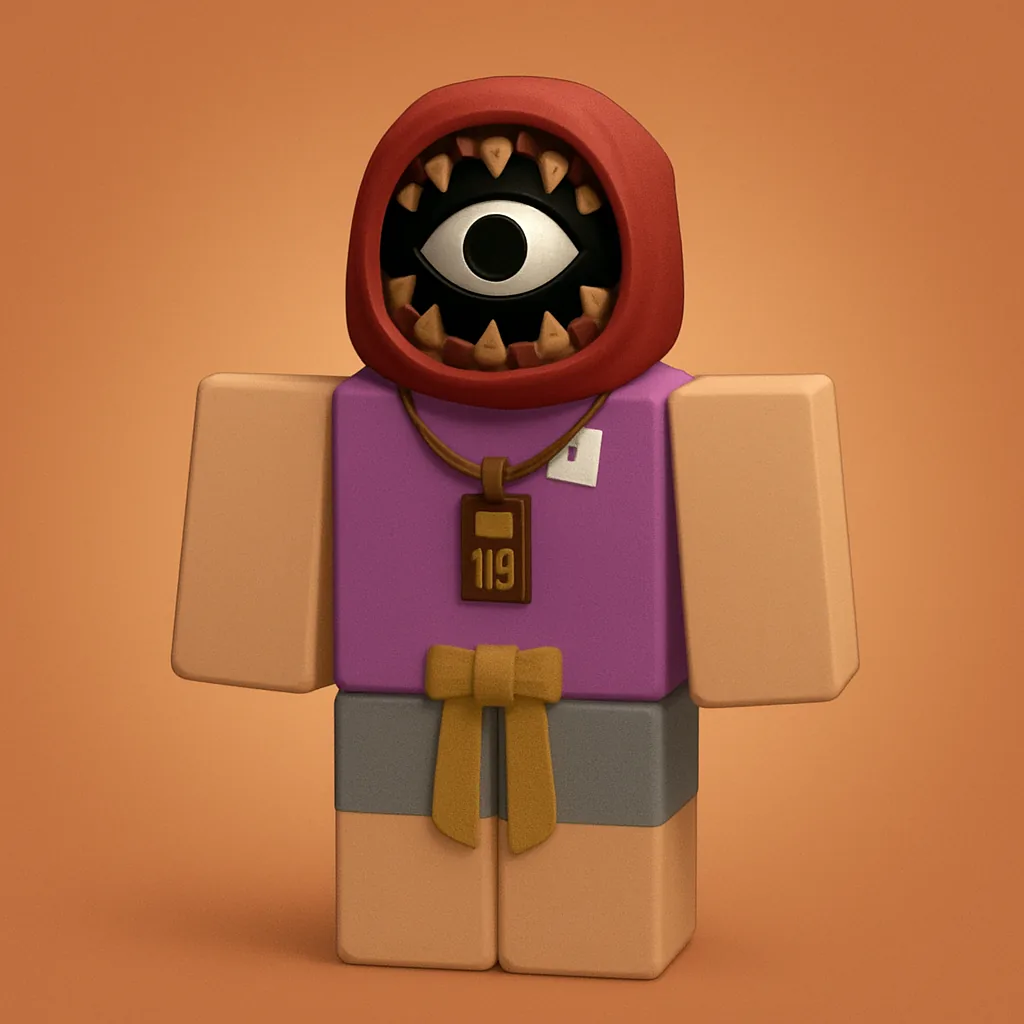 | 150 Kills |
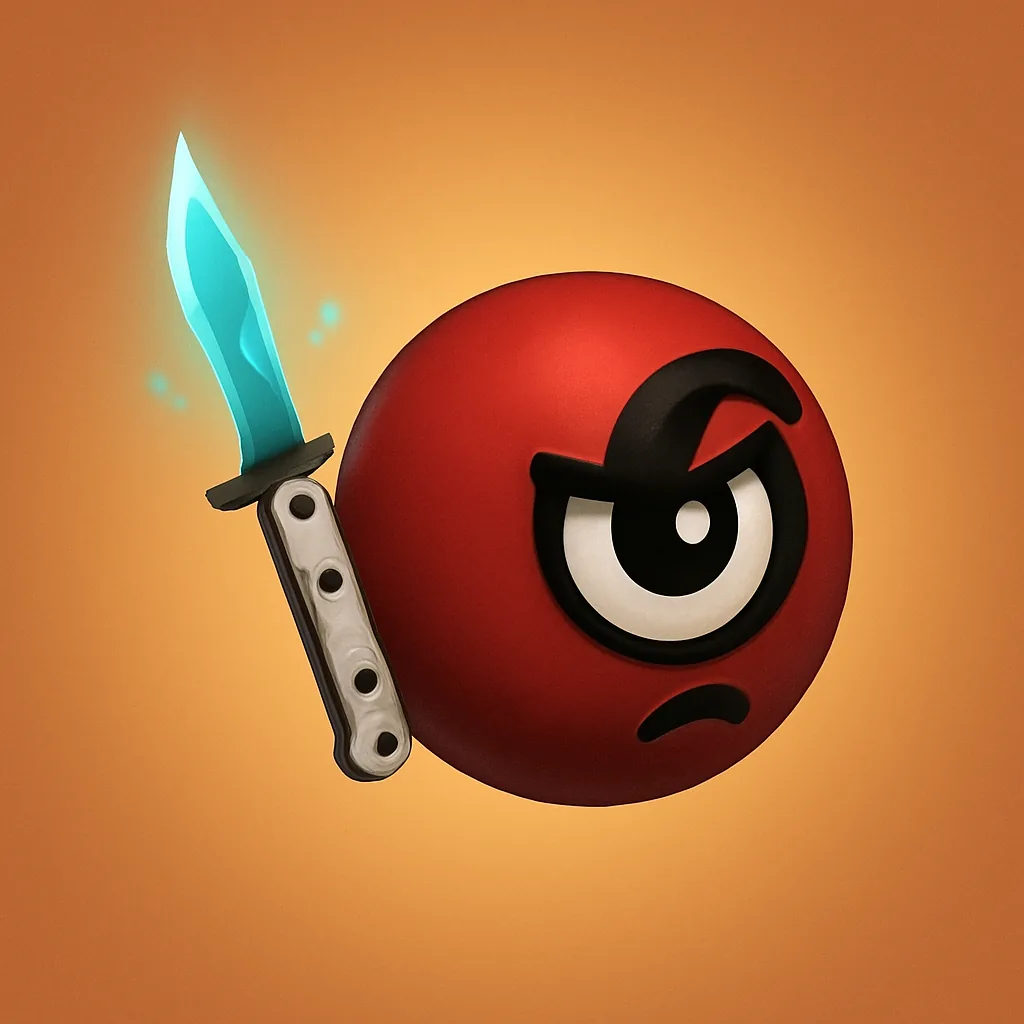 | 300 Kills |
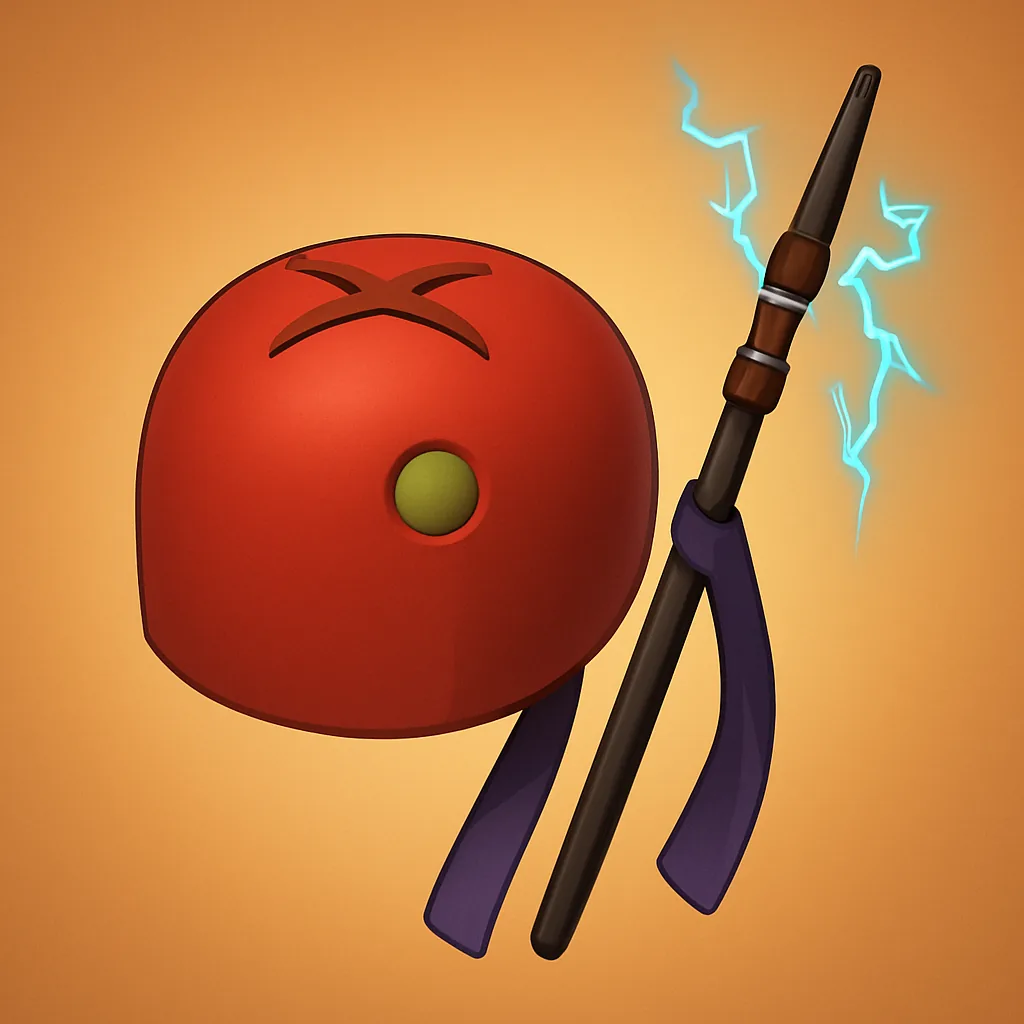 | 600 Kills |
| White Scarf | 900 Kills |
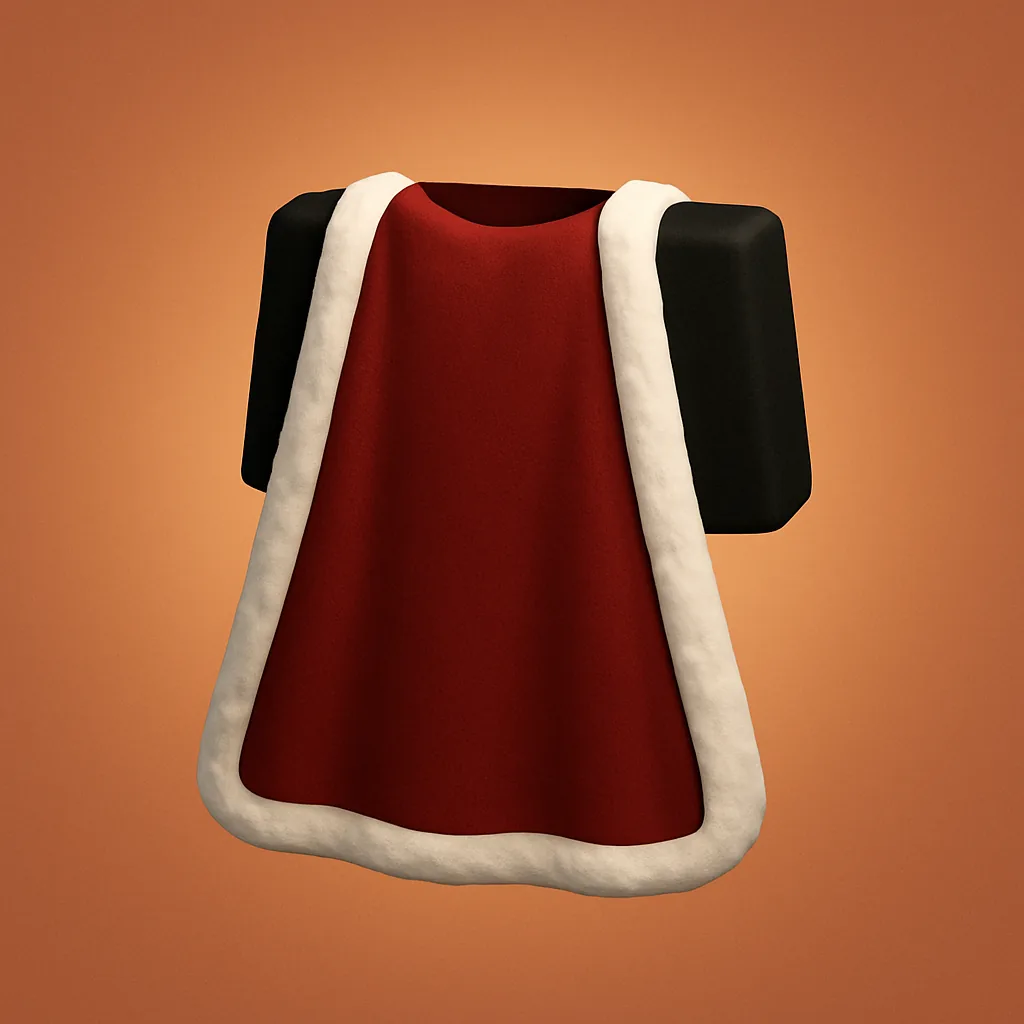 | 1200 Kills |
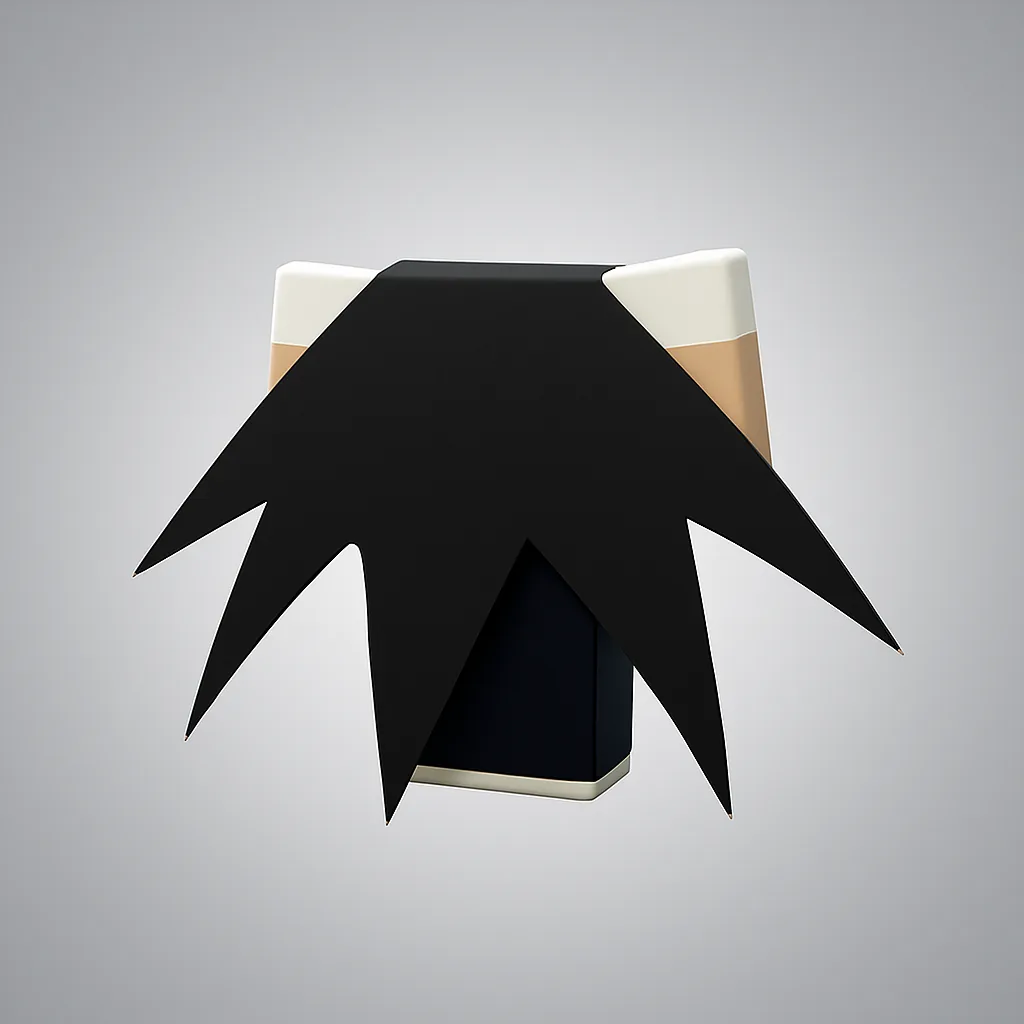 | 2000 Kills |
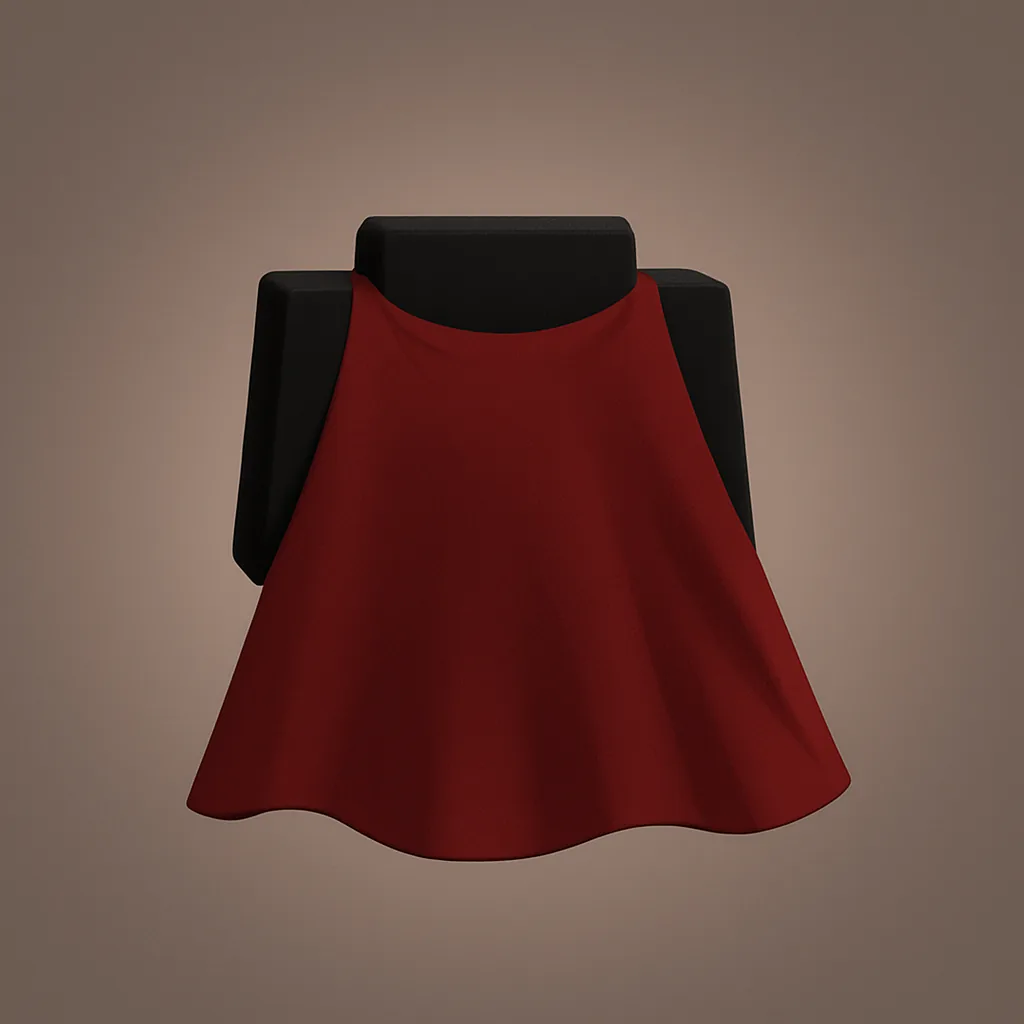 | 2800 Kills |
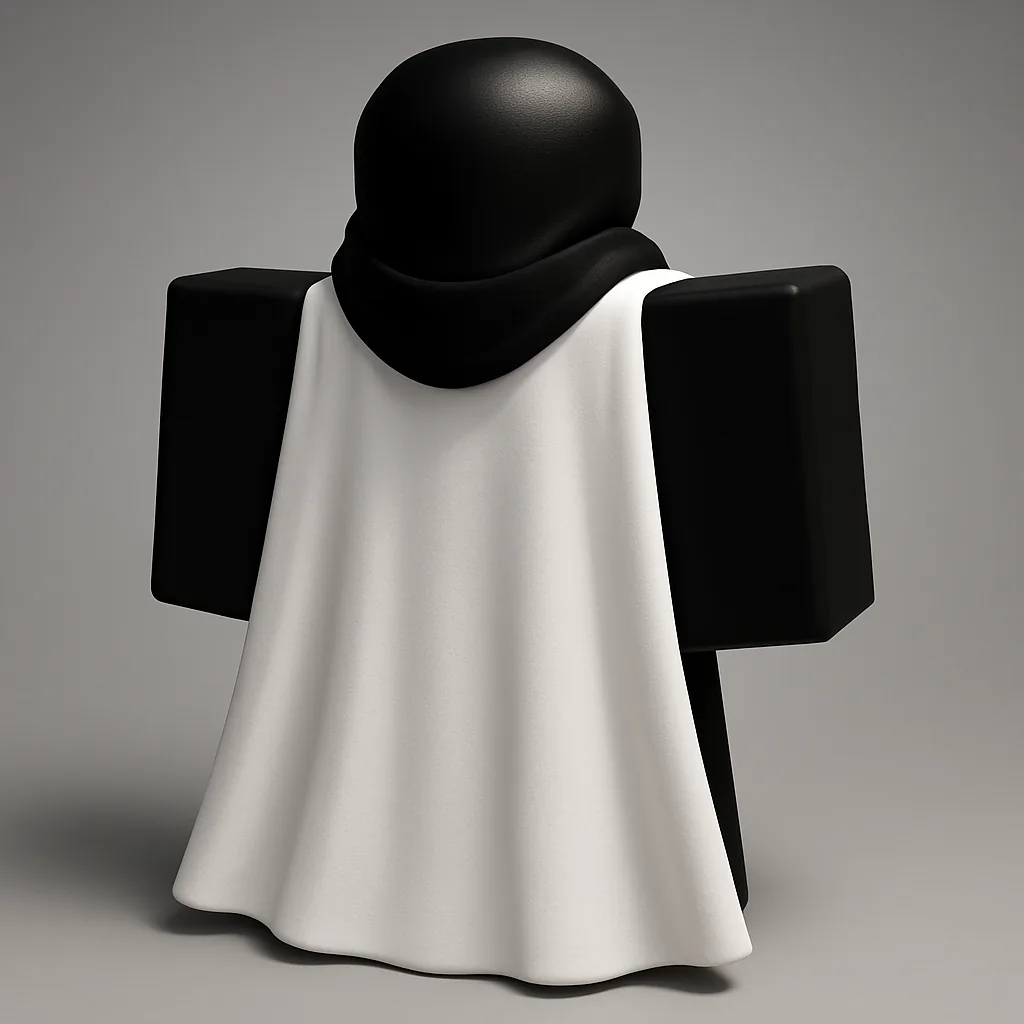 | 3200 Kills |
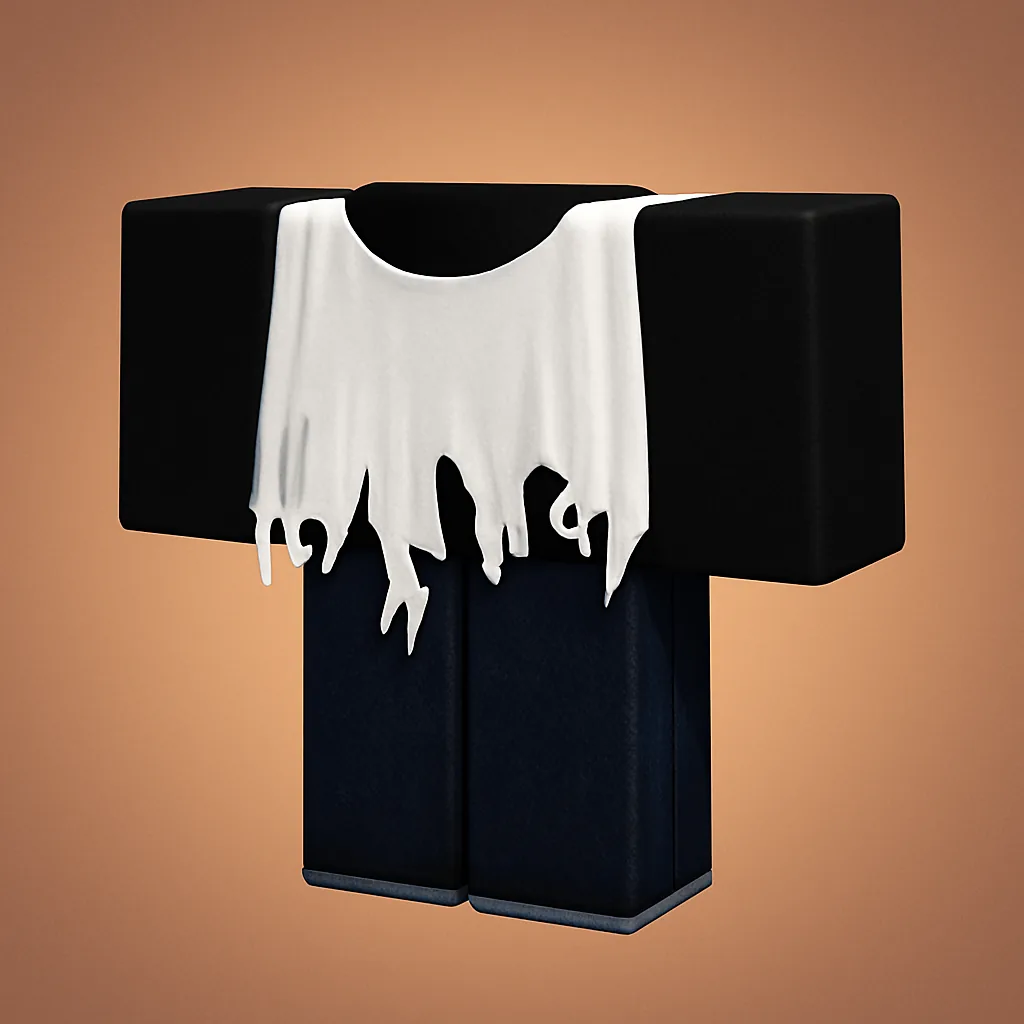 | 3600 Kills |
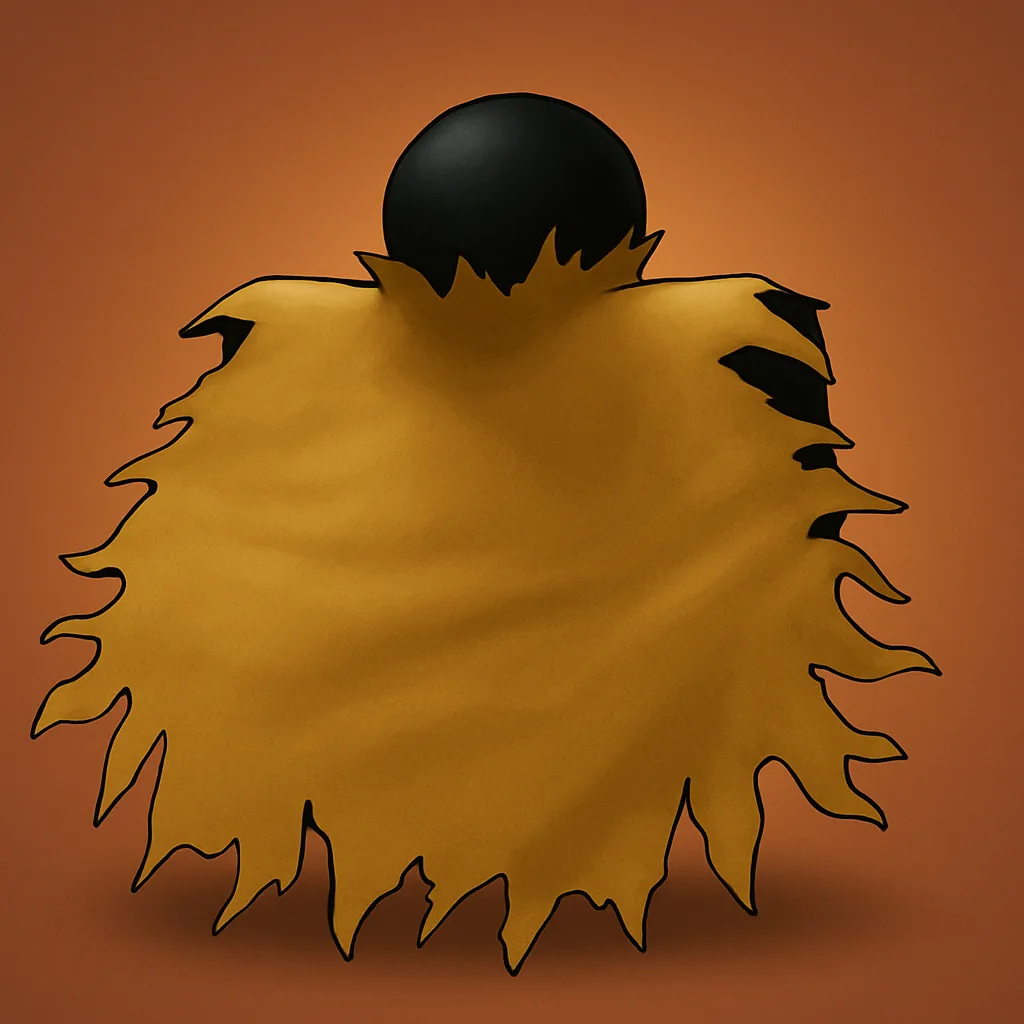 | 4300 Kills |
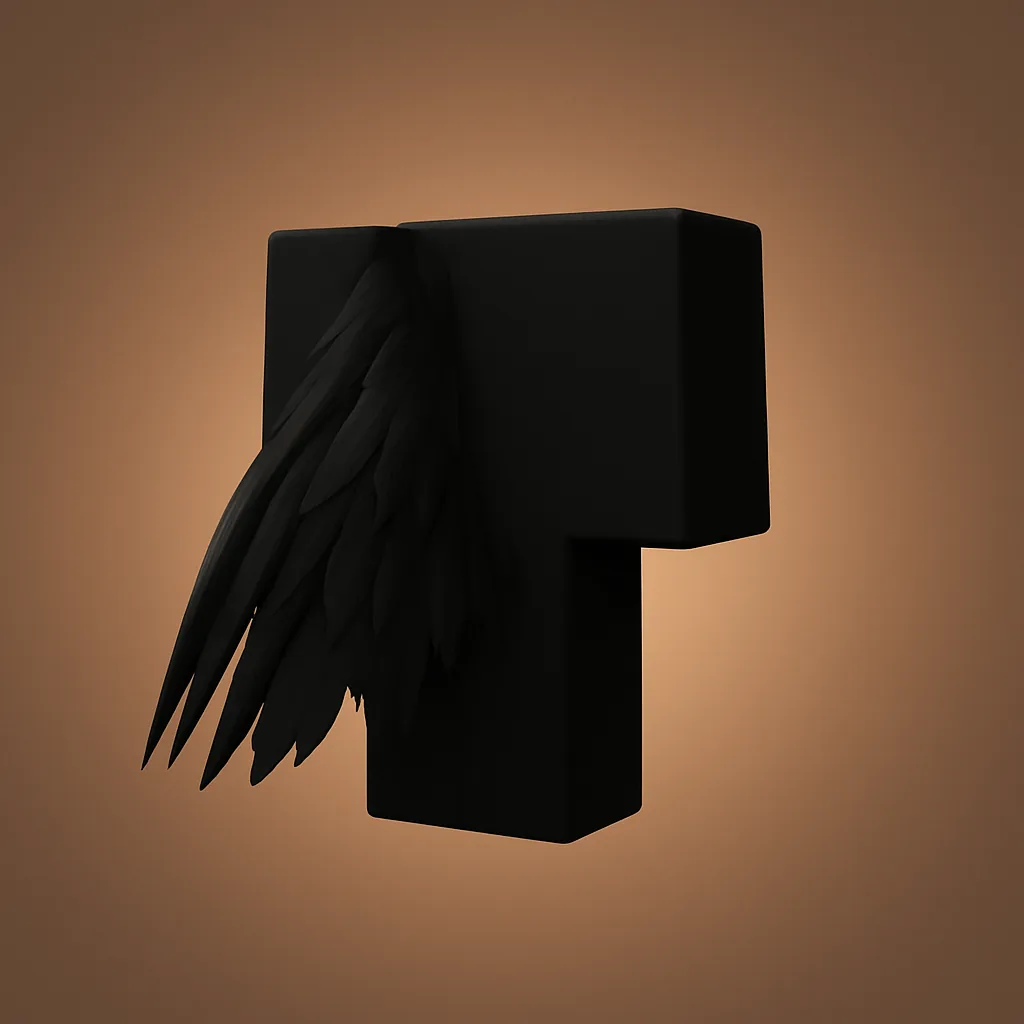 | 5200 Kills |
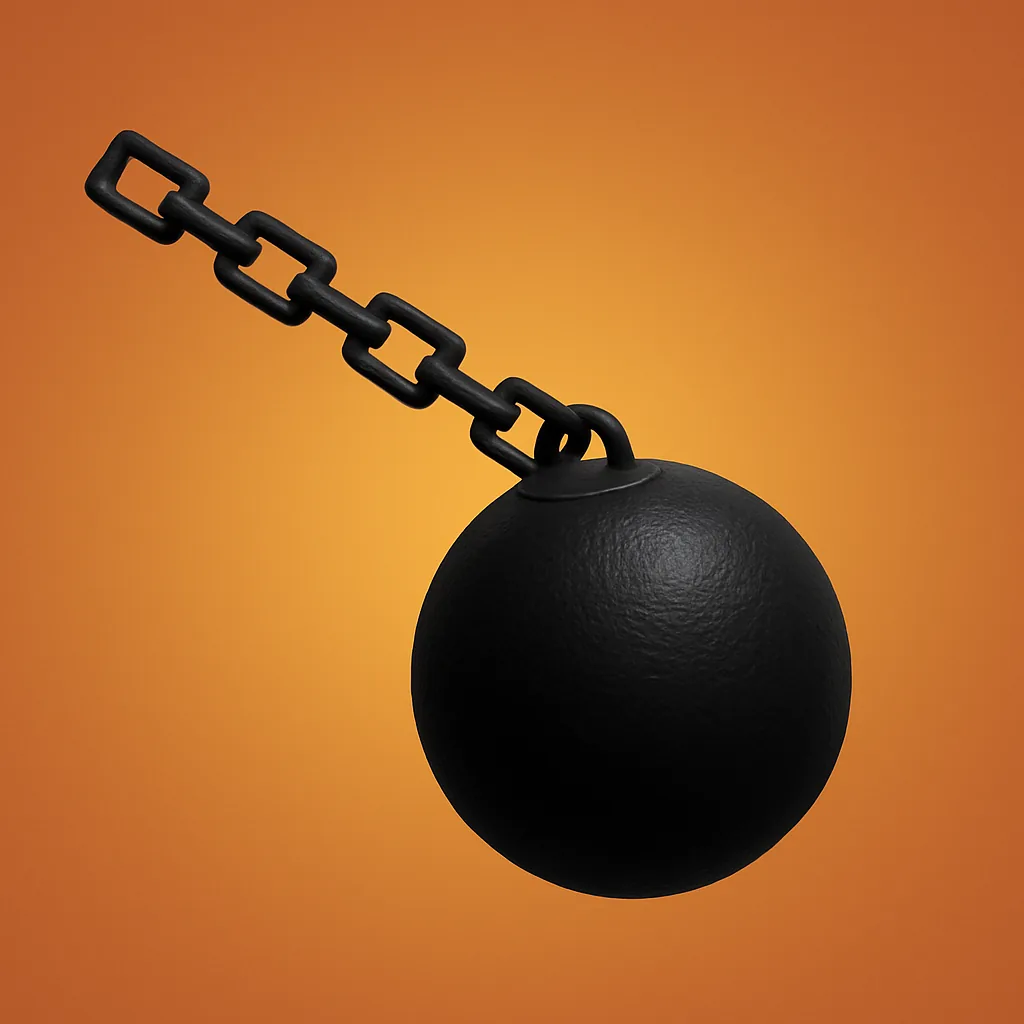 | 6200 Kills |
| Waist Sash | 6600 Kills |
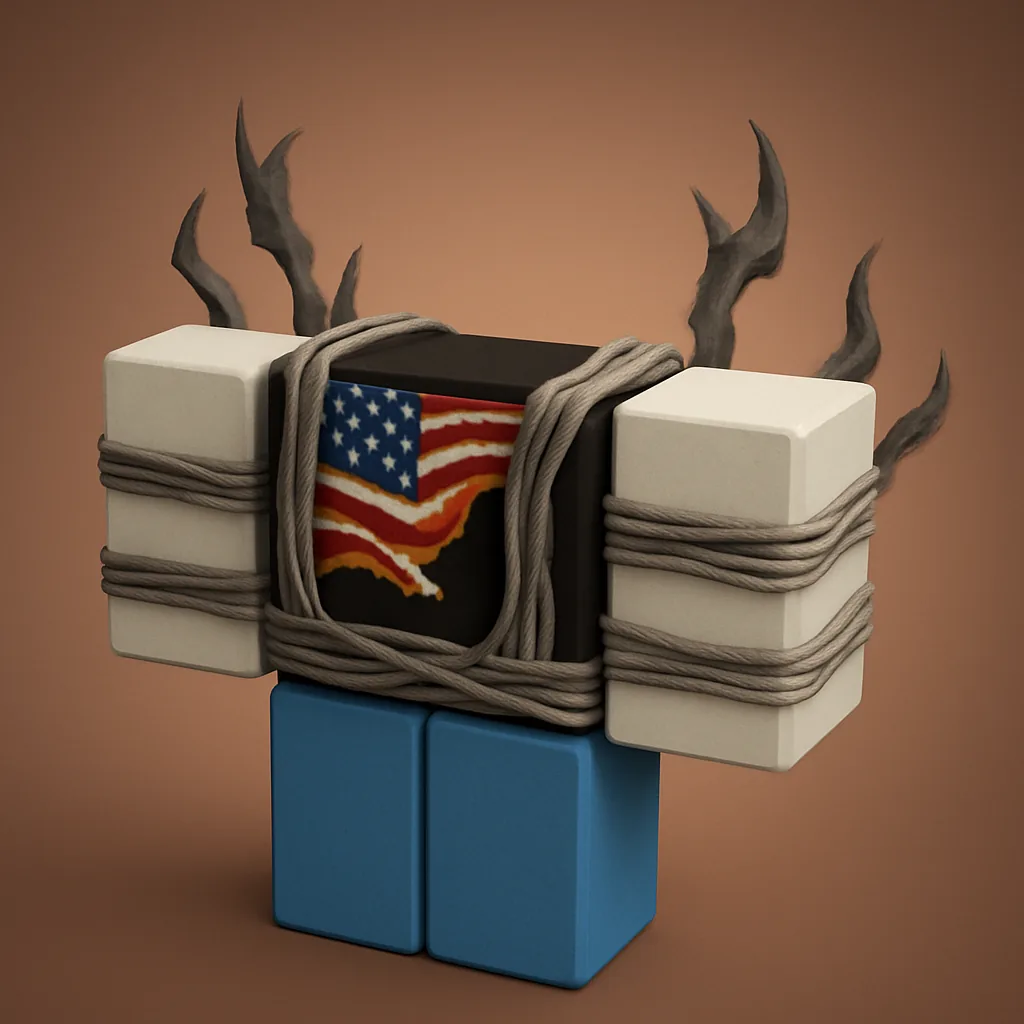 | 7000 Kills |
| Headband | 7500 Kills |
| Torn Headband | 8000 Kills |
| Blood Scarf | 8500 Kills |
| Fur Cape | 9000 Kills |
| Spiky Cape | 9500 Kills |
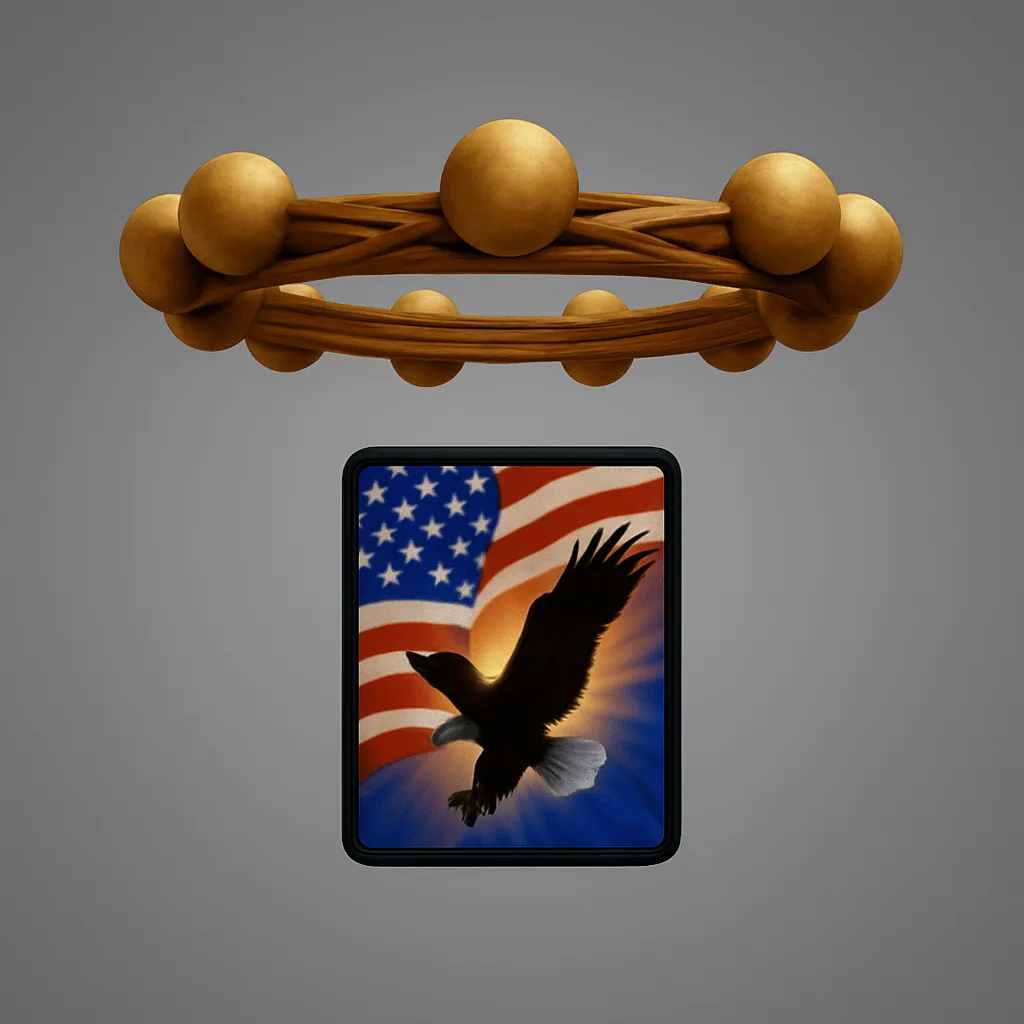 | 10000 Kills |
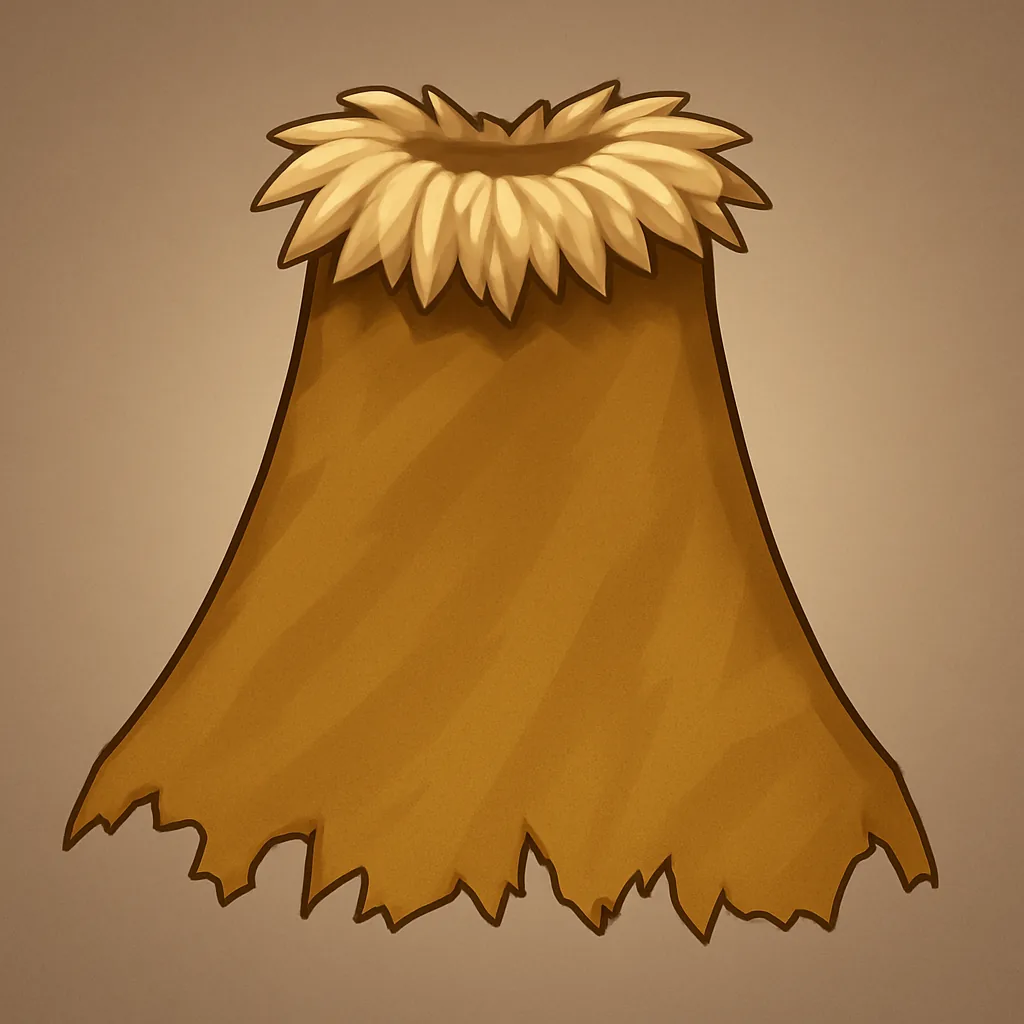 | 10500 Kills |
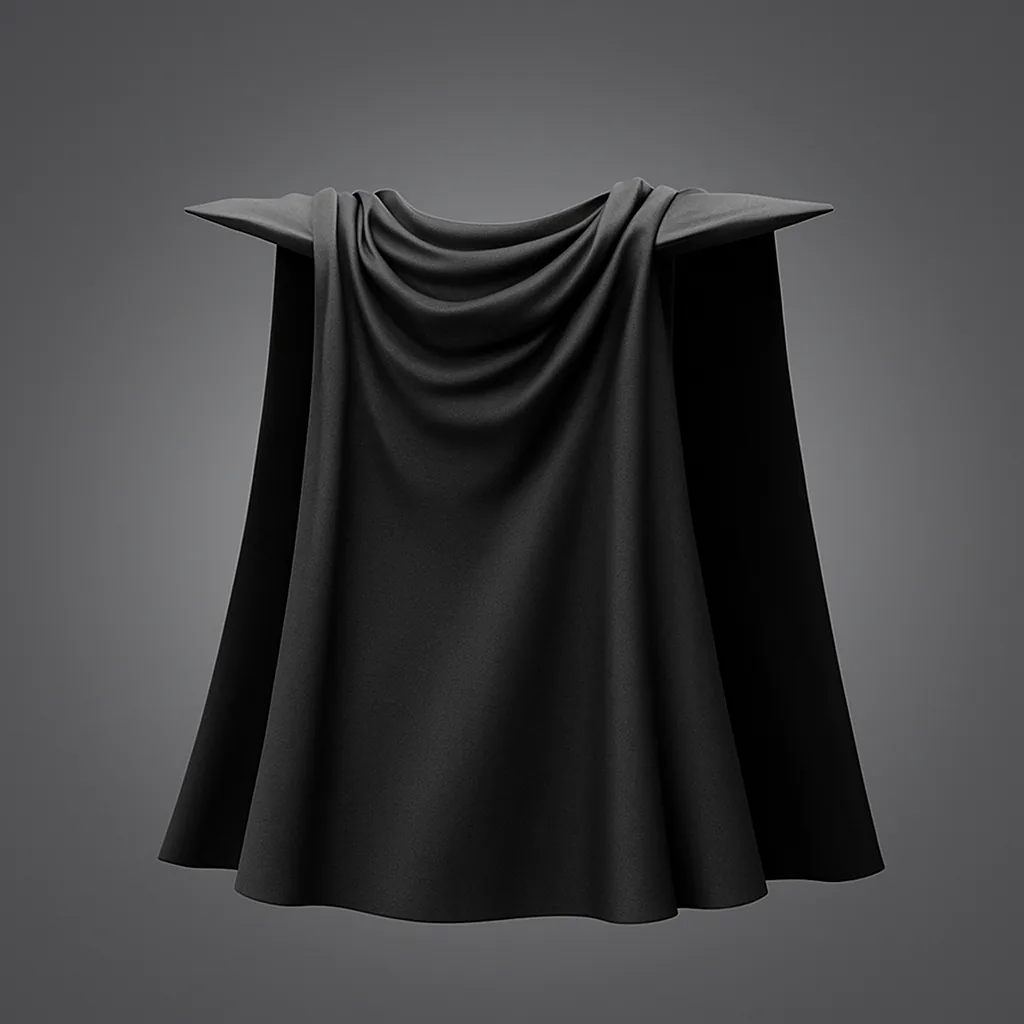 | 12500 Kills |
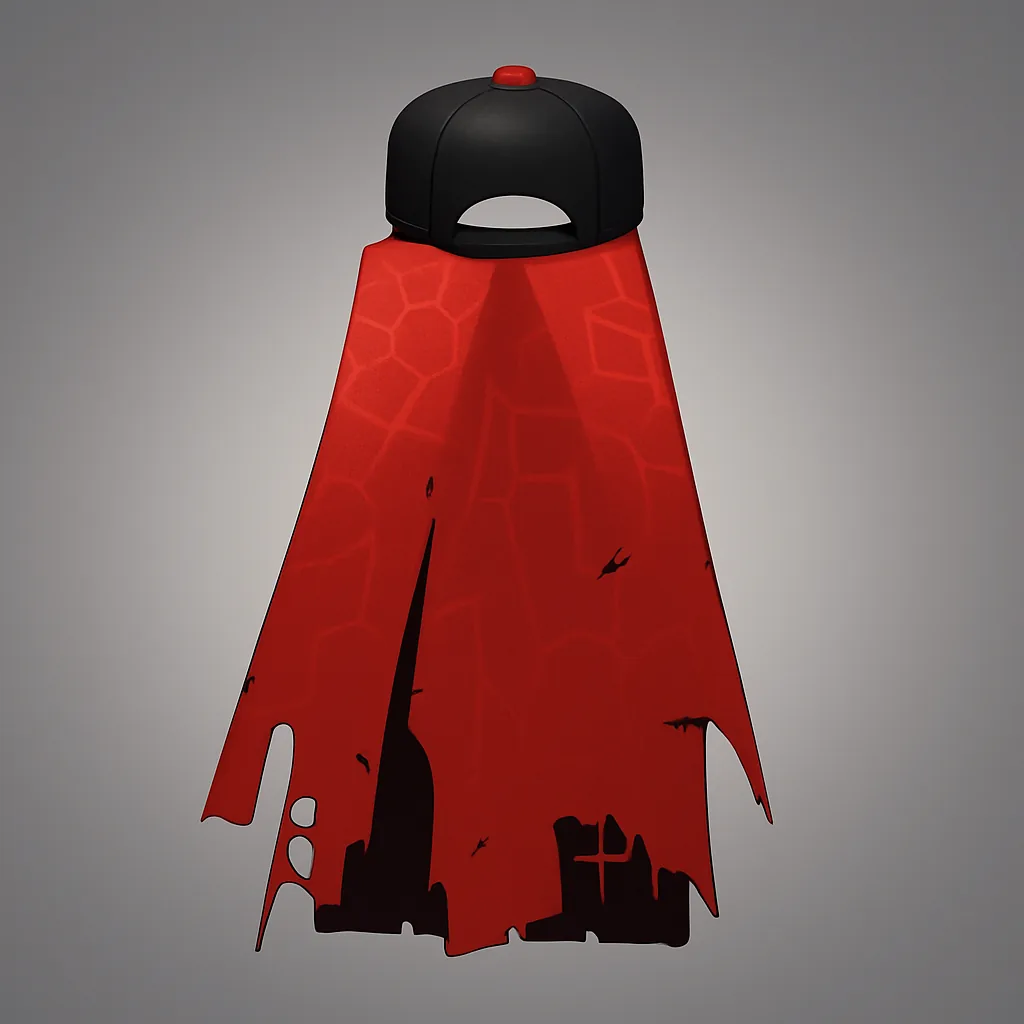 | 15000 Kills |
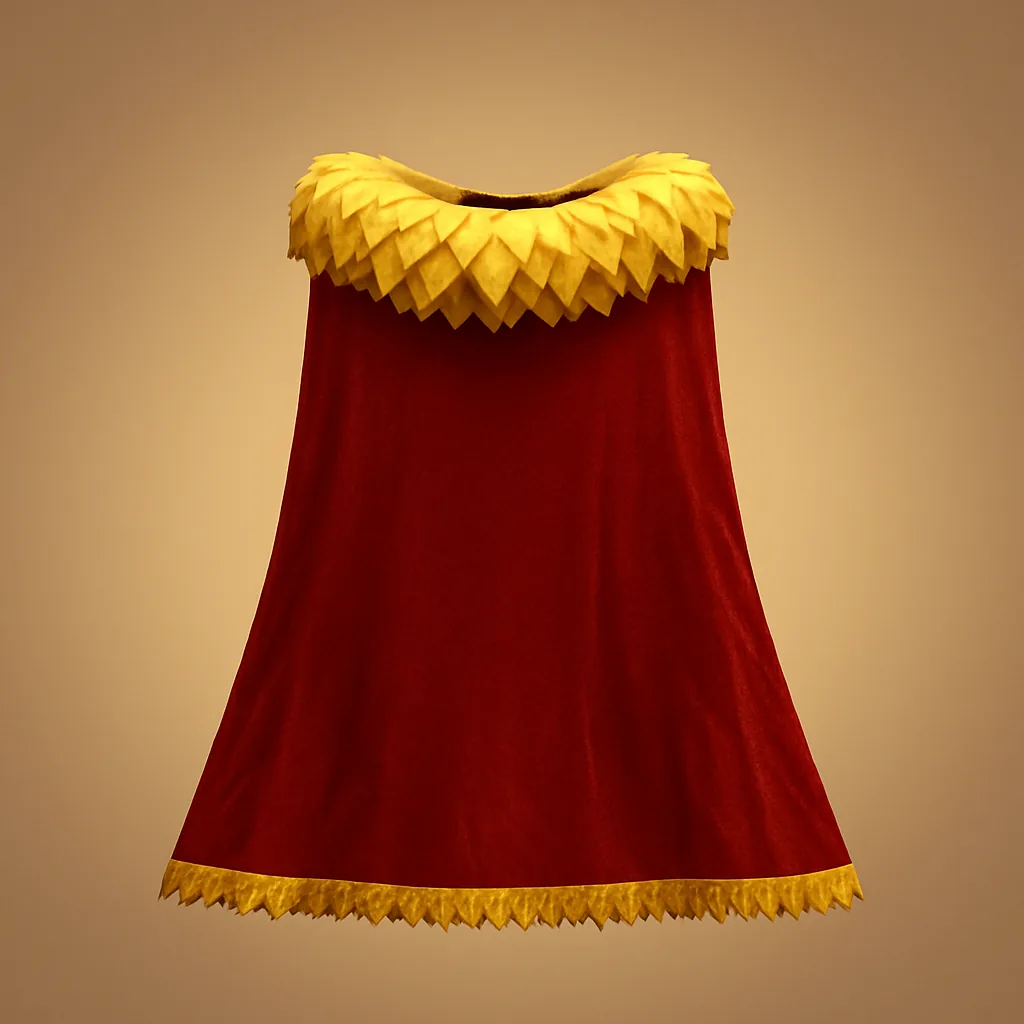 | 17500 Kills |
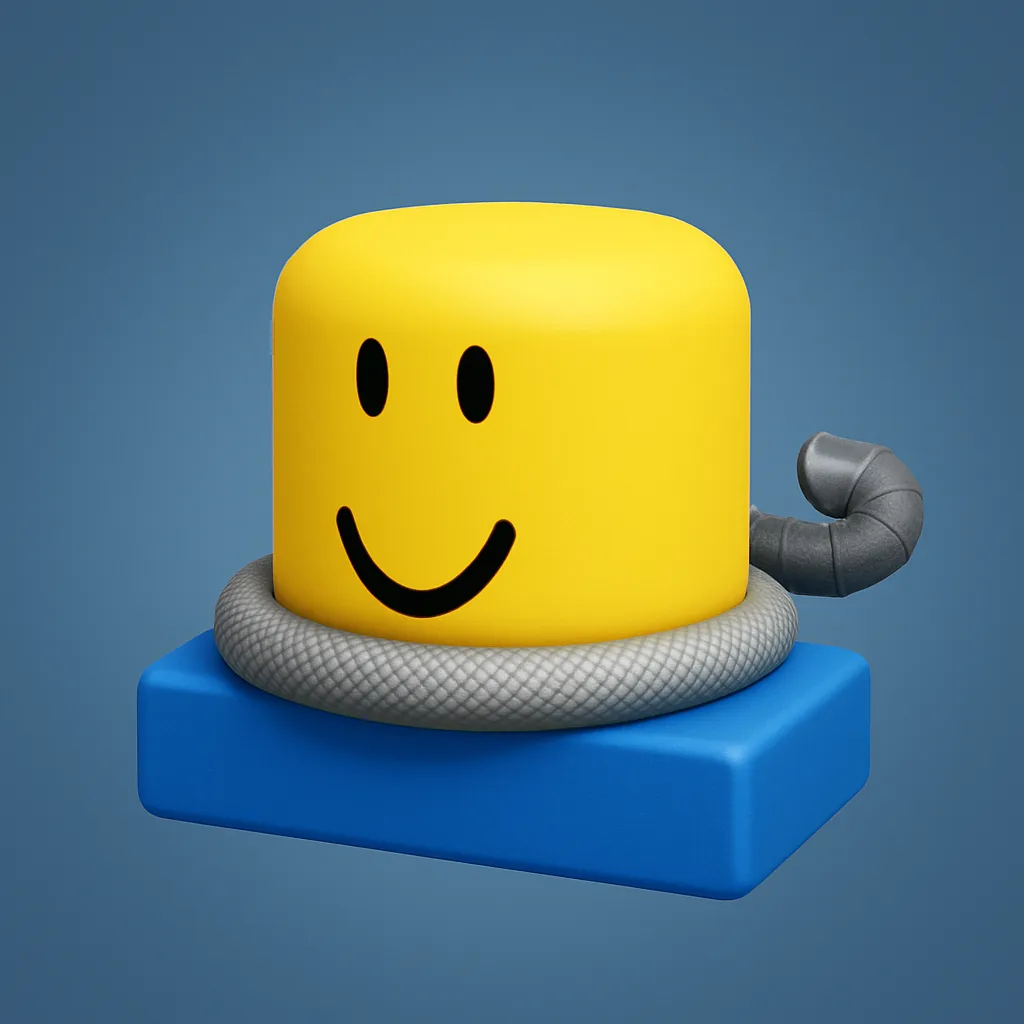 | 20000 Kills |
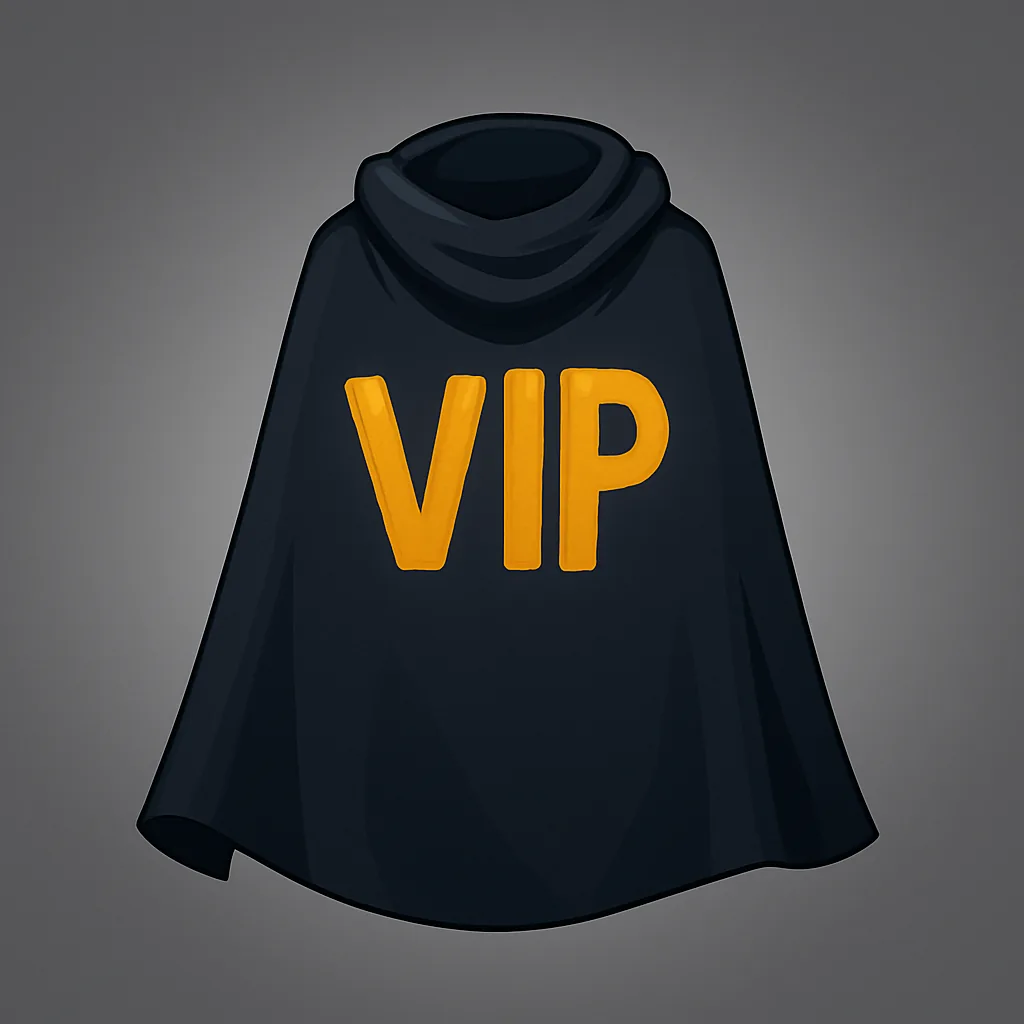 | VIP Gamepass |
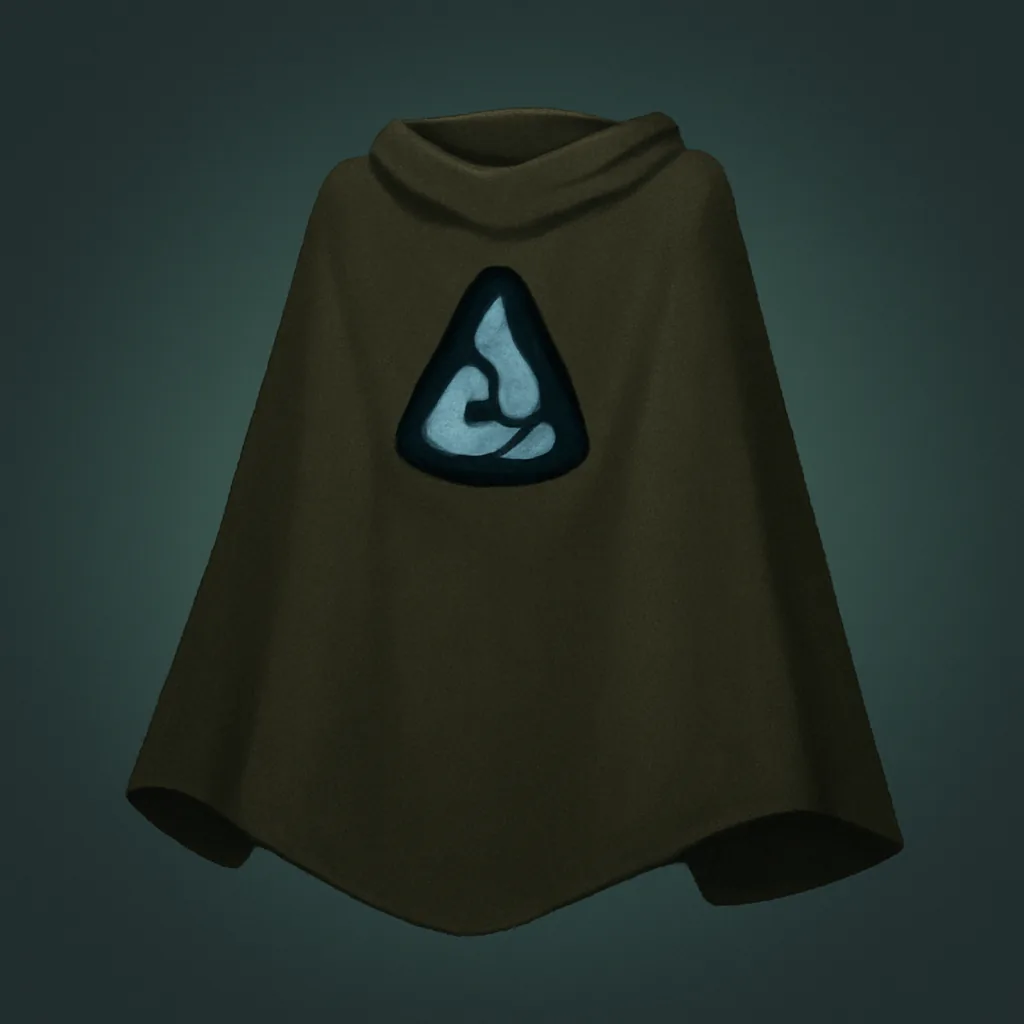 | Group Only |
Match accessories to their characters
Several accessories are designed to mirror specific fighters from the roster, so you can put together a look that fits whoever you main. The pairings below line up each cosmetic with the character it draws from.
| Character | Matching accessories |
|---|---|
| The Strongest Hero | Red Gloves, White Cape, Torn Cape |
| Hero Hunter | Short Sash, Long Sash, Bandages, Bandage Wrap |
| Monster Form Hero Hunter | Spiral Cloth |
| Deadly Ninja | Purple Scarf |
| Blade Master | Conqueror Cape |
| Lord Boros | Conqueror Cape |
| Serpent Hashira | Slinky |
| Puri-Puri Prisoner | Leg Chain |
| Mahoraga | Divine Wheel |
| Deep Sea King | Royal Cape |
| Death Gatling | Tattered Cape |
How to equip accessories in The Strongest Battlegrounds
Equipping is handled entirely through the in-game cosmetics menu. Anything you have already unlocked will be selectable; locked items stay greyed out until you meet their requirement.
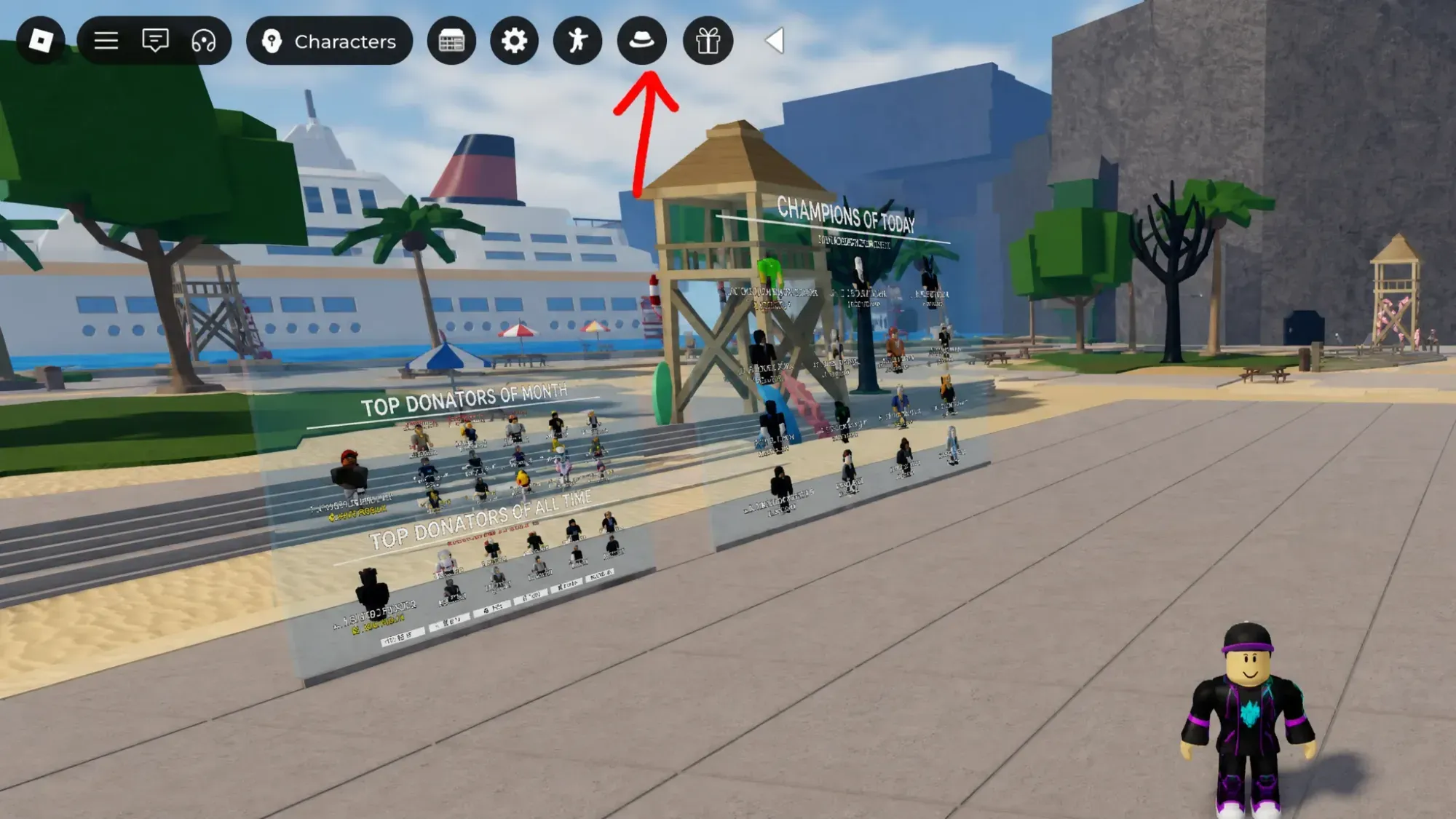
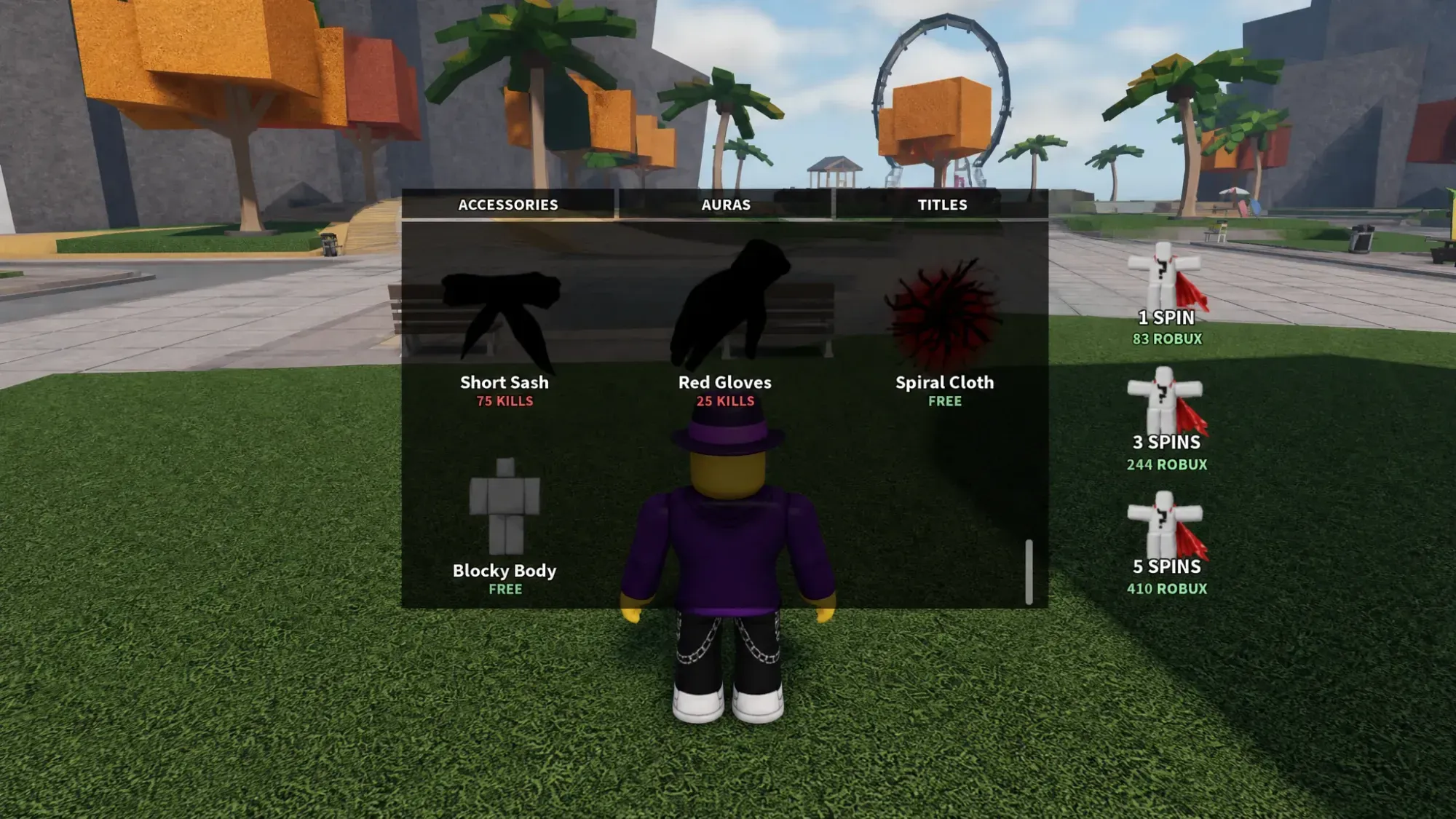
Once you have the menu open and your kills counted, switching looks takes a single click, so it is easy to swap cosmetics to match whichever fighter you are running that match.