
Instructional, step-by-step articles.
Content Type: How-To
-
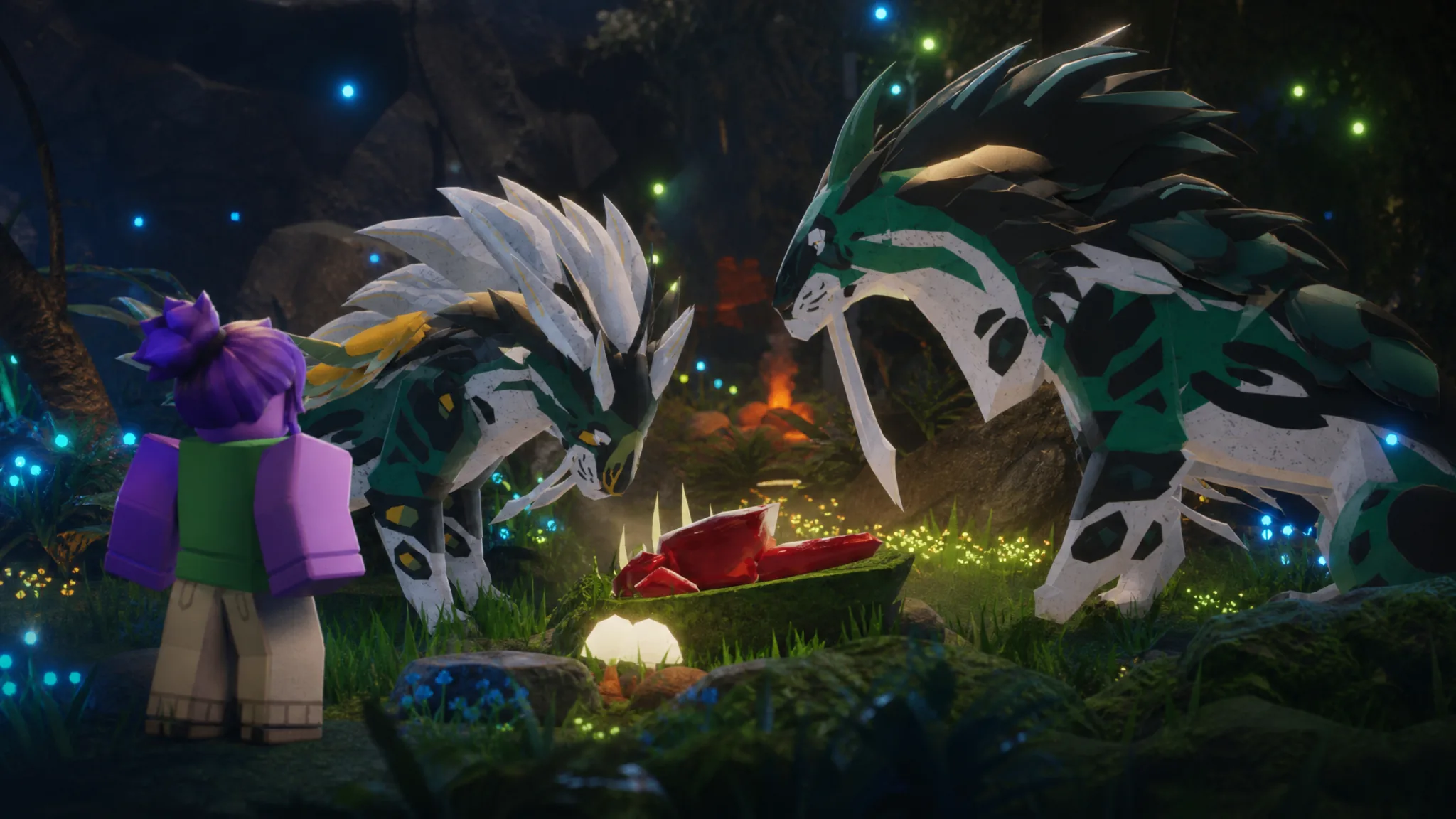
Creatures of Sonaria: How to Get Gubbin
The four Summer Paradise Event objectives that unlock the Tier 1 semi-aquatic herbivore permanently, plus what blocks progress.
-
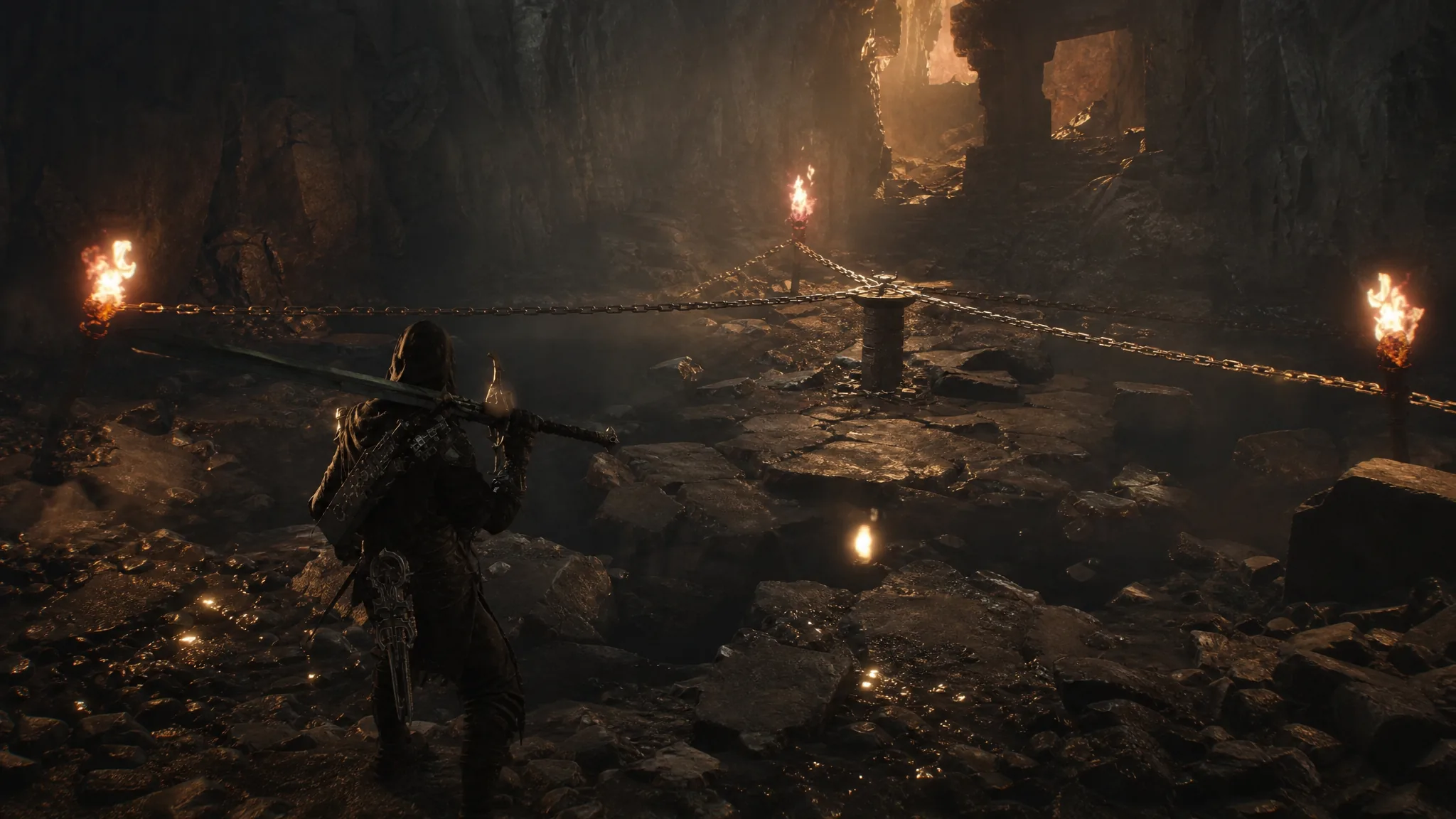
How to Commune With Chaos and Reach the Desolate Keep in Mortal Shell 2
The chained chalice under Marrow Keep only opens once the Slayer Seal is sitting in your inventory.
-
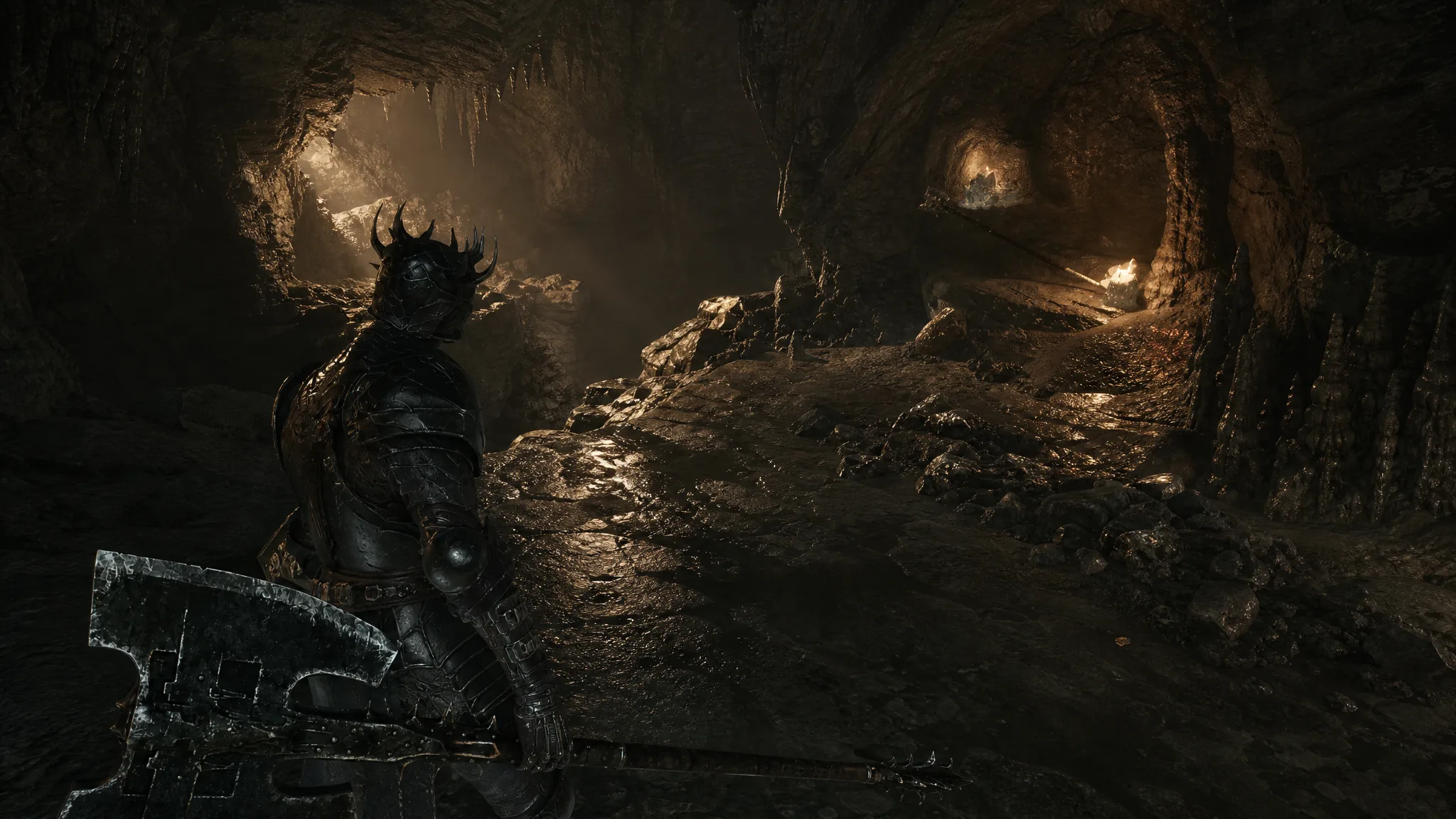
Mortal Shell 2: How to Get the Axatana in the Forgotten Tower
The exact route from Marrow Keep to the locked tower chamber, plus what the weapon does once you claim it.
-
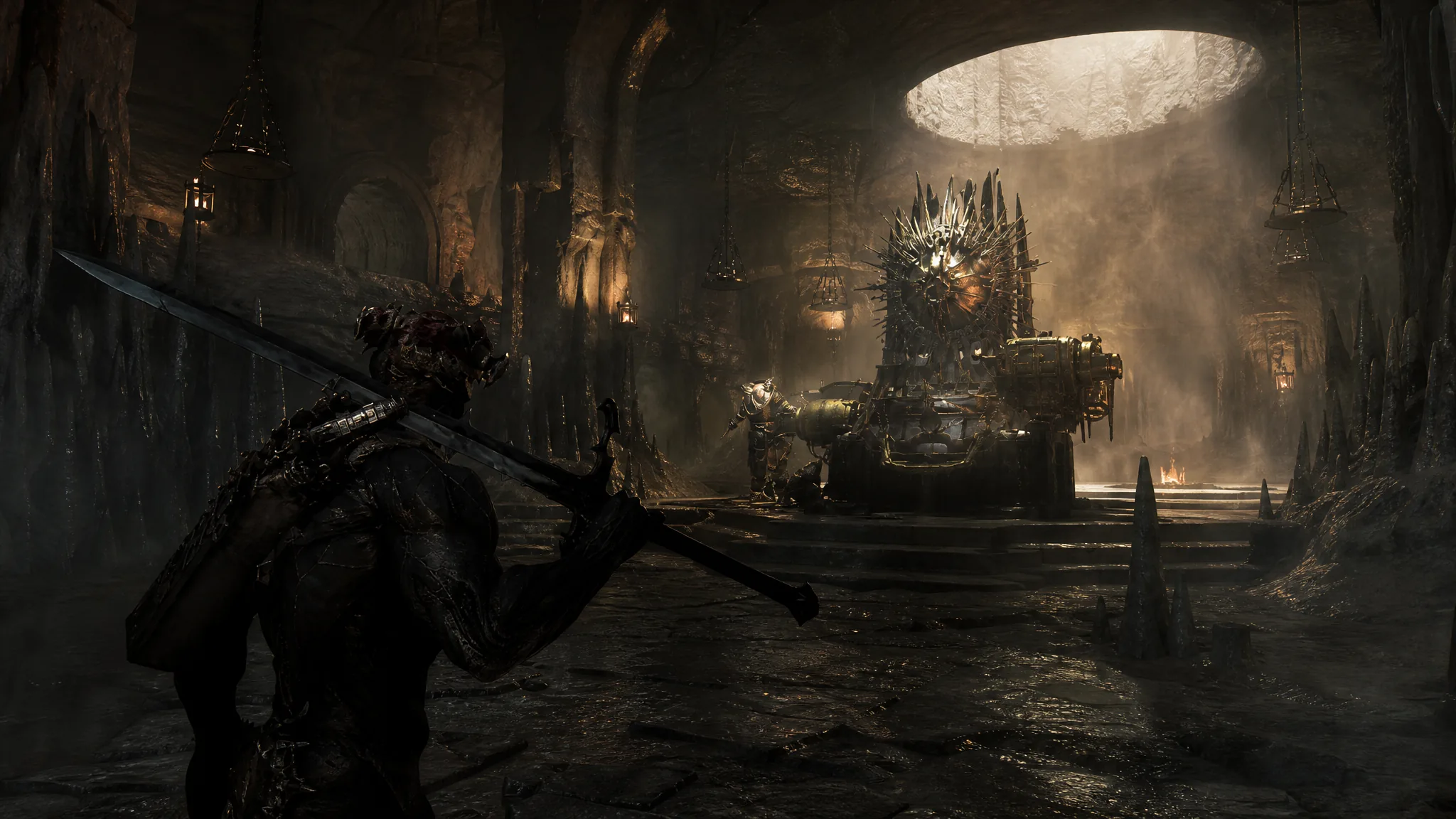
Mortal Shell 2: All Tarforge Upgrades and How to Find Them
Every item Franz needs to switch on weapon, sidearm, Tarstone, and smelting upgrades, plus their exact locations.
-

Wardogs Closed Beta: How to Get Free Access Before the September 10 Launch
Exact start and end times for the Wardogs closed beta, how to request access on Steam, and what the test includes.
-

Grow a Chicken Fighter: How to Get the Colossus Egg
The Founder Rooster and the Chicken Boss Event are the only two sources, and each has a fixed requirement.
-
Fields of Mistria: How to Cook Pudding
Unlocking the recipe means farming Shiny Beads from your animals and offering them at Sweetwater Farm’s Chicken Statue.
-

Battlefield 6: How to Get Ace Medals in the Top Gun Event
Every Top Gun challenge, its Ace Medal payout, and the fastest mode to farm them before the event ends.
-

How to Unlock Waxwell in Dandy’s World
The exact research, Mastery, and Ichor thresholds to buy Waxwell and master his Ignite ability.
-

ARC Raiders Trials: How to Get Three Stars in Season 5 Week 7
Exact point values, target counts, and loadouts for all five challenges running August 18 to 25, 2026.