
Instructional, step-by-step articles.
Content Type: How-To
-

BGMI Lite: How to Pre-Register on Google Play (August 25)
Krafton opens Android pre-registration on August 25, 2026, ahead of a planned launch in India by the end of the year.
-
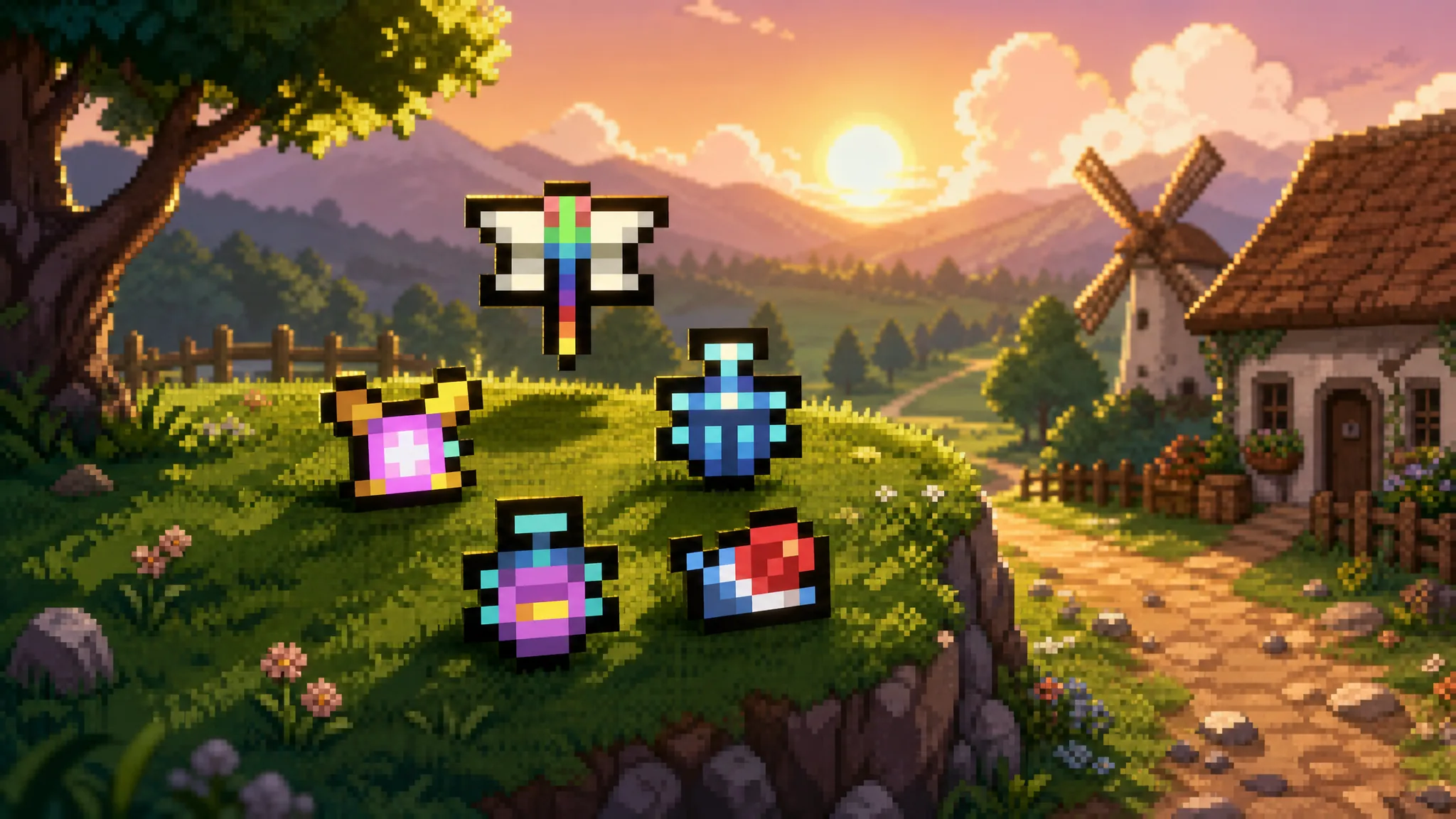
Fields of Mistria: How to Get All Legendary Bugs
Every season, weather, and time window for the six legendary insects, plus the pheromone setup that spawns the Biggest Beetle.
-

Anime Origins: How to Get Modora (Madara Uchiha)
The full unlock path for the Secret-rarity Modora unit, its evolution costs, and what Madaro (Edo Tensei) does on the field.
-
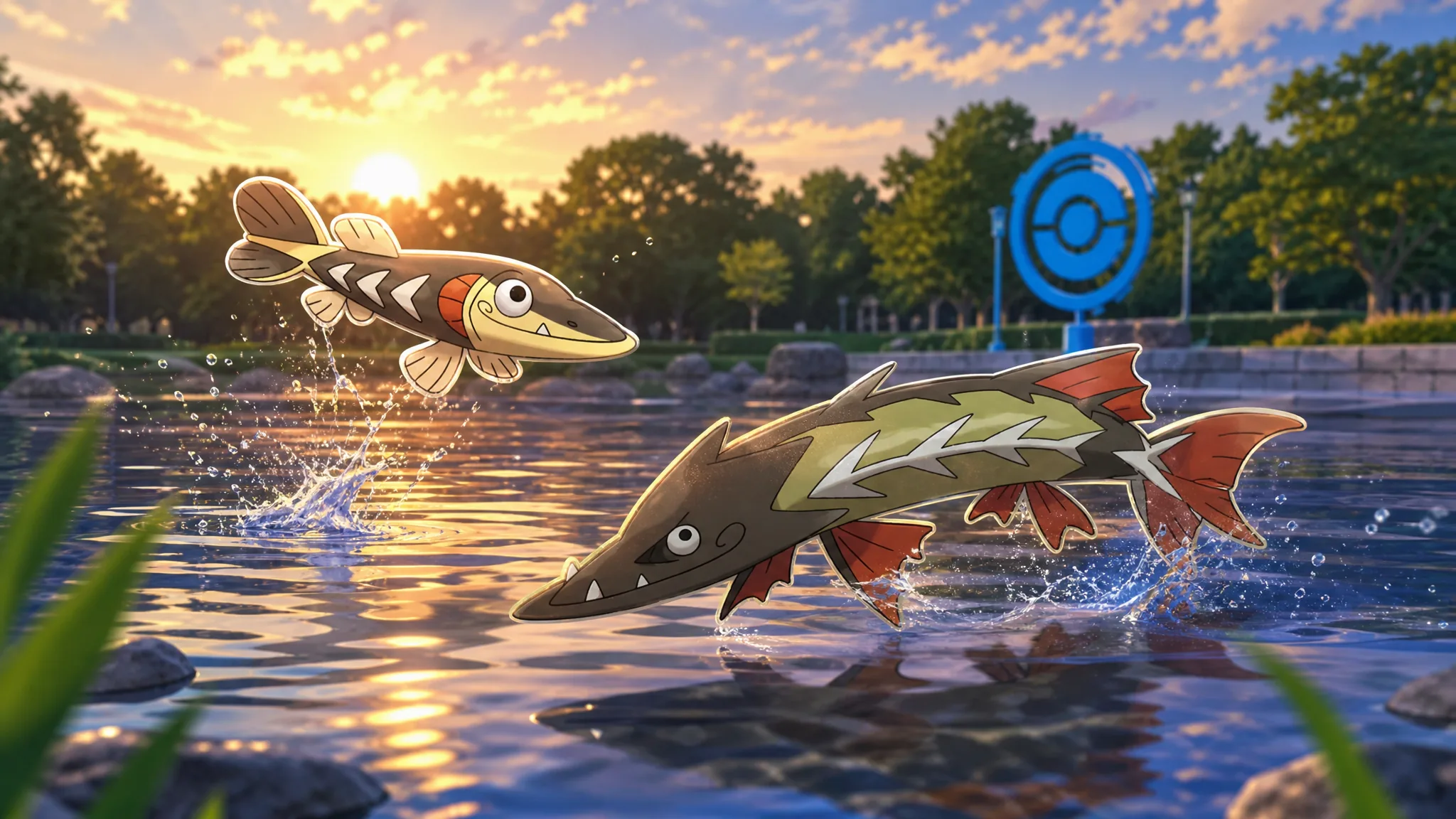
Pokémon Go: How to Get Arrokuda and Evolve It Into Barraskewda
Every source for Arrokuda during the Ultra Unlock: Water Festival event, plus the exact candy cost for Barraskewda.
-
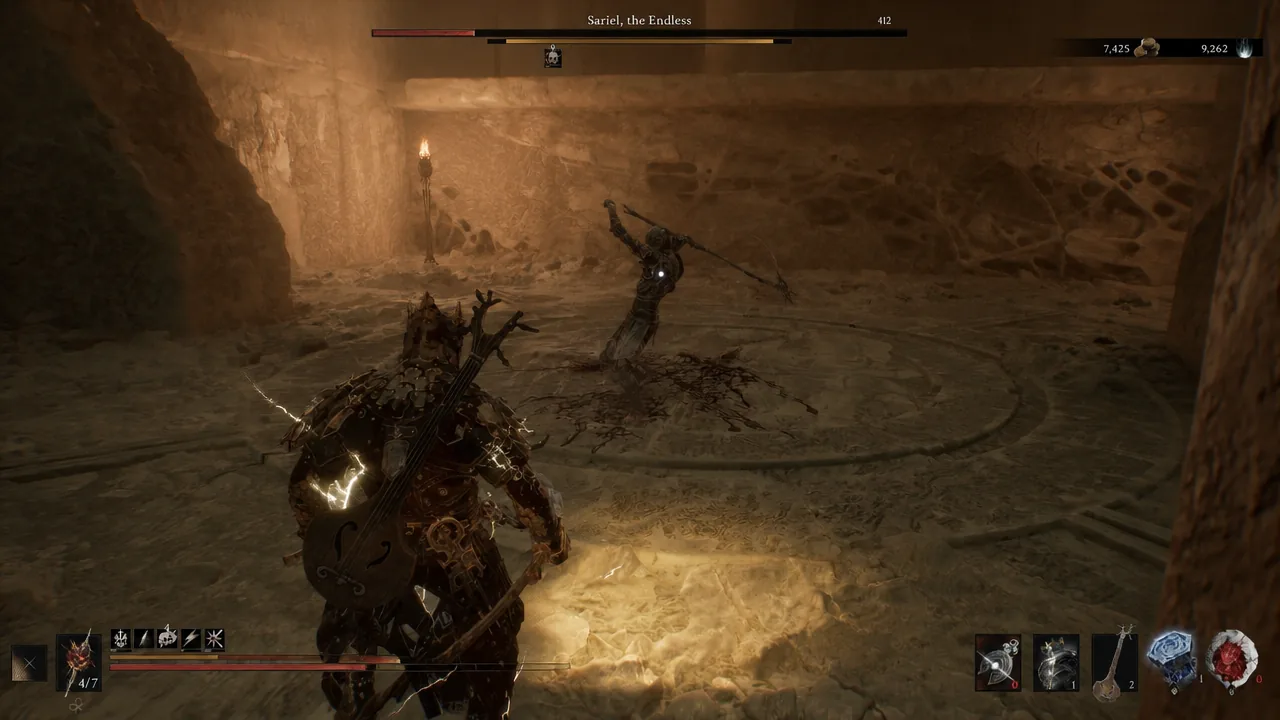
How to Get Sariel and the Clockwork Scythe in Mortal Shell 2
Break all four stone tablets in the Chamber of Becoming before the final blow, or Sariel keeps standing back up.
-

Pokémon Go: How to Get Cramorant (Water Festival 2026)
Every source for the Gulp Pokémon before the event closes on August 24, plus how its Gulping and Gorging forms trigger.
-

Grow a Garden: How to Get Harvest Melon (Divine Crop)
The Harvest Melon Seed takes 16 Harvest Moon summons, four ingredients, and a two-hour craft.
-
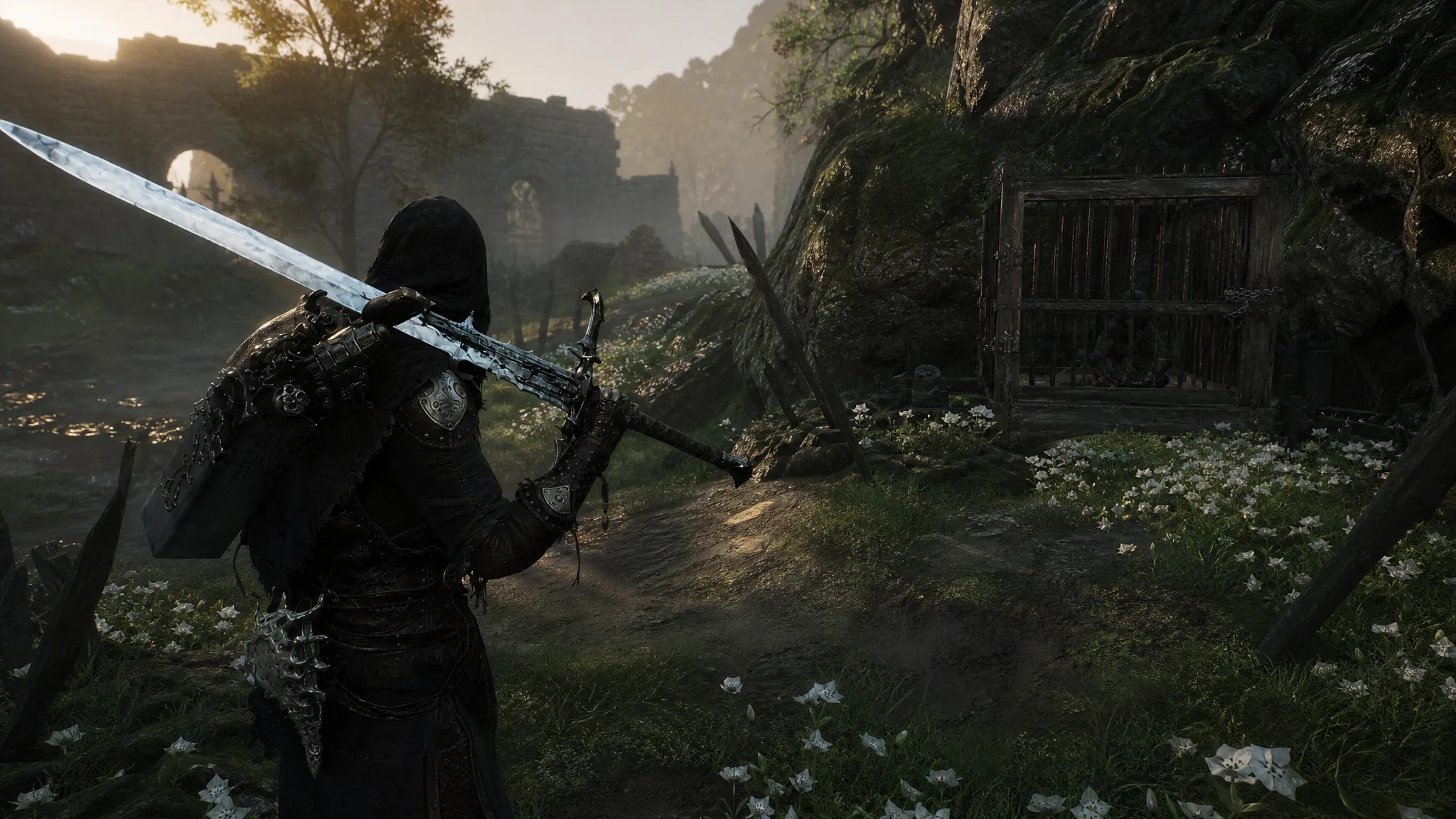
Mortal Shell 2: How to Get and Use the Sheephead Totem
Free the caged Grisha Pup in Mushroom Village, then decide whether the totem is better as a sheep transformation or a passive enemy health…
-

Mortal Shell 2: How to Get the Eighth Shell
Unlocking Sester Genessa requires beating two Gloombound Ritualists, defeating Sester Secundus, and returning the Sester’s Censer to Marrow Keep.
-

Fisch: How to Get the Sightless Oracle Harpoon in The Deep
Finish both Blind Oracle quests, land 15 perfect catches at Gloomy Crevice, and beat the Monstrous Cusk to claim this auto-locking harpoon.