
Instructional, step-by-step articles.
Content Type: How-To
-
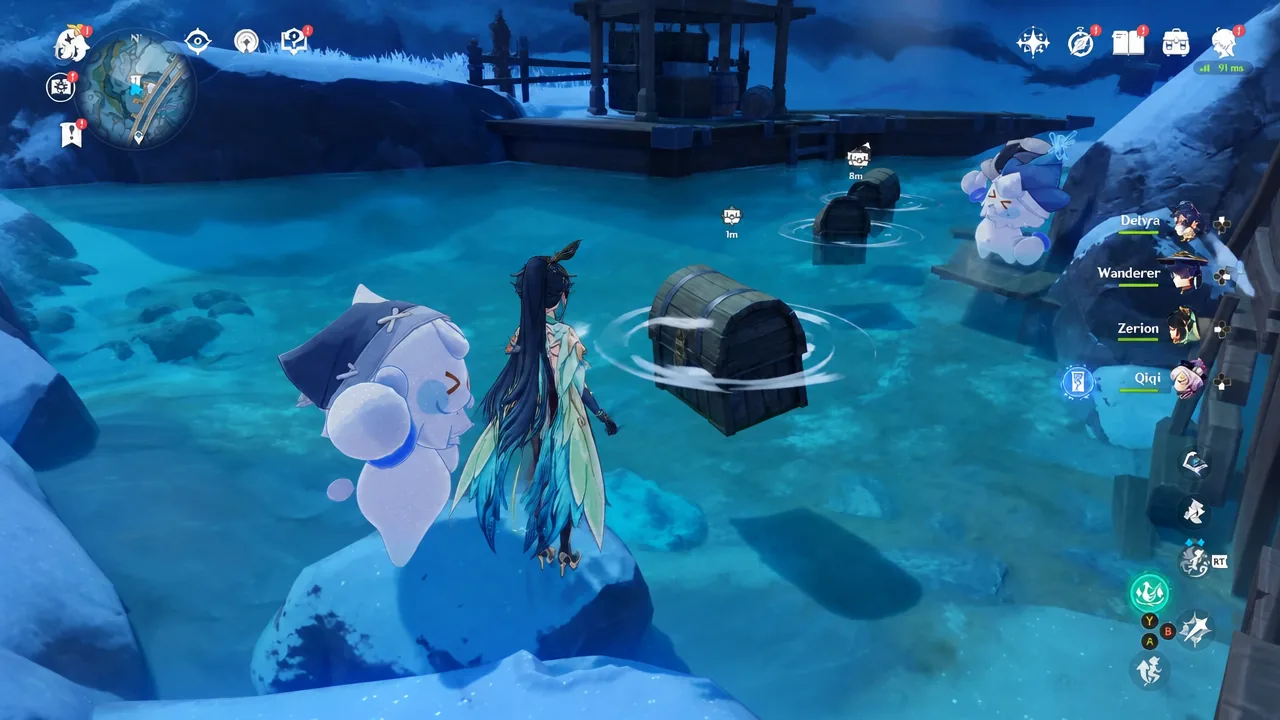
Genshin Impact: How to Catch the Thief Jack Frost at the Hot Spring
Build a Grappling Gun to snag the runaway snowman, return the stolen clothes, and claim a Precious Chest near Central Station.
-

My Flower Shop Roblox: How to Make Money Fast With Sunflower Vases
The sunflower-and-vase loop turns a full field of flowers into stocked shelves and quick Cash in seconds.
-
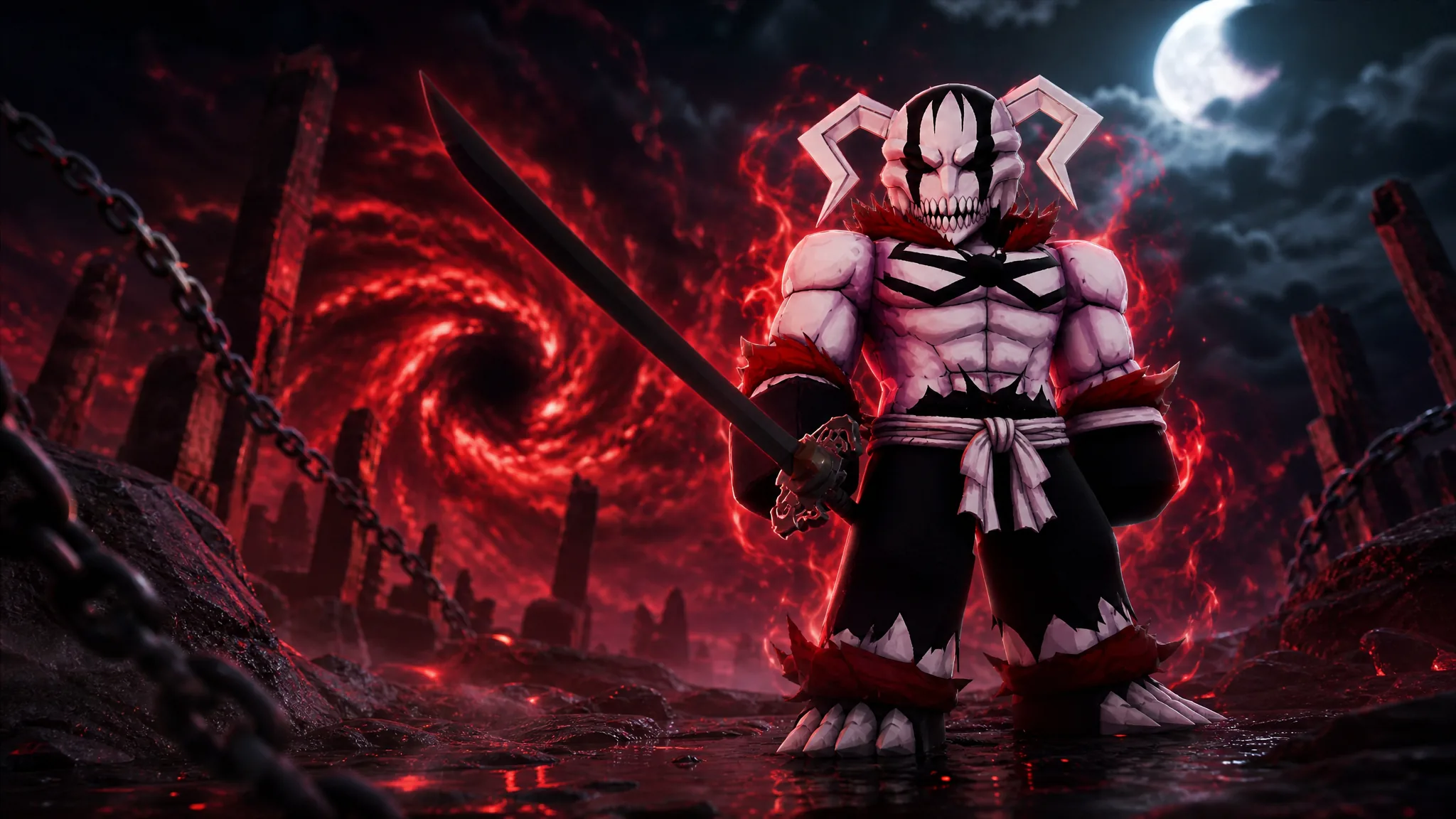
Lineage Piece: How to Get the Vasto Lorde Sword
Every quest, raid requirement, and currency cost you need to unlock Hueco Mundo Island’s mythical blade.
-
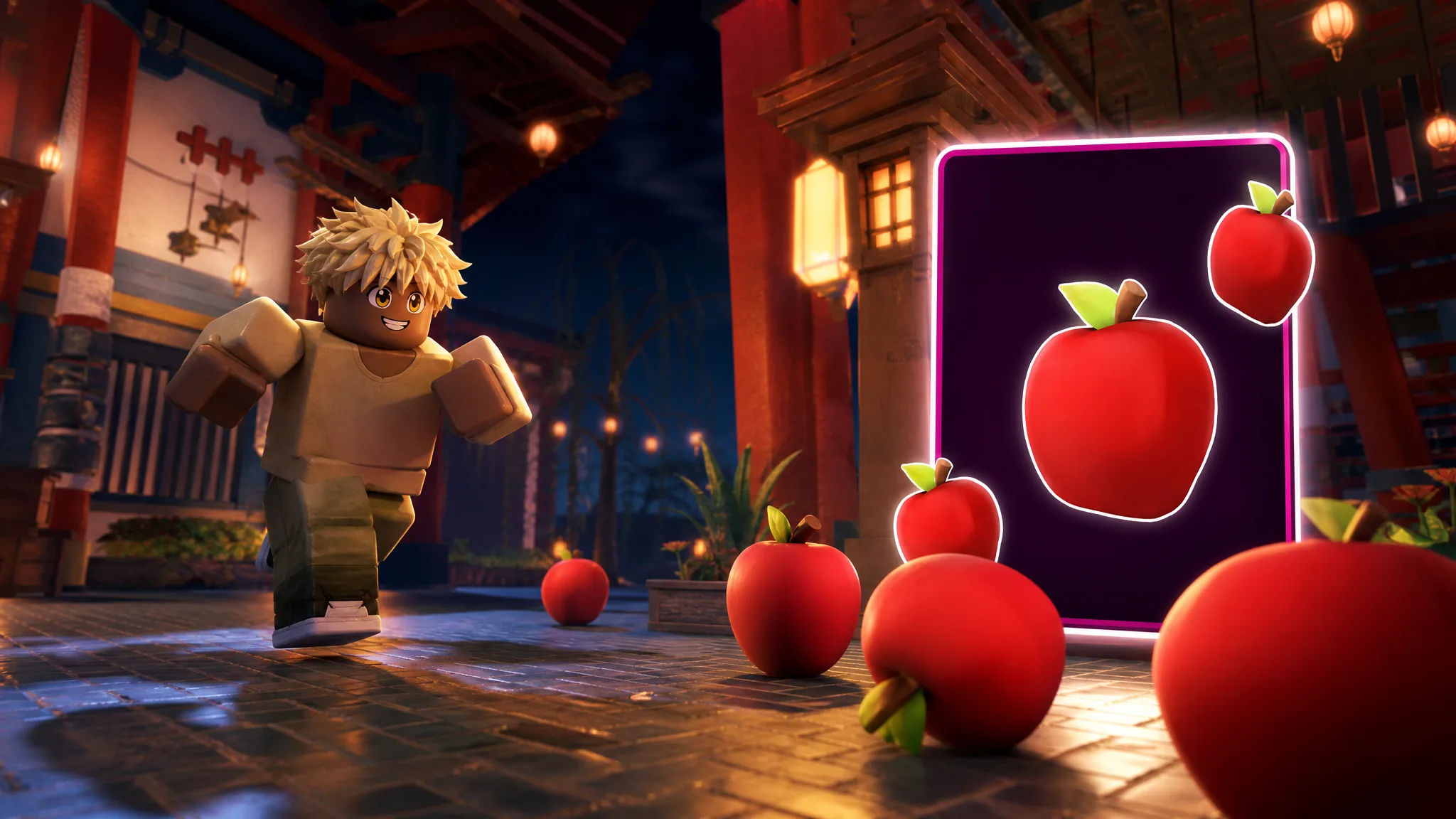
Unscathed: How to Get Apples Fast (Roblox)
Where apples spawn, how to farm the 10-apple Innkeeper quest, and when to eat one for the luck boost.
-

Tiny Universe Roleplay: How to Get the Human Badge Morph (Roblox)
Claim the free Human morph on Floor 1 with no quests, plus its five custom emotes.
-
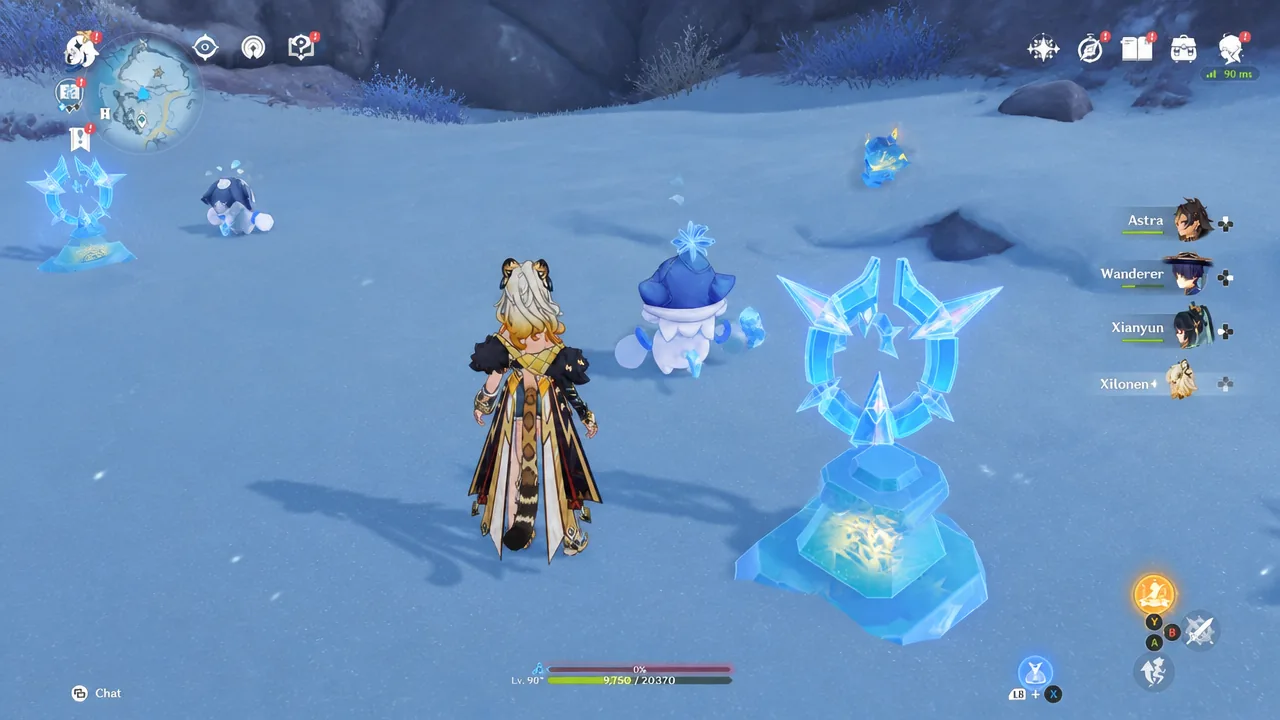
How to Win the Race Against a Jack Frost in Genshin Impact
Two reliable ways to beat the snowmen and claim the exquisite chest, from Grappling Gun sabotage to mobility buffs.
-

How to Get the Marewarder Glove in Slap Battles (Pim Boss Guide)
Find all five keys, survive the Liminal dungeon, and clear the three-phase Pim fight to claim the glove and badge.
-
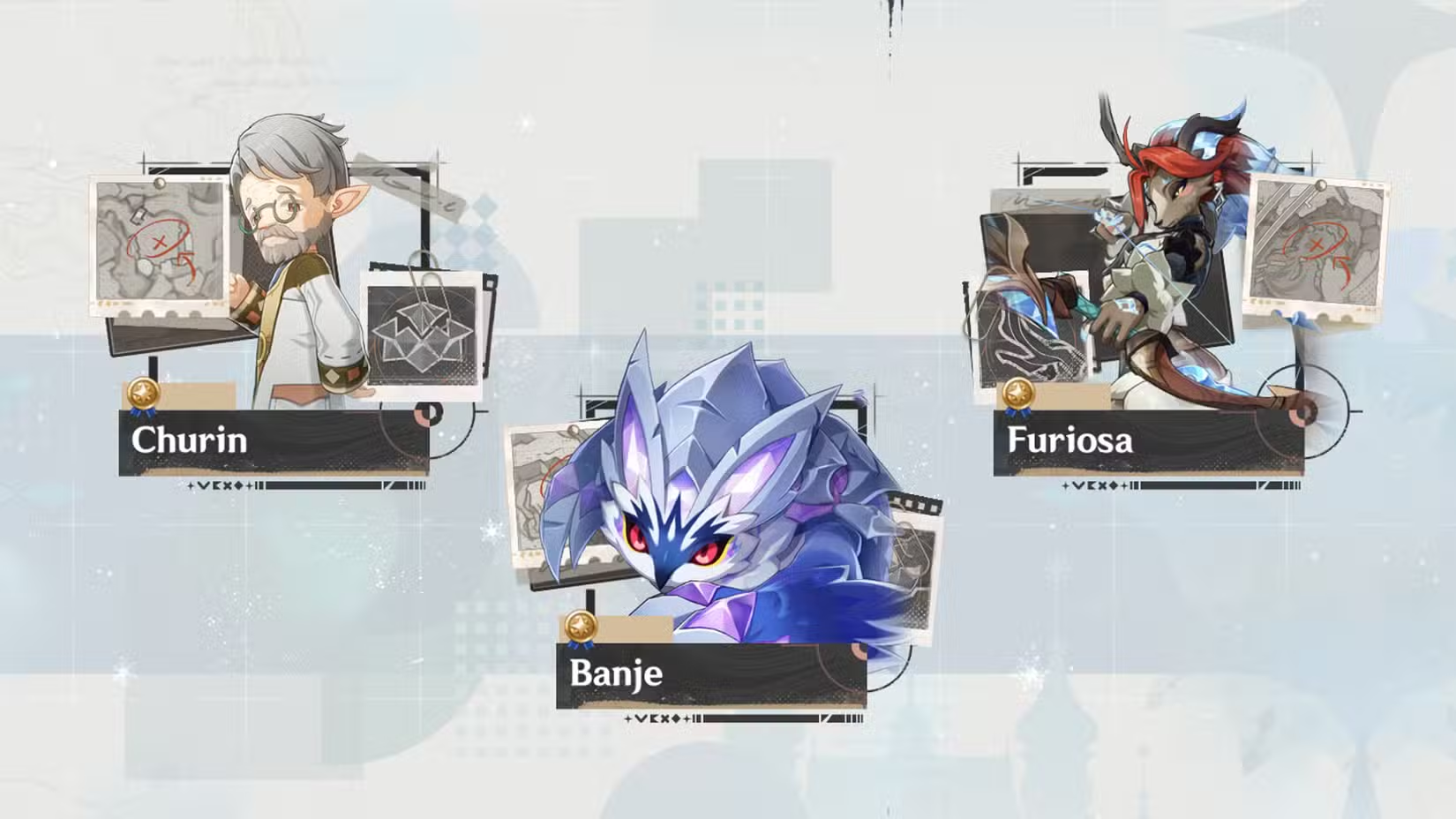
Genshin Impact: How to Find and Beat Furiosa Local Legend in Snezhnaya
Where to locate Furiosa in Everfrozen Earth and how to clear all three of her objectives with any team.
-

Genshin Impact: How to Upgrade and Refine the Exaiphanes Blade
The Traveler’s sword grows stronger each time you power up a Snezhnaya Statue of the Seven with a Cryo attack.
-

Jujutsu: Zero — How to Get Sukuna’s Mark
Gather three fractured parts, reach level 1,250, and combine them at the Passive Ability Exchange to unlock the Shrine passive.