
Instructional, step-by-step articles.
Content Type: How-To
-

How to Build Iroi in Neverness to Everness (Best Arc and Team)
Everything that makes Iroi work as an Anima support, from her signature arc to her strongest Shinku team.
-
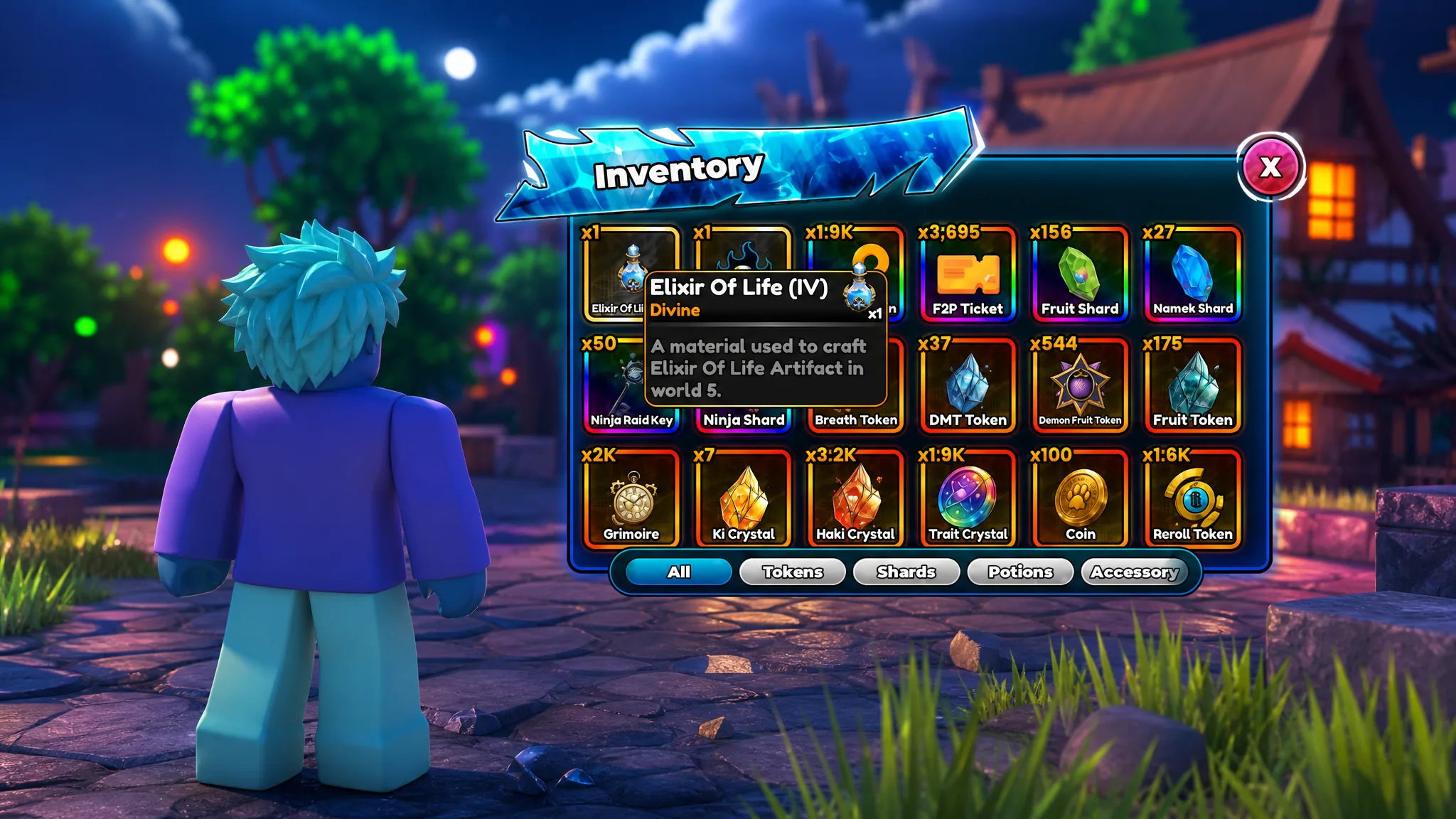
Anime Astral Simulator: How to Get the Elixir of Life Artifact
Collect four fragments, craft at Solo City, and grind kills to push the Damage multiplier from 1.5x up to 6x.
-
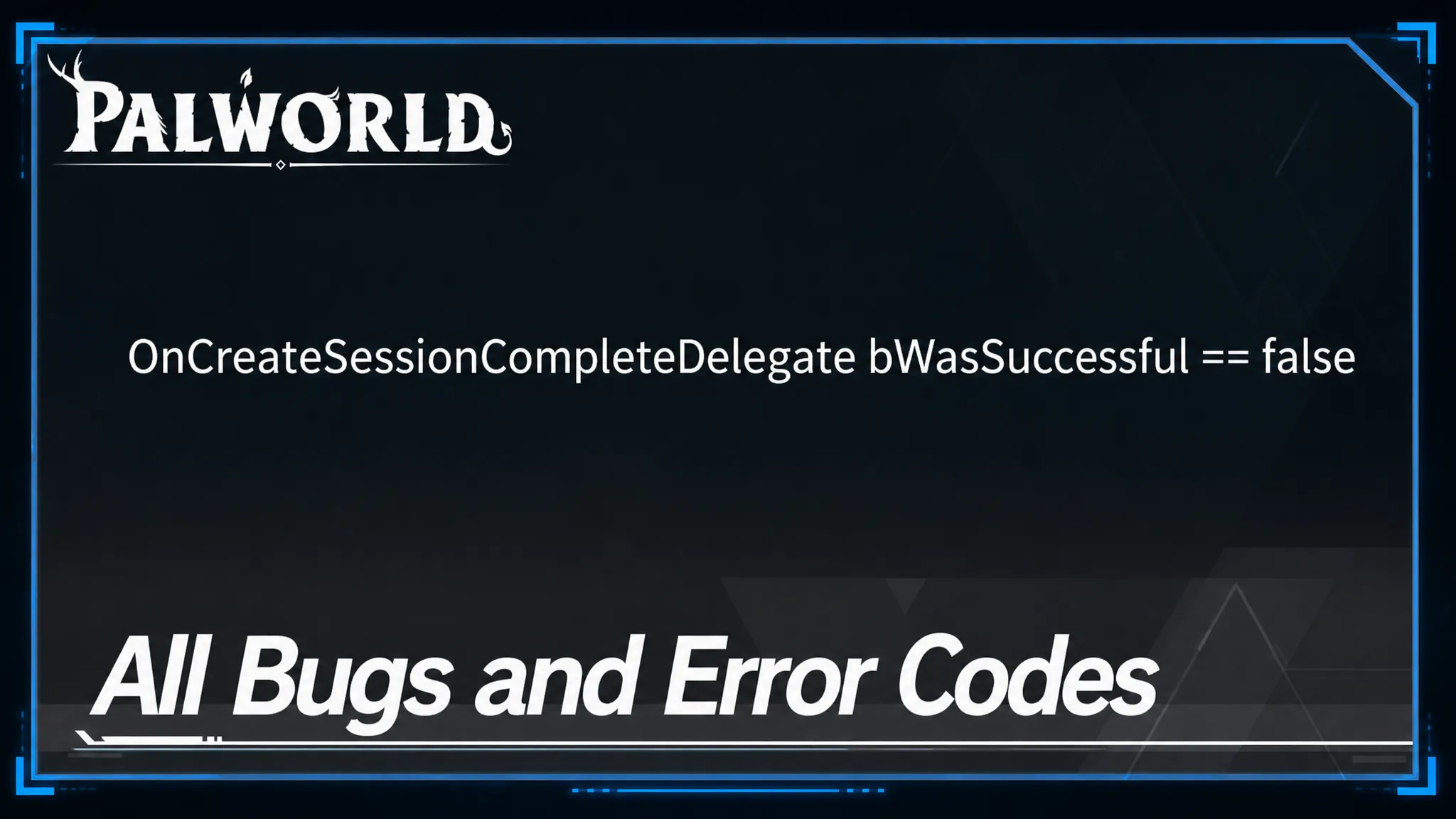
Palworld Error Codes and Bugs: How to Fix Common Issues
A breakdown of Palworld’s most common error codes and bugs, along with the fixes that resolve each one.
-
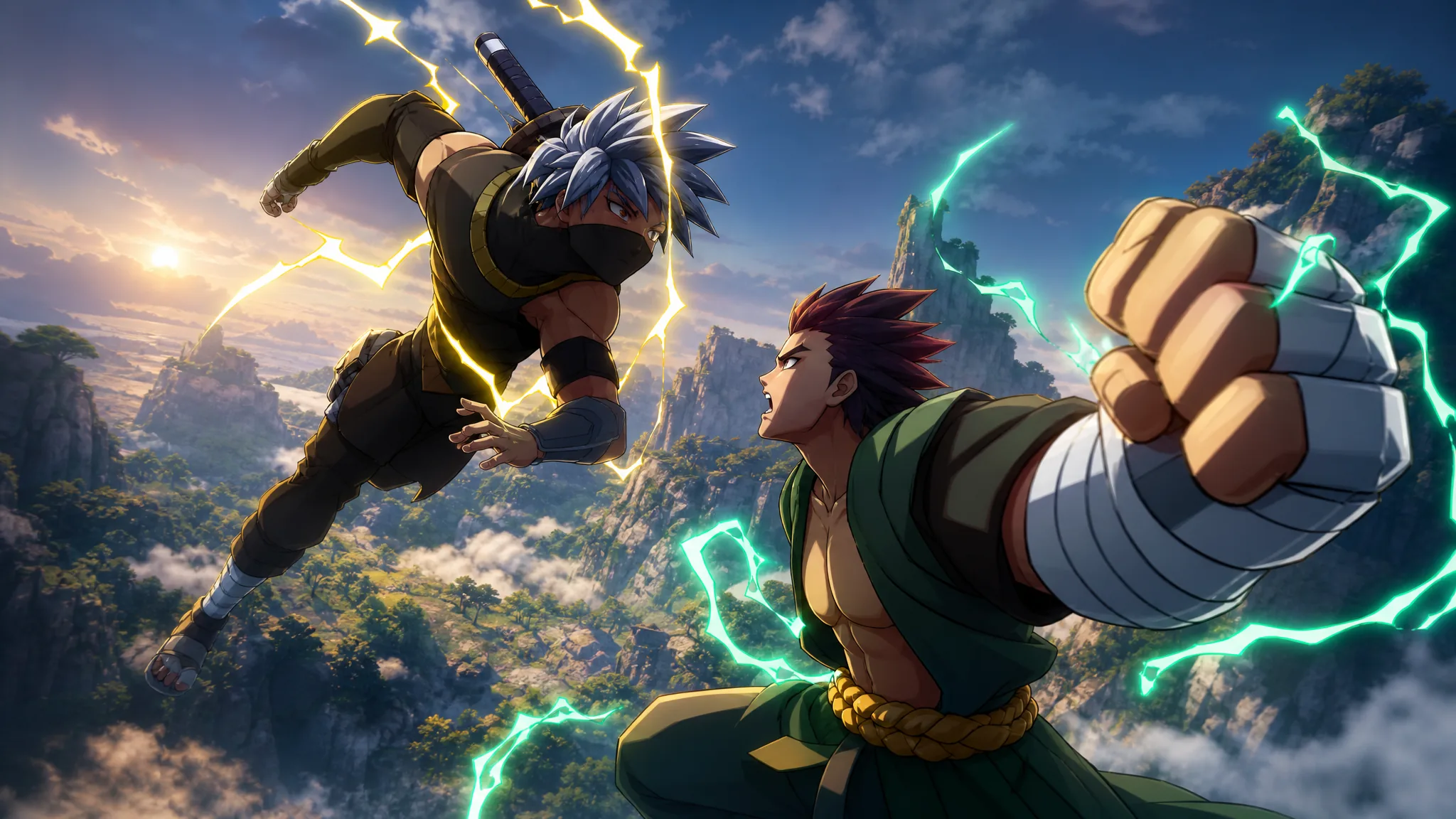
Shindo Life Console Commands: Full List and How to Use Them
Every working chat command in Shindo Life, plus the exact requirements that stop some of them from firing.
-
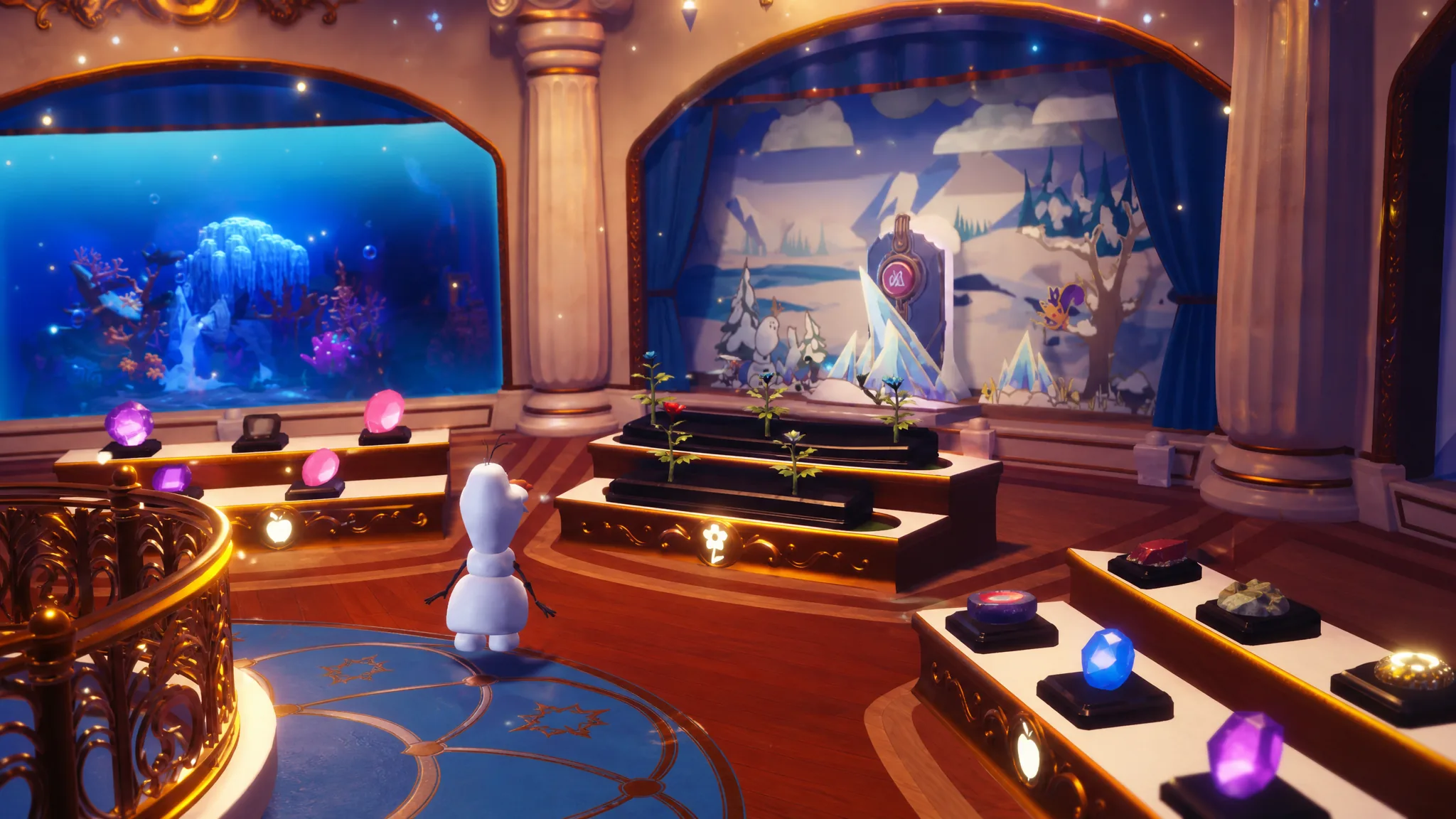
Disney Dreamlight Valley: How to Complete the Frosted Heights Room in Olaf’s Grand Exhibition
Every gem, fish, flower, food, and Fox you need to fill the museum’s Frosted Heights display and claim its rewards.
-

Disney Dreamlight Valley: How to Complete the Sunlit Plateau Room
Every gem, fish, flower, food, and Sunbird you need to fill out the Sunlit Plateau displays in Olaf’s Grand Exhibition.
-

Disney Dreamlight Valley: How to Complete Talk to the President of Sugar Rush (Pop City Star Path)
The President of Sugar Rush is Vanellope von Schweetz, and one daily chat with her clears this Pop City routine duty for 25 Tokens.
-

Disney Dreamlight Valley: How to Craft Sugar Cookie Pavement
The candy-themed path and its Deluxe version both come from a single cooked ingredient at any crafting station.
-
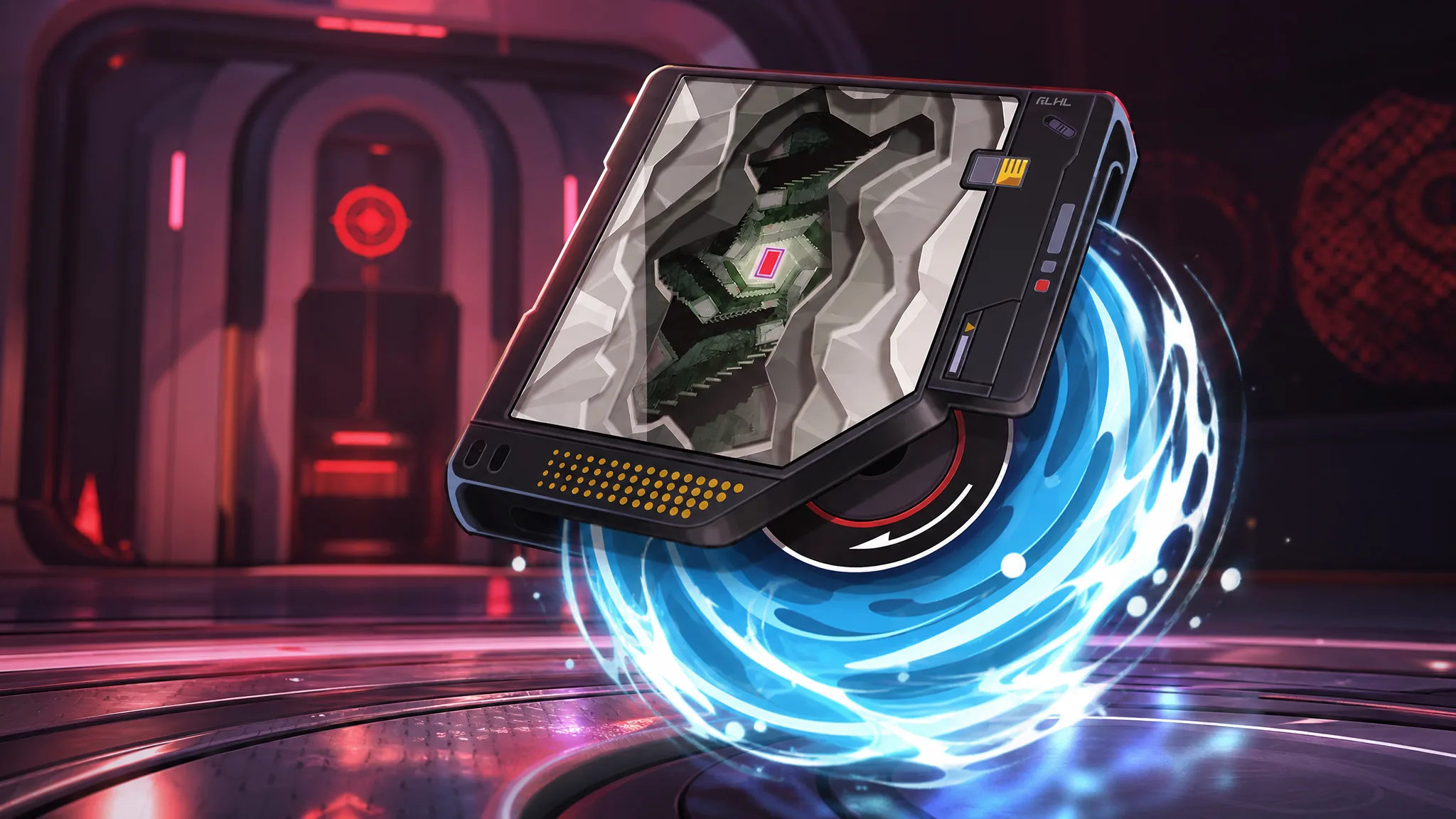
The Wrong Gate Arc in NTE: How to Get It and Whether to Pull
Where to pull Iroi’s signature Liquid Arc, its full stats and Reverie Gate effect, plus who actually wants it.
-

CODM COD Points Rush: How to Earn 3,500 Free COD Points in Season 7
The Season 7 event hands out time-limited COD Points for weekly missions, but they vanish once September 8 arrives.