
Instructional, step-by-step articles.
Content Type: How-To
-
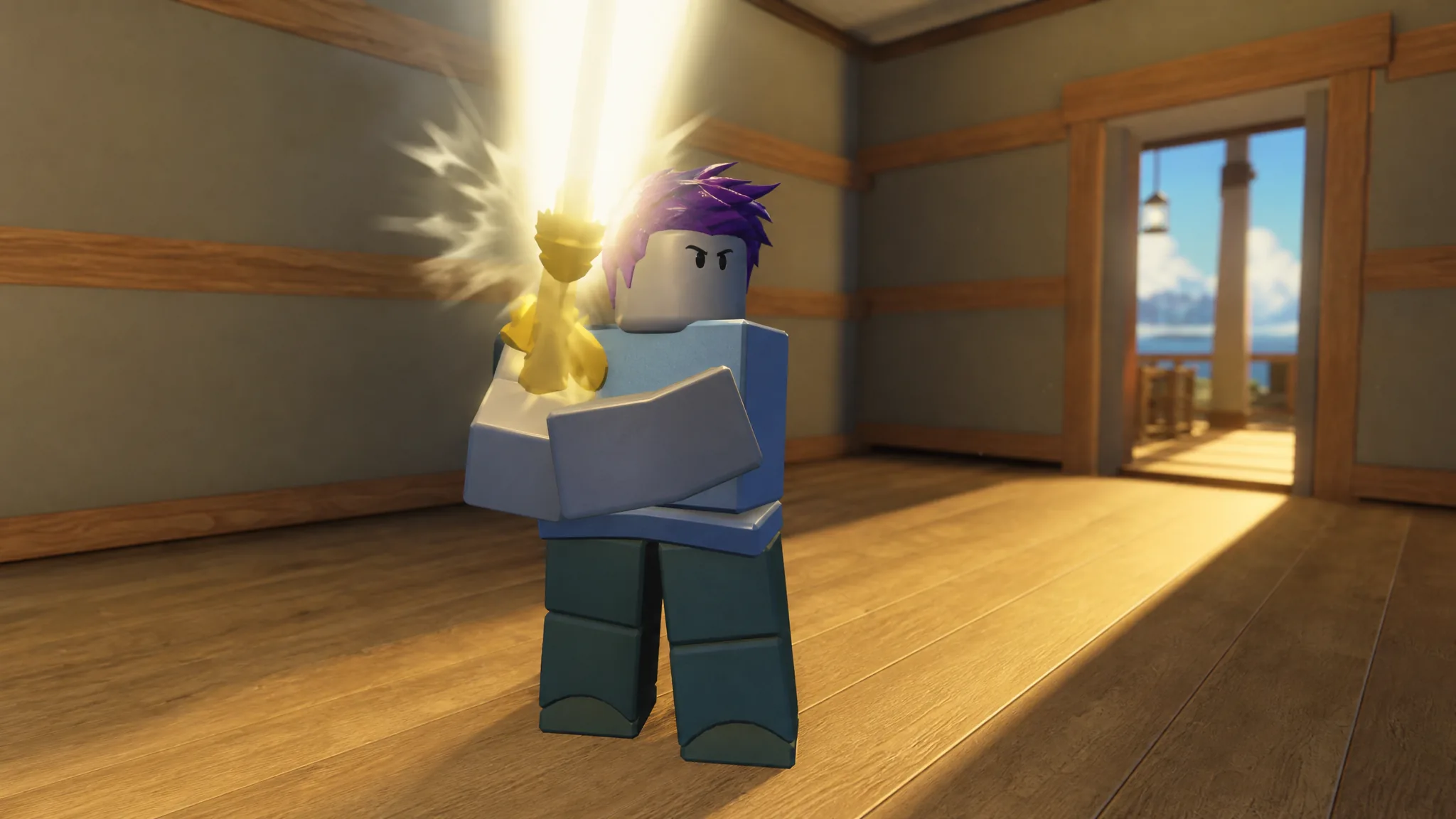
How to Earn Pearls in 100 Days at Sea (And What They Unlock)
Every reliable way to collect the premium currency, plus what classes and companions are worth buying with it.
-

How to Get All 6 Free Items in the 2026 Roblox Innovation Awards (The Block)
Join The Block, vote in every category, and use the portal to unlock the free Innovation Awards UGC rewards fast.
-
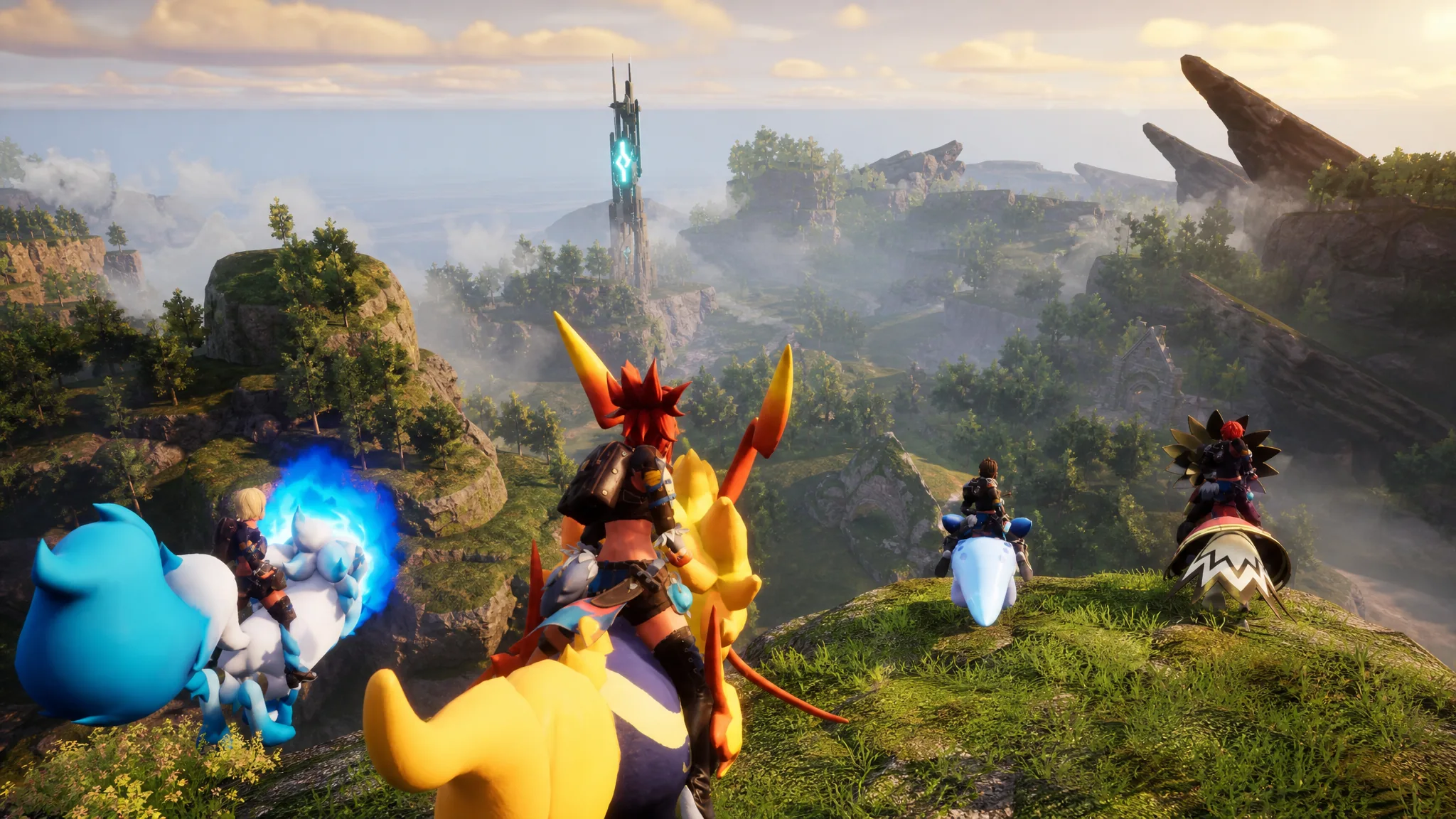
Palworld: How to Update Your Dedicated Server (SteamCMD and Panel)
Back up your world, pull the latest server files through your host panel or SteamCMD, and confirm the version before players reconnect.
-
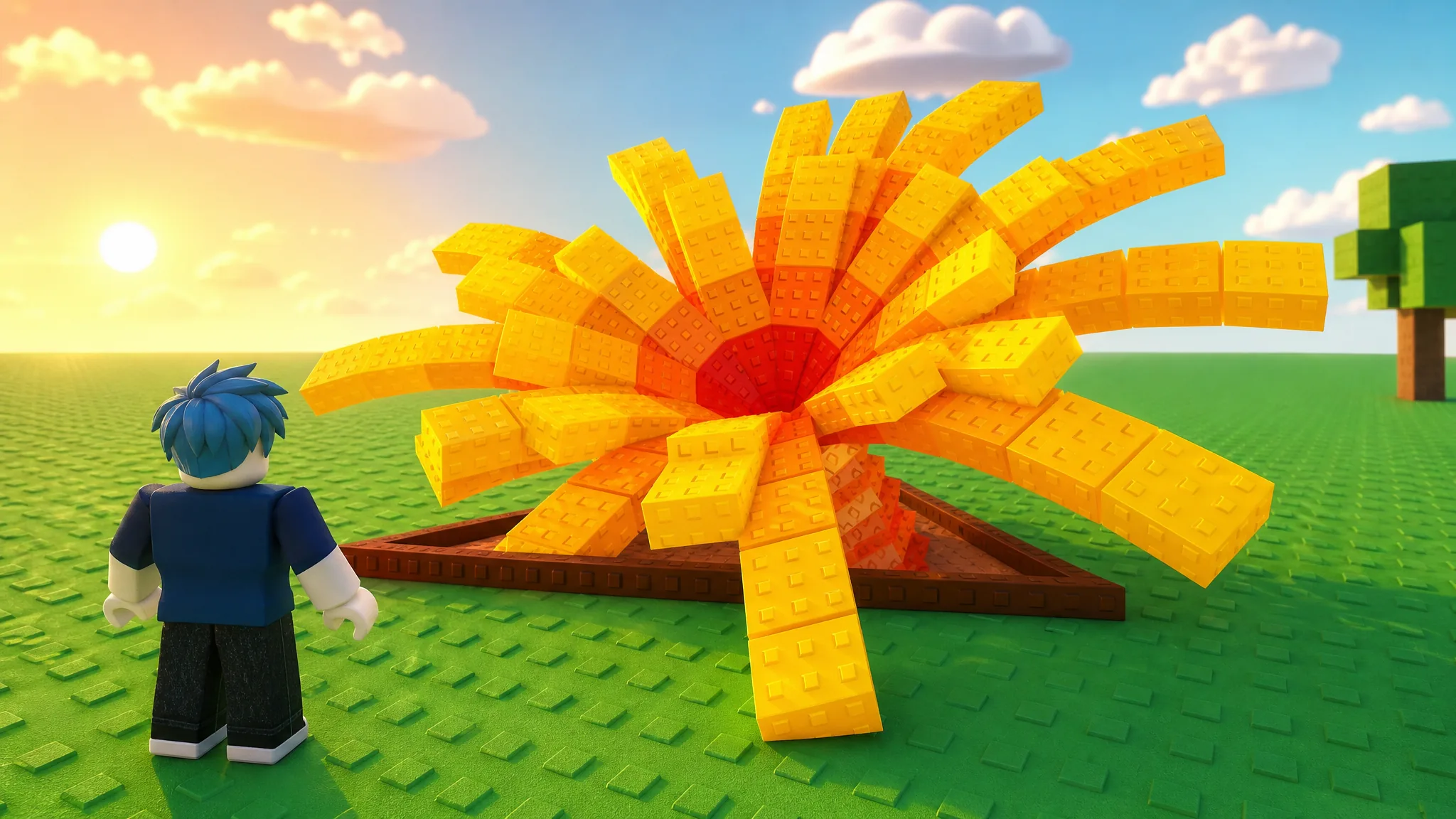
Grow a Garden: How to Get the Red Beach Shovel (Summer Collection)
Reach 80% completion in the Summer Collection to claim the Mythical Red Beach Shovel before the Summer Event ends.
-

San Diego Border Roleplay: How to Get Rich Fast With Money Printer Raids
Join the Police team, force entry into apartments with a warrant, and confiscate printers worth about 10,000 each.
-

FNaF Multiverse RP: How to Get the Free Your Spirit From Your Demons Badge (Roblox)
What triggers the badge, how to prep for the hunt, and how to confirm the unlock in Roblox.
-
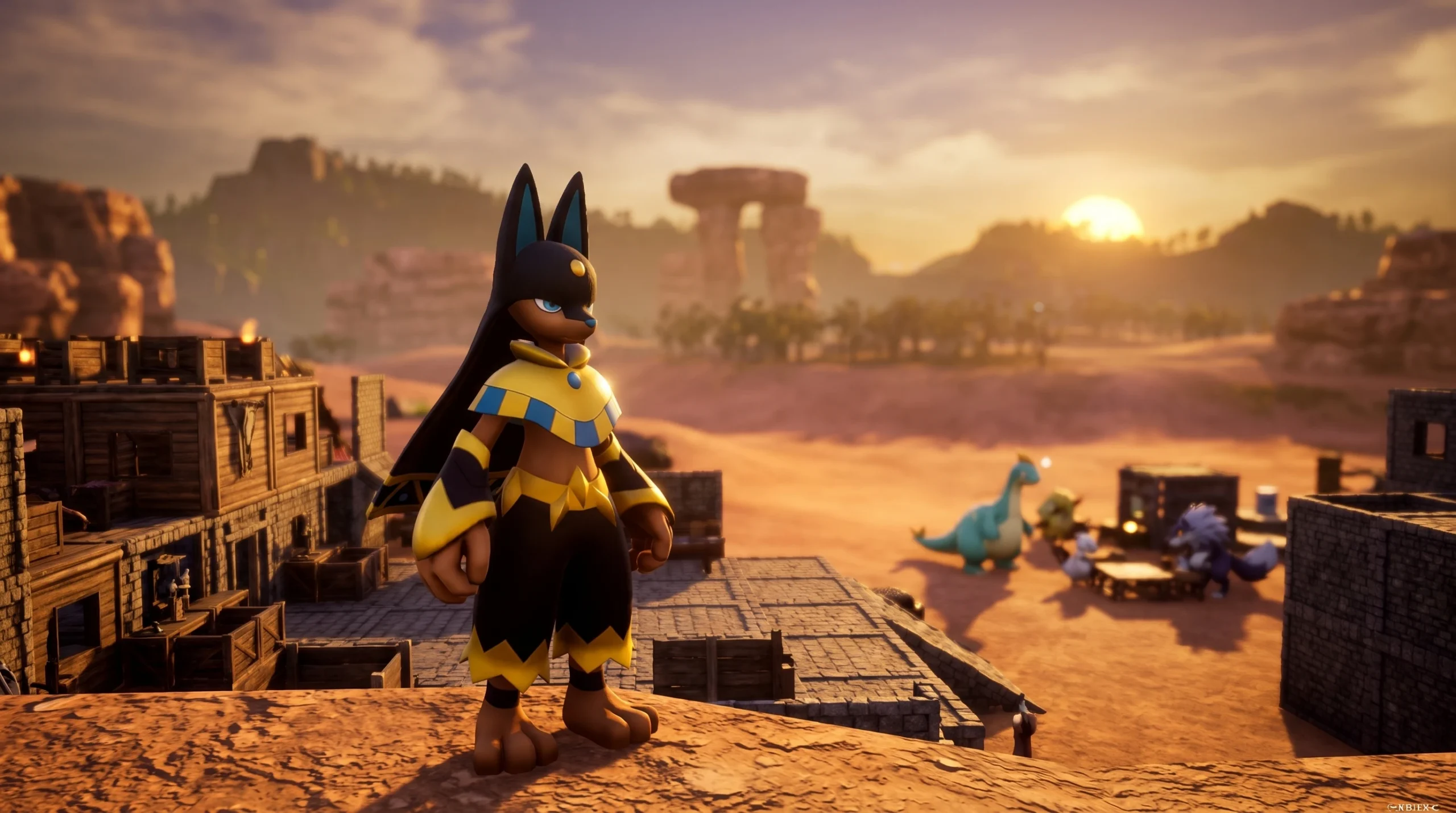
How to Breed Anubis in Palworld 1.0
The quickest parent pairs, the Breeding Farm requirements, and how to steer passives onto a base-ready Anubis.
-
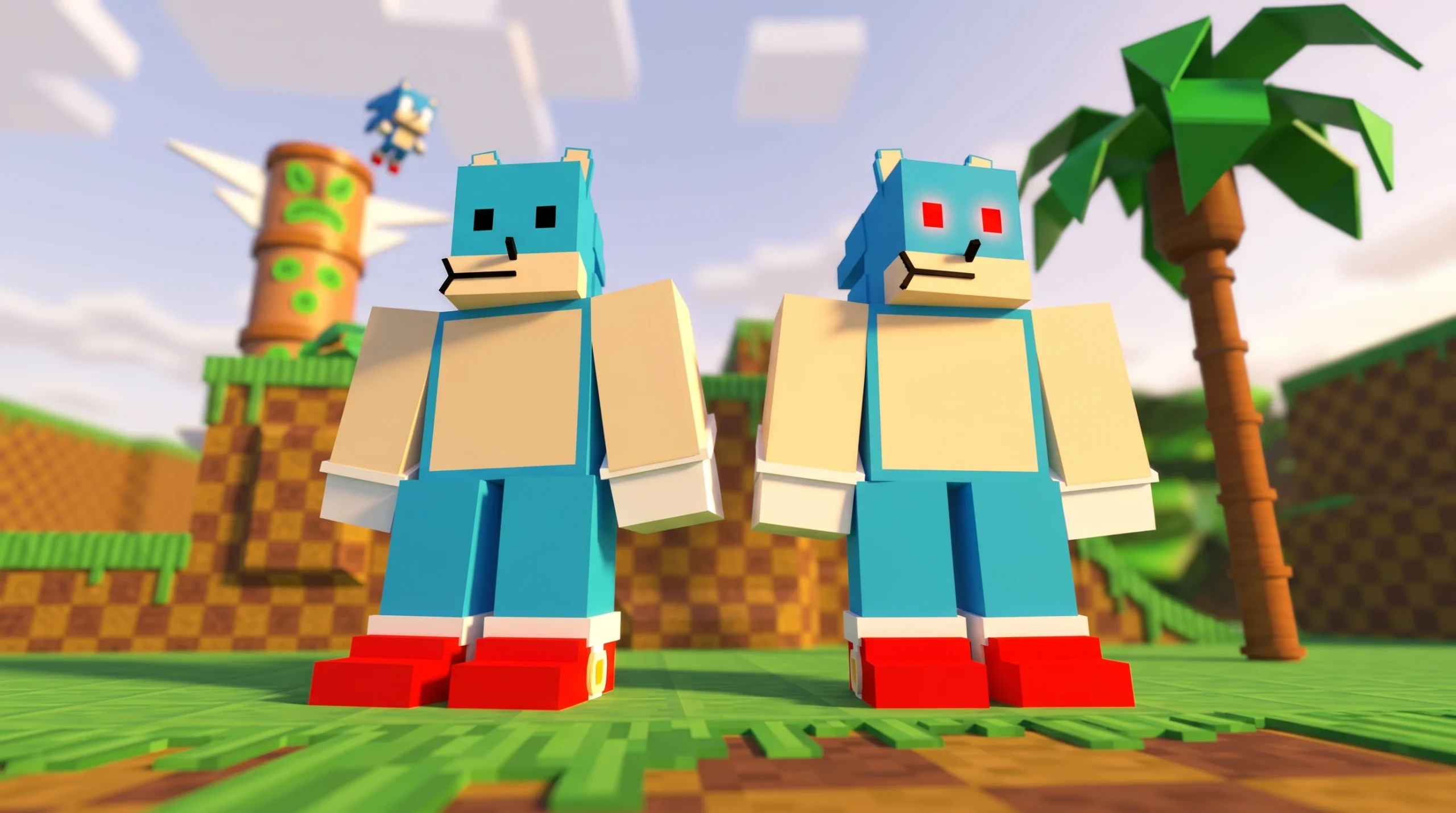
Sonic World RP: How to Get the Sunko Badge and Sunky Morph
What the Sunko badge does, how it unlocks the Sunky morph, and how to confirm the character is yours to play.
-
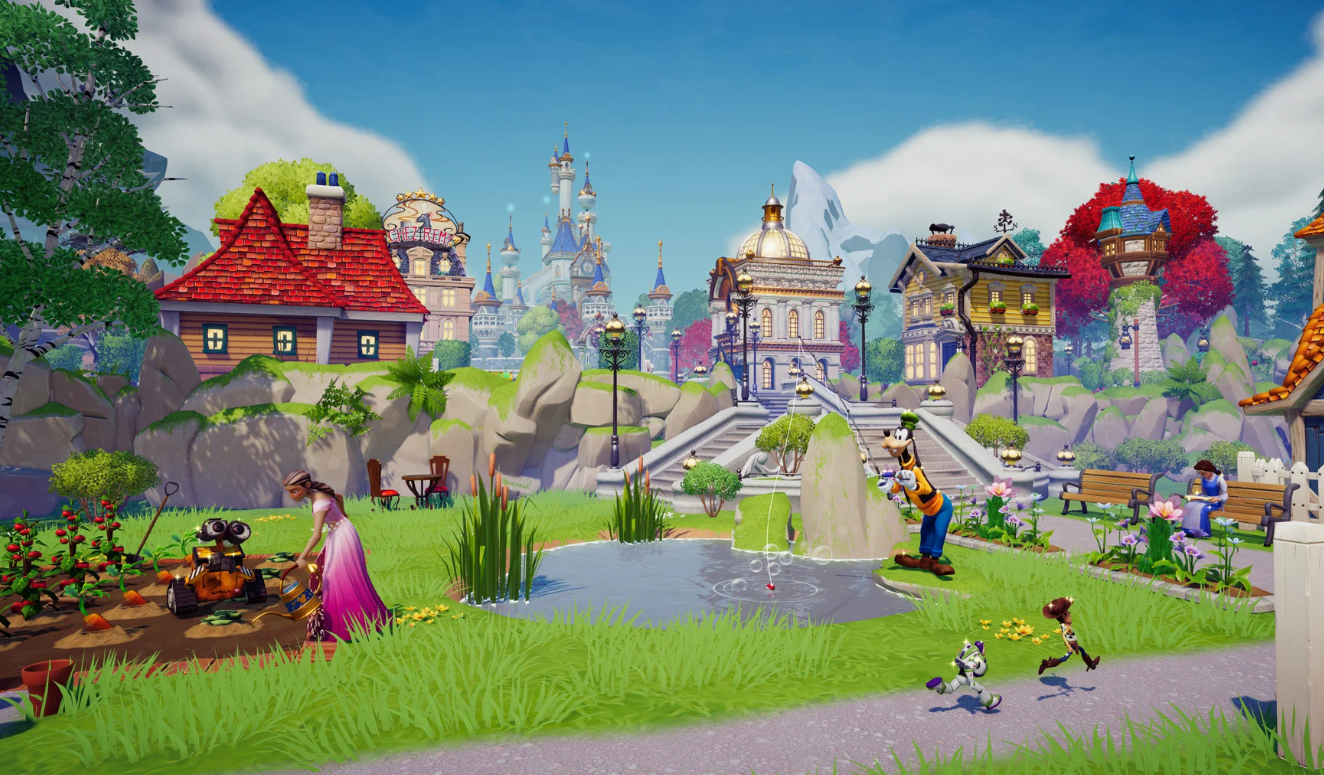
Disney Dreamlight Valley: How to Host the Bad-Anon Meeting with Ralph
What you need to bring Ralph to the Valley and reach the Bad-Anon meeting during the Pixel Perfect update.
-
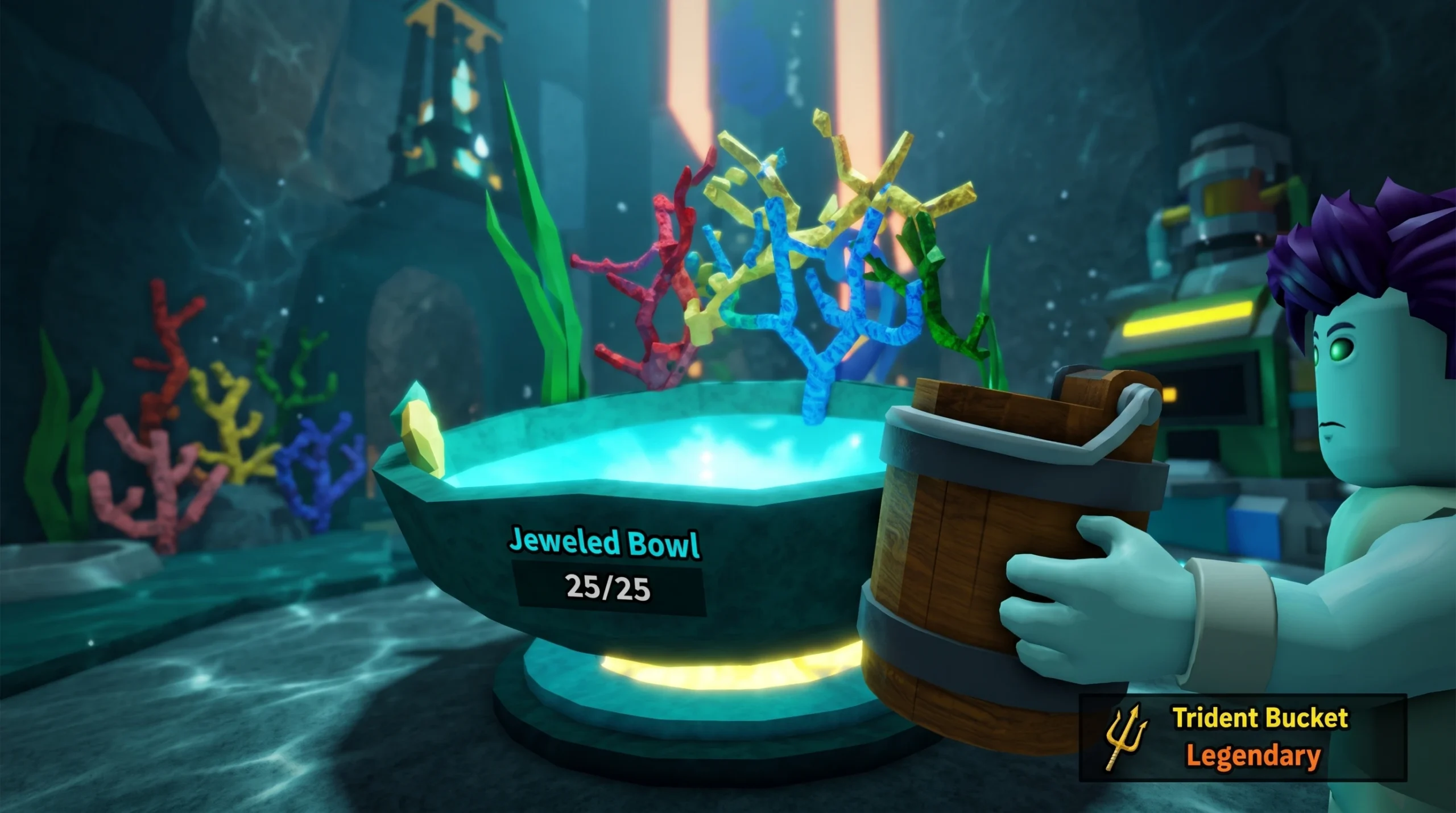
Drain the Lake: How to Find Atlantis and Claim the Trident Bucket
Equip the Jewel Bucket, fill the Jeweled Bowl, open the sealed door, and walk out with a free Legendary bucket.